Klap Review: AI Video Repurposing Tool for Short-Form Content Creators
Klap Review at a Glance: Quick Verdict for Short-Form Creators
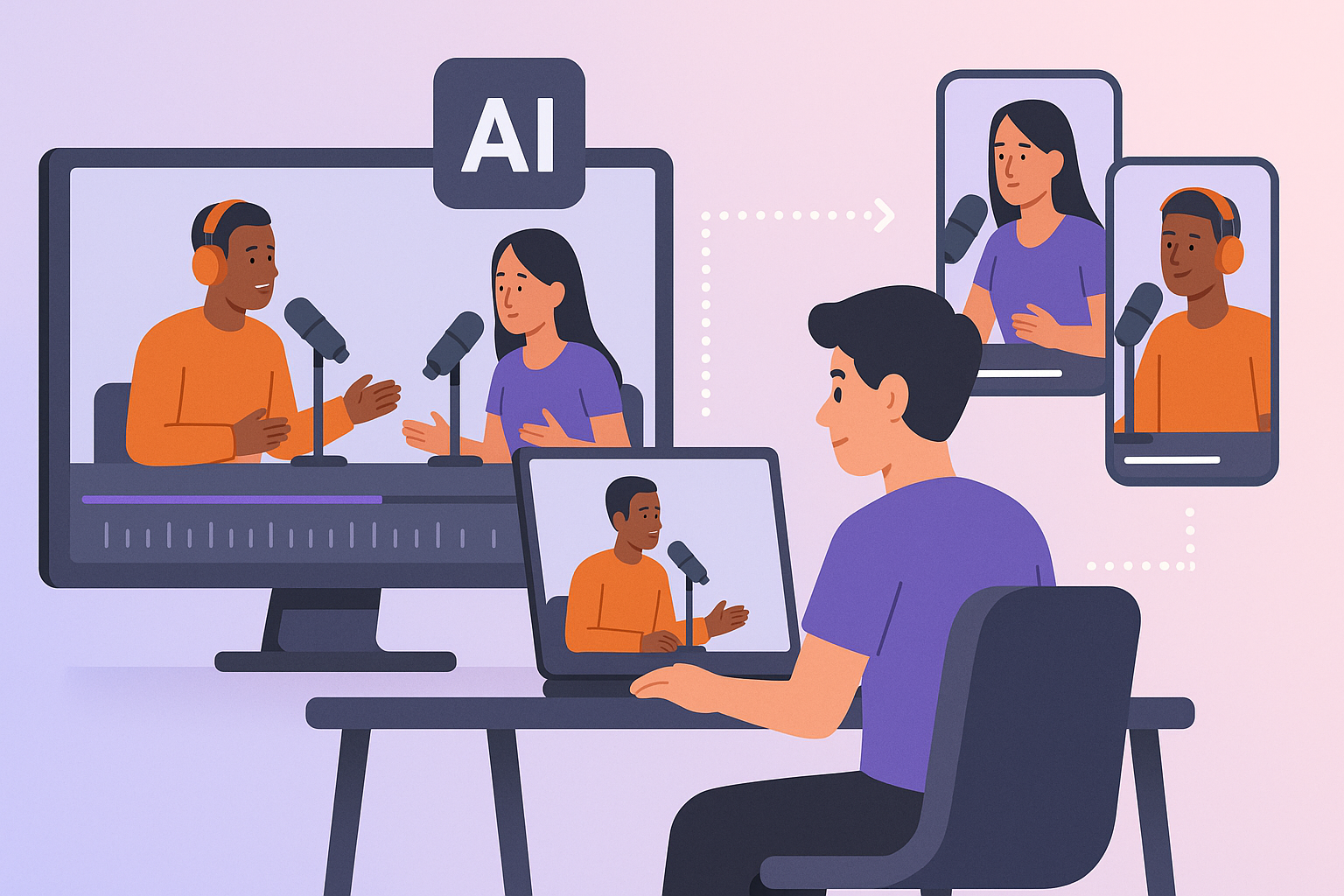
If you want a fast Klap review verdict: Klap is a useful AI video repurposing tool for creators who regularly publish long-form content and want a quicker way to turn long videos into shorts. It can save time by finding candidate clips, adding captions, and reframing content for vertical platforms, but it is not a full replacement for human judgment.
In my view, Klap is best for YouTubers, podcasters, coaches, founders, marketers, and social media managers who need a repeatable workflow for short-form content. If your videos are clear, talk-heavy, and structured, Klap can be genuinely helpful. If your content depends on subtle humor, fast back-and-forth dialogue, or precise context, you will still need to review clips carefully.
Who Klap is best for
Klap fits creators who already have a steady stream of long videos and want to produce more viral clips without spending hours editing each one. It is especially practical if your workflow is “record once, repurpose everywhere.”
It is also a good fit for teams that value speed over deep manual editing. If you are trying to publish more consistently on TikTok, Instagram Reels, and YouTube Shorts, Klap can reduce the friction.
Main pros and cons
Pros
- Fast first draft of short clips
- Helpful AI highlight detection for speech-heavy content
- Auto captions and vertical reframing save time
- Simple workflow for non-editors
- Useful for scaling repurposed content
Cons
- Not every “best” moment is actually the best moment
- Manual review is still necessary
- Accuracy can dip with noisy audio, multiple speakers, or dense context
- Editing control may feel limited compared with traditional editors
- Pricing may be hard to justify if you only post occasionally
Bottom-line verdict on speed vs accuracy
Klap’s biggest strength is speed, but its value depends on whether that speed still leaves you with usable clips. For many creators, the answer is yes: it gets you from long video to workable short-form draft very quickly. But if accuracy matters more than volume, expect to refine the AI’s picks before publishing.
If you want to try it yourself, you can explore Klap here: Klap official site. I’d treat it as a repurposing assistant, not an autopilot.
What Is Klap and How Does It Work?
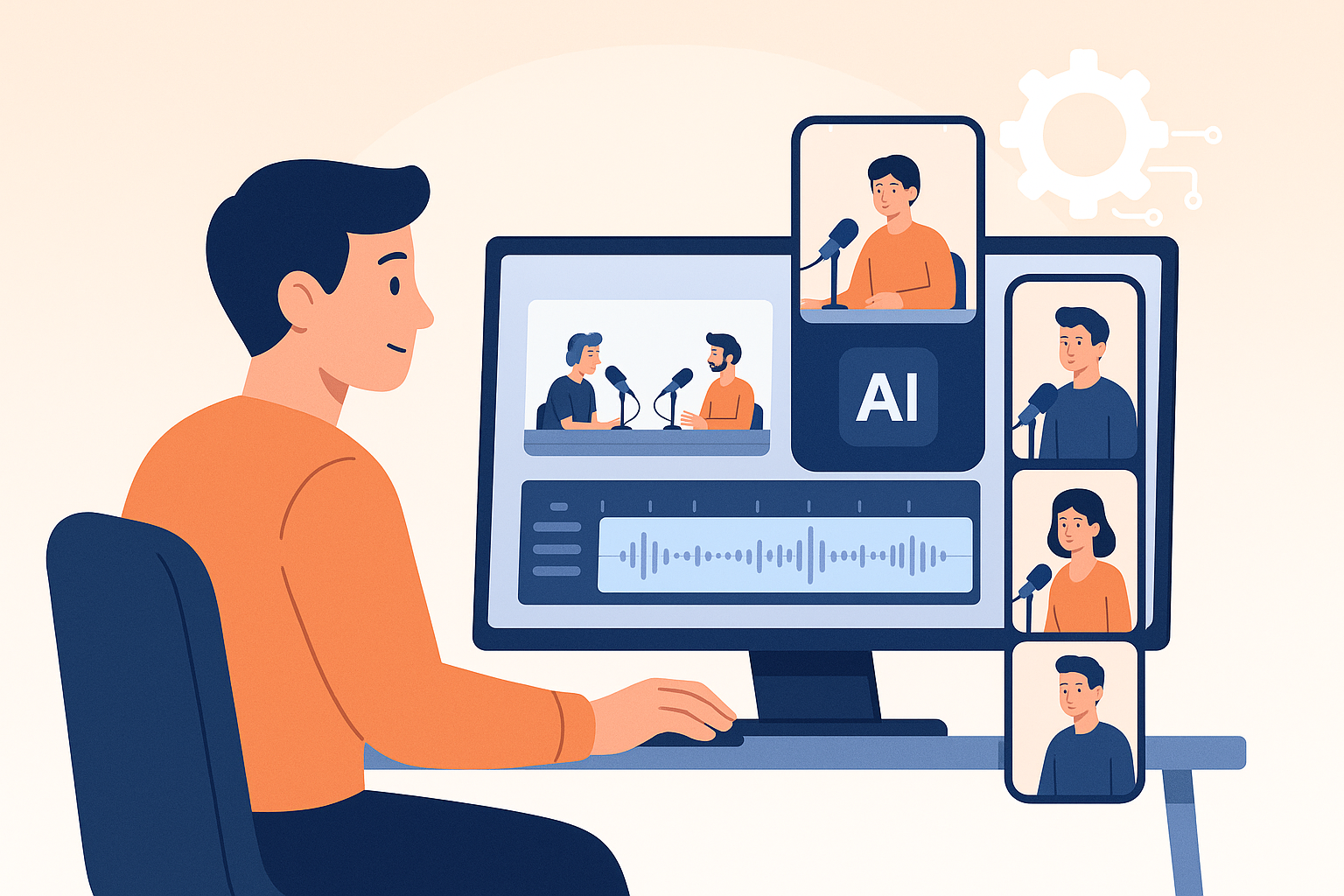
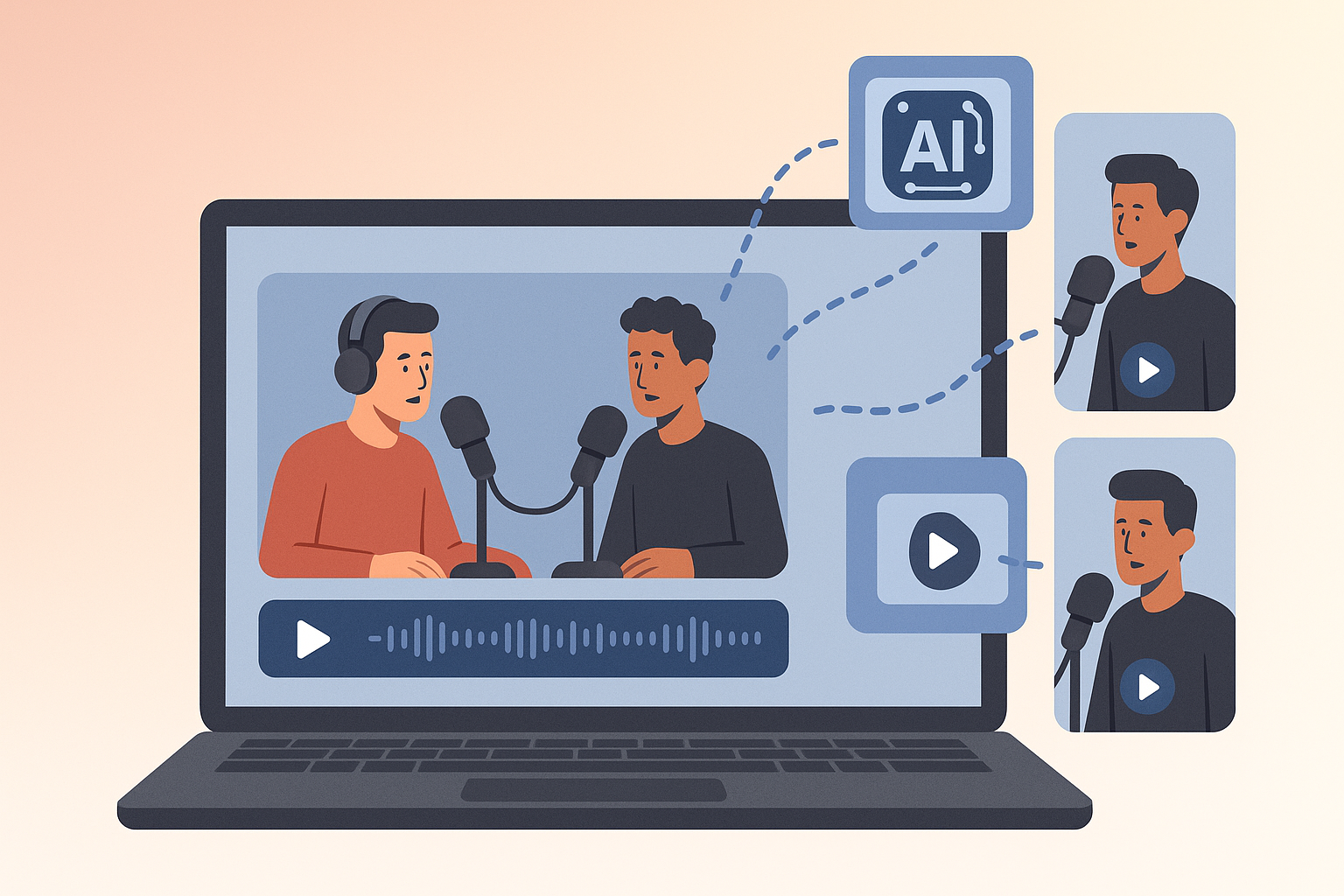
Klap is designed to help creators turn long videos into shorts with minimal manual editing. The basic idea is simple: upload a long-form video, let the AI identify possible highlight moments, then edit captions, framing, and clip selection before exporting.
It is built for the reality that most creators do not want to spend hours scrubbing timelines just to find a few usable 30- to 60-second clips. Klap tries to shorten that process by handling the first pass automatically.
Core use case: long video to short clips
The main use case is repurposing podcasts, interviews, webinars, lectures, coaching calls, and YouTube videos into short-form content. In practice, that means the Klap app is aimed at people who already have long videos and want more output from the same source material.
Instead of starting from scratch, you feed Klap a finished or mostly finished video. It then attempts to identify interesting moments and format them for vertical social platforms.
How Klap identifies highlights
Klap AI scans the source video for moments that seem likely to work as short clips. It looks for segments with strong statements, emotional emphasis, and standalone talking points. In clear speech-based content, that can be surprisingly efficient.
That said, AI highlight detection is still a pattern-recognition task, not true editorial judgment. It can find promising moments, but it does not always know what is truly compelling in context.
Supported social platforms and export workflow
Klap is built around common short-form destinations like TikTok, Instagram Reels, and YouTube Shorts. The workflow typically looks like this:
- Upload a long video
- Let Klap generate candidate clips
- Review captions, crop, and timing
- Edit or discard weak selections
- Export for publishing
That workflow is where Klap earns its keep. It removes a lot of repetitive work, even if it does not eliminate the need for final review.
My Testing Criteria: What Matters in an AI Video Repurposing Tool
A good klap review should be grounded in practical evaluation, not just feature lists. For a tool like this, the real question is whether it helps creators publish better shorts faster without creating new bottlenecks.
Here is how I judge an AI repurposing tool.
Speed of clip generation
The first test is how quickly the tool moves from upload to usable clips. Fast processing matters only if the output is good enough to publish with light editing.
A slow tool that creates excellent clips can still be valuable. A fast tool that needs heavy cleanup may not save much time.
Accuracy of highlight detection
This is arguably the most important factor. If the AI repeatedly misses the best moments, selects awkward transitions, or over-focuses on generic statements, it loses value quickly.
Good highlight detection should balance attention-grabbing moments with coherence. The clip should make sense on its own.
Caption quality, reframing, and export options
Captions matter because most short-form viewers watch with sound off at least some of the time. Reframing matters because the speaker should stay centered and readable.
Export options matter too. If the platform makes it hard to get clips out in a usable format, it adds friction to the workflow.
Ease of use and learning curve
A creator tool should feel straightforward the first time you use it. If Klap requires too much setup, the time savings can disappear.
The best workflow is one where a non-editor can upload, review, tweak, and export without needing a tutorial every time.
Klap Features Breakdown
AI highlight detection
This is the core feature. Klap AI tries to locate moments with strong standalone value, which is what you want when you need a large batch of short clips from a long recording.
In my experience evaluating similar tools, highlight detection usually works best on direct, structured speech. It tends to be weaker on subtle storytelling, layered humor, or content where the payoff comes only after context builds.
Auto captions and subtitle styling
Auto captions are one of the most practical features in any short-form workflow. They improve accessibility and often help retention when viewers scroll with the sound off.
Klap’s captioning is useful because it reduces one of the most tedious parts of editing. Still, it is worth checking for misheard words, especially with names, jargon, accents, or overlapping speakers.
Auto reframing and smart crop
Vertical framing is a big part of making repurposed clips feel native to TikTok or Reels. Klap’s smart crop helps keep the speaker in view and avoids the lazy “cropped long video” look.
This is an area where AI tools can perform well, but they are not flawless. Hands, whiteboards, split screens, and moving speakers can sometimes confuse the framing logic.
Editing controls and customization
Editing controls are what separate a helpful assistant from a black box. The more control you have over clip length, caption appearance, crop adjustments, and final selection, the easier it is to make the output match your brand.
Klap gives creators enough editing ability for most repurposing workflows, but it is not the same as having a full timeline editor. That means you should expect to refine rather than fully rebuild clips.
Workflow and collaboration features
For solo creators, workflow simplicity is usually more important than enterprise complexity. For teams, collaboration features can matter if multiple people review clips before posting.
If you manage content for clients or across a team, look closely at how the review and export flow works. A tool can feel simple for one user but clunky for a team trying to move quickly.
Does Klap Actually Turn Long Videos Into Viral Shorts Fast?
This is the real question behind most searches for Klap review. The short answer is yes, Klap can move quickly enough to matter for creators who publish often. The longer answer is that speed is only useful if the clips are good enough to keep.
Clip generation speed in real-world use
Klap’s value starts with reducing the time between source video and short-form output. That matters a lot for creators who already have a backlog of episodes, webinars, interviews, or coaching sessions.
In practice, the benefit is not just faster editing. It is faster decision-making, since the AI gives you a shortlist instead of forcing you to scrub through the entire video manually.
How quickly you can go from upload to export
For many creators, the workflow is simple enough to batch. Upload content, wait for the AI to process it, review the suggestions, and export the clips that pass your quality check.
That can be a real advantage if your business depends on consistency. A tool like this is most useful when it becomes part of a repeatable content pipeline, not a one-off experiment.
Whether speed comes at the cost of quality
Yes, sometimes it does. Faster automation often means the AI will occasionally choose a moment that is understandable but not especially strong as a standalone short.
That does not make Klap bad. It just means the output should be treated as a strong first draft. If you publish clips without reviewing them, speed can backfire.
How Accurate Is Klap at Finding the Best Moments?
Accuracy is where expectations need to stay grounded. Klap can be effective, but it is not a mind reader. It analyzes structure, emphasis, and speech patterns, then makes its best guess about what viewers will care about.
Strengths with talking-head content
Klap tends to do best with clean, speech-heavy videos where the speaker is direct and the main ideas are easy to isolate. That includes solo podcasts, interviews with clear audio, coaching sessions, and educational content.
If your content has obvious punchlines, clear takeaways, or bold statements, the AI has more signals to work with. That usually improves the odds of a usable clip.
Where highlight detection can miss context
Where it can struggle is with nuance. A clip may sound good in isolation but miss the setup that makes it meaningful.
That is especially true with:
- multi-person conversations
- jokes that depend on timing
- videos with interruptions
- dense educational discussions
- storytelling with delayed payoffs
When manual review is still necessary
Manual review is necessary whenever the clip needs context to make sense. It is also necessary if your brand is sensitive to tone, accuracy, or compliance.
In other words, Klap can save time on first-pass selection, but a human still needs to make final calls. That distinction matters if you care about quality as much as quantity.
Klap Pricing and Free Trial: Is It Worth the Cost?
Does Klap cost money?
Based on how Klap is positioned, it is generally a paid product rather than a fully free tool. If you are comparing Klap pricing with other repurposing tools, expect a subscription-based model rather than unlimited free usage.
Because pricing can change, it is best to verify the current plan details on the official site before buying.
Is Klap free or free-to-use?
If you are asking Is Klap free, the safest answer is that it should not be treated as a free tool unless the official site explicitly offers a trial or limited free access at the time you check. I would not assume full free use.
If a trial is available, that can be the best way to judge whether the workflow fits your content before paying. Always confirm the current terms directly on Klap’s site.
Value by creator type and video volume
Klap is easiest to justify if you publish a lot of long-form content. A weekly podcast, recurring webinar series, or high-volume YouTube channel can get more value out of automation than a creator who posts once in a while.
For agencies and social media managers, the value can be even clearer because one hour saved across multiple clients adds up fast. For low-volume creators, the subscription may feel expensive unless you are repurposing regularly.
If you want to test the workflow, you can start here: Try Klap.
Klap Pros and Cons
Best advantages
- Strong time savings for repurposing workflows
- Good fit for turning long videos into shorts
- Helpful captions and vertical formatting
- Easy enough for non-editors
- Useful for creators who need volume
Most common limitations
- AI clip choices are not always the best editorial choices
- Some clips still need cleanup before posting
- Accuracy depends heavily on video quality and clear speech
- Less flexible than a full editing suite
- Not ideal for highly nuanced or visual-first content
Who should avoid it
If you only create occasional content, Klap may be overkill. It is also not the best fit if you want deep, frame-by-frame editing control or if your videos rely on complex visual storytelling.
Klap vs Top Alternatives
Klap vs Opus Clip
The most common comparison is Klap vs Opus Clip, and it is a fair one. Both tools aim to help creators extract short-form clips from long videos with AI.
In broad terms, Opus Clip is often known for more mature clipping workflows and strong automation, while Klap appeals to users who want a straightforward repurposing process. Depending on your content, one may feel more accurate or more efficient than the other.
When Klap is the better choice
Klap can be the better pick if you want a simple, creator-friendly workflow and mainly need a tool that gets you from long video to short clips quickly. It also makes sense if you are prioritizing ease of use over advanced editing depth.
If your main goal is to produce a steady stream of repurposed clips without overcomplicating the process, Klap is competitive.
When an alternative may be better
Choose an alternative like Opus Clip if you want to compare clipping accuracy, caption styles, and workflow differences before committing. If you need more granular control or a different approach to highlight selection, it is worth testing both.
The best answer depends on your content style. A founder speaking clearly on camera may get excellent results from one tool, while a podcast with multiple speakers may perform better in another.
If you are exploring options, check both before deciding: Klap official site and a trusted Opus Clip comparison can save you money and frustration.
Who Should Use Klap?
YouTubers and podcasters
This is one of the strongest fits. If you already produce long-form episodes, Klap can help you turn one recording into multiple short assets.
That is especially useful when your goal is discovery. Short clips can act as hooks that point viewers back to your main content.
Coaches, educators, and founders
Klap can work well for people who speak directly to camera and deliver clear takeaways. Educational content often breaks into strong clip-sized segments, which makes AI repurposing more practical.
If your content is insight-driven, the tool may give you a useful starting point. You will still want to check whether the selected moments feel complete on their own.
Social media managers and agencies
This group often gets the clearest ROI. Agencies and managers need repeatable systems, and Klap can reduce the amount of time spent manually hunting for clips.
If you manage multiple accounts, the ability to quickly produce drafts may be more valuable than perfect automation.
Common Complaints and User Sentiment
What review sites and user feedback tend to mention
Across public review patterns and Klap AI reddit-style discussions, the most common feedback usually centers on accuracy, output quality, and pricing expectations. Users tend to like the time savings but are sometimes frustrated when the AI misses the most compelling segment.
That pattern is normal for this category. Any tool that promises automated clipping will draw both praise and criticism depending on the source footage.
Typical workflow frustrations
The most common frustrations are usually:
- clips that need manual trimming
- captions that need corrections
- framing that is close, but not perfect
- content that feels generic or repetitive
- a sense that the AI is helpful, but not fully reliable
These are not deal-breakers for everyone, but they do matter if you expected one-click perfection.
How to interpret complaints fairly
It is worth reading complaints in context. A creator with a high-energy podcast and clean audio will have a different experience from someone working with noisy livestream recordings or chaotic group discussions.
So when you see Klap review complaints, ask whether they reflect a product flaw or a workflow mismatch. Sometimes the issue is simply that the tool is being used on the wrong kind of content.
Final Verdict: Is Klap Worth It in 2026?
Best use case summary
Klap is worth considering if you regularly publish long-form content and want a faster way to repurpose it into shorts. It is most useful for creators who value speed, consistency, and a low-friction workflow.
Value judgment
My honest take is that Klap is a solid productivity tool, not a magic viral-content machine. It can absolutely help you produce more shorts faster, but the quality of those shorts still depends on the source video, the clarity of the speech, and your willingness to review the AI’s choices.
Final recommendation
If you are a creator, marketer, podcaster, or social media manager who needs scalable repurposing, Klap is worth a serious look in 2026. If you want full creative control or only post occasionally, it may not be the best investment.
For readers who want to test it with a practical mindset, I’d recommend trying it through the official link here: Klap official site. Use it as a workflow shortcut, and you are more likely to be satisfied with the result.
FAQ
Is Klap AI worth it?
Yes, if you produce enough long-form content to benefit from automation. Klap AI is worth it for creators who want faster clip generation, decent captions, and a simpler repurposing workflow, but it still works best when a human reviews the final shorts.
Does the Klap app cost money?
In general, yes. Klap is typically a paid tool, though plan details can change. Check the official site for the current pricing, trial, or subscription structure before you sign up.
What is a good Klap alternative?
Opus Clip is the most common alternative people compare it with. The better choice depends on your priorities, such as clipping accuracy, caption style, editing control, and how much manual review you want to do.
Is Klap free?
Do not assume it is fully free. If Klap offers a trial or limited free access, that depends on the current official offer. Always verify the latest availability on Klap’s website before signing up.
References
- Trustpilot: Read Customer Service Reviews of klap.app
- Klap AI Review: How the Klap App Turns Long Videos Into Shorts
- Klap Reviews 2026: Details, Pricing, & Features
- Klap AI Review 2026: Real-World Experience