Mydesigns Catalogue: A Practical Guide to Faster POD Listings in 2026
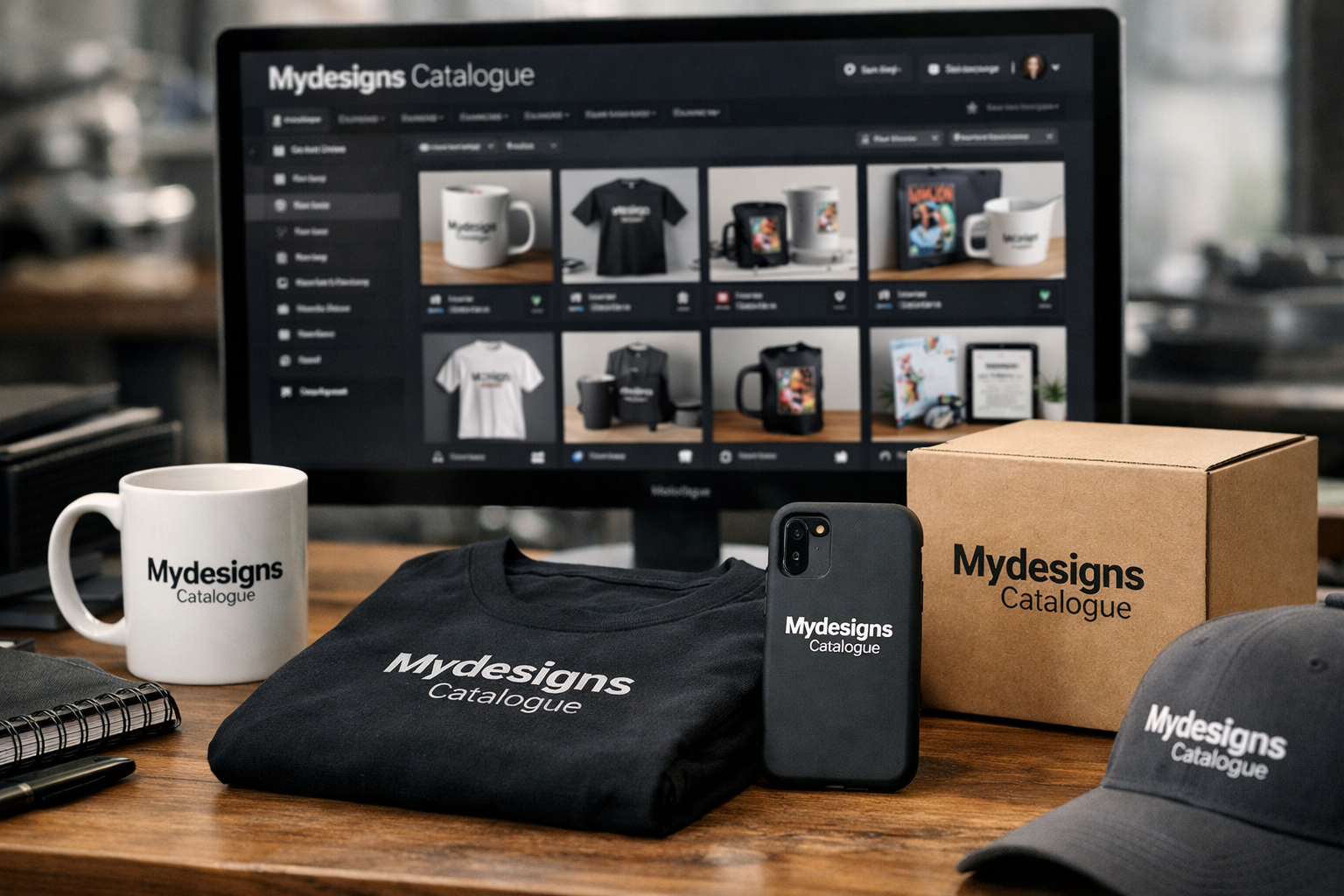
For print-on-demand and digital product sellers, the mydesigns catalogue is the central workspace where a design becomes a sellable product listing. Instead of treating every shirt, mug, download, or home product as an isolated task, it gives you one place to select products, apply designs, create mockups, prepare listing information, and publish.
That matters when you are managing more than a handful of products. Repeating the same setup steps for each item and each storefront can quickly become the slowest part of running a POD business. MyDesigns is built around a bulk-oriented workflow, helping sellers research niches, create designs, put them on products, generate bulk mockups, and publish from one workspace.
This guide explains how the mydesigns catalogue fits into that workflow, what it covers, and how it can help you organize listings for Etsy, Shopify, TikTok Shop, WooCommerce, and a MyDesigns Store.
Official website · Latest pricing & offers
What the MyDesigns Catalogue Is and Why It Matters
The mydesigns catalogue is more than a page of blank product templates. It is part of an all-in-one system for creating, publishing, and selling print-on-demand and digital products. According to the official documentation, everything lives in one catalog, with almost every stage designed to run in bulk rather than one product at a time.
For sellers, the practical value is simple: rather than rebuilding a listing workflow for every individual design and sales channel, you can start with a product, apply the relevant artwork, prepare its visual assets, and move toward publishing from the same environment.
Catalogue vs. Simple Product Grid
A simple product grid helps you browse items. A mydesigns catalogue supports a broader production process. You can use it as the starting point for turning a design concept into products that are ready for listing.
The distinction matters because a product grid alone does not solve the repetitive work around visuals, product setup, and storefront publishing. MyDesigns positions its product catalog as a workspace connected to bulk mockups, listing creation, and publishing tools.
This makes the catalog particularly useful when you are building a coordinated collection rather than testing a single design on one item. For example, a seasonal design can be adapted across relevant apparel, home, and accessory categories while staying part of one organized product workflow.
How It Fits Into the Full MyDesigns Workflow
MyDesigns describes its platform as a place to research, create, productize, visualize, list, and publish. The catalog is the productization stage: it connects your designs to the products you plan to sell.
A typical workflow begins with niche research and design creation. Next, you place the artwork on products in the mydesigns product catalog, produce mockups, prepare listing content, and publish to supported channels. That sequence is useful because it reduces unnecessary switching between disconnected tools.
The official homepage lists publishing support for Etsy, Shopify, TikTok Shop, WooCommerce, and a seller’s own store. Exact listing requirements can still differ by channel, so sellers should treat the catalog as the central workspace while reviewing each marketplace or storefront setup before publishing.
Who Benefits Most From It
The mydesigns catalogue is best suited to sellers who want to create multiple related products, manage a growing design library, or operate across more than one sales channel. It can also be useful for newer sellers who want a clearer path from a finished design to a product listing.
It is especially relevant for print-on-demand sellers who regularly create collections around niches, holidays, professions, hobbies, or audiences. Sellers of mydesigns digital products can also benefit from keeping product work and publishing activity in one broader workspace.
If you only plan to create one listing occasionally, the bulk workflow may be more than you need. But for anyone trying to build a structured catalog of designs and products, the organization can be a meaningful advantage.
How to Build Product Listings with the Catalogue
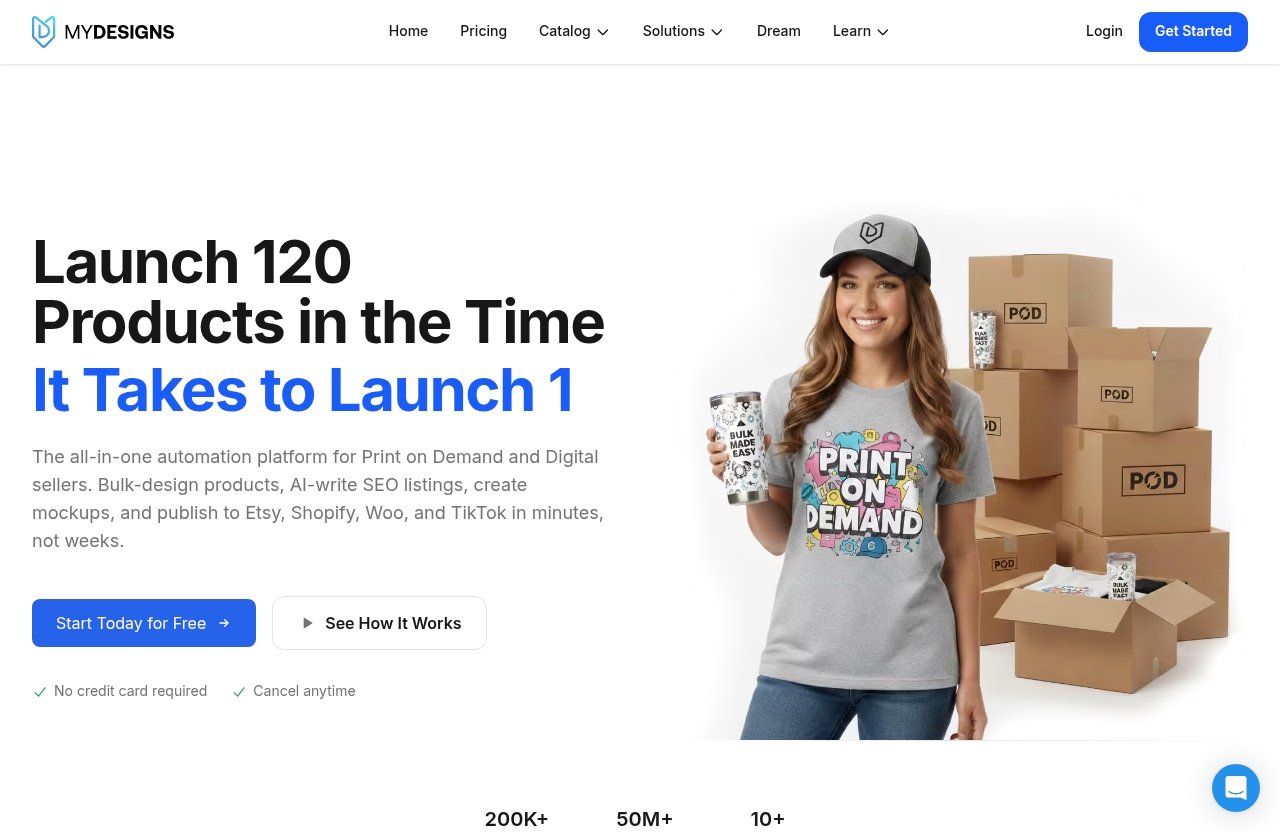
The mydesigns catalogue workflow is designed to move from product selection to publishing without requiring sellers to handle every product one by one. The exact choices depend on your design, niche, and selling channel, but the overall process is straightforward.
Step 1: Choose a Product From the Catalog
Start by browsing the available catalog categories and choosing a product that fits the design and buyer intent. A design for a cozy seasonal phrase may fit apparel and home products, while a practical organizational graphic may make more sense as a digital product.
Product choice should come after thinking about the customer, not before. Ask whether the design will be legible, visually balanced, and relevant to the use case of the item. This helps avoid applying the same artwork indiscriminately across products where it does not make sense.
The mydesigns catalogue gives you a central place to make those choices as you build a collection.
Step 2: Add or Apply Your Design
Once you have selected a product, apply your design to it. MyDesigns supports design creation as part of its end-to-end platform, so sellers can create artwork and then place it onto catalog products.
At this stage, review the design’s scale, placement, readability, and suitability for the product. A small detailed illustration may need a different treatment than large text, and a design that works on a shirt may not work equally well on a home item.
The goal is not merely to place a design everywhere. It is to create products that look intentional and match the expectations of the audience you are trying to reach.
Step 3: Generate Mockups in Bulk
Mockups help customers understand what they are buying, especially when selling products online. MyDesigns includes bulk mockups as part of its product workflow, allowing sellers to visualize designs on products at scale.
Using mydesigns bulk mockups can reduce a major repetitive task for sellers building collections. Rather than preparing visuals separately for every product, you can focus on reviewing the finished assets for consistency and quality.
Starter includes custom and own PSD mockups, while Pro adds bulk video mockups. These plan differences are worth considering if visual production is a regular part of your listing process.
Step 4: Create Listing Data With AI
After visuals are prepared, the next task is the listing information. This includes the written and organizational details needed to prepare products for a sales channel.
MyDesigns includes AI credits on its paid plans, and the platform is designed for listing creation as part of its broader workflow. Use AI-generated material as a starting point, not a substitute for judgment. You should still review titles, descriptions, tags, and other listing details for clarity, accuracy, and fit with your brand voice.
The mydesigns catalogue helps because product work remains connected to the design and listing process instead of being scattered across separate documents and tools.
Step 5: Publish to Your Store
The final step is publishing to the channel where you sell. MyDesigns supports publishing to Etsy, Shopify, TikTok Shop, WooCommerce, and a MyDesigns Store.
Before publishing, check the product details and channel-specific requirements carefully. A listing that looks good in your internal workflow may still need adjustments based on how you organize collections, write product descriptions, or present images on a particular platform.
For sellers using mydesigns Shopify Etsy TikTok WooCommerce connections, this final review is important. The platform can centralize the workflow, but the seller remains responsible for ensuring each listing is accurate and suitable for its destination.
Catalogue Categories and Product Coverage
A useful catalog should let sellers organize products around real buyer needs. The mydesigns catalogue includes several high-level categories, making it easier to plan collections and create storefront navigation that feels coherent.
Apparel and Clothing Categories
The official product catalog includes Women Clothing, Men Clothing, and Kids & Youth Clothing. These categories are helpful for sellers whose niche can serve different audiences with related designs.
For example, a family-themed collection may need products across adult and youth clothing rather than separate design systems for each group. A centralized catalog makes it easier to approach that collection as one coordinated product line.
The key is to adapt the design for each audience. Avoid assuming that a graphic, phrase, or color treatment will work equally well across every garment and buyer type.
Home, Accessories, and Other Product Types
Beyond clothing, the MyDesigns product catalog includes Home & Living, Accessories, and Other. This broader coverage helps sellers extend a successful niche into complementary product types without leaving the same workspace.
Home and accessory products can be useful for themed collections because they offer different occasions and purchasing motivations. A buyer may want wearable products for themselves but home items or accessories as gifts.
The mydesigns catalogue can help you plan those extensions systematically. Rather than adding products randomly, build around a central idea and select only the products that strengthen the collection.
Physical POD and Digital Products
MyDesigns supports both mydesigns print on demand workflows and digital product selling. That combination is useful for sellers who want to offer physical items alongside downloadable or digital-focused products.
The official documentation describes the platform as an all-in-one system for POD and digital products. However, sellers should still think carefully about how they separate these product types in storefront categories, descriptions, and customer expectations.
Physical and digital products may appeal to the same niche, but they have different delivery experiences. Keeping them organized clearly within your store can reduce confusion and make browsing easier for customers.
Official website · Latest pricing & offers
Bulk Publishing and Storefront Organization Benefits
As a product business grows, the challenge becomes less about making one design and more about managing many listings responsibly. The mydesigns catalogue supports an operational workflow built around bulk activity and organized storefront management.
Listing in Batches Instead of Manually
Manual listing creation can become repetitive fast. The official documentation emphasizes that MyDesigns is built so almost every step runs in bulk rather than one product at a time.
This does not mean you should publish without reviewing your work. Instead, it means you can prepare a related set of products more efficiently, then spend your attention on quality checks, positioning, and channel-specific edits.
Batch limits vary by plan. Starter includes 24 products per batch, Pro includes 48, and Pro Plus includes 120. These limits are one practical way to evaluate whether a plan matches your intended publishing volume.
Keeping Products Organized by Store
A clean storefront is easier to manage and easier for customers to browse. When product creation, mockups, listing work, and publication are connected, you have a better foundation for tracking what belongs to which collection and store.
The mydesigns catalogue can support sellers who separate product lines by niche, audience, season, or storefront. For example, you might keep a gift-focused store distinct from a more specialized hobby niche, even if both rely on related production processes.
MyDesigns plans include different numbers of MyDesigns Stores: Starter includes two, Pro includes three, and Pro Plus includes five. The right setup depends on how distinctly you want to separate your brands or product groups.
Managing Separate Listings for Etsy, Shopify, TikTok Shop, and WooCommerce
Multi-channel selling can be useful, but it creates more organizational responsibility. Each channel may need its own final review, even when the underlying design and product are the same.
MyDesigns supports publishing to Etsy, Shopify, TikTok Shop, and WooCommerce. Starter includes one shop on each of those platforms, Pro includes three shops each, and Pro Plus includes unlimited shops on every platform.
Using a central mydesigns catalogue does not eliminate the need for strategy on each channel. It does, however, give sellers a more structured base for preparing and managing products before they go live.
How the Catalogue Supports Scaling a Product Business
Scaling should not simply mean uploading more products. Sustainable growth means creating repeatable processes that maintain quality while reducing unnecessary manual work. The mydesigns catalogue supports that kind of process by keeping product development and publishing in one workflow.
More Products With Less Repetitive Work
When you have a reliable collection concept, you can apply it across relevant products and prepare listings in batches. This is generally more practical than treating every item as a completely separate project.
The bulk-focused approach can be especially helpful when launching seasonal collections or updating an established niche. You can concentrate on refining the design direction and product selection rather than repeating the same administrative setup.
Still, quantity is not a substitute for product-market fit. Scale the designs and product combinations that make sense for your audience, and regularly review whether your catalog remains focused.
Why Bulk Mockups Save Time
Visual assets are often one of the most time-consuming pieces of ecommerce listing creation. Bulk mockups allow sellers to create product visuals as part of a larger workflow instead of preparing each one in isolation.
For a seller creating a themed release across several product categories, this can make the difference between a manageable launch and a long sequence of repetitive tasks. It also supports a more consistent look across collection imagery.
The practical benefit of the mydesigns catalogue is that mockups stay connected to the productization process. That makes it easier to maintain visual consistency while building multiple listings.
When to Upgrade From Free to Paid Plans
The pricing page says users can start free without a credit card. That makes the mydesigns catalogue free entry point useful for exploring the workspace and understanding whether the workflow fits your business.
A paid plan becomes more relevant when you need the listed monthly AI credits, larger product batches, more connected shops, more storage, or additional capabilities such as catalog import and export on Pro. Upgrade based on an actual workflow need, not simply because a higher tier exists.
As of November 8, 2026, the official site displays the code COZY20 with a 20% offer. Confirm the code and final terms at checkout, since promotional offers can change.
Best Practices for Catalog-Based Listings
The mydesigns catalogue works best when it supports a clear product strategy. These practical habits can help you create more organized listings while preserving quality.
Create Niche Collections
Build around a specific customer interest, event, audience, or use case. A focused collection is easier to merchandise than a storefront filled with unrelated designs.
Start with a small, coherent group of product types and expand only when the design naturally fits additional items. This keeps your store easier to browse and makes it simpler to assess which collection themes deserve more work.
Use Consistent Titles and Tags
Create a recognizable naming structure for related products. Consistency can help you find products later and makes your storefront feel more intentional.
Use descriptive language that reflects the product and audience without making unsupported claims. Review every title and tag before publishing, especially when working in batches, because small errors can repeat across multiple listings.
Match Designs to Product Type
Not every design belongs on every product. Consider scale, placement, visibility, and how a customer will use the item before adding it to the catalog.
A bold phrase may suit apparel, while a detailed decorative design may make more sense for a home-focused product. Applying this judgment within the mydesigns catalogue can help you create a smaller, stronger product range.
Review Platform-Specific Details Before Publishing
A centralized workflow is helpful, but every publishing destination deserves a final review. Check product information, visual assets, copy, and organizational choices before sending a listing to Etsy, Shopify, TikTok Shop, WooCommerce, or a MyDesigns Store.
This is particularly important when using mydesigns bulk publishing. Bulk tools save time, but careful review protects your brand and helps prevent duplicated mistakes across multiple listings.
Pricing Snapshot for Using MyDesigns
The official MyDesigns pricing page lists three paid plans, plus a start-free option with no credit card required. Paid plans can be canceled anytime, include a 7-day money-back policy, and use Stripe for checkout.
Pricing and plan details can change, so always confirm current mydesigns pricing on the official site before subscribing.
| Plan | Yearly-Billed Monthly Price | Month-to-Month Price | Products Per Batch |
|---|---|---|---|
| Starter | $19.99/month, billed $239.88 yearly | $24.99/month | 24 |
| Pro | $39.99/month, billed $479.88 yearly | $49.99/month | 48 |
| Pro Plus | $79.99/month, billed $959.88 yearly | $99.99/month | 120 |
Starter Plan
Starter is listed at $19.99 per month when billed yearly, totaling $239.88 yearly, or $24.99 month to month. It includes 250 AI credits per month, 24 products per batch, one shop each on Etsy, Shopify, WooCommerce, and TikTok, custom and own PSD mockups, two MyDesigns Stores, a 6% fee, and 40 GB of design library storage.
This plan may suit sellers moving beyond basic testing who want to use the mydesigns catalogue for smaller but more structured collections.
Pro Plan
Pro is listed at $39.99 per month when billed yearly, totaling $479.88 yearly, or $49.99 month to month. It includes everything in Starter plus 600 AI credits per month, 48 products per batch, three shops each on Etsy, Shopify, WooCommerce, and TikTok, bulk video mockups, Scout AI, catalog import and export, three MyDesigns Stores, a 4.5% fee, and 100 GB of design library storage.
This tier may be relevant for sellers who need more batch capacity, multiple shops, or catalog import and export as part of their regular workflow.
Pro Plus Plan
Pro Plus is listed at $79.99 per month when billed yearly, totaling $959.88 yearly, or $99.99 month to month. It includes everything in Pro plus 2,000 AI credits per month, 120 products per batch, unlimited shops on every platform, five MyDesigns Stores, a 3% fee, 1 TB of design library storage, and priority support.
For high-volume sellers, these larger limits can make the mydesigns catalogue easier to use across multiple storefronts and larger product collections.
Which Plan Fits Catalogue-Heavy Sellers
Starter may fit sellers with a limited number of products and one shop per supported platform. Pro may be a better match for businesses that need larger batches, additional shops, bulk video mockups, or catalog import and export.
Pro Plus is designed for sellers with more extensive storefront needs and larger batch requirements. The best choice depends on how many products, stores, and connected shops you actively manage—not just the number of designs you hope to create.
Official website · Latest pricing & offers
FAQ
Is MyDesigns Free?
Yes. The official pricing page says you can start free without a credit card. The free option is intended for getting started, while paid plans provide the listed higher usage limits, AI credits, batch capacities, storage, and shop connections.
How Much Does MyDesigns Cost?
MyDesigns lists Starter at $19.99 per month when billed yearly, Pro at $39.99 per month when billed yearly, and Pro Plus at $79.99 per month when billed yearly. Monthly billing is also available at $24.99, $49.99, and $99.99 respectively, so check the official pricing page before purchasing.
Can I Create My Own Product Design?
Yes. MyDesigns is designed to help users create designs and then put those designs on products within its broader workflow. Once your artwork is ready, you can use the catalog to apply it to products, generate visuals, and prepare listings.
How Do I Print Designs on Products?
Start by choosing a product in the mydesigns catalogue, then apply your design and generate mockups. From there, prepare listing data and publish to Etsy, Shopify, TikTok Shop, WooCommerce, or a MyDesigns Store as appropriate for your selling workflow.
A well-organized mydesigns catalogue can make product creation feel less fragmented, especially when you are building collections, preparing bulk mockups, and managing several storefronts. If you want to assess whether its all-in-one workflow fits your POD or digital product business, you can explore MyDesigns through this link and review the official pricing before signing up.
Related Reading
References
- MyDesigns Product Catalog
- MyDesigns: Print on Demand and Digital Products Platform
- Welcome to MyDesigns – Documentation
- MyDesigns Pricing: Starter, Pro and Pro Plus Plans