Is Morelogin Safe? An Unbiased 2026 Review for Privacy-Conscious Buyers
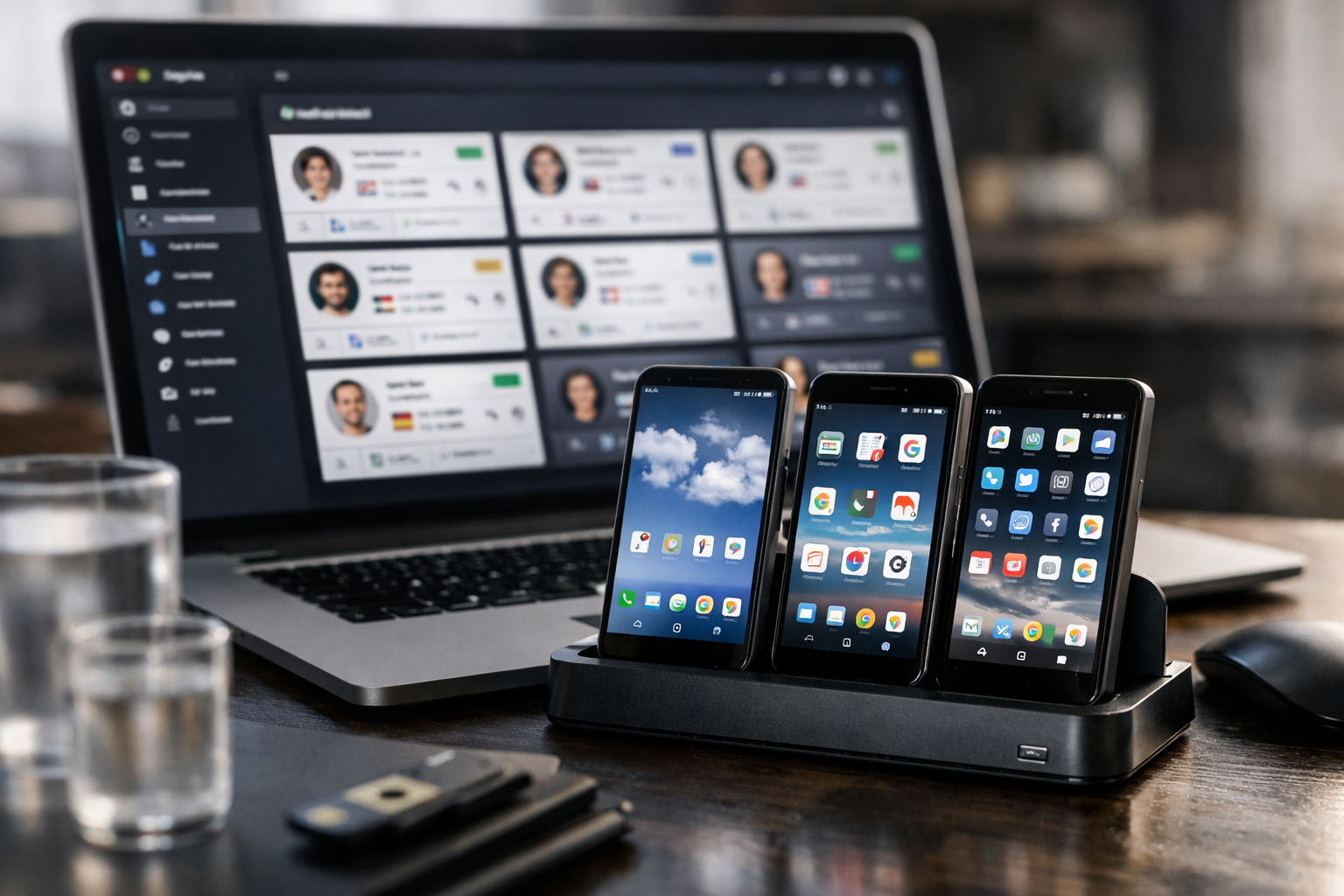
Short verdict: MoreLogin appears to be a legitimate account-management platform with transparent entry-level pricing, isolated browser profiles, cloud Android devices, team controls, and automation options. But is MoreLogin safe in the practical sense buyers care about? Generally, yes—for lawful, well-configured multi-account work. It is not, however, a ban-proof solution, a substitute for secure team practices, or a way to bypass a platform’s rules.
This review may contain an affiliate link, which can support TopTrustReview at no extra cost to you. That relationship does not change the assessment below. I based this review on MoreLogin’s official product and pricing pages, plus the practical risks buyers should evaluate before trusting any anti-detect browser or cloud phone provider.
Official website · Latest pricing & offers
Quick Answer: Is MoreLogin Safe in 2026?
Short Verdict
For legitimate account management, MoreLogin has several reassuring signs: an official pricing structure, a free plan, browser-profile isolation, collaboration controls, and paid support options. The platform positions itself as both an anti-detect browser and cloud phone provider, giving users tools to separate workspaces and manage accounts with distinct browser environments.
Still, asking is MoreLogin safe should involve more than checking whether the software installs and works. Safety also depends on where you download it, how securely your team handles credentials, whether your proxies are reputable, and whether your activity follows the rules of the platforms you use.
MoreLogin’s website claims the product has protected over 5 million accounts from being banned. That is a company claim, not an independently verified guarantee. Buyers should treat it as evidence of the company’s positioning and customer focus—not proof that any account is immune from enforcement.
Who MoreLogin Is Safe For
MoreLogin is potentially a sensible choice for marketers, agencies, e-commerce operators, affiliate teams, and other professionals who need to keep legitimate client or business accounts organized. Its isolated profiles can reduce accidental account crossover, while team permissions and profile transfer features can make shared work more manageable.
For a buyer wondering is MoreLogin safe for PC workflows, the important factors are using the official installer, keeping your operating system updated, protecting device access, and avoiding untrusted extensions or copied profile settings. The software is only one part of the security picture.
When It May Not Be the Right Choice
MoreLogin is not the right tool for anyone expecting it to conceal fraudulent activity, automate spam, or override a website’s policies. An anti-detect browser can separate environments, but it cannot make prohibited behavior acceptable or undetectable.
It may also be excessive for a solo user with one ordinary personal account. If you do not need separate browser identities, team management, or cloud Android devices, a conventional browser with strong password hygiene may be simpler and lower risk.
What MoreLogin Is and How It Works

Anti-Detect Browser vs Regular Browser
MoreLogin is marketed as a cloud phone and antidetect browser for account management. A regular browser generally uses one main device environment, with browsing data and settings connected to that device. An anti-detect browser instead lets users create separate profiles intended to behave like distinct browser environments.
Each environment can have its own settings and browser fingerprint. A browser fingerprint is the collection of technical signals websites can observe, such as browser version, language, display-related settings, and canvas rendering behavior. The goal is not invisibility; it is consistency and separation between legitimate work profiles.
When evaluating is MoreLogin safe, it helps to understand this distinction. Profile isolation can reduce accidental mixing of sessions and cookies, but it does not erase behavioral patterns or make policy violations safe.
Isolated Profiles and Device Environments
MoreLogin’s official homepage highlights isolated browser environments, team permissions, and automation. Its Free plan includes safe and antidetect browser profiles, support for Chrome and Firefox, real canvas fingerprint functionality, profile transfer, team collaboration, a synchroniser, local API access, and browser automation through Selenium or Puppeteer.
That feature set can be useful for people who manage multiple authorized client environments. Instead of signing into accounts from one cluttered browser, a user can keep workspaces separated and assign access deliberately.
From a morelogin privacy perspective, separation is valuable only if you maintain it. Reusing weak passwords, logging into unrelated accounts from the same profile, or sharing credentials loosely can undermine the organizational benefit.
Cloud Phone and Automation Features
MoreLogin also offers a Cloud Phone service: cloud-based Android devices that the official page says support Android 12 through Android 15. The company states that Cloud Phone supports automation, camera and audio functions, and file uploads.
This option may appeal to teams that need a managed Android environment without relying on a physical phone for every workflow. For readers researching is MoreLogin safe for Android, the answer should remain conditional: the cloud device may be useful, but you still need secure logins, controlled user permissions, and compliant account activity.
Automation is similarly neutral. It can improve repetitive, authorized workflows, yet it can create risk when it produces unnatural actions, violates a service’s terms, or gives too many people access to sensitive accounts.
Safety Signals That Support MoreLogin’s Credibility
Official Product Pages and Pricing Transparency
A positive trust signal is that MoreLogin publishes a visible product description and pricing structure rather than forcing buyers into an unexplained sales process. The Free plan is listed at $0 per month and is described as free forever, with 2 profiles and 2 users.
The availability of an entry-level plan gives cautious buyers a reasonable way to assess the interface and profile workflow before committing. If you want to examine the platform directly, review the current offer and product details through MoreLogin’s official access page before entering payment information.
For anyone asking is MoreLogin legit, transparent pricing does not prove perfect security, but it is better than a service with unclear costs, anonymous ownership claims, or no accessible product documentation.
Browser Security and Privacy Features
MoreLogin lists isolated profiles, browser fingerprint-related functionality, regularly updated Chrome and Firefox support, and proxy availability for purchase. These are practical features for separating legitimate work environments and minimizing accidental data crossover.
Its pricing page also references a real canvas fingerprint. Canvas data can be one component of a browser fingerprint, so a consistent configuration matters for profile stability. Buyers should remember that fingerprint management is complex: changing too many settings or combining inconsistent signals can increase, rather than reduce, account risk.
The strongest answer to is MoreLogin safe is therefore not “the software has privacy features.” It is “the features can support safer operational separation when they are set up consistently and lawfully.”
Team Permissions, Profile Transfer, and Collaboration Controls
Team-based account management can create major security problems if everyone shares one password or one browser session. MoreLogin’s stated team permissions, collaboration tools, and profile transfer features are relevant because they can help teams distribute work without casually exposing every account to every user.
In practice, buyers should still follow least-privilege access. Give each team member only the profiles they need, remove access when contractors leave, and maintain internal records of who controls key accounts.
For agencies, morelogin account safety depends at least as much on internal discipline as on browser technology. A well-configured team workspace is safer than an unmanaged collection of shared logins.
Support and Documentation Availability
MoreLogin lists online technical support on its Free plan and 24/7 online support on Pro. That is a useful operational signal, particularly when setup problems could affect active client accounts.
Support availability is not the same as a security audit or a warranty. Before buying, test the quality of answers you receive about installation, account recovery, team controls, billing, and data-handling practices. Clear, specific responses are more meaningful than generic sales language.
Potential Risks and Limitations to Know Before Buying
No Anti-Detect Tool Can Make Accounts Ban-Proof
The most important limitation is simple: no anti-detect browser can guarantee that accounts will never be restricted, reviewed, or banned. Platforms assess many signals beyond browser settings, including behavior, content, payment activity, verification information, user reports, and policy compliance.
So, is MoreLogin safe for accounts that are already behaving suspiciously or breaking platform rules? No tool can make that situation reliably safe. Profile isolation can help avoid accidental linking, but it cannot fix fraudulent, spammy, or deceptive activity.
Treat any “ban protection” language as marketing context rather than a promise. The company’s claim about protecting over 5 million accounts should be read with that caveat in mind.
Risk From Bad Proxy Choices or Fingerprint Mistakes
Proxies can be useful for authorized location-based workflows, but poor-quality or mismatched proxies can create instability. A profile that appears to come from one region while showing inconsistent language, time-zone, payment, or activity signals may attract scrutiny.
Fingerprint settings can create similar problems. Randomly changing browser identities, copying configurations without understanding them, or mixing personal and client usage inside one profile defeats the point of profile separation.
A useful morelogin review should not portray proxies as a shortcut to safety. The safer approach is consistency, minimal changes, and a setup that reflects a legitimate business workflow.
Operational Risk in Shared-Team Workflows
Teams introduce risks that software alone cannot solve. A former employee may retain access, a contractor may download sensitive files, or an account may be mishandled by someone who does not understand platform rules.
Use unique account credentials, multi-factor authentication where supported by the underlying platform, documented access roles, and prompt offboarding. Do not assume that a shared browser profile is automatically a secure access-control system.
This is especially relevant for businesses using Cloud Phone environments. The more people who can access a device or profile, the more important it is to define ownership, permissions, and recovery procedures.
Compliance and Policy Concerns
Anti-detect software is not automatically unsafe or illegitimate. It can support real agency work, regional testing, client account separation, and organized operations. However, it can also be used in ways that violate website terms, advertising rules, consumer-protection laws, or fraud policies.
If your core question is is MoreLogin safe Reddit users might ask, separate anecdotal reports from your own compliance analysis. Public opinions can identify recurring usability complaints, but they cannot tell you whether your intended workflow is allowed or appropriate.
Do not use MoreLogin to evade identity checks, bypass enforcement, impersonate users, or operate deceptive campaigns. Those uses create legal, financial, and account-security exposure regardless of the tool chosen.
Official website · Latest pricing & offers
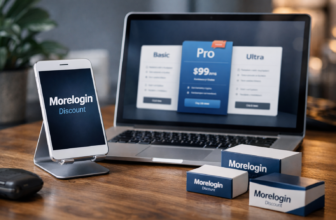
Official Pricing Breakdown: What You Actually Pay
The following pricing information is based on the supplied official MoreLogin pricing details. Prices and plan terms can change, so confirm them at checkout before purchasing. Also check the official site’s promo banner and the checkout coupon field; no specific promotional code is verified for this review.
| Plan or Service | Verified Price | Included Details |
|---|---|---|
| Free | $0/month | Free forever, 2 profiles, 2 users |
| Pro | $9/month | 10 profiles and all Free features, plus no limits, customized profile purchase, and 24/7 support |
| Pro, yearly billing | $5.4/month | Yearly-billing price listed by MoreLogin |
| Custom | Customized pricing | Custom profiles, custom team, dedicated consulting service |
| Cloud Phone | $0.006/minute | Capped at $1.5/day, or $23–$25 per 30 days |
Free Plan
The Free plan costs $0 per month and is listed as free forever. It includes 2 profiles and 2 users, making it a practical starting point for an individual or small test workflow.
Included features listed for this tier cover browser profiles, Chrome and Firefox support, real canvas fingerprint, technical support, team collaboration, profile transfer, proxy availability for purchase, synchroniser access, local API, and Selenium or Puppeteer automation.
For buyers evaluating morelogin pricing, this is a meaningful advantage: you can assess the basics before treating it as a long-term operating expense.
Pro Plan
MoreLogin lists Pro at $9 per month, or $5.4 per month on yearly billing. The plan includes 10 profiles and the Free plan’s features, plus no limits, customized profile purchase, and 24/7 online support.
The annual rate may look attractive, but it is sensible to test the workflow first. Verify that the profile count, team needs, support quality, and integration requirements match your actual use before choosing a longer billing commitment.
Custom Plan
The Custom plan uses customized pricing. MoreLogin states that it includes custom profiles, a custom team, and dedicated consulting service.
This option may be relevant for agencies with specialized access requirements or larger operations. Request a written quote, clarify what support includes, and ask how account access, profile transfer, and offboarding work before signing an agreement.
Cloud Phone Fees
Cloud Phone is billed at $0.006 per minute, capped at $1.5 per day. The official information also lists an equivalent range of $23 to $25 per 30 days.
The service supports Android 12 through Android 15, along with automation, camera and audio, and file uploads. Estimate usage carefully: pay-per-minute pricing may suit intermittent work, while daily use can become a recurring operational cost.
Hands-On Trust Factors Buyers Should Check Before Using MoreLogin
Company Transparency
Before installing any anti-detect browser, verify that you are downloading from the official source. Review the published plan details, terms, privacy information, support channels, and any policies relevant to your country and intended use.
When considering is MoreLogin safe, look for clarity rather than broad promises. A trustworthy vendor should explain what it sells, what customers are paying for, and where buyers can receive support.
Refunds and Support Response Time
Do not assume a refund policy exists just because a product offers paid plans. Check the current terms before paying, especially if you are purchasing a yearly subscription, cloud phone usage, or a custom package.
Contact support with a specific pre-sales question and judge the response. Useful questions include whether profiles can be transferred, how team access is removed, what happens when a subscription changes, and how support handles account-access issues.
Payment and Account Security Practices
Use a unique, strong password for your MoreLogin account. Enable available security protections, protect the email address tied to the account, and avoid sharing one master login across an entire team.
This advice applies whether you are researching is MoreLogin safe for Mac setups, Windows systems, or cloud-based Android workflows. Operating system choice matters, but secure installation, password management, device updates, and careful access control usually matter more.
Data Handling and Team Access
Ask yourself what data will live in a browser profile. Sessions, cookies, saved logins, uploaded files, account identifiers, and client information can all become sensitive if a profile is compromised or incorrectly shared.
Use separate profiles for separate clients or business entities. Review permissions regularly, remove dormant users, and keep a recovery plan for important accounts. These steps are often more effective for risk reduction than endlessly adjusting fingerprint settings.
MoreLogin vs Alternatives: What Matters Most in a Safe Choice
Safety Comparison Criteria
A safe choice is not simply the tool with the longest feature list. Compare providers based on whether their profile isolation is understandable, their pricing is clear, their support is responsive, and their team controls fit your real workflow.
Also assess update practices, browser compatibility, account-recovery procedures, privacy disclosures, and whether the provider gives you enough information to make an informed decision. A legitimate business should not require you to rely on vague claims alone.
When to Consider Other Antidetect Browsers
A morelogin alternative may be worth considering if you need features MoreLogin does not publicly list, if your budget requires a different profile structure, or if your team needs a particular integration or support arrangement.
There is no universal “safest” anti-detect browser. The best option is the one that supports your legitimate workflow without encouraging risky behavior, unclear billing, or overly broad account access.
What to Compare Before Switching
Before moving from another tool, compare the practical migration process. Check whether profiles can be transferred, how browser data is handled, whether your team can learn the interface quickly, and what support is available during the change.
Avoid switching solely because a provider claims better ban resistance. For legitimate operators, stable account behavior, policy compliance, quality proxies where appropriate, and disciplined staff practices matter more than dramatic marketing language.
Final Verdict: Should You Trust MoreLogin?
Best-Fit User Profiles
MoreLogin is best suited to solo operators, small teams, and agencies with legitimate reasons to manage separate browser profiles or cloud Android environments. The Free plan offers a low-commitment way to evaluate the basics, while Pro and Custom plans may fit users who need more profiles, support, or tailored team arrangements.
For a solo buyer, start small and establish a clean profile-management routine. For teams and agencies, prioritize permissions, access reviews, credential security, and written internal rules before scaling up.
Red Flags to Watch For
Walk away from any workflow that depends on misleading customers, evading platform enforcement, impersonating others, or hiding fraudulent activity. Those are not normal privacy use cases, and no browser tool can reliably remove the consequences.
Other warning signs include downloading software from unofficial sources, using unknown proxy providers, sharing one administrator login, ignoring support or billing terms, and expecting automation to operate without oversight.
Bottom Line
So, is MoreLogin safe enough to buy in 2026? For lawful account management, it appears to offer a credible feature set and reasonably transparent official pricing, including a genuinely free starting plan. Its isolated profiles, team features, browser options, automation support, and Cloud Phone offering can be useful when implemented carefully.
The balanced conclusion is that MoreLogin can support safer operations, but it cannot guarantee privacy, account survival, or compliance. Use it as an organizational tool—not as a shortcut around platform rules—and test the Free plan before committing to a paid setup.
Official website · Latest pricing & offers
FAQ
Is MoreLogin safe to use?
MoreLogin is generally safe to use as software for legitimate account management when downloaded from the official source and configured responsibly. Its isolated profiles and team-oriented tools can help separate workspaces, but they do not guarantee security or protect users from policy violations.
Is MoreLogin safe for Windows or Mac?
MoreLogin safety on Windows or Mac depends heavily on downloading the official software, keeping your system updated, securing logins, and using consistent profile settings. Neither operating system makes unsafe account behavior safe, and both require strong device and password security.
Is MoreLogin safe for Android or cloud phone use?
MoreLogin’s official Cloud Phone offering supports Android 12 through Android 15 and includes automation, camera and audio, and file upload capabilities. It can be useful for authorized workflows, but users should secure access and follow the policies of the platforms they access.
Can MoreLogin prevent account bans?
No. MoreLogin can help isolate browser profiles and reduce accidental account linking, but it cannot guarantee that an account will never be banned. Platforms may consider behavior, verification, content, payment activity, reports, and policy compliance in addition to technical signals.
Is MoreLogin legit or a scam?
Available official product information, published pricing, a Free plan, and stated support options indicate that MoreLogin is a real commercial product rather than an obvious scam. Still, buyers should independently review current terms, support responsiveness, and public user feedback before paying.
What are the risks of using MoreLogin?
The main risks include poor proxy selection, inconsistent browser fingerprint settings, weak password practices, excessive team access, automation misuse, and violations of platform policies. Platforms can still flag suspicious activity, so MoreLogin should be used only for legitimate, well-managed account workflows.
Related Reading
References
- MoreLogin Pricing
- MoreLogin Official Homepage
- Trustpilot: Read Customer Service Reviews of www.morelogin.com
- G2: MoreLogin Reviews 2026