Cozyla Subscription: Cost, Free Features, and Whether Membership Is Worth It
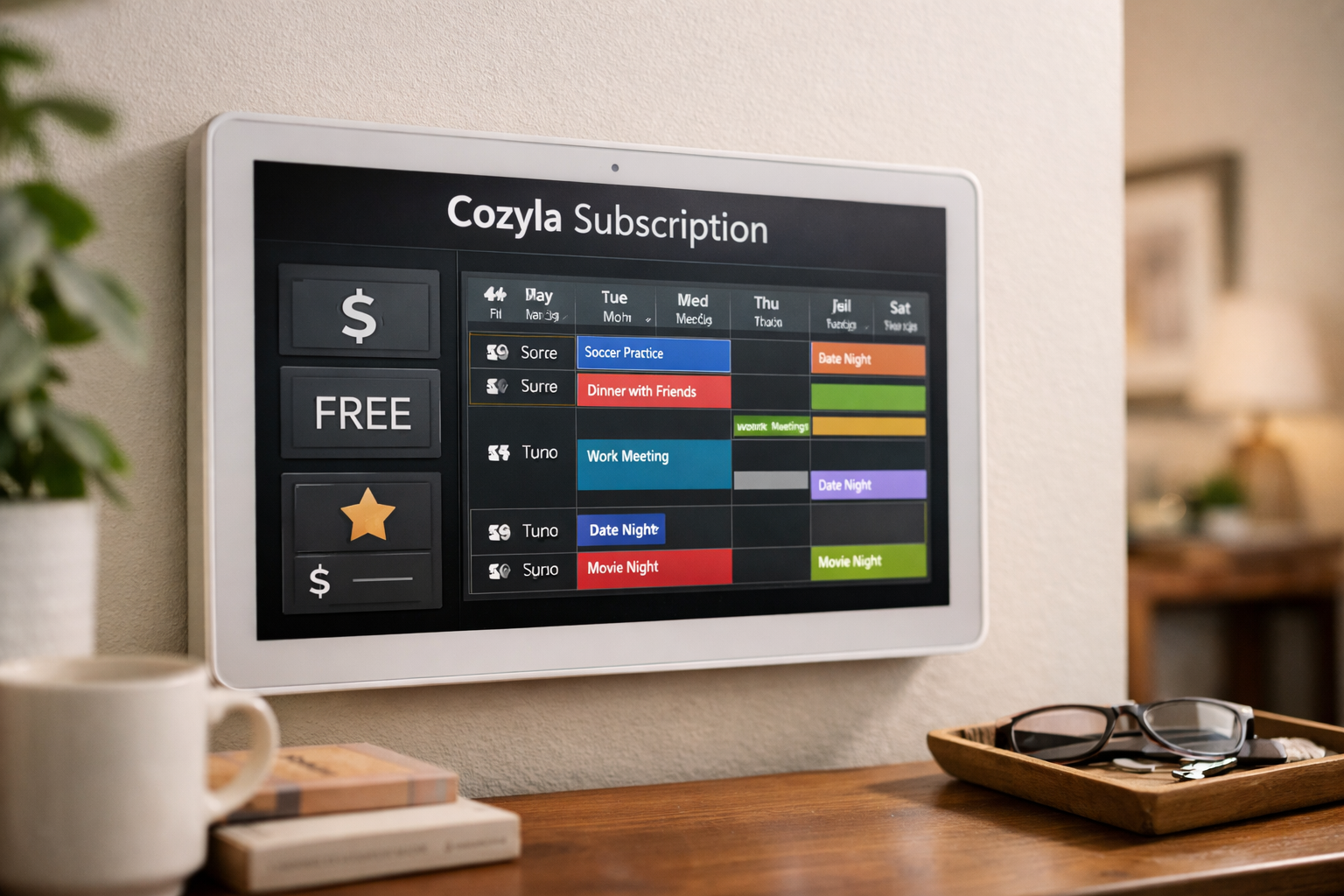
Cozyla can be used without paying an ongoing membership for its core family-organization tools. A cozyla subscription is optional, not mandatory: it adds premium features, while the calendar itself remains usable for shared schedules, tasks, notes, routines, and more.
That distinction matters for family buyers. If you mainly want a shared household calendar, you may not need a paid plan. If you want premium AI voice capabilities, creative display options, or device-specific extras, a Cozyla membership may make sense.
Official website · Latest pricing & offers
Quick Answer: Does Cozyla Require A Subscription?
Short Verdict For Busy Readers
No, Cozyla does not require a subscription for everyday use. Official Cozyla pages say its digital calendar is fully usable without a membership, and the support documentation confirms that several essential organization features are free.
A paid cozyla subscription unlocks optional premium benefits. In practical terms, you can buy and use a Cozyla calendar without automatically committing to an annual fee, but advanced features may depend on the device and membership level.
Who Can Use Cozyla For Free
Families who want a central place for schedules, appointments, task lists, notes, and household routines can use Cozyla’s free core functions. The official support FAQ lists Calendar Syncing, To-dos, Notes, Routine & Chores, Dashboard, Cozyla Agent, and other core functions as free.
This makes the cozyla subscription free experience more substantial than a limited trial. You are not simply looking at a demo mode; Cozyla says its essential calendar tools remain available without an added membership payment.
Who May Benefit From Membership
Membership is most relevant for users who want premium AI, more hands-free control, or extra visual features. For example, the official Calendar+ 2 page lists Unlimited Hands-free AI Voice Agent and Art Gallery as Calendar Super Membership benefits.
Before paying, identify the specific device you own or plan to buy. Cozyla’s membership structure is device-dependent, so one price or feature list should not be assumed to apply universally.
Cozyla Subscription Cost: Verified Pricing And Plans
Calendar Super Membership Price
The verified cozyla subscription price depends on the official page and device context. Cozyla’s membership page states that Calendar Super includes a 30-day free trial and then renews at $79.99 per year in its Calendar Neo/Calendar Super presentation.
Separately, the official Cozyla Calendar+ 2 product page says its membership is free for the first month and then costs $69.99 per year. Since these official pages present different device-related contexts, buyers should confirm the membership price shown for their exact model before checkout.
| Official Cozyla page context | Verified membership terms |
|---|---|
| Calendar Neo / Calendar Super presentation on the membership page | 30-day free trial, then $79.99/year |
| Cozyla Calendar+ 2 product page | First month free, then $69.99/year |
| Cozyla digital calendar collection page | Optional membership listed at $69.99/year for premium extras |
The cozyla annual fee is therefore not one universal number across every listing. Checking the current plan terms tied to your product is the safest way to avoid confusion.
First-Month-Free Offer
For Calendar+ 2, Cozyla’s product page says the first month of membership is free before the $69.99 annual renewal. The separate membership page describes a 30-day free trial for its Calendar Super presentation, which is functionally similar but should still be read in the context of the relevant device page.
Cozyla’s product page also references a promotional first-year price of $59.99 in a specific offer context. That should be treated as a product-page promotion rather than the standard ongoing cozyla subscription price.
As of November 13, 2026, Cozyla’s official homepage displayed the code D910NV3C77UB3EFMRO7G alongside “20% Off | 10% Off.” Confirm the applicable discount and eligibility at checkout, especially because device and membership offers can change.
Renewal Terms And Cancellation
Cozyla’s official membership page says that you can cancel anytime. That is helpful for families who want to test premium tools without assuming they must keep paying forever.
Still, “cancel anytime” does not replace reading the checkout terms. Check the renewal amount shown for your device, the trial duration, and the cancellation process before entering payment details.
What You Get With Cozyla Membership
Premium Features Included In Calendar Super
A cozyla subscription can add features beyond the free scheduling foundation. The official Calendar+ 2 page specifically identifies these Calendar Super Membership benefits:
- Hands-free AI Voice Agent (Unlimited)
- Art Gallery
The official digital calendar collection page also says that optional membership unlocks three premium extras, including Unlimited Cozyla Agent conversations. Cozyla does not present the same feature wording identically on every device page, so it is best to use the feature list attached to your exact calendar model.
Cozyla Agent And Voice Features
The distinction between Cozyla Agent access and unlimited premium use is important. Cozyla’s support FAQ includes Cozyla Agent among free core functions, while the Calendar+ 2 membership page lists Hands-free AI Voice Agent (Unlimited) as a paid benefit.
In other words, the cozyla calendar membership may be worthwhile if unlimited hands-free voice interactions are a priority. But buyers should not assume that basic Agent access is entirely unavailable without paying, because Cozyla’s own support documentation lists it among free functions.
Creative And Productivity Extras
For Calendar Neo, Cozyla’s membership page lists Calendar Essential features including rewards, habits, meal planning, photo screensaver, smart import, and Cozyla Agent (Essential). These are optional enhancements for people who want more than a shared calendar and household task board.
A cozyla subscription is therefore less about unlocking basic calendar access and more about expanding how the display works in daily family life. The value comes down to whether those extras will become part of your routine rather than remain unused menu options.
Official website · Latest pricing & offers
What Cozyla Includes For Free
Core Calendar Functions
Cozyla says its calendar is fully usable without a membership. The free feature set includes Calendar Syncing, shared family schedules and events, and a Dashboard for viewing household information in one place.
For buyers asking, “does Cozyla require a subscription?” the direct answer remains no for normal scheduling and coordination. You can organize family events without treating membership as a required operating cost.
To-Dos, Notes, Routines, And Chores
The official support FAQ confirms that To-dos, Notes, and Routine & Chores are part of Cozyla’s free core functions. The Calendar Neo membership page also identifies to-do lists, routines and chores, and notes as free forever with the device.
| Free core capability | Officially confirmed as free |
|---|---|
| Calendar Syncing | Yes |
| Shared family schedule and events | Yes, for Calendar Neo |
| To-dos / To-do Lists | Yes |
| Notes | Yes |
| Routine & Chores | Yes |
| Dashboard | Yes |
| Cozyla Agent | Listed among core functions |
This free foundation is the biggest reason not to rush into a cozyla subscription on day one. Set up the calendar, connect schedules, and see whether your household actually needs the premium layer.
Why The Free Version Is Enough For Many Families
In my view, the free version covers the functions most families expect from a shared digital calendar: seeing appointments, assigning chores, tracking tasks, and leaving notes. Those are the tools that solve everyday coordination problems.
Paying makes more sense only when your household will actively use premium automation, voice control, visual content, or the device-specific extras. A feature being available does not automatically make the cozyla membership worth it for every buyer.
Is Cozyla Worth Paying For?
Best For Families Who Want Premium Automation
A paid cozyla subscription is easiest to justify for busy families that will regularly use hands-free AI voice control. On supported Calendar Super plans, Unlimited Hands-free AI Voice Agent is a clearly identified premium benefit.
It may also appeal to buyers who value the Art Gallery or, on Calendar Neo’s Calendar Essential tier, options such as meal planning, habits, rewards, photo screensaver, and smart import. These features can add convenience, but they are not required to run a useful family calendar.
Best For Users Who Only Need Shared Scheduling
Skip membership initially if your goal is a dependable shared schedule and task hub. Cozyla officially includes syncing, to-dos, notes, routines, chores, dashboard access, and other core functions for free.
That answer is especially useful for shoppers concerned about the cozyla app cost. The official information supports free access to core functions; membership spending is for premium extras rather than basic calendar operation.
Cost Comparison Logic Without Competitor Claims
Rather than comparing Cozyla with other brands using unverifiable claims, use a simple annual-value test. Ask whether the premium feature you care about would be used often enough to justify the displayed yearly price for your device.
For example, a $69.99 or $79.99 yearly membership works out to less than the cost of many small monthly services when viewed annually. But that only represents value if your family actually uses the unlimited voice or premium display features consistently.
If you are considering a device purchase, you can review the available models through Cozyla’s official offers. Top Trust Review may earn a commission from affiliate links at no additional cost to you, but that does not change this assessment: the free feature set is strong enough that membership should remain optional in your buying decision.
How Cozyla Membership Works Across Devices
Calendar Neo
For Calendar Neo, Cozyla says the free plan provides essential scheduling for everyday family organization and is free forever with the device. Free features listed on the membership page include Calendar, shared family schedule and events, To-do Lists, Routine & Chores, and Notes.
Calendar Neo users can also consider Calendar Essential, which adds rewards, habits, meal planning, photo screensaver, smart import, and Cozyla Agent (Essential). Cozyla’s membership page also presents Calendar Super with a 30-day free trial followed by $79.99 per year, so review the plan label and checkout screen carefully.
Calendar Plus
The cozyla calendar plus 2 subscription is presented on the official product page as free for the first month and then $69.99 per year, with cancellation available anytime. The page lists Unlimited Hands-free AI Voice Agent and Art Gallery as Calendar Super Membership benefits.
That makes Calendar Plus membership a premium add-on rather than proof that the entire device is subscription-only. Cozyla’s collection page separately states that its calendars are fully usable without membership for core use.
Routie
Cozyla’s membership page says Routie Super is included and unlocks full premium features automatically on a child’s Routie device at no extra cost. This is a materially different arrangement from the annual membership terms shown for Calendar Super in other device contexts.
The key lesson is not to apply Calendar Neo or Calendar+ pricing to Routie. Each device has its own official membership presentation, and buyers should rely on the page for the exact product they are considering.
Common Questions About Cozyla Subscription
Can You Use Cozyla Without Paying?
Yes. Cozyla says its calendar is fully usable without a membership, with Calendar Syncing, To-dos, Notes, Routine & Chores, Dashboard, Cozyla Agent, and other core functions available for free.
Does The Cozyla App Cost Money?
The official support information identifies core Cozyla functions as free. A paid membership is for optional premium features, so the cozyla app cost is not an unavoidable charge for basic calendar use.
Can You Cancel Anytime?
Yes. Cozyla’s official membership page says members can cancel anytime. Verify the plan terms shown during purchase so you understand the timing of any trial or annual renewal.
Official website · Latest pricing & offers
FAQ
Does Cozyla Have A Subscription?
Yes. Cozyla offers optional membership plans for premium features. However, core calendar functions remain available without paying for a membership.
Is Cozyla A Subscription-Based Device?
Not entirely. Cozyla is not a device that becomes unusable without recurring payment. Its core scheduling and family-organization functions are free, while premium memberships unlock additional features.
Does The Cozyla App Cost Money?
Core app and calendar functions are free according to Cozyla’s support FAQ. A cozyla subscription may cost extra if you choose premium features such as unlimited hands-free AI voice access on eligible plans.
Can You Use Cozyla Without A Membership?
Yes. Free features include Calendar Syncing, To-dos, Notes, Routine & Chores, Dashboard, Cozyla Agent, and other core tools. Calendar Neo also lists shared family schedules and events among its free included features.
Can You Cancel Cozyla Membership Anytime?
Yes. Cozyla’s official membership page states that you can cancel anytime. Check the current renewal and trial terms for your specific device before subscribing.
Final Recommendation
Who Should Buy
Consider membership if your family will genuinely use premium AI voice controls, Art Gallery, or Calendar Neo’s optional tools such as meal planning, habits, rewards, photo screensaver, and smart import. The strongest case is for households that want their calendar to do more than display appointments.
Who Should Skip
Skip or postpone membership if you mainly need shared schedules, calendar syncing, chores, notes, tasks, and a central household dashboard. Cozyla already provides those practical functions for free, so there is no need to pay just to make the device useful.
Bottom-Line Takeaway
The cozyla subscription is optional, and that is the most important buying takeaway. Cozyla does not force families into an annual payment for basic scheduling, but its premium memberships can be worthwhile for device-specific AI, automation, and display extras.
Start with the included free functions, then upgrade only if you see a real need for the premium tools. That approach is more cost-conscious than treating the cozyla calendar membership as a mandatory part of ownership.
Related Reading
References
- Membership – Cozyla US
- Membership Introduction & FAQs
- Cozyla Calendar+ 2 | Best 32″ Digital Calendar For Families
- Digital Calendars for Families