Taplio Pricing 2026: Verified Plans, Costs, and Which Plan Is Worth It
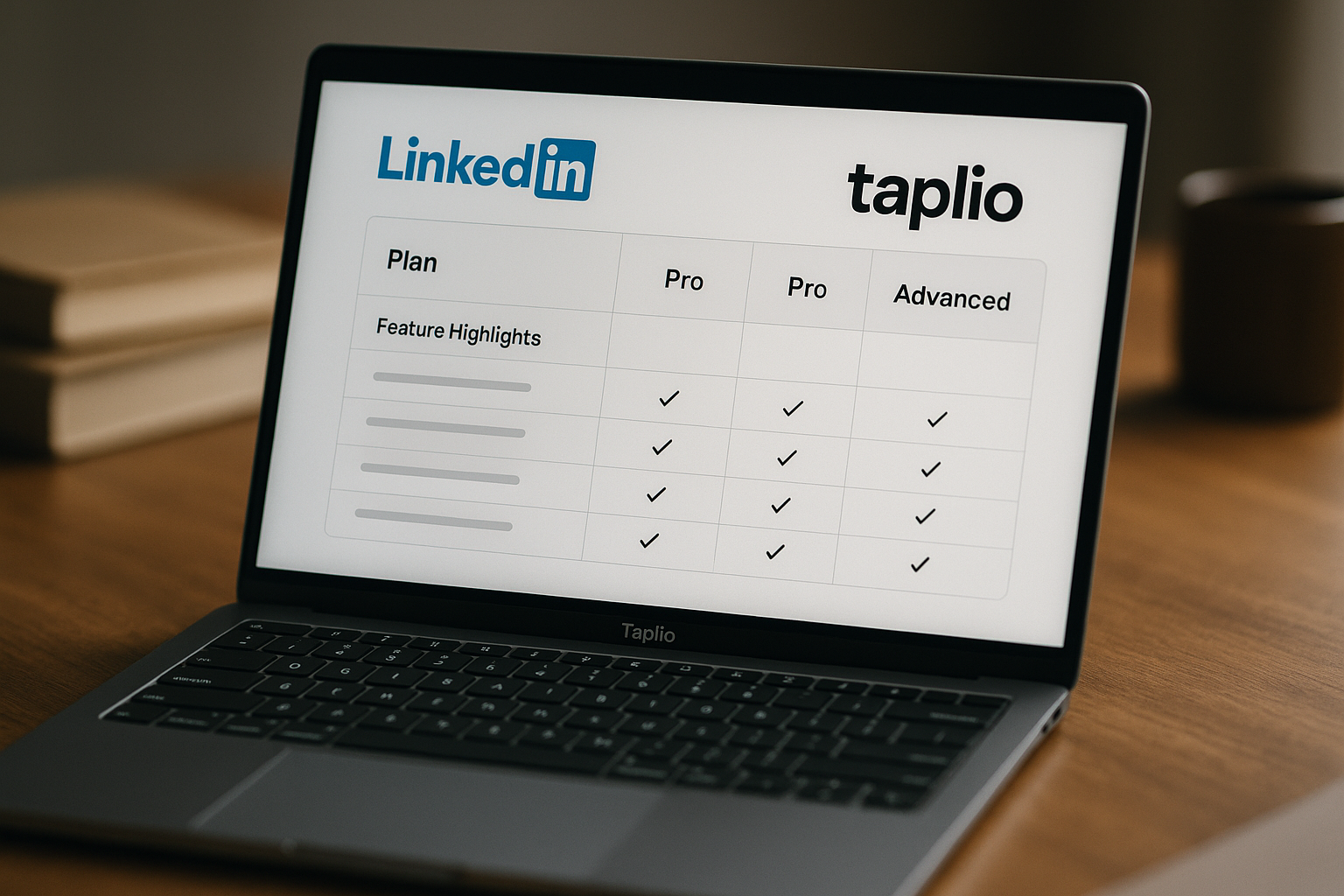
If you are comparing LinkedIn growth tools, taplio pricing is one of the first things to understand before starting a trial. Taplio’s official pricing page currently lists three paid plans: Starter at $39/mo, Growth at $69/mo, and Pro at $199/mo. The page also shows monthly and yearly billing, with yearly marked as “-25%.”
This 2026 guide breaks down the official Taplio plans, what each tier includes, where the value is strongest, and where buyers should be careful. Pricing can change, so always confirm the latest billing details on the official Taplio pricing page before purchase.
Official website · Latest pricing & offers
Taplio pricing at a glance
Taplio is a LinkedIn-focused tool for scheduling, content creation, engagement, analytics, and lead outreach. The key thing to know about taplio pricing is that the lowest plan is mainly about consistency and scheduling, while the higher tiers unlock the AI and outreach features many buyers associate with the product.
Here is the verified plan-by-plan summary from the official pricing page.
| Taplio plan | Monthly price | Best for | Key verified inclusions |
|---|---|---|---|
| Starter | $39/mo | Consistent posting and scheduling | Schedule posts, track core metrics, build posting consistency |
| Growth | $69/mo | AI-assisted LinkedIn content and collaboration | Everything in Starter, plus AI viral posts, faster replies/comments, team collaboration |
| Pro | $199/mo | Heavy AI use and lead outreach | Everything in Growth, plus unlimited AI posts/comments, automated lead outreach, priority support & access |
Current Taplio pricing plans and billing options
The official Taplio pricing page is titled “Taplio Pricing – Plans from $39/mo | Free Trial.” As of this 2026 article, the listed monthly prices are:
- Starter: $39/mo
- Growth: $69/mo
- Pro: $199/mo
The page also shows monthly and yearly billing options, with yearly billing marked as “-25%.” Because exact annual checkout totals can depend on the current billing display and purchase flow, you should confirm the final amount directly on Taplio’s official pricing page before subscribing.
For readers who want to evaluate the product directly, you can start from the Taplio trial page via TopTrustReview and compare the plan details before buying.
What the 7-day free trial includes
Taplio offers a 7-day free trial with full app access during the trial, whichever plan you choose. That is useful because taplio pricing depends heavily on your workflow: a founder testing scheduling may need a different tier than a creator testing AI writing or a sales team testing outreach.
Taplio also lists a 30-day money-back guarantee. That gives buyers more room to evaluate whether the tool fits their LinkedIn process, but you should still read the official billing and refund terms before checkout.
Quick verdict on Taplio pricing value
The short version: Starter is the budget-friendly option for publishing consistency, Growth is likely the best fit for people who want AI-assisted LinkedIn content, and Pro is for users who need unlimited AI posts and comments plus lead outreach automation.
The main caution is that the cheapest plan may not include the AI features many buyers expect. If your main reason for considering Taplio is AI writing, the Growth plan is the more relevant starting point than Starter.
Taplio plans explained: Starter vs Growth vs Pro
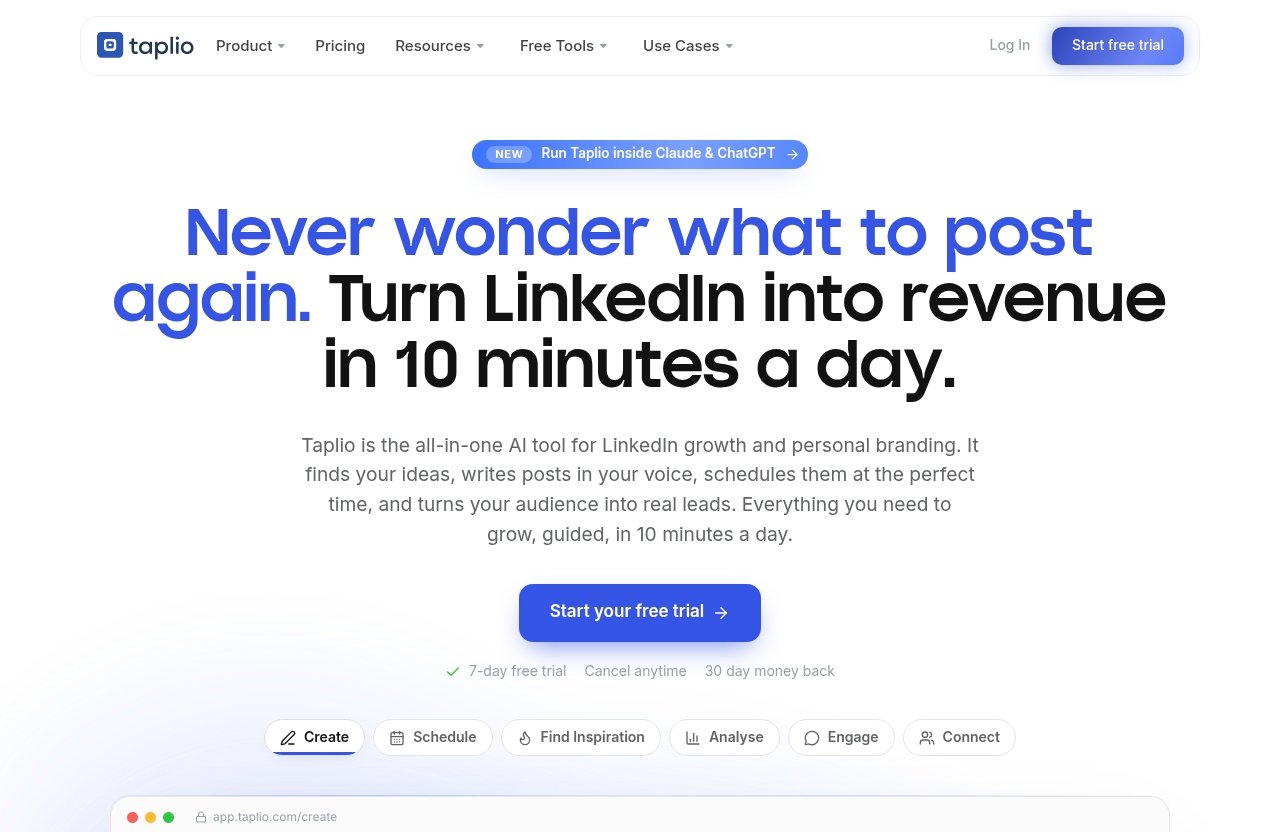
The most important part of any taplio pricing comparison is understanding what changes between plans. The gap between Starter and Growth is especially important because Growth adds the AI writing features that many buyers are looking for.
Starter: what you get for $39/mo
The Taplio Starter plan costs $39/mo. According to the official pricing page, it is designed to help you post consistently on LinkedIn, schedule posts in seconds, track core metrics with analytics, and build posting consistency.
This makes the Starter plan a practical fit if you already know what you want to publish but need a better system for getting posts out. For example, a consultant who writes their own content every week may mainly need scheduling and basic analytics.
The important limitation is that Starter is not positioned as the AI writing plan. If your goal is to generate AI-assisted LinkedIn posts, replies, and comments, taplio pricing becomes more meaningful at the Growth tier.
Starter is best for:
- Solo professionals who already write their own posts
- Founders building a LinkedIn habit
- Creators who need scheduling rather than AI drafting
- Users who want core analytics without paying for advanced automation
It is not the best fit if you expect AI post generation or lead outreach at the entry-level price.
Growth: the AI writing sweet spot at $69/mo
The Taplio Growth plan costs $69/mo. It includes everything in Starter, plus the ability to write viral posts with AI, reply and comment 10x faster, and collaborate with your team.
For many buyers, Growth is the plan that matches the “LinkedIn growth tool” expectation most closely. It adds AI-assisted content creation and faster engagement, which are two of the biggest reasons people compare Taplio with other LinkedIn tools.
From a taplio pricing perspective, Growth is the plan I would look at first if your goal is to reduce content friction. It is not just about scheduling posts; it is about producing ideas, drafts, replies, and comments more efficiently.
Growth is best for:
- Creators who need help drafting LinkedIn posts
- Founders who want to stay active but have limited writing time
- Marketing teams managing LinkedIn content together
- Agencies or small teams that need collaboration features
If you are comparing Taplio because of AI writing, Growth is the more realistic benchmark than the $39/mo Starter plan.
Pro: unlimited AI and lead outreach at $199/mo
The Taplio Pro plan costs $199/mo. It includes everything in Growth, plus unlimited AI posts and comments, automated lead outreach, and priority support & access.
This is the highest verified tier in the current Taplio plans. It is not the obvious choice for casual users, but it can make sense for people who use LinkedIn as a serious acquisition or relationship-building channel.
The biggest difference is that Pro adds lead outreach automation. Taplio’s homepage also states that the product can auto-connect and send DMs to warm leads, which aligns with the Pro positioning around outreach.
From a taplio pricing standpoint, Pro is mainly for users who can justify the higher monthly cost through business development, sales activity, or heavy content operations. If you only want to schedule posts, Pro is likely more than you need.
Pro is best for:
- Sales-focused founders
- Consultants using LinkedIn for lead generation
- Agencies supporting LinkedIn growth workflows
- Users who want unlimited AI posts and comments
- Teams that value priority support and access
What Taplio actually helps you do on LinkedIn
Taplio is best understood as a LinkedIn workflow tool rather than a generic social media suite. The official homepage focuses on scheduling, inspiration, analytics, AI creation, carousels, engagement, outreach, and automation.
This matters because taplio pricing is easier to evaluate when you connect each feature to a real workflow outcome.
Schedule posts at the best times
Taplio’s homepage says you can schedule posts at your best times automatically. In practical terms, that helps reduce the “I forgot to post” problem that many LinkedIn creators and founders face.
For people trying to build consistency, this is a real benefit. LinkedIn growth usually depends on repeated publishing, and a scheduling system makes that easier to maintain.
The Starter plan covers scheduling, so you do not necessarily need a higher tier if publishing consistency is your main need. That is where the entry-level taplio pricing can make sense.
Find inspiration from viral posts
Taplio’s homepage says it helps you find inspiration from viral posts worth remixing. This does not mean you should copy other creators, but it can help you see what types of ideas, hooks, and formats are already working on LinkedIn.
For creators and marketers, this can shorten the blank-page stage. Instead of starting from nothing, you can use proven patterns as inspiration and then add your own experience or point of view.
This feature is especially relevant if you publish often and need a steady idea pipeline.
Analyze performance and double down
Taplio’s homepage says it helps you analyze what is working and double down. The Starter plan also includes tracking core metrics with analytics.
That makes analytics part of the value even at the lower tier. For example, if a certain topic consistently performs better, you can create more content around that theme.
A practical taplio pricing question is whether you only need core analytics or whether you also need AI and collaboration layered on top. If analytics and scheduling are enough, Starter may cover your needs.
Connect with warm leads
Taplio’s homepage says it can auto-connect and send DMs to warm leads. The Pro plan specifically includes automated lead outreach.
This is one of the clearest differences between a content-focused use case and a sales-focused use case. If you are only trying to publish better posts, you may not need outreach automation. If LinkedIn is part of your sales pipeline, Pro becomes more relevant.
As always, outreach automation should be used carefully and professionally. The value is not in spamming people; it is in supporting a more organized relationship-building workflow.
Run Taplio from Claude, ChatGPT, or other MCP-enabled LLMs
Taplio’s homepage states that you can run Taplio from Claude, ChatGPT, or any MCP-enabled LLM. That is an interesting feature for users who already work inside AI assistants and want LinkedIn tasks connected to that environment.
This may appeal to AI-forward creators, founders, and marketers who prefer to manage content workflows from tools they already use. The official homepage also mentions creating ideas and writing posts that grow, turning content into swipeable carousels, showing up on the right people’s posts, and automating LinkedIn growth.
For a buyer evaluating taplio pricing, the main question is whether these workflow benefits will actually be used. If you will only schedule one post per week, a lower plan may be enough. If LinkedIn is a core channel, the higher tiers become easier to justify.
Is Taplio worth the price? A value analysis
The question “is Taplio worth it?” depends less on the headline price and more on what you expect the tool to do. A fair taplio pricing analysis should separate three different needs: scheduling, AI-assisted content creation, and lead outreach.
When the Starter plan is enough
Starter is enough if your primary goal is to post consistently and track basic performance. At $39/mo, it gives you scheduling, core metrics, and a system for building a posting habit.
This can be good value for solo professionals who already have ideas and simply need structure. If you are a founder, consultant, or freelancer trying to become more visible on LinkedIn, Starter may remove enough friction to be worthwhile.
However, Starter is not the plan I would choose if your main expectation is AI writing. The cheapest taplio pricing tier can feel misleading if you assume all Taplio AI features are included at $39/mo.
When Growth becomes the better buy
Growth becomes the better buy when content creation is the bottleneck. At $69/mo, it adds AI viral posts, faster replies and comments, and team collaboration.
For many creators and marketers, that is the stronger value point. The extra monthly cost over Starter may be easier to justify if it saves writing time, helps with engagement, or supports multiple people working together.
The Growth plan is also the most natural fit for teams that do not need Pro-level lead outreach but do need AI-assisted content workflows. In a practical taplio pricing comparison, Growth is the plan most buyers should inspect closely.
Who should pay for Pro
Pro is for users who need unlimited AI posts and comments, automated lead outreach, and priority support & access. At $199/mo, it is a much bigger commitment than Starter or Growth.
That price can make sense if LinkedIn is tied to revenue. For example, a consultant using LinkedIn to build relationships with potential clients may value outreach automation more than a casual creator would.
Pro is not the plan to buy just because it is the “best” tier. It is the plan to consider when your workflow includes high-volume AI content and lead generation.
Official website · Latest pricing & offers
What Taplio costs over a year
Looking at monthly prices is useful, but the annual commitment gives a clearer view of the real taplio pricing impact. Based on verified monthly prices, paying month to month would equal the following before any yearly billing discount or other checkout changes.
| Taplio plan | Monthly price | 12 months at monthly rate |
|---|---|---|
| Starter | $39/mo | $468/year |
| Growth | $69/mo | $828/year |
| Pro | $199/mo | $2,388/year |
These are simple monthly-price calculations, not official annual checkout totals. The official pricing page shows yearly billing with “-25%,” so check Taplio’s current pricing page for the exact annual billing amount before purchase.
Monthly vs yearly budgeting
Monthly billing gives you flexibility. If you are testing a new LinkedIn workflow, paying monthly may be easier while you decide whether Taplio fits.
Yearly billing may reduce the total cost because the official pricing page shows “-25%” for yearly billing. Since exact annual figures should be confirmed at checkout, I would treat the yearly option as a potential savings route rather than assume a specific final amount.
For taplio annual pricing, the safest approach is to compare the monthly plan, the yearly discount shown on the official page, and your expected usage over the next 12 months.
Best plan for solo creators
For solo creators, the best plan depends on whether you need AI. If you already write your own posts and only need consistency, Starter may be enough.
If you struggle with ideas, drafting, replies, or comments, Growth is likely the better fit. It adds the AI features that many solo creators are actually looking for when they evaluate taplio pricing.
Pro is harder to justify for a solo creator unless LinkedIn is a direct business channel and lead outreach is part of your workflow.
Best plan for teams and lead gen
For teams, Growth is the first plan that clearly mentions collaboration. That makes it the more relevant option for small marketing teams, employee advocacy workflows, or agencies coordinating LinkedIn content.
For lead generation, Pro is the plan to examine because it includes automated lead outreach. If your team wants content plus outreach, Pro is the tier that matches that use case.
One note: some buyers search for “taplio ai credits,” but the verified official facts available for this article do not list a credit-based breakdown. The official Pro description says unlimited AI posts and comments, so confirm any current usage rules directly with Taplio before buying.
Taplio pros and cons
No taplio pricing review is complete without the trade-offs. Taplio can be a strong fit for LinkedIn-focused users, but it is not the right purchase for everyone.
Strengths
Taplio’s biggest strength is that it focuses deeply on LinkedIn workflows. The official homepage and pricing page cover scheduling, inspiration, analytics, AI creation, engagement, carousels, outreach, and automation.
Key strengths include:
- Clear three-plan structure
- 7-day free trial with full app access on the selected plan
- 30-day money-back guarantee
- Scheduling for posting consistency
- Core analytics on the Starter plan
- AI writing and faster engagement on Growth
- Unlimited AI posts/comments and lead outreach on Pro
- Resources such as the LinkedIn Benchmark, LinkedIn Claude Skills, LinkedIn Masterclasses, Help center, Blog, and Free Tools
The strongest value is for people who treat LinkedIn as an important professional channel, not just a place to post occasionally.
Limitations to know before buying
The main limitation is that advanced AI features are not positioned in the cheapest plan. If you choose Starter expecting AI-assisted post writing, you may be disappointed.
Another limitation is focus. Taplio is centered on LinkedIn, so it is not a general social media management suite for every platform. That focus is useful if LinkedIn is your priority, but less useful if you need broad multi-channel publishing.
The Pro plan is also a meaningful price jump. At $199/mo, it should be tied to serious content volume, outreach, or business development use cases.
In short, taplio pricing is fairer when matched to the right workflow. It becomes less attractive if you buy a higher tier without using the features that make it valuable.
How Taplio compares to what buyers expect
Many buyers come to Taplio expecting AI content creation, scheduling, and growth automation in one place. Taplio does offer those capabilities across its plans, but not all of them are available at the lowest price.
That is why a clear taplio pricing breakdown matters before you start the trial.
Why the starting price can feel confusing
The starting price is $39/mo, but Starter is mainly for posting consistently, scheduling posts, tracking core metrics, and building consistency. Those are useful features, but they are not the same as full AI-assisted content creation.
Growth, at $69/mo, is where AI viral posts, faster replies/comments, and team collaboration come in. Pro, at $199/mo, adds unlimited AI posts and comments, automated lead outreach, and priority support & access.
So the starting price can feel confusing if you evaluate Taplio as an AI-first tool. The better approach is to compare the plan you actually need, not only the lowest listed price.
What type of buyer gets the best fit
Taplio is best suited for people who are serious about LinkedIn. That includes creators, founders, marketers, agencies, consultants, and sales-focused professionals.
You are likely a good fit if:
- You publish on LinkedIn consistently or want to
- You need help turning ideas into posts
- You want faster replies and comments
- Your team collaborates on LinkedIn content
- LinkedIn is part of your lead-generation workflow
You may not be a good fit if:
- You rarely post on LinkedIn
- You only need a basic social scheduler for many platforms
- You expect AI writing on the cheapest plan
- You do not plan to use analytics, engagement, or outreach features
For a practical Taplio review, I would judge the tool by workflow fit first and price second.
Final verdict: which Taplio plan should you choose?
The best Taplio plan depends on what you want to improve: consistency, AI-assisted content creation, team collaboration, or lead outreach. Based on current taplio pricing, I would not choose purely by the lowest monthly price.
If you want to test the platform yourself, you can use the Taplio free trial via TopTrustReview, then verify the latest plan and billing details on the official pricing page before subscribing.
Choose Starter if…
Choose Starter if your main goal is to post consistently on LinkedIn. At $39/mo, it is the practical entry point for scheduling, core analytics, and building a publishing habit.
Starter makes sense if you already write your own content and do not need AI drafting. It is the simplest way to use Taplio as a LinkedIn consistency tool.
Choose Growth if…
Choose Growth if you want AI-assisted LinkedIn content creation. At $69/mo, it adds AI viral posts, faster replies/comments, and team collaboration.
This is the plan I would recommend for most creators, founders, and marketers who are seriously evaluating Taplio. It aligns better with the features many buyers expect from a modern LinkedIn growth tool.
Choose Pro if…
Choose Pro if you need unlimited AI posts and comments, automated lead outreach, and priority support & access. At $199/mo, it is best for users who connect LinkedIn activity to pipeline, sales, or high-volume content operations.
Pro is not necessary for everyone. But if LinkedIn is a serious acquisition channel, this tier is the one built around outreach and scale.
Official website · Latest pricing & offers
FAQ
How much does Taplio cost?
Taplio currently has three verified monthly plans: Starter at $39/mo, Growth at $69/mo, and Pro at $199/mo. The official pricing page also shows yearly billing with “-25%,” but you should confirm exact annual billing totals before checkout.
Starter focuses on scheduling, core analytics, and posting consistency. Growth adds AI viral posts, faster replies/comments, and team collaboration. Pro adds unlimited AI posts and comments, automated lead outreach, and priority support & access.
Taplio also offers a 7-day free trial with full app access on whichever plan you choose, plus a 30-day money-back guarantee.
Is Taplio free?
Taplio offers a 7-day free trial, but the verified official pricing information does not list a permanent free plan. During the trial, you get full app access for the plan you choose.
After the trial, you would need to choose one of the paid Taplio plans if you want to continue using the product.
What are the main differences between Taplio Starter, Growth, and Pro?
Starter is for posting consistency, scheduling, and core analytics. It is the entry-level plan at $39/mo.
Growth includes everything in Starter and adds AI viral posts, faster replies/comments, and team collaboration. Pro includes everything in Growth and adds unlimited AI posts and comments, automated lead outreach, and priority support & access.
The biggest decision is whether you need AI writing and outreach. If yes, Starter may not be enough.
Is Taplio worth it for LinkedIn growth?
Taplio can be worth it if LinkedIn is an important channel for your business or personal brand. Starter is best for consistency, Growth is best for AI-assisted content creation, and Pro is best for users who need outreach and higher-volume AI usage.
It is less compelling if you rarely post on LinkedIn or only need a basic multi-platform social media scheduler. The value depends on whether Taplio fits your actual LinkedIn workflow.
What are the alternatives to Taplio?
Alternatives include other LinkedIn scheduling, content creation, AI writing, engagement, and outreach tools. Rather than compare only by price, look at whether each tool supports the workflow you actually need.
For example, compare tools based on scheduling, AI drafting, analytics, collaboration, lead outreach, and LinkedIn-specific automation. Taplio is most relevant if LinkedIn is your main focus rather than just one channel among many.
Related Reading
References
- Taplio Pricing – Plans from $39/mo | Free Trial
- Taplio: AI tool to grow on LinkedIn in 10 min/day
- Taplio Pricing, Features, & Reviews: Is It Worth It? – Leaps