Foreplay Analytics: An Honest 2026 Review for Creative Teams

Foreplay analytics is a useful phrase, but it can create the wrong expectation if you are looking for a traditional ad-performance dashboard. Foreplay is primarily an ad workflow platform for finding, saving, organizing, discussing, and analyzing creative—not a dedicated attribution or media-buying system.
In this 2026 review, I look at what Foreplay actually offers, where its analytics capabilities fit, and where the limits begin. The short version: Foreplay can be valuable for teams that need better creative research and competitive context, but buyers should not assume it replaces every analytics tool already in their stack.
Official website · Latest pricing & offers
What Is Foreplay in 2026?
A Quick Definition of the Platform
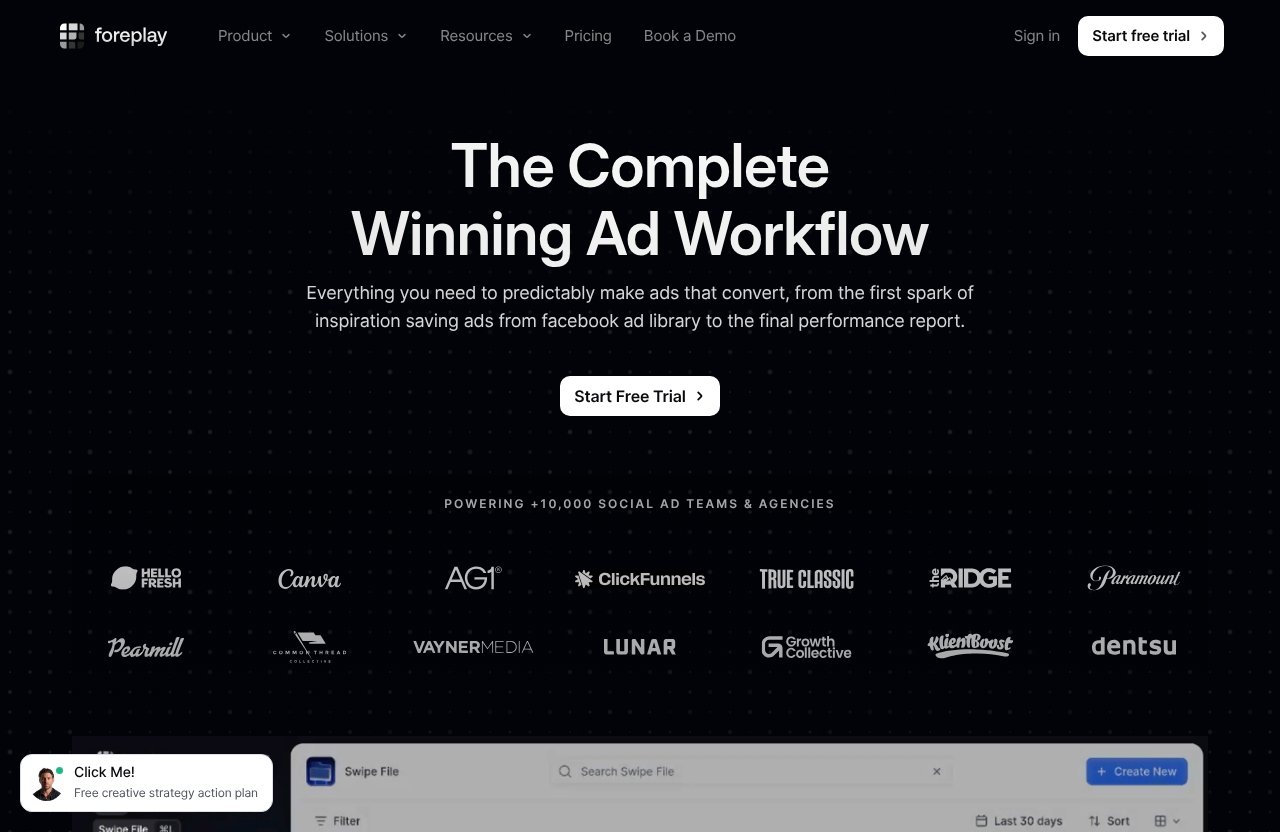
Foreplay positions itself as an end-to-end ad workflow platform. Its official product areas include Swipe File, Discovery, Spyder, Lens, and Briefs, with supporting extensions such as an API, Mobile App, Chrome Extension, and MCP.
In practical terms, Foreplay helps teams collect advertising examples, search a large pool of ads, organize inspiration, monitor competitor advertising, and turn findings into workable creative briefs. Foreplay analytics is therefore best understood as part of a broader creative intelligence workflow.
The platform’s Discovery product is described as an ad search engine with more than 100 million ads. That scale may be useful when a team needs references beyond the few ads it happens to encounter in a social feed.
Who Foreplay Is Built For
Foreplay appears designed for people whose work sits between paid media, creative strategy, and production. That includes agencies, in-house e-commerce teams, SaaS marketers, freelancers, and creators who need a repeatable way to research advertising and communicate what they find.
A media buyer may use it to collect competitor examples. A creative strategist may use the same library to identify recurring angles, hooks, or visual styles. A designer or editor can then receive a clearer brief instead of a loose collection of screenshots and links.
This workflow focus is important when assessing foreplay analytics reviews. The value is not only in looking at ads; it is in reducing the friction between research, analysis, feedback, and production.
Why People Search for “foreplay analytics”
Most people searching for foreplay analytics want to know whether the platform can reveal more than ad inspiration. They may want to understand what competitors are running, whether certain creative concepts appear to be working, or how their own ad performance can inform future briefs.
That question has a qualified answer. Foreplay includes Lens, which the official site describes as advertising analytics for creative teams. It also includes Spyder for tracking and analyzing competitor advertising around the clock, while Discovery supports broad ad research.
However, these products should not be confused with a full attribution platform. If your priority is deep conversion-path analysis, financial reporting, or channel-level measurement, Foreplay is likely one component of the workflow rather than the entire solution.
Does Foreplay Actually Offer Analytics?
Short Answer: Yes, but With a Specific Scope
Yes, Foreplay actually offers analytics, but its scope is creative analysis and advertising workflow rather than pure marketing measurement. The strongest use case is understanding creative patterns and converting that understanding into better ads, briefs, and team decisions.
That distinction matters. A dedicated analytics product typically centers on business outcomes, attribution models, and detailed performance reporting. Foreplay analytics centers more directly on the advertising creative itself: what is being run, what patterns emerge, and how a team can act on those observations.
For an experienced paid-social team, that can be highly practical. Creative research often becomes fragmented across folders, browser tabs, Slack messages, and personal swipe files; Foreplay aims to consolidate that work.
How Lens Fits Into the Analytics Stack
Lens is Foreplay’s explicit analytics component. The official homepage describes Foreplay Lens as advertising analytics for creative teams, which is a clearer claim than simply calling the platform an ad library.
The sensible way to view foreplay lens is as a bridge between creative performance information and creative decision-making. Instead of treating performance data as something only a buyer sees, Lens is intended to make it more useful to the people creating and approving ads.
That does not automatically mean Lens delivers every reporting view a large growth team might need. Before paying, I would test whether its available analysis answers your actual questions: which creative patterns deserve iteration, which ads should inform a brief, and whether the information is understandable to non-media specialists.
How Spyder and Discovery Support Analysis-Adjacent Research
Foreplay Spyder is described as tracking and analyzing competitor advertising 24/7. That makes it relevant to teams that need an ongoing view of competitor activity rather than occasional manual searches.
Spyder is not the same thing as verified competitor revenue, conversion, or spend reporting. Its core value is observing advertising activity and creative movement, which can help a team spot testing behavior, changes in messaging, or new campaign directions.
Discovery complements that process by functioning as an ad search engine. Together, these tools support foreplay ad research: discover examples, save relevant ads, organize them around an idea, and use the findings to guide creative development.
What Metrics and Signals Can You Track?
Creative Performance Patterns
The most useful signals in foreplay analytics are creative-oriented rather than finance-oriented. Official materials point toward identifying winning patterns and analyzing ad creative, which is usually more actionable for creative teams than a raw list of isolated metrics.
A “pattern” could mean a recurring opening style, product demonstration format, offer structure, customer scenario, or storytelling approach. The practical goal is not to copy an individual ad. It is to form a testable hypothesis, such as whether short product-first videos or founder-led stories consistently deserve further exploration.
This is where judgment still matters. A creative pattern may look compelling while performing poorly for a different audience, offer, brand position, or campaign objective. Treat the insights as research inputs, not universal proof.
Ad Hooks, Transcripts, and Content Themes
Creative teams often need to inspect what an ad says as much as what it shows. Foreplay’s creative-analysis positioning supports work around hooks, transcripts, and content themes, helping users group ads around messaging rather than only visual style.
For example, a skincare brand might save ads that open with a problem statement, social proof, expert commentary, or a product demonstration. A strategist can then compare the language and structure of each group before creating a new brief.
Used carefully, foreplay analytics can turn an unstructured swipe file into a more deliberate research system. The point is to identify repeatable creative ingredients—not to assume that a familiar hook will work without testing it in your own account.
Competitor Activity and Creative Testing Signals
Spyder can be useful for monitoring competitor advertising activity over time. If you see a competitor repeatedly producing new variations around one message or visual concept, that can be a signal that the direction matters to them.
It is still only a signal. You cannot safely conclude that an ad is profitable, scalable, or outperforming every alternative based solely on its presence. Teams should avoid presenting competitor observation as confirmed performance intelligence.
This is one limitation often missed in informal foreplay analytics reddit discussions and quick social-media reviews. Ad visibility can inspire useful questions, but it does not reveal the complete commercial picture behind a campaign.
Your Own Ad Account Data Inside Lens
Foreplay’s official positioning for Lens includes advertising analytics for creative teams, including analysis of your own performance data. This is potentially the most important part of the product for teams that want research connected to their real creative outcomes.
The useful workflow is straightforward: look at your own creative results through Lens, identify themes worth understanding, research similar approaches through Discovery or a saved swipe file, and then build a better brief for the next round of production.
Ask specific questions during a trial. Can your team quickly move from a performance observation to examples, notes, and a production-ready brief? If yes, foreplay creative analytics may save significant coordination time. If not, a more specialized reporting setup may be necessary.
How Teams Use Foreplay Analytics for Creative Research
Finding Winning Patterns Faster
In real paid-social work, research is usually not difficult because examples are unavailable. It is difficult because the examples are scattered and the reasoning behind them disappears once a campaign moves on.
Foreplay analytics gives teams a place to gather ads and organize observations around creative patterns. A buyer can save ads from competitor research, a strategist can tag or group them by concept, and a creative lead can review the collection without chasing links across multiple channels.
Foreplay’s Chrome Extension can support the act of saving examples while researching. The benefit is operational: useful references are captured closer to the moment they are discovered rather than getting lost in an open browser tab.
Turning Research Into Briefs
Research only creates value when it changes what a team makes. Foreplay includes Briefs, allowing teams to move from a collection of ads and observations toward a clear creative direction.
A simple workflow might look like this:
| Step | Team Action | Practical Output |
|---|---|---|
| Research | Search ads and monitor competitors | Relevant examples and references |
| Organize | Save ads into a swipe file by theme | A focused creative collection |
| Analyze | Review patterns, messaging, and performance context | Testable creative hypothesis |
| Brief | Build a brief around the selected direction | Clear production guidance |
| Share | Align buyers, creatives, and clients | Faster feedback and fewer misunderstandings |
This is the strongest commercial case for foreplay analytics. It does not merely provide information; it can help a team make the information usable in its creative process.
Sharing Wins With Media Buyers, Creatives, and Clients
Media buyers and creatives frequently talk past each other. Buyers may say that a concept needs more iterations, while creatives need a concrete explanation of what to retain and what to change.
Foreplay can give both sides a shared reference point. Instead of “make more UGC-style videos,” a brief can show specific examples, identify the hook or structure to test, and clarify the customer problem the ad should address.
Clients can benefit too, especially when they need a more transparent view of why a creative recommendation is being made. The platform will not eliminate subjective debate, but organized research makes recommendations easier to defend.
Using MCP and AI Workflows for Faster Questions
Foreplay also mentions MCP, which can let users query Foreplay intelligence through MCP-compatible tools such as Claude, ChatGPT, Cursor, or other compatible applications. This is an interesting extension for teams already using AI in their research process.
The sensible expectation is faster access to stored intelligence, not automatic strategy. You might ask for examples associated with a recurring creative theme or request a summary of research already held in the platform.
I would not buy foreplay analytics solely for MCP. But for a team with a growing internal library and an established AI workflow, it could reduce the time spent manually retrieving context.
Official website · Latest pricing & offers
Foreplay Analytics vs. Research Tools: The Honest Limitations
What Foreplay Is Strong At
Foreplay is strongest where creative research meets collaboration. Its product mix—Swipe File, Discovery, Spyder, Lens, and Briefs—fits teams that need one environment for inspiration, competitor observation, creative analysis, and communication.
It can be especially helpful when the current process relies on scattered folders, screenshots, spreadsheets, and personal knowledge. Bringing that work into a shared system creates a more repeatable research habit.
This is why many foreplay analytics reviews focus on workflow efficiency rather than a single headline metric. The real return can come from faster ideation, clearer briefs, and less duplicated research.
Where Dedicated Analytics Tools May Be Better
Foreplay is not positioned as a dedicated attribution platform. Teams that need deep attribution, highly granular business reporting, or advanced performance dashboards should expect to use another analytics stack alongside it.
The same caution applies to spend-based competitive intelligence. Spyder supports tracking and analyzing competitor advertising, but observing competitor activity is not the same as confirming their spend, sales, profitability, or attribution outcomes.
There is no problem with using multiple tools. A mature workflow can use Foreplay for creative intelligence and an established reporting system for broader media and business performance measurement.
When Foreplay Is the Wrong Fit
Foreplay is probably the wrong fit if you do not produce or test advertising creative regularly. A small business running occasional campaigns may not receive enough value from a structured research workflow to justify a subscription.
It may also be a poor match for teams that only want a pure dashboard of marketing results. If nobody will save ads, review patterns, create briefs, or share insights, foreplay analytics will be underused regardless of its capabilities.
When comparing foreplay alternatives, start with the workflow problem rather than the feature checklist. Do you need better creative research and collaboration, or do you primarily need performance reporting? The answer should guide the purchase.
Foreplay Pricing in 2026
Basic Plan
The official Foreplay pricing page lists the Basic plan at $59 per month. It includes one user, with additional users priced at $20 each.
Basic includes Swipe File, Discovery, Briefs, Spyder, Lens, API Access with 10,000 credits, and MCP. For an individual marketer or a small team testing a structured foreplay ad intelligence process, this is the most logical starting point.
Workflow Plan
The Workflow plan is listed at $175 per month and includes up to five users. Additional users cost $20 each.
According to the official pricing page, Workflow includes Swipe File, Discovery, Briefs, Spyder for 15 brands, Lens for one brand with unlimited ad spend, API Access, and the same platform ecosystem. This plan makes more sense for agencies or collaborative in-house teams that need multiple people involved in research and briefing.
Free Trial Details
Foreplay offers a 7-day free trial, with no credit card required. That is the best way to evaluate whether the platform fits your team’s real process rather than relying on promotional claims or isolated foreplay analytics reviews.
During the trial, use a genuine campaign question. Save ads, build a swipe file, research a competitor through Spyder, test Lens with your own data where applicable, and create one brief that a creative teammate can actually use.
Readers should note that toptrustreview.com may earn a commission if you choose to subscribe through this Foreplay link. That affiliate relationship does not change the central recommendation: validate the workflow during the free trial before paying.
Monthly vs. Annual Positioning
Foreplay’s pricing page provides monthly and annual billing options. Annual billing is described as saving 15% plus unlimited Spyder.
The right billing choice depends on adoption, not just the percentage saved. If your team has not yet proven that it will consistently use the platform for research and briefs, starting with a monthly option can be the more cautious decision.
Who Should Consider Foreplay for Analytics Workflows?
Agencies
Agencies are a strong potential fit because they often need to research across brands, present creative evidence, and keep media buyers and production teams aligned. Spyder’s competitor-advertising focus and the Briefs workflow can be particularly relevant in this environment.
Foreplay analytics can also help agencies create a clearer audit trail from observed creative patterns to recommended testing directions. That does not guarantee better results, but it can make the strategic process more coherent.
E-commerce and Retail Teams
E-commerce and retail brands usually operate in creative-heavy environments where new offers, product angles, and ad formats require constant testing. These teams can use Foreplay to save examples, study content themes, and create organized references for new concepts.
The practical value increases when multiple people contribute to creative decisions. A shared platform is more useful than a private swipe file when buyers, designers, creators, and brand leads all need to work from the same evidence.
B2B/SaaS Marketers
B2B and SaaS teams can use Foreplay for message research, customer-problem framing, product demonstrations, and ad-angle exploration. Discovery may help them find examples outside their immediate competitor set, while Lens can connect their own creative learning to future briefs.
The platform may be less critical for a company with very limited paid acquisition activity. But for teams actively testing paid creative, the organization and research layers can be valuable.
Freelancers and Creators
Freelancers and creators may benefit from a more disciplined swipe-file and briefing process. It can make client recommendations feel less subjective and provide a structured place to store ideas across projects.
The main question is financial fit. At the listed foreplay pricing 2026 levels, an individual should make sure the platform saves enough time or improves enough client work to support the recurring cost.
How to Decide If Foreplay Is Worth It
Best for Creative Research Workflows
Foreplay is worth considering if creative research is already a recurring part of your week and your current process feels disorganized. Its main advantage is combining ad discovery, saving, competitor monitoring, and analysis in a workflow built for advertising teams.
The platform is not a shortcut to discovering a guaranteed winning ad. It is a system for making creative research more consistent, more searchable, and easier to turn into action.
Best for Collaboration and Briefing
Foreplay is also a good fit when the handoff from media insights to creative production is weak. Lens, Swipe File, and Briefs can support a more connected process, where ideas are linked to examples and observations rather than passed along as vague requests.
For teams that repeatedly lose context between buyers and creatives, this can be more valuable than another standalone research tool. The benefit comes from shared understanding, not from data volume alone.
Best for Teams That Need an Ad Workflow System
My verdict on foreplay analytics is measured: it is a credible option for creative teams that need advertising research, creative analysis, competitor observation, and collaboration in one system. Lens gives Foreplay a real analytics component, while Spyder and Discovery strengthen the research side.
It is not the right purchase for someone seeking a replacement for deep attribution or a pure business-performance dashboard. Use the 7-day, no-credit-card trial to test a real workflow, then decide whether Foreplay improves the way your team finds patterns, builds briefs, and produces better-informed creative.
Official website · Latest pricing & offers
FAQ
Does Foreplay have analytics?
Yes. Foreplay includes Lens, which its official homepage describes as advertising analytics for creative teams. Spyder and Discovery also support competitive research and analysis-oriented creative work.
What can you track in Foreplay?
Official materials highlight creative patterns, competitor advertising activity, ad-content analysis, and your own performance data through Lens. The platform is most useful for understanding creative signals and organizing research, not for replacing every type of marketing measurement.
Is Foreplay an analytics tool or a swipe file tool?
It is both, but its core identity is an ad workflow platform. Foreplay combines saving and organizing ads with discovery, competitor tracking, creative analysis, collaboration, and briefs.
How much does Foreplay cost in 2026?
The official pricing page lists Basic at $59 per month and Workflow at $175 per month. Foreplay also offers a 7-day free trial with no credit card required, while annual billing is positioned as saving 15% plus unlimited Spyder.
Who is Foreplay best for?
Foreplay is best for agencies, e-commerce and retail brands, mobile app teams, B2B/SaaS marketers, freelancers, and creators who regularly research ads and collaborate on paid-social creative. It is particularly relevant where a team needs a better system for turning ad research into briefs and testing ideas.
Related Reading
References
- Foreplay Official Homepage
- Foreplay Pricing
- Foreplay.co – LinkedIn
- Are MotionApp or Foreplay any good? : r/FacebookAds – Reddit