How Does Systeme.io Pay You? Affiliate Payouts, Setup, and Timing Explained
If you are wondering how does systeme.io pay you as an affiliate, the direct answer is simple: affiliate commissions are paid through PayPal or wire transfer. To receive a payment, you need to complete your profile, add a valid payment method in your affiliate settings, and reach the $30 minimum payout threshold.
Systeme.io processes qualifying affiliate commissions monthly on the 10th. This guide explains how does systeme.io pay you in practical terms, including the setup path, timing, tracking rules, and common reasons a payment may not arrive as expected. The payout details below are based on Systeme.io’s official affiliate program and help documentation.
Official website · Latest pricing & offers
Quick answer: how Systeme.io pays affiliates
Short summary of payout method
Systeme.io pays affiliate commissions by PayPal or wire transfer. The payment method you receive depends on the option you select and complete inside your Systeme.io affiliate dashboard.
If you want to try the platform while learning the program, you can sign up for Systeme.io for free. The account is free forever, does not require a credit card, and joining the affiliate program does not require an application or purchase.
| Payout detail | Official program information |
|---|---|
| Payment methods | PayPal or wire transfer |
| Minimum payout | $30 |
| Payout schedule | Monthly |
| Processing date | The 10th of each month |
| Commission model | 60% lifetime recurring commissions on sales and courses |
When commissions are processed
Systeme.io commissions are processed monthly on the 10th. In other words, the answer to how does systeme.io pay you is not “immediately after every sale”; it is a scheduled monthly affiliate payment process.
The official affiliate program states that payouts are processed on the 10th of each month. You should therefore make sure your payment details and profile information are ready before that monthly processing date.
What you must set up first
Before you can receive a systeme.io affiliate payout, complete two essentials:
- Your affiliate profile information.
- Your PayPal or wire transfer payment method.
A commission can appear in your dashboard, but an incomplete profile or missing payment setup can prevent a successful payment. It is best to set up your details before you begin sharing referral links, rather than waiting until you have earned commissions.
What the official affiliate program says
Commission rate and lifetime recurring model
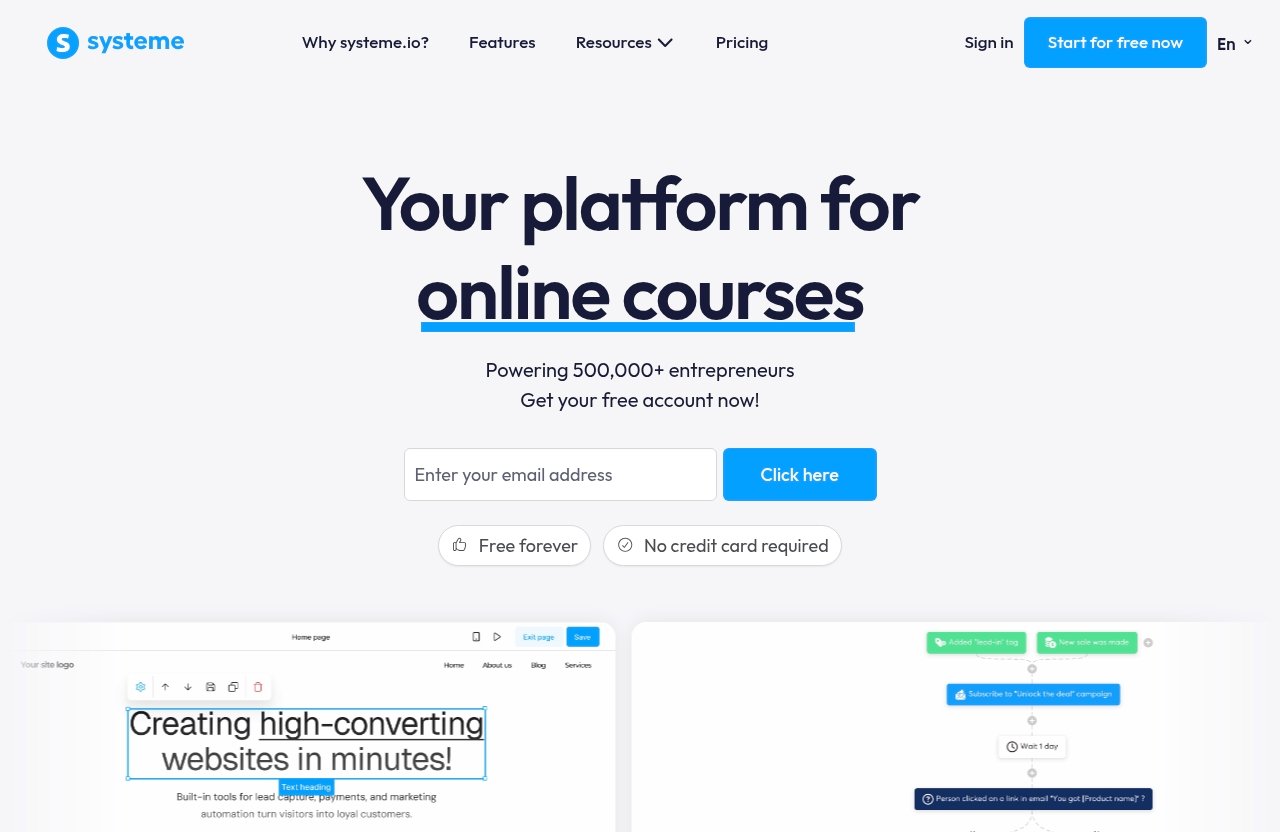
The official Systeme.io affiliate program offers 60% lifetime recurring commissions on sales and courses. “Lifetime” refers to the platform’s permanent referral tagging model: once a referral is attributed to you, the affiliate relationship is designed to remain attached to that referral.
This is a major part of how does systeme.io pay you over time. Rather than limiting earnings to a single initial transaction, the program’s stated model includes recurring commissions on eligible sales and courses connected to your referred customer.
For creators publishing tutorials, bloggers writing product comparisons, and marketers building evergreen traffic, this model can be more meaningful than a one-time commission structure. Still, it is important to view recurring commissions as performance-based: you earn when referred customers make qualifying purchases.
Who can join the program
Systeme.io states that its affiliate program is free to join. There is no application requirement and no need to purchase a plan before becoming an affiliate.
That makes the entry process beginner-friendly. You can create a free account, access the affiliate program, and begin learning how your links, tracking, commissions, and payment settings work without committing to a paid subscription.
Systeme.io describes itself as an all-in-one platform for sales funnels, email marketing, online courses, selling online, and blogging. Its official pages also mention more than 500,000 entrepreneurs using the platform and over $5 million in affiliate commissions paid.
What you can promote
According to the official affiliate program information, affiliates can promote Systeme.io plans and courses. The visible plan names on the official pricing page are Free, Startup, Webinar, and Unlimited.
The pricing page also refers to monthly billing, annual billing with two months free, and free migration. However, specific plan prices are not included here because payout decisions should be based on confirmed, current information rather than assumptions.
For content angles, see our guides to [Systeme.io for Solopreneurs](/systeme-io-for-solopreneurs), [Best Systeme.io Features for Beginners](/best-systeme-io-features-for-beginners), and [Systeme.io for Digital Products](/systeme-io-for-digital-products). These topics can help affiliates explain the product to an appropriate audience rather than promoting it too broadly.
How payout timing works
Monthly payout schedule
Systeme.io uses a monthly affiliate payout schedule. The official program information says commissions are processed on the 10th of every month, provided that your account is eligible for payment.
When considering how does systeme.io pay you, distinguish between earning a commission and receiving funds. A tracked commission may show in your account, while the actual payment follows the platform’s monthly processing schedule.
10th-of-the-month processing
The key date is the 10th. Systeme.io commissions are paid on the 10th as part of the monthly payment process.
For example, if you are approaching the monthly payout date, check your payment setup before the 10th rather than afterward. This simple habit reduces the chance that a correct commission balance is held up by missing account information.
Why payment timing may vary
Systeme.io processes commission payments on the stated monthly date, but receipt timing can vary after the payment is sent. PayPal and banks may have their own processing timeframes.
The safest approach is to focus on the items within your control: meet the systeme.io minimum payout, complete your profile, and use correct payment details. If you use wire transfer, confirm the required bank information carefully because formatting errors can interfere with processing.
How to set up your payment method
Add PayPal in your dashboard
The official Systeme.io help instructions give a clear path for payment setup:
- Log in to your Systeme.io account.
- Select your profile picture.
- Open Settings.
- Choose Affiliate commissions payment settings.
- Select Choose payment method.
- Choose PayPal.
- Enter the email address associated with your PayPal account.
That is the official systeme.io affiliate commission setup route. Use the PayPal email connected to the account where you want to receive your commission payment, and review it for spelling mistakes before saving.
A systeme.io PayPal payout is practical for affiliates who prefer to avoid entering bank-transfer fields. According to the official help information, PayPal covers all currencies, unlike wire transfer, which requires a separate payment method for each currency earned.
Add wire transfer details
To set up a systeme.io wire transfer, follow the same dashboard path:
Profile picture > Settings > Affiliate commissions payment settings > Choose payment method
Then select wire transfer and enter your requested bank details. Complete every required field accurately, since bank transfers depend on exact payment data.
One especially important official instruction concerns SWIFT codes. If you use SWIFT, the code must contain exactly 11 characters. When your bank provides an eight-character code, add XXX to the end to create the required 11-character format.
For example:
| Bank-provided SWIFT format | What Systeme.io requires |
|---|---|
| 8 characters | Add XXX at the end |
| 11 characters | Enter it as provided |
Wire transfer also requires a separate payment method for every currency earned. This is a detail worth checking if you promote Systeme.io to audiences in multiple markets.
What to do after setup
After you save your payment method, return to your affiliate settings and review the information. Verify your PayPal email or banking details, then make sure your broader profile is complete.
This is the most practical part of learning how does systeme.io pay you: do not assume that generating a referral link alone is enough. Your tracking, profile, payout method, and commission balance all need to align before the monthly payment can be processed.
Official website · Latest pricing & offers
Common reasons affiliates don’t get paid on time
Missing profile information
An incomplete profile can block a systeme.io affiliate program payment. If required account information is missing, Systeme.io may not have what it needs to process the payout.
Review your profile before the monthly payment date, especially if you created your account quickly just to start promoting. A few minutes of account housekeeping can prevent unnecessary payout delays.
No confirmed payment method
If you have not selected PayPal or wire transfer in Affiliate commissions payment settings, there is nowhere for Systeme.io to send your funds. This is one of the most common practical answers to questions about how does systeme.io pay you when a commission has appeared but no payment has arrived.
Choose one payment method and ensure the information is correct. If you change PayPal accounts or banking details later, update your Systeme.io settings promptly.
Minimum payout not reached
The official systeme.io minimum payout is $30. If your eligible commission balance is below $30, you have not reached the stated threshold for a monthly payment.
This is not a lost commission. It simply means you need to continue earning until the balance meets the minimum required amount. Check your dashboard regularly so you understand whether you are approaching the threshold before the 10th.
Wire transfer data errors
Wire transfers require more data than PayPal, so there are more places for a mistake to occur. Incorrect bank details, incomplete fields, or the wrong SWIFT format can create payout problems.
Pay special attention to the official SWIFT rule: the code must be exactly 11 characters. If your bank gives you an eight-character SWIFT code, add XXX to the end. Also remember that wire transfer requires separate payment settings for each currency earned.
How affiliate tracking affects payouts
Lifetime attribution
Systeme.io’s official affiliate model uses lifetime attribution. A referral is tagged permanently to the affiliate who referred them, which supports the 60% lifetime recurring commission structure on sales and courses.
This permanent tagging is central to how does systeme.io pay you as an affiliate. Your commissions depend on sales being properly connected to your referral relationship, so long-term attribution can matter more than short promotional campaigns alone.
Last-cookie model
The official information describes referrals as permanently tagged, rather than relying on a short, temporary tracking period. In practical terms, that means the affiliate relationship is designed to remain associated with the referral after the initial visit.
Avoid making claims beyond the official wording about specific cookie durations, cross-device behavior, or every possible customer journey. The key verified point is lifetime attribution through permanent referral tagging.
Why tracking matters for earnings
Tracking determines whether a qualifying sale is attributed to your affiliate account and can later become part of a systeme.io commission payment. Use your correct affiliate link consistently in blog posts, videos, emails, and social content.
It also helps to create content that matches user intent. For instance, someone researching [Systeme.io for Coaches](/systeme-io-for-coaches) may need different guidance than someone looking for a course platform or an email marketing tool.
Is Systeme.io affiliate pay worth it?
Who this payout model suits
The Systeme.io payout model can suit bloggers, content creators, review publishers, educators, and affiliate marketers who want to recommend a tool they can explain clearly. The platform’s range of uses—funnels, email, courses, online selling, and blogging—provides several legitimate content angles.
The free account also lowers the barrier for people who want to explore the platform before recommending it. If that approach suits you, you can use our Systeme.io affiliate link to create a free account; we may earn a commission if you later make a qualifying purchase, at no added cost to you.
Pros of monthly recurring commissions
The strongest official benefit is the 60% lifetime recurring commission model on sales and courses. Long-term recurring commissions can be attractive for evergreen articles, product tutorials, and audience-building strategies.
The $30 threshold is also straightforward. You know the stated level needed before a payout can be processed, and you know that the standard payment date is the 10th of each month.
Limitations to consider
The model is not an instant-payment arrangement. You need to wait for monthly processing, meet the threshold, and keep your payout details accurate.
Wire transfer users also have extra administrative work, including currency-specific payment methods and correct SWIFT formatting. The best fit is therefore an affiliate willing to treat payment setup as a real part of their marketing workflow, not an afterthought.
Step-by-step checklist to get your first payout
Join the affiliate program
- Create a Systeme.io account.
- Join the affiliate program for free.
- Remember that no application or purchase is required.
This is the starting point for anyone asking how does systeme.io pay you for referrals. You cannot receive affiliate commissions until you have an account connected to the program.
Generate your affiliate link
- Access your affiliate area.
- Find and copy your unique affiliate link.
- Use it in relevant content where readers can make an informed choice.
Avoid sharing links without context. Helpful tutorials, comparison articles, and beginner guides tend to create a better reader experience than generic promotional posts.
Make at least one sale
- Promote Systeme.io plans or courses using your referral link.
- Make sure your content accurately describes the platform.
- Check that commissions appear in your affiliate dashboard when qualifying sales occur.
Systeme.io’s lifetime attribution model means referred customers are permanently tagged to you. That tracking is the foundation for commission attribution.
Add payment details
- Go to Profile picture > Settings > Affiliate commissions payment settings.
- Choose PayPal or wire transfer.
- Enter your PayPal email or bank details.
- Review your profile for missing information.
For a wire payment, ensure your SWIFT code is exactly 11 characters. Add XXX if your bank supplies only eight characters.
Wait for the monthly payout date
- Confirm that your commission balance meets the $30 threshold.
- Keep your payout method active and accurate.
- Watch for monthly processing on the 10th.
This checklist answers how does systeme.io pay you in the order that matters: join, share your link, earn commissions, configure payments, meet the threshold, and wait for the monthly processing date.
Official website · Latest pricing & offers
FAQ
Does Systeme.io pay monthly?
Yes. Systeme.io processes affiliate commissions monthly on the 10th of each month. To receive payment, your profile and payment method should be complete, and you must meet the minimum payout requirement.
What is the minimum payout?
The official Systeme.io affiliate page states that the minimum payout threshold is $30. If your available commission balance is below $30, it will not qualify for the monthly payout process yet.
Does Systeme.io pay through PayPal?
Yes. Systeme.io pays affiliates through PayPal or wire transfer. For PayPal, enter the email address associated with your PayPal account in the affiliate commissions payment settings.
How do I add bank details for wire transfer?
Go to your profile picture, select Settings, open Affiliate commissions payment settings, and choose wire transfer. Enter the requested bank details, remembering that wire transfer requires a separate payment method for each currency earned.
If you provide a SWIFT code, it must be exactly 11 characters. Add XXX to the end if your bank gives you an eight-character code.
Why was my payment not sent?
Common reasons include an incomplete profile, no confirmed payment method, a commission balance below the $30 threshold, or incorrect wire transfer details. Review your affiliate dashboard and payment settings before the next monthly processing date.
In short, how does systeme.io pay you as an affiliate? Through PayPal or wire transfer, processed monthly on the 10th, once your account setup is complete and your commission balance reaches at least $30.
References
- How the systeme.io affiliate program works
- Affiliate program
- How to add a method for receiving commissions