Tally Review 2026: Honest Pros and Cons

Official website · Latest pricing & offers
Tally Review 2026: Quick Verdict
This tally review finds that Tally is an excellent option for creators, marketers, and small teams that want to build polished forms without dealing with a complicated drag-and-drop interface. Its document-style builder is fast to understand, the free plan is unusually generous, and the core feature set covers far more than basic contact forms.
Tally is especially compelling for simple to moderately complex forms, including surveys, quizzes, lead-generation forms, payment forms, applications, and file-upload requests. The main trade-off is that teams needing deeper branding control, collaboration, analytics, and administrative tools will eventually need a paid plan.
Who Tally is best for
Tally works best for solo creators, freelancers, marketers, startup teams, and small businesses that need to publish forms quickly. If you already enjoy working in a Notion-style environment, the typing-first approach should feel intuitive rather than restrictive.
This tally review also rates the platform highly for users who want useful automation without technical overhead. Native connections for Google Sheets, Notion, Airtable, Zapier, Make, and webhooks make it practical for collecting and moving information into existing workflows.
Who should skip it
Tally may not be the right choice for organizations that require highly specialized enterprise workflows, extensive internal governance, or deep visual customization from the start. While the paid plans add more control, the product’s appeal is rooted in simplicity rather than complexity.
Users who must remove branding, use a custom domain, collaborate extensively, monitor drop-offs, or manage data retention policies should factor Pro or Business costs into their decision. That does not make Tally poor value; it simply means the free plan is not intended to solve every advanced requirement.
Bottom-line summary
The short version of this tally review is that Tally offers exceptional value for straightforward and moderately advanced form creation. The free plan can be enough for many real projects, while Pro and Business make sense when branding, analytics, collaboration, and administration become more important.
If you want a free, simple, privacy-friendly form builder, it is reasonable to explore Tally here. Upgrade only when the paid features solve a clear operational need.
What Is Tally?
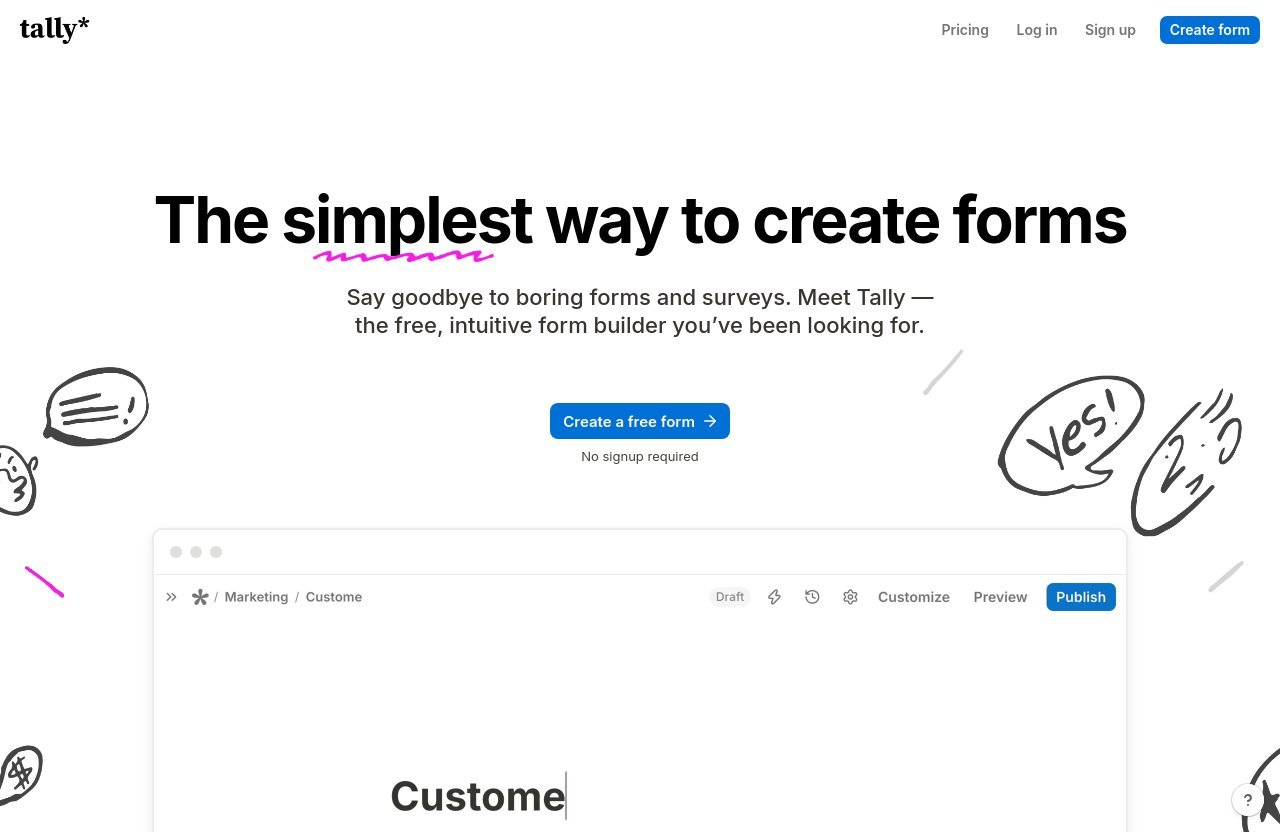
Tally is a privacy-friendly online form builder designed around a text-document-style editing experience. Instead of beginning with a traditional canvas full of draggable elements, users can type into a form like they would write a document and add form blocks as needed.
In practical terms, this tally review sees Tally as a flexible tool for collecting information rather than just creating contact forms. It supports forms, surveys, quizzes, lead capture, payments, signatures, and file uploads.
How Tally works
Tally lets users begin creating a form without signing up first, which removes a common barrier when you simply want to test an idea. You can build a structure, add questions and content, then publish when it is ready.
The free plan includes unlimited forms and unlimited submissions, subject to fair usage guidelines. That makes Tally particularly attractive for users who do not want to calculate submission limits before launching a campaign, survey, or registration form.
Why its doc-style editor stands out
The defining feature in most Tally forms review discussions is the document-like editor. You create content by typing, adding blocks, and organizing questions in a way that feels closer to drafting a page than assembling a technical interface.
For many users, that simpler mental model can be faster than a traditional drag-and-drop form builder. It is especially useful when a form needs explanatory text, a welcoming introduction, detailed instructions, or a mix of structured questions and long-form content.
Main use cases
Tally can support a broad range of practical tasks: collecting leads, accepting event registrations, gathering customer feedback, handling applications, running quizzes, and requesting files. Payments and signatures also expand its usefulness for creators and service businesses.
This tally review would not frame Tally as a niche survey tool. Its feature mix makes it suitable for public-facing marketing forms and internal data-collection processes alike.
My Hands-On First Impressions
This section reflects a review-style evaluation of Tally’s documented workflow and product positioning rather than a claim of personal account testing. Based on the official feature set and the way the builder is designed, the strongest first impression is low friction.
The interface appears intentionally focused: the goal is to get from an idea to a usable form without forcing users through a long setup sequence. That focus is a meaningful advantage for non-technical teams.
Setup speed
A major strength highlighted in this tally review is the ability to start without signing up. For a marketer validating a campaign idea or a creator drafting an intake form, that immediate access can remove unnecessary delay.
The document-style workflow also reduces the time spent arranging visual components. Instead of repeatedly moving elements around a canvas, users can concentrate on the question order, wording, and completion experience.
Interface and learning curve
Tally’s interface is likely to feel familiar to people who use modern document tools. The learning curve should be gentle because the workflow emphasizes writing and adding blocks rather than navigating a dense library of controls.
That does not mean every advanced feature is instantly obvious. Conditional logic, calculations, integrations, and custom settings require deliberate configuration, but the core process of making a functional form remains approachable.
Form-building workflow
The Tally form builder workflow suits forms that need to read naturally from top to bottom. Users can include context before a question, guide respondents through a process, and use conditional logic to show more relevant paths.
In this tally review, that is the central distinction: Tally prioritizes a clean writing experience. For users who find traditional builders visually busy, that can make form creation feel faster and less intimidating.
Tally Features Worth Knowing
Tally’s feature list is more substantial than its minimalist interface initially suggests. The free plan already includes many functions that other form users would reasonably expect to pay for, though advanced branding and administration remain paid-plan considerations.
Conditional logic and calculations
Conditional logic and calculations are available on Tally’s free plan. These tools help create forms that adapt to a respondent’s answers, which is useful for qualification forms, service requests, quizzes, and multi-path applications.
For example, a lead form can ask follow-up questions based on a prospect’s selected service, while a quote-oriented form can use calculations to support a more structured response flow. This capability makes Tally suitable for more than simple one-page questionnaires.
Answer piping and hidden fields
Answer piping is included in Tally’s free offering. It allows responses to be reused within the form experience, helping create more contextual messaging and a smoother respondent journey.
A careful note for buyers comparing Tally alternatives: the verified product information provided for this review specifically confirms answer piping, but does not list hidden fields as an included feature. If hidden-field functionality is essential to your campaign tracking process, confirm its current availability directly with Tally before committing to a workflow.
Notifications, redirects, and integrations
The free plan includes self email notifications, a custom Thank You page, and redirect on completion. These options matter because a form is rarely the final step; you may want to notify yourself, provide next steps, or send users to a booking page or resource.
This tally review also finds the integration coverage practical for small teams. Tally supports Google Sheets, Notion, Airtable, Zapier, Make, and webhooks on the free plan, helping teams route submissions into the tools where they already manage leads and work.
Pro adds email notifications, custom email domains, premium integrations including Google Analytics and Meta Pixel, plus form visit analytics and drop-off analytics. Those additions are particularly relevant for teams optimizing marketing funnels.
Security and privacy
Tally positions itself as a privacy-friendly form builder. Official trust signals include GDPR compliance, hosting in Europe, no cookie-tracking, and encryption both in transit and at rest.
For businesses handling contact details, feedback, files, or application information, these points provide useful reassurance. Still, each organization should assess its own compliance responsibilities and data-handling requirements before using any form platform for sensitive information.
Official website · Latest pricing & offers
Tally Pricing Explained
Tally pricing is refreshingly easy to understand because there are three listed plans: Free, Pro, and Business. The important point is that the free tier is not merely a trial; it includes enough capability for many creators and small organizations to run real forms.
Free plan
For anyone asking, “is Tally free?”, the answer is yes. Tally’s free plan includes unlimited forms and unlimited submissions, subject to fair usage guidelines.
The free plan also includes payments, signatures, file uploads, custom Thank You pages, self email notifications, redirects on completion, conditional logic and calculations, duplicate-submission prevention, password protection, form closing by limit or date, answer piping, and support for more than 45 languages plus right-to-left languages.
This tally review considers the included integrations especially valuable. Free users can connect Google Sheets, Notion, Airtable, Zapier, Make, and webhooks, allowing a simple form to become part of a broader workflow without an immediate upgrade.
Pro plan
Tally Pro costs $24 per month and includes everything in Free. It adds the ability to remove Tally branding, use custom domains, collaborate, save partial submissions, and access advanced customization and custom CSS.
Pro also includes email notifications, custom email domains, customized link previews, workspaces and folders, unlimited uploads, form visit analytics, drop-off analytics, up to 30 days of version history, and premium integrations such as Google Analytics and Meta Pixel.
For many growing teams, Pro is the practical upgrade point. It addresses the needs that appear when forms become a visible part of a brand and when multiple people need to organize, analyze, and maintain them.
Business plan
Tally Business costs $74 per month and includes everything in Pro. Its explicitly listed additions are control over data retention, email verification, version history for up to 90 days, and additional Business features coming soon.
Business will be most relevant when data governance and verification requirements matter more than basic form-building features. It is not necessary for every business simply because they have a business; it is for teams with needs that match those additional controls.
Which plan offers the best value
For most individuals and early-stage teams, the free plan offers the strongest value. It has enough functionality to build lead forms, surveys, payment requests, file-collection forms, and basic automation workflows without a monthly commitment.
This tally review recommends Pro when professional presentation, team organization, advanced customization, analytics, or custom domains are meaningful priorities. Business is better viewed as a specialized option for organizations that require data-retention control, email verification, or longer version history.
Pros of Tally
Generous free plan
The free plan is one of Tally’s biggest advantages. Unlimited forms and submissions, within fair usage guidelines, combined with payments, signatures, uploads, logic, and integrations create a strong foundation for no-cost form building.
For a solo creator or lean marketing team, that can remove the pressure to upgrade before a form proves its value.
Fast and simple UX
The document-style approach is fast to learn and practical to use. It lets users focus on the content and flow of a form rather than spending time positioning every field.
This tally review sees this as a meaningful benefit for non-technical users. A clean, typing-first workflow can help teams publish sooner and iterate more confidently.
Modern design
Tally’s minimalist presentation can help forms feel clean and readable. The structure works particularly well for forms that combine instructions, questions, and rich context in one seamless page.
A simpler interface also reduces clutter for respondents. That can be valuable when your priority is making it easy for someone to complete a registration, request, or feedback form.
Useful advanced features
Conditional logic, calculations, answer piping, duplicate prevention, password protection, and form-close controls provide useful flexibility. These are features that make Tally viable for more intentional workflows, not only casual polls.
The availability of Google Sheets, Notion, Airtable, Zapier, Make, and webhooks gives teams multiple ways to operationalize submission data.
Privacy-friendly positioning
Tally’s GDPR compliance, European hosting, encryption in transit and at rest, and no cookie-tracking positioning are notable trust signals. For privacy-conscious users, that is a meaningful part of the product’s appeal.
Cons of Tally
Branding limitations on free plan
Tally branding cannot be removed on the free plan. If your form is a central customer-facing touchpoint, that may be a reason to move to Pro.
A custom domain is also a Pro feature. For businesses that want every public experience to align closely with their brand, this should be included in the Tally pricing calculation.
Advanced features behind paywall
The free plan is generous, but several important scaling features require Pro. These include collaboration, partial submissions, advanced customization, custom CSS, custom email domains, analytics, folders, workspaces, and extended paid capabilities.
This tally review does not consider that unusual, but buyers should be realistic about their future requirements. A free form may be enough today while a branded, team-managed workflow may require a paid plan later.
Not ideal for highly custom enterprise workflows
Tally is built around simplicity, which is not always ideal for highly customized enterprise processes. Organizations with complex governance requirements should carefully evaluate whether the listed Business features meet their needs.
Business provides data retention control, email verification, and up to 90 days of version history. However, prospective enterprise users should validate all mandatory requirements directly rather than assuming a lightweight builder will cover every specialized workflow.
Potential limits of the minimalist approach
The clean editor is a benefit, but it may feel less familiar to users who prefer a visual drag-and-drop canvas. Some teams may also want more design control from the beginning rather than upgrading for advanced customization.
That is the main balance in Tally pros and cons: the product removes complexity effectively, but some users genuinely need more of it.
Tally vs Typical Form Builders: What Makes It Different
Doc-style editor vs drag-and-drop
Traditional form builders often begin with a visual layout process. Tally starts with writing, which can make creating a conversational or content-rich form feel more natural.
This tally review finds the distinction important because it affects speed and usability. If you think in terms of questions, paragraphs, and logical flow, Tally’s approach may be more comfortable than arranging boxes on a page.
Free-plan generosity
At a high level, Tally stands out because the free plan includes unlimited forms and submissions under fair usage guidelines. It also includes practical functions such as payments, signatures, file uploads, conditional logic, calculations, and integrations.
That does not mean every user will prefer Tally over all Tally alternatives. The better choice depends on whether you value a simple document-style workflow and generous core features over a more traditional visual-building environment.
Best-fit scenarios
Tally is a strong fit for creator lead magnets, consulting inquiries, newsletters, event registrations, product research, customer feedback, and internal requests. It is especially appealing when speed, low friction, and a clean respondent experience matter.
For advanced brand management and funnel measurement, Pro is the more appropriate choice. For data retention controls and email verification, Business is the relevant option.
Real-World Use Cases for Tally in 2026
Lead generation forms
Marketers can use Tally for campaign landing-page forms, consultation requests, waitlists, and newsletter signups. Conditional logic can help ask different follow-up questions depending on the lead’s interests or needs.
Google Sheets, Airtable, Notion, Zapier, Make, and webhooks can then help route those leads into an existing process.
Customer feedback surveys
Customer feedback forms benefit from Tally’s clean, content-friendly layout. You can use explanatory text to frame questions, collect structured answers, and redirect respondents to a next step after completion.
This tally review also sees value in password protection and form-closing controls for time-sensitive or limited-access feedback requests.
Applications and registrations
Applications for coaching, freelance projects, communities, events, or programs often require more context than a basic contact form. Tally can collect long-form answers, file uploads, and signatures while using logic to tailor follow-up questions.
The ability to close forms by date or limit can be useful when registration periods or application caps are involved.
Checkout and payment forms
Tally supports payment collection on its free plan, making it relevant for simple checkout-style workflows. Creators may use this for paid registrations, service deposits, or other form-led payment requests.
Before launching a payment process, businesses should always review their own payment, tax, and customer-support requirements. The form itself is only one part of the overall transaction experience.
Internal team workflows
Small teams can use Tally for internal requests, intake forms, asset collection, feedback, and lightweight approvals. File uploads and integrations can reduce manual back-and-forth when submissions need to reach a shared workspace.
For teams needing collaboration, workspaces, folders, and more detailed form analytics, Pro is the more suitable tier.
Official website · Latest pricing & offers
FAQ
Is Tally really free?
Yes. Tally offers a free plan with unlimited forms and unlimited submissions, subject to fair usage guidelines. The free plan includes payments, signatures, file uploads, custom Thank You pages, self email notifications, redirects, conditional logic and calculations, duplicate prevention, password protection, answer piping, close-on-limit or date controls, 45+ languages and RTL support, plus Google Sheets, Notion, Airtable, Zapier, Make, and webhooks.
Is Tally trustworthy?
Tally provides several official trust signals: it is GDPR compliant, hosted in Europe, uses encryption in transit and at rest, and states that it does not use cookie-tracking. These are positive indicators, though each organization should independently assess whether the platform fits its own privacy and compliance obligations.
Why is Tally so cheap?
The value model is simple: Tally makes core form creation highly accessible through a generous free plan, while paid plans focus on advanced needs. Pro and Business add features such as branding removal, custom domains, collaboration, analytics, data-retention control, and email verification rather than restricting basic form creation.
Is it worth learning Tally?
Yes, for creators, marketers, small businesses, and lean teams that want a modern form builder with low friction. The learning curve is gentle because the doc-style workflow is straightforward, while advanced features remain available as your needs grow.
Final Verdict: Is Tally Worth It in 2026?
This tally review concludes that Tally is worth trying in 2026 for most creators, marketers, and small teams. It delivers a rare combination of a simple interface, capable form-building tools, strong free-plan value, and privacy-friendly positioning.
Best value for creators and small teams
Tally is at its best when you need to create a professional form quickly without adding unnecessary complexity. The ability to collect leads, feedback, payments, signatures, and uploads makes it versatile enough for many day-to-day business needs.
For teams that want a fast Notion-like builder rather than a traditional design-heavy tool, the value proposition is particularly strong.
When the free plan is enough
The free plan is enough when you need unlimited forms and submissions within fair usage guidelines, plus core tools such as logic, calculations, integrations, file uploads, signatures, and payments. It is a realistic long-term option for many basic and moderately advanced workflows.
This tally review recommends starting there if branding removal, custom domains, collaboration, advanced customization, and analytics are not essential yet.
When Pro or Business makes sense
Choose Pro at $24 per month when you need to remove Tally branding, use a custom domain, collaborate, access analytics, customize more deeply, or organize work with folders and workspaces. Choose Business at $74 per month when data retention control, email verification, and 90-day version history are required.
Overall, Tally is not the perfect fit for every enterprise-level workflow, but it is one of the more practical choices for users who want capable forms without needless friction.