
LALAL.AI Review 2026: Is This Stem Splitter Worth Paying For?
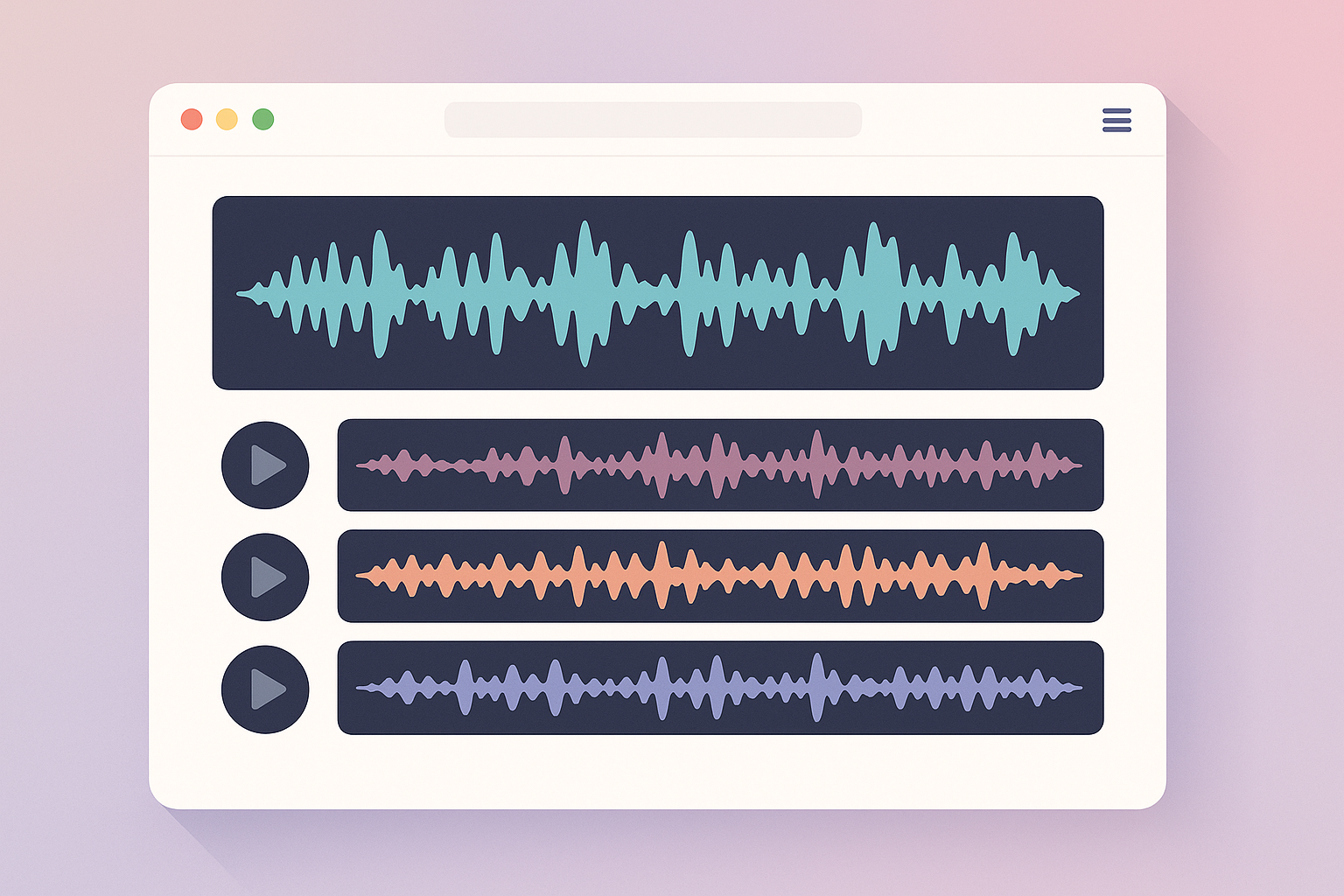
Quick Verdict: Is LALAL.AI Worth It in 2026?
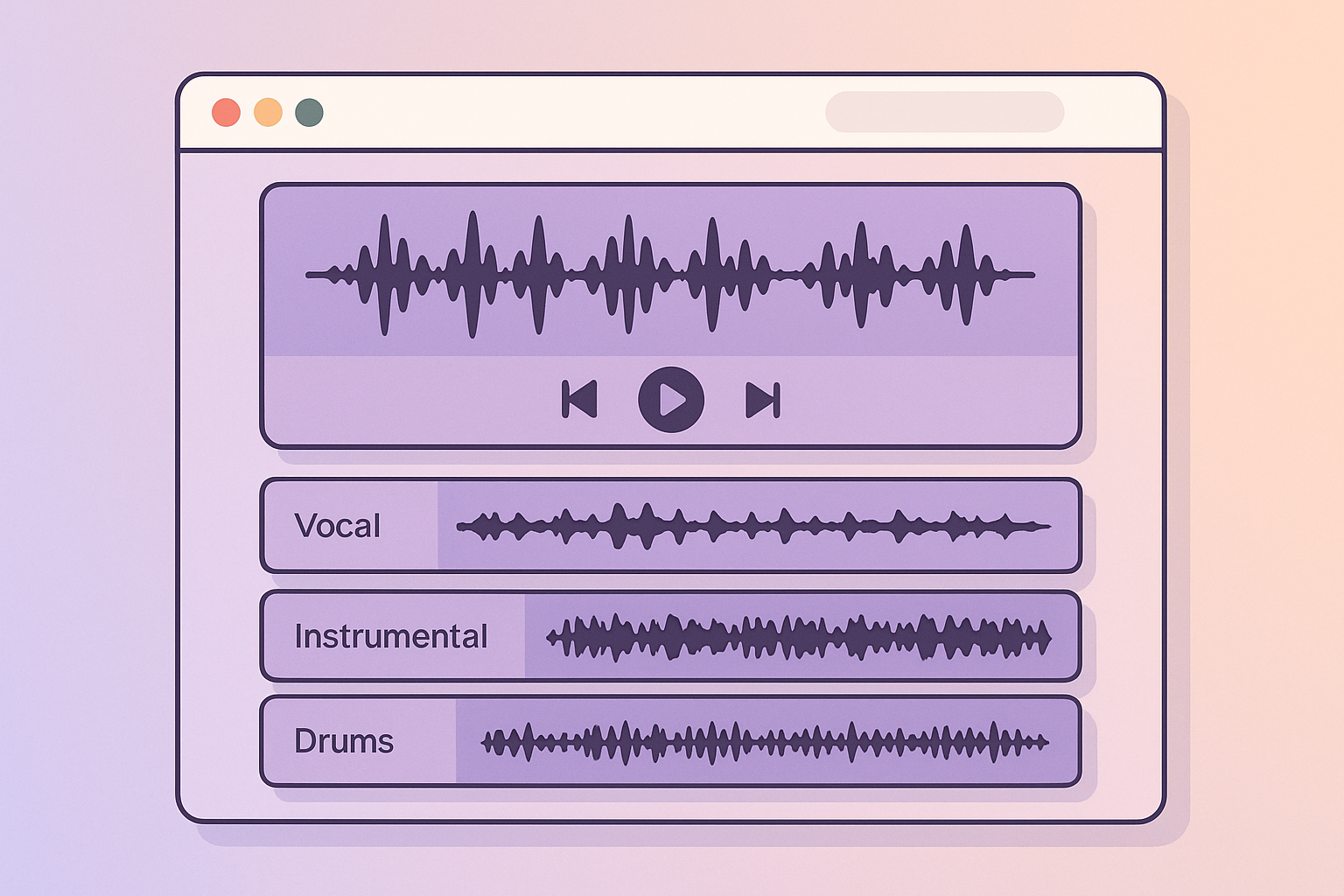
Who it is best for
LALAL.AI is best for people who want fast, browser-based stem separation without a steep learning curve. In my view, it stands out for musicians, remixers, karaoke creators, podcasters, and content creators who need clean-enough vocal removal or instrument isolation quickly.
It is especially appealing if you value convenience and want to test a track before buying. If you want to try it directly, the official site is here: LALAL.AI.
Who should skip it
Skip it if you need a full audio workstation, deep manual cleanup tools, or the cheapest possible option for lots of files. It is also not the best fit if you regularly work with very dense mixes, live recordings, or source material where phase issues, bleed, and reverb make separation difficult.
Heavy batch users may also prefer a subscription or a more production-oriented workflow. LALAL.AI is a specialist tool, not a replacement for a DAW or a full post-production suite.
Bottom-line verdict
For 2026, my lalal.ai review is straightforward: it is one of the better choices for quick, high-quality stem separation, especially when you care more about results than editing depth. It is worth paying for if you can confirm quality through previews on your own tracks.
If your workflow is occasional, test-driven, and focused on stems rather than full production, LALAL.AI makes a strong case. If you need advanced cleanup or constant batch processing, you should compare it with alternatives before committing.
What Is LALAL.AI?
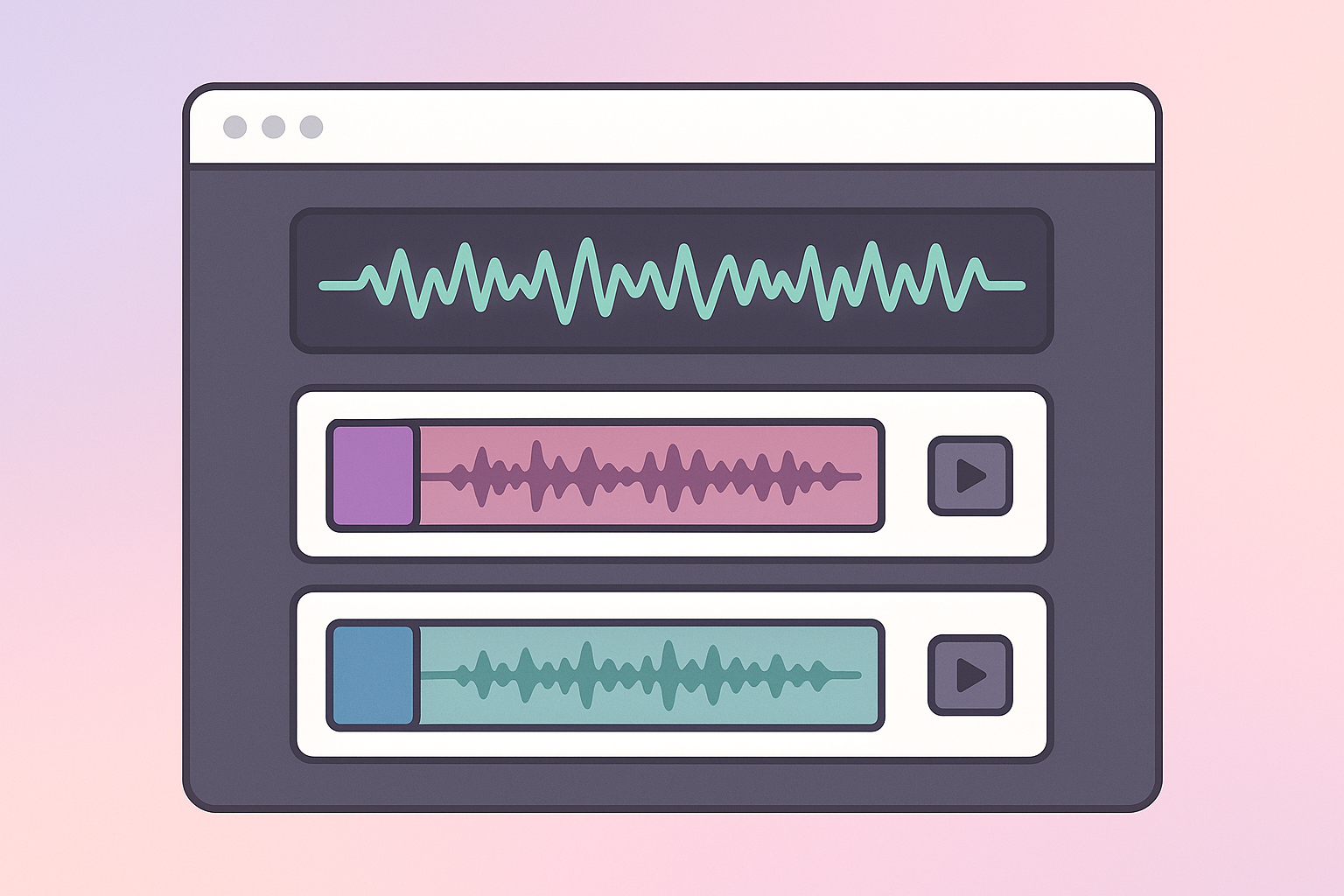
Core features and supported stems
LALAL.AI is an AI-powered stem splitter and vocal remover. In plain English, you upload an audio or video file and the service tries to separate it into parts such as vocals, drums, bass, guitar, piano, synth, and other instruments.
That makes it useful for tasks like karaoke creation, remix prep, acapella extraction, instrumental tracks, dialogue cleanup, and music stem separation AI workflows. It also has a noise remover function, which is handy for reducing background noise in some recordings.
The appeal is simple: instead of manually trying to EQ or phase-cancel parts of a mix, LALAL.AI does the separation for you in a few clicks.
How the web app and mobile app differ
The web app is the main experience and the one most users should evaluate first. It is built for fast uploads, previewing results, and exporting processed stems with minimal friction.
The mobile app is more of a convenience layer for lighter use. In practice, I would treat mobile as useful for quick checks, while the browser version is better for serious comparison work and repeatable production workflows.
What the free preview actually lets you test
The preview is the most important part of the buying process. You should use it to judge whether the separation is good enough for your own source material before paying.
A preview lets you hear how the model handles your specific track, including problem areas like reverb, bleed, overlapping frequencies, or cymbal-heavy sections. That matters because a tool can sound excellent on one song and only average on another.
If you are serious about buying, test a few representative tracks first: one clean vocal mix, one dense commercial track, and one difficult file with live drums or lots of ambience. That will tell you far more than marketing claims.
How Good Is LALAL.AI at Separation Quality?
Vocal isolation quality
LALAL.AI is generally strong at vocal isolation, which is the feature most buyers care about first. On cleaner modern mixes, it can produce vocals that are usable for remixing, practice, analysis, or content creation with relatively little fuss.
Where it tends to do well is in separating lead vocals from a fairly standard instrumental bed. In those situations, the output often sounds clean enough for karaoke tracks, educational use, and draft remix work.
The trade-off is that vocal quality can drop when the source has heavy reverb, doubled vocals, crowd noise, or instruments sharing a similar frequency range. That is where you start to hear artifacts, watery texture, or trace remnants of the music bed.
Instrument and stem extraction quality
For drums, bass, guitar, piano, synthesizer, and other stems, results are usually best when the mix is not overly crowded. Bass isolation is often easier than many other sources because it occupies a more specific range, but low-end bleed can still show up depending on the track.
Drums are often useful for practice stems and sampling, but cymbals and overheads can blur the result. Guitar and piano separation can be good on clearer arrangements, though shared harmonics with vocals or synths may leave leakage in the output.
Synth and “other” stems are more mixed. These categories can be helpful for production and analysis, but they are also where you should expect the most variability because so many instruments overlap in the same frequency space.
Artifacts, bleed, and difficult source material
This is where a realistic lalal.ai review 2026 needs to be honest. Like all AI stem splitters, LALAL.AI can struggle with bleed, phase weirdness, and residual artifacts when the mix is complex.
Common issues include:
- Vocal bleed left behind in instrumental stems
- Reverb tails that sound smeared or detached
- Cymbal hash or “watery” textures
- Swirling artifacts in dense choruses
- Phase-like oddities on sustained synths or guitars
These are not dealbreakers if your goal is fast separation rather than pristine mastering-grade restoration. But they matter if you plan to release the output commercially or use it in a professional edit. In those cases, the preview stage is essential.
How it compares in real-world use
From an E-E-A-T perspective, the most practical way to judge a tool like this is by use case, not by headline claims. In real workflows, LALAL.AI tends to be strongest when you need something usable quickly, especially for demoing ideas, making karaoke versions, extracting vocals for editing, or creating content clips.
User sentiment across review platforms and community discussions tends to follow the same pattern: people praise the convenience and quality on easier material, while complaints usually focus on difficult tracks, occasional artifacts, or expectations that the tool should do more than stem splitting. That split makes sense.
If you want a quick takeaway, think of LALAL.AI as a very capable first-pass separator, not a magic wand.
Hands-On Workflow and Ease of Use
Upload and preview process
The workflow is one of LALAL.AI’s biggest strengths. Uploading is straightforward, and the preview-first approach makes it easy to test a file before you commit to processing it fully.
That matters because stem separation is inherently source-dependent. A tool can look impressive in demos and still disappoint on your own recordings, so a fast preview process is a real buying advantage.
In practical terms, this is one of the reasons LALAL.AI often gets recommended in an ai vocal remover review context. You can hear the output early, then decide whether it is worth paying for the full separation.
Stem selection and output options
The interface is designed for speed, not technical complexity. You choose the stem type you want, upload the file, and review the result.
That simplicity helps users who do not want to navigate a large audio toolkit. It also keeps the experience focused on the core task: extract the stem, check the quality, and export if it meets your needs.
If you want deep editing, detailed restoration, or multitrack mixing controls, this will feel limited. But if your goal is one good split from a clean browser workflow, that limitation can actually be a strength.
Speed, file handling, and browser experience
The browser experience is easy to understand and generally efficient. LALAL.AI feels built for creators who want quick turnaround rather than a desktop-heavy workflow.
Export behavior is similarly straightforward: once a result is processed, you can download the separated files and move on. That means fewer steps between upload and output, which is exactly what many users want from a lalal.ai stem splitter.
For frequent users, the biggest workflow benefit is that you can test multiple tracks without having to commit to a complex setup. For occasional users, that simplicity can be the difference between actually using the tool and abandoning the job halfway through.
LALAL.AI Pricing Explained
How the pay-as-you-go model works
LALAL.AI uses a pay-as-you-go model rather than a traditional subscription-first setup. That can be a smart fit for buyers who do not need stem splitting every day.
The key idea is that you pay for processing capacity rather than signing up for ongoing monthly use. This is often more comfortable for people who only need a handful of tracks, or who want to avoid another recurring software bill.
That said, pricing can change, so you should verify the current numbers on the official website before publishing or buying. If you are comparing lalal.ai pricing against other tools, make sure you are looking at the latest plan structure and credit usage.
What you get for the price
What you get is essentially speed, convenience, and quality-focused separation in a simple web app. The value is strongest when the output saves you time you would otherwise spend trying to manually remove vocals or isolate instruments.
If you are evaluating whether is lalal.ai worth it, ask a practical question: how much would you pay to avoid hours of cleanup on one important track? For many users, that answer is enough to justify the cost.
The preview feature also improves value because it reduces the risk of paying for a bad fit. You are not buying blind, which is a major trust point for any separation tool.
Best value for light vs heavy users
For light users, the pay-as-you-go model is usually attractive. If you only need a few stem splits per month, you may find this more economical than paying for a full subscription platform.
For heavy users, the math depends on how often you separate stems and how many attempts you make before getting a usable result. If you regularly process large batches, the cost can add up faster than expected.
In other words, LALAL.AI is often a better value for targeted use than for high-volume operations. If you are a power user, calculate cost per usable output, not just cost per upload.
Pros and Cons
Top advantages
- Fast, browser-based workflow
- Strong results on many clean and moderate mixes
- Useful for vocals, drums, bass, and other common stems
- Preview-first testing reduces buying risk
- Convenient for karaoke, remixing, and content workflows
- Simple interface with minimal learning curve
Main drawbacks
- Not a full audio production environment
- Results can degrade on dense, effect-heavy, or live recordings
- Some stems may carry bleed, artifacts, or smeared transients
- Pricing can become less attractive for heavy batch users
- Output quality varies depending on the source track
Hidden trade-offs to know
The biggest trade-off is that convenience can mask limitations. A fast tool is only a win if the separation is good enough for your project.
Also, AI stem splitters are not all equally good on all material. If you rely on one service for every genre and recording type, you will eventually run into a track it cannot handle cleanly.
Who Should Use LALAL.AI?
Musicians and producers
LALAL.AI for musicians makes the most sense when you need quick reference stems, practice parts, or a rough starting point for editing. Producers can use it to isolate vocals, drums, or harmonics for remixes, sampling, and arrangement ideas.
It is especially useful when speed matters more than surgical precision. If you are working on demos, early-stage ideas, or content that can tolerate some artifacts, it is a strong fit.
Podcasters and content creators
Podcasters and content creators may use LALAL.AI for noise remover tasks, cleanup of legacy audio, or extracting voice from mixed recordings. It can be helpful when you have a usable source but need to improve clarity quickly.
That said, it is not a replacement for proper dialogue editing tools if you need advanced restoration. Think of it as a practical helper, not a full post-production package.
DJs, remixers, and hobbyists
For DJs and remixers, this is a strong candidate if you want to create acapellas, instrumentals, or mashup material without a complicated setup. Hobbyists also benefit from the low friction.
If your goal is to make karaoke versions or isolate a lead line for a personal project, LALAL.AI is often easier and faster than trying to build a manual workaround.
Users who need a noise remover
If your main concern is background noise reduction, LALAL.AI can be useful, but you should test the preview carefully. Some recordings respond well, while others may sound processed or incomplete after separation.
For noisy interviews, field recordings, or imperfect source material, the best approach is to test a sample before you buy. That advice applies to almost every lalal.ai noise remover use case.
LALAL.AI vs Alternatives
When LALAL.AI is the better pick
LALAL.AI is often the better choice when you want a simple, fast, quality-first workflow. It is especially strong if you want to preview a track and decide immediately whether the output is good enough.
It is also a good pick if you want a polished lalal.ai stem splitter experience without dealing with complex software settings. For many users, that ease of use is the real differentiator.
When a competitor may be better
A competitor may be better if you need deeper editing, more batch automation, a subscription bundled with other production tools, or a different separation model for a specific genre. Some alternatives also make more sense if you are working at scale or need a broader post-production environment.
If you are comparing lalal.ai alternatives, focus on your own workflow first. The right question is not “Which tool is best overall?” but “Which tool produces the most usable output for my tracks at the best total cost?”
What to compare before buying
Before buying, compare these points:
| Factor | Why it matters |
|---|---|
| Preview quality | Best way to judge your own tracks |
| Stem options | Determine whether your workflow is covered |
| Pricing model | Important for light vs heavy use |
| Speed | Matters if you need fast turnaround |
| Browser experience | Impacts convenience and adoption |
| Artifact level | Crucial for commercial or public use |
This is the most practical way to choose a best stem splitter for your needs. Marketing claims matter less than the quality of the preview on your actual source files.
Trust Signals: Reviews, Ratings, and Reputation
What users praise most
Across Trustpilot, Product Hunt, Google Play, and broader community discussion, the most common praise points are usually ease of use, speed, and the quality of simple separations. That lines up with what you would expect from a focused AI audio tool.
Attack Magazine and similar industry-focused sources also help frame the product in a realistic way: stem separation is useful, but it is not perfect, and results depend heavily on the source material. That is a healthy way to evaluate any lalal.ai review.
Common complaints from users
The most common complaints tend to be about difficult source tracks, artifacts, pricing expectations, or the fact that the tool cannot do everything people want from a DAW. Those criticisms are not unique to LALAL.AI; they are common across the stem-splitting category.
Some users also expect pristine results from very complex mixes, which is usually unrealistic. If you are separating a dense master, some compromise is normal.
How to interpret review platforms
Review platforms are useful, but they should be read as pattern reports, not absolute truth. A five-star review may come from someone using a clean pop track, while a frustrated review may come from a live recording with lots of bleed.
The most trustworthy approach is to combine external sentiment with your own preview tests. That keeps you from overreacting to one-off reviews and helps you make a purchase based on your actual material.
Final Verdict: Is LALAL.AI Worth Paying For?
Best-case scenario
LALAL.AI is worth paying for if you want fast, convenient stem separation and you can confirm the output quality on your own tracks. It is a particularly good fit for musicians, remixers, karaoke creators, and content makers who value speed and simplicity.
If the preview sounds clean on your material, the service can save real time and effort.
Not worth it if…
It is probably not worth it if you need a full editing suite, constantly process large batches, or expect perfect results from very difficult mixes. It is also less compelling if you only need a single one-off split and do not care about workflow efficiency.
In those cases, another tool or a manual approach may be cheaper or more flexible.
Final recommendation
My final recommendation is positive but selective: LALAL.AI is one of the better options in 2026 for practical, quick stem separation, but it is not universally the best choice for every user. If you need a reliable lalal.ai review 2026 answer in one sentence: it is a strong buy for targeted stem work, provided the preview matches your source audio.
If you are on the fence, try a few representative files first through the official site: LALAL.AI. That is the most trustworthy way to decide whether it deserves a place in your workflow.
FAQ
Is LALAL.AI worth it?
Yes, if you need fast, high-quality stem separation and you can use previews to verify results before paying. It is less worth it for people who only need a one-time split or who need deep editing tools.
Does LALAL.AI have a free trial?
It offers preview-style testing so you can evaluate quality before upgrading, but full separation requires payment. Always confirm the current trial or preview rules on the official site before buying.
How good is LALAL.AI at removing vocals?
It is generally strong as a lalal.ai vocal remover, especially on cleaner tracks with less overlap and fewer effects. Quality can drop on dense mixes, heavy reverb, or recordings with significant bleed.
What file types does LALAL.AI support?
It supports common audio and video formats, but you should confirm the current supported file types on the official product pages before publication or purchase. Format support can change over time.
Is LALAL.AI better than other stem splitters?
It depends on what you need. LALAL.AI is often preferred for convenience, speed, and solid separation quality, but you should compare preview results, pricing, supported stems, and workflow fit against lalal.ai alternatives before deciding.
References
- Trustpilot reviews for LALAL.AI
- LALAL.AI on Google Play
- Attack Magazine review of LALAL.AI
- Product Hunt reviews for LALAL.AI