Winninghunter Pricing 2026: Plans & Cost
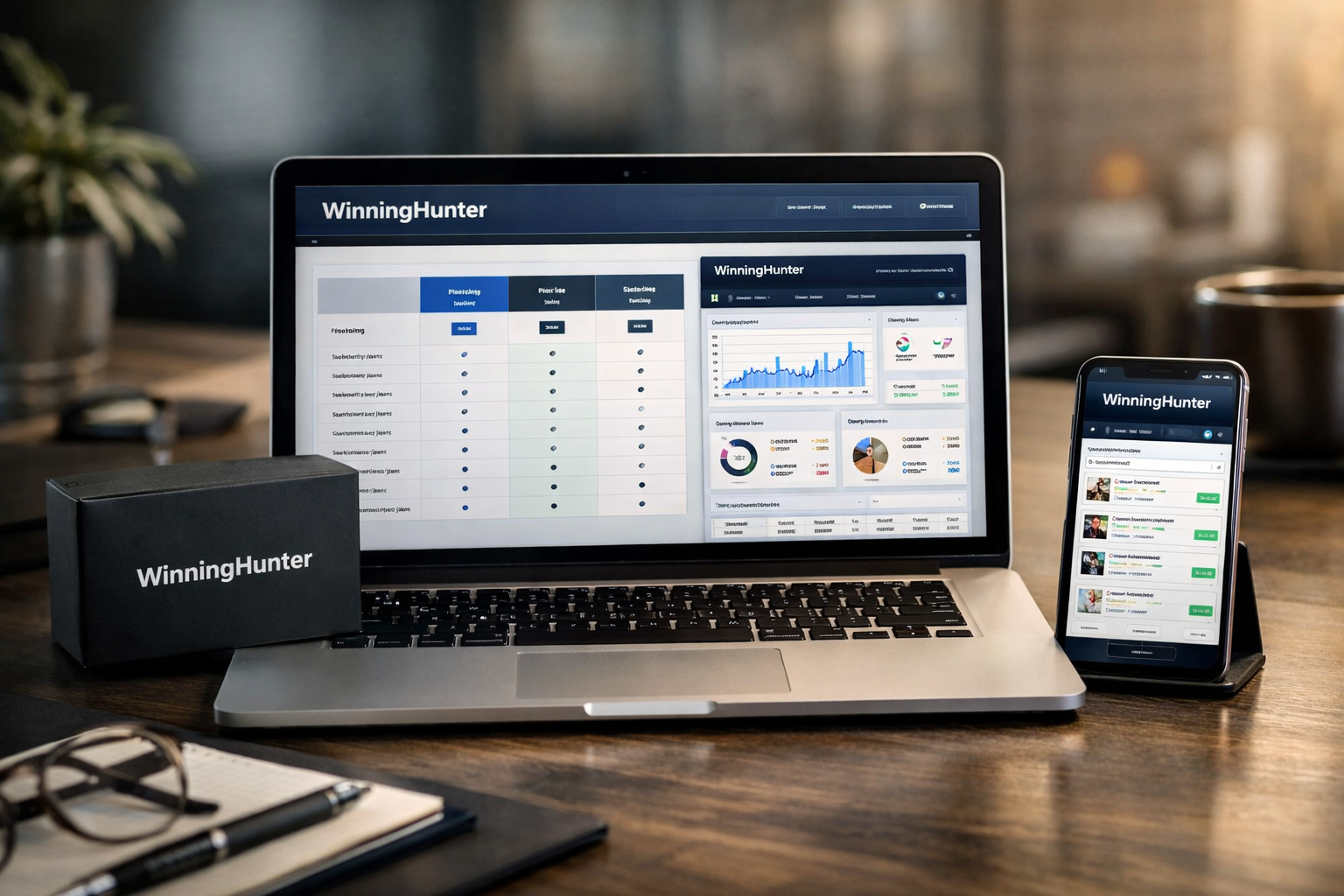
Understanding winninghunter pricing starts with one important detail: the official pricing page displays plan rates as monthly amounts that are billed yearly. That means the listed $30, $49, and $150 figures are not necessarily month-to-month checkout prices.
I reviewed the official WinningHunter homepage and pricing page for this guide. WinningHunter positions itself as an ad spy and ecommerce research platform used by more than 500,000 ecommerce teams, with tools for ad research, store tracking, TikTok Shop research, trends, and AI integrations.
Affiliate disclosure: TopTrustReview may earn a commission if you sign up through links in this article, at no extra cost to you. This does not affect the pricing information or recommendations below.
Official website · Latest pricing & offers
WinningHunter Pricing 2026: Quick Answer
For most solo ecommerce sellers, the WinningHunter Standard plan appears to offer the strongest balance between cost and research access. It adds broader ad-database coverage, advanced filters, more tracked brands, and substantially higher MCP & API access than Basic.
The Basic plan is the lowest-cost entry point, while Enterprise makes more sense for teams that need live chat support and a more advanced research setup.
Current plan prices at a glance
The official page shows the following winninghunter pricing plans on yearly billing:
| Plan | Displayed Price | Billing Basis | Users Included | Extra User Fee |
|---|---|---|---|---|
| Basic | $30 per month | Billed yearly | 1 | +$20/month per extra user |
| Standard | $49 per month | Billed yearly | 1 | +$20/month per extra user |
| Enterprise | $150 per month | Billed yearly | 1 | +$20/month per extra user |
The official pricing page also lists monthly, quarterly, and yearly billing options. It states that quarterly billing can save up to 15%, while yearly billing can save up to 40%.
For buyers comparing the WinningHunter cost, the key takeaway is simple: the advertised plan figures above are explicitly labeled as billed yearly. Check the live billing selector and checkout screen before subscribing, especially if you prefer a shorter commitment.
Who should read this guide
This guide is for dropshippers, product researchers, ecommerce brand operators, and agency users who need to decide whether the winninghunter pricing structure matches their workflow.
It is especially useful if you are comparing ad research tools and want to know where WinningHunter gates filters, ad sources, tracked brands, API-related access, and support. The goal is not to suggest that every seller needs the highest plan, but to help you pay for the level of research access you will actually use.
WinningHunter Pricing Plans Explained

WinningHunter’s plan structure centers on access depth rather than just the number of users. Each plan includes one user, 24/7 customer service, and a free 30-minute onboarding call, but the research and filtering capability rises by tier.
Basic plan: what you get
The WinningHunter Basic plan is displayed at $30 per month when billed yearly. It includes one user, with additional users priced at $20 per month each.
Based on the official pricing page, Basic includes limited filters, two Tracked Brands, and MCP & API shown as 100. The page also lists TikTok Shop research, the store database with more than two million ecommerce stores, Trends, and a free 30-minute onboarding call among its plan features.
For a seller testing a disciplined product-research process, Basic can be a reasonable starting point. The main limitation is that the official page identifies its filters as limited, so buyers who depend on detailed ad segmentation should consider that carefully before choosing the lowest winninghunter pricing tier.
Standard plan: what you get
The WinningHunter Standard plan is listed at $49 per month, billed yearly, for one user. Extra seats are listed at $20 per month per user.
Standard adds more advanced filters and provides access to the ads database from Meta, TikTok, and Pinterest. This is a significant distinction for users who want to research creatives and offers across multiple listed ad sources rather than work with a narrower entry-level setup.
The official pricing page shows 30 Tracked Brands for Standard and MCP & API shown as 10K+. It also lists 24/7 customer service and the free onboarding call. In practical terms, the Standard tier is likely the more appropriate winninghunter pricing option for solo operators who research regularly, track competitors, and need greater filtering flexibility.
Enterprise plan: what you get
The WinningHunter Enterprise plan is displayed at $150 per month when billed yearly. Like the other tiers, it includes one user and charges $20 per month for each additional user.
Enterprise is shown with advanced filters and access to the Meta, TikTok, and Pinterest ads database. The official pricing page also specifically lists live chat on Enterprise, in addition to 24/7 customer service and the free 30-minute onboarding call available across plans.
The public pricing details do not clearly specify every Enterprise limit or every difference beyond the items shown on the pricing page. For that reason, agencies and larger teams should confirm the live plan comparison before paying. The Enterprise level is best assessed as a higher-touch winninghunter pricing choice for users who value live chat and need to validate advanced operational requirements directly with the provider.
What Changed in WinningHunter Pricing in 2026?
The current official plan page offers monthly, quarterly, and yearly billing selections. However, without an official historical changelog or archived plan comparison, it would not be accurate to claim specific changes from earlier pricing structures.
What can be verified is the current billing approach and the advertised savings language. If you are revisiting the platform after previously using it, compare the live pricing page against your existing subscription terms rather than relying on old screenshots or coupon sites.
Monthly vs quarterly vs yearly billing
The official page presents Monthly, Quarterly, and Yearly billing options. The displayed Basic, Standard, and Enterprise figures referenced in this guide are explicitly marked as billed yearly.
This point matters because a displayed rate such as $49 per month does not automatically mean the checkout charges $49 each month. With WinningHunter yearly billing, buyers should expect the billing frequency to follow the selected annual option and should review the amount shown at checkout.
The official site also states “No commitment. Cancel anytime.” That is useful language for subscribers, but it should not replace reviewing the current cancellation instructions, account billing settings, and selected billing cadence before purchase.
How savings work on longer commitments
According to the official pricing page, quarterly billing can save up to 15%, while yearly billing can save up to 40%. These are “up to” savings statements, so they should not be treated as a guaranteed identical percentage for every plan or checkout scenario.
When evaluating winninghunter pricing, use the published savings message as a comparison guide rather than calculating an assumed total from the annual-plan display. WinningHunter does not publicly specify all checkout totals or all short-term billing amounts in the verified information provided here.
If flexibility is your main priority, review the monthly option on the official page. If research is part of your consistent operating process, the yearly option may offer the strongest advertised savings, provided you are comfortable with the billing arrangement shown during checkout.
Official website · Latest pricing & offers
Hidden Costs, Extra Fees, and Limitations
The official page does not list surprise setup charges, mandatory training fees, or separate platform fees in the pricing facts available for this review. Still, there are meaningful variables that can affect your real subscription spend.
The biggest confirmed variable is team access. The other important consideration is feature gating: lower-cost tiers do not provide the same filters, ad-source access, tracked-brand capacity, or MCP & API level as higher plans.
Extra user pricing
Every listed plan includes one user. The verified WinningHunter extra user fee is $20 per month for each additional user.
That charge applies to Basic, Standard, and Enterprise according to the official pricing page. A two-person team should therefore factor in at least one additional seat, while an agency should map its expected user count before deciding whether the base plan is truly within budget.
This is where the advertised winninghunter pricing can look different from the final team cost. The plan rate may be suitable for an individual researcher, but seat additions can materially change the decision for a collaborative team.
Feature gating by tier
Basic is the entry plan, but the official page states it has limited filters. Standard and Enterprise are shown with more advanced filters, which can be important for users who need to narrow down ads, products, stores, or brands efficiently.
The official plan comparison also indicates that the ads database from Meta, TikTok, and Pinterest is available from Standard upward. Basic has two Tracked Brands, while Standard has 30. Basic lists MCP & API as 100, while Standard lists 10K+.
Enterprise includes live chat according to the public plan information. Not every Enterprise capacity or limit is publicly specified in the verified facts, so do not assume that every higher-tier capability has an unlimited threshold unless the live plan page says so.
What to verify before checkout
Before committing to any winninghunter pricing option, verify the following on the official site:
- The billing cadence currently selected: monthly, quarterly, or yearly.
- The checkout total and whether the displayed plan rate is billed yearly.
- The number of users you need and the resulting extra-seat charges.
- Whether your plan includes the filters and ad sources required for your workflow.
- Current terms for cancellation and account management.
- Whether your intended use of MCP & API aligns with the level shown for your plan.
For a reader-first way to confirm live details, you can review the official WinningHunter pricing path before subscribing. Pricing screens and promotional conditions can change, so the checkout page should always be your final reference.
Which WinningHunter Plan Is Best Value?
The best plan is not automatically the cheapest one. The right choice depends on how often you research, how deeply you need to filter ads, how many brands you track, and whether you work alone or with a team.
For many buyers, the difference between Basic and Standard is more relevant than the difference between Standard and Enterprise. That is because Standard is where the official comparison shows broader ad-database availability and more advanced research access.
Best for beginners
The Basic plan is the best starting point for beginners who want a lower displayed WinningHunter subscription cost and do not yet know whether advanced filters are essential to their research process.
Its two Tracked Brands and MCP & API level shown as 100 may be enough for a seller who is building a repeatable workflow rather than running constant competitor monitoring. The free 30-minute onboarding call is also useful for getting oriented without assuming that you need Enterprise-level support.
Choose Basic when you need a structured entry into ecommerce research and can work within limited filters. Upgrade only after you have a clear reason to need broader ad-source access or a larger tracked-brand allowance.
Best for serious solo operators
The Standard plan is the best-value winninghunter pricing tier for serious solo operators in most cases. Its displayed $49 monthly rate on yearly billing is higher than Basic, but the plan’s official feature differences are meaningful.
Standard includes more advanced filters, access to the Meta, TikTok, and Pinterest ads database, 30 Tracked Brands, and MCP & API shown as 10K+. Those additions matter for sellers who research frequently, compare multiple creatives, and need a stronger ongoing view of competitors.
A solo operator should not choose Standard simply because it is labeled as a middle plan. Choose it if multi-source ad research, deeper filtering, and increased tracked-brand capacity directly support your product selection or creative research process.
Best for agencies and teams
Enterprise is most relevant for agencies and teams that need live chat support and want the highest publicly listed plan level. Its base price is $150 per month billed yearly, plus $20 per month for every extra user.
For agency buyers, user fees deserve as much attention as base winninghunter pricing. A plan can appear manageable for one user but scale differently once strategists, media buyers, researchers, and account managers need individual access.
Before selecting Enterprise, ask WinningHunter to clarify any needs not fully described on the public table. This is particularly important if your agency depends on specific API, MCP, research-volume, or collaboration expectations that are not explicitly listed.
WinningHunter vs the Main Alternatives: How to Judge Price Fairness
There is no useful way to judge a research platform solely by its headline plan price. A lower-priced alternative may provide less filtering, fewer data sources, less store research access, or different support conditions.
Instead, compare the exact workflow you need. The fairest comparison is based on what it costs to obtain equivalent research capability for the number of people who will use the platform.
How to compare pricing apples-to-apples
When comparing winninghunter pricing plans with alternatives, create a short checklist and evaluate each provider against the same requirements:
| Comparison Area | What to Check |
|---|---|
| Billing model | Monthly, quarterly, yearly, and how the displayed rate is billed |
| Seats | Included users and per-user pricing |
| Ad research | Available ad sources and filter depth |
| Store research | Store database access and brand-tracking allowances |
| AI and integrations | AI search, MCP, API availability, and public usage levels |
| Support | Standard customer support, onboarding, and live chat availability |
| Upgrade path | What capabilities are gated at higher tiers |
WinningHunter’s official homepage highlights an Ad Library with more than 500 million ads, Store & Brand Tracker, TikTok Shop, and AI integrations/MCP. When evaluating its value, confirm which of these tools are included at your intended tier rather than assuming homepage highlights apply in the same way across every plan.
Why feature depth matters more than sticker price
The lowest WinningHunter monthly price may be enough for someone who needs basic research and minimal tracking. But the lowest price is not the best value if it leads you to spend more time working around filter restrictions or lacking required ad-database access.
Conversely, Enterprise may be unnecessary if you are a single operator with a simple research workflow. Paying more only makes sense when the additional support, filters, access levels, or team structure solves a real operational problem.
A practical approach is to calculate your expected seat count, list the research features you cannot work without, and choose the lowest tier that meets those needs. That is a better decision framework than choosing based only on the first price visible on a pricing page.
Should You Buy WinningHunter in 2026?
WinningHunter can be a sensible purchase for ecommerce operators who actively research ads, stores, trends, brands, and TikTok Shop opportunities. The platform’s public positioning is clearly built around ecommerce intelligence rather than general marketing analytics.
The strongest reason to subscribe is not simply the size of the ad library or the plan label. It is whether the available research features reduce the time and uncertainty involved in finding products, creative angles, and competitive insights.
Best-fit buyer profiles
The best fit for winninghunter pricing 2026 includes:
- Dropshippers who need a regular process for product and ad research.
- Ecommerce founders monitoring brand and store activity.
- Performance marketers looking for Meta, TikTok, and Pinterest ad-database access from the Standard tier.
- Solo operators who need advanced filtering and more than a minimal tracked-brand allowance.
- Agencies that value live chat availability on Enterprise and can account for additional user fees.
Basic fits new users with lighter requirements. Standard fits many active individual users. Enterprise fits buyers whose team workflow and support expectations justify the higher starting cost.
When to skip a plan and upgrade later
Skip Enterprise if you do not need live chat or cannot identify a specific reason why the top plan’s public differences will improve your workflow. Similarly, skip Standard at first if limited filters, two Tracked Brands, and Basic’s listed MCP & API level are sufficient for how you currently research.
The sensible path is to start with the lowest tier that supports your immediate requirements, then upgrade when a real constraint appears. If you are uncertain, use the official start-for-free path or review the live plan comparison before making a longer billing commitment.
In conclusion, winninghunter pricing is easiest to justify when matched to your research intensity. Basic is the value entry point for beginners, Standard is the best overall value for serious solo ecommerce operators, and Enterprise is most appropriate for agencies or teams that need live chat and a higher-tier setup.
Official website · Latest pricing & offers
FAQ About WinningHunter Pricing
Is there a WinningHunter discount code available?
There is no verified public WinningHunter discount code in the official pricing details reviewed for this guide. Check the official pricing or affiliate page before subscribing, and be cautious with unverified coupon websites.
The official page does state that quarterly billing can save up to 15% and yearly billing can save up to 40%. Those published billing savings are more reliable than coupon claims that cannot be verified.
What are the reviews like for Winning Hunter?
Review experiences can vary depending on a buyer’s ecommerce niche, budget, and research workflow. WinningHunter is positioned for ecommerce teams and ad research users, but buyers should assess whether its filters, ad sources, tracking allowances, and billing model fit their own needs.
Rather than relying only on general sentiment, compare the live feature table with your daily product-research process. That will give you a more useful answer than broad review scores alone.
Does WinningHunter have a free trial?
The official site provides a start-for-free signup path. However, the precise free-access terms, duration, and eligibility can change, so verify the current details directly on the live signup and pricing pages before entering payment information.
How do I cancel my WinningHunter subscription?
The official pricing page states “No commitment. Cancel anytime.” For the current cancellation process, check the billing or subscription settings inside your WinningHunter account and review the latest support documentation.
Because the winninghunter pricing page offers multiple billing options, confirm how cancellation applies to your selected monthly, quarterly, or yearly arrangement before completing checkout.
Related Reading
- Smartlead Pricing 2026: Plans Explained
- Answerthis Pricing: Plans, Limits, and Value in 2026
- Autods Pricing 2026: Plans & Costs Explained
References
- WinningHunter Pricing Plans & Subscription Costs
- WinningHunter: Ad Spy Tool to Find Winning Products & Ads
- Pricing – WinningHunter
- Winning Hunter Pricing 2026: Plans, Limits & Best Choice