Raycast AI Review: Is It Worth It in 2026?
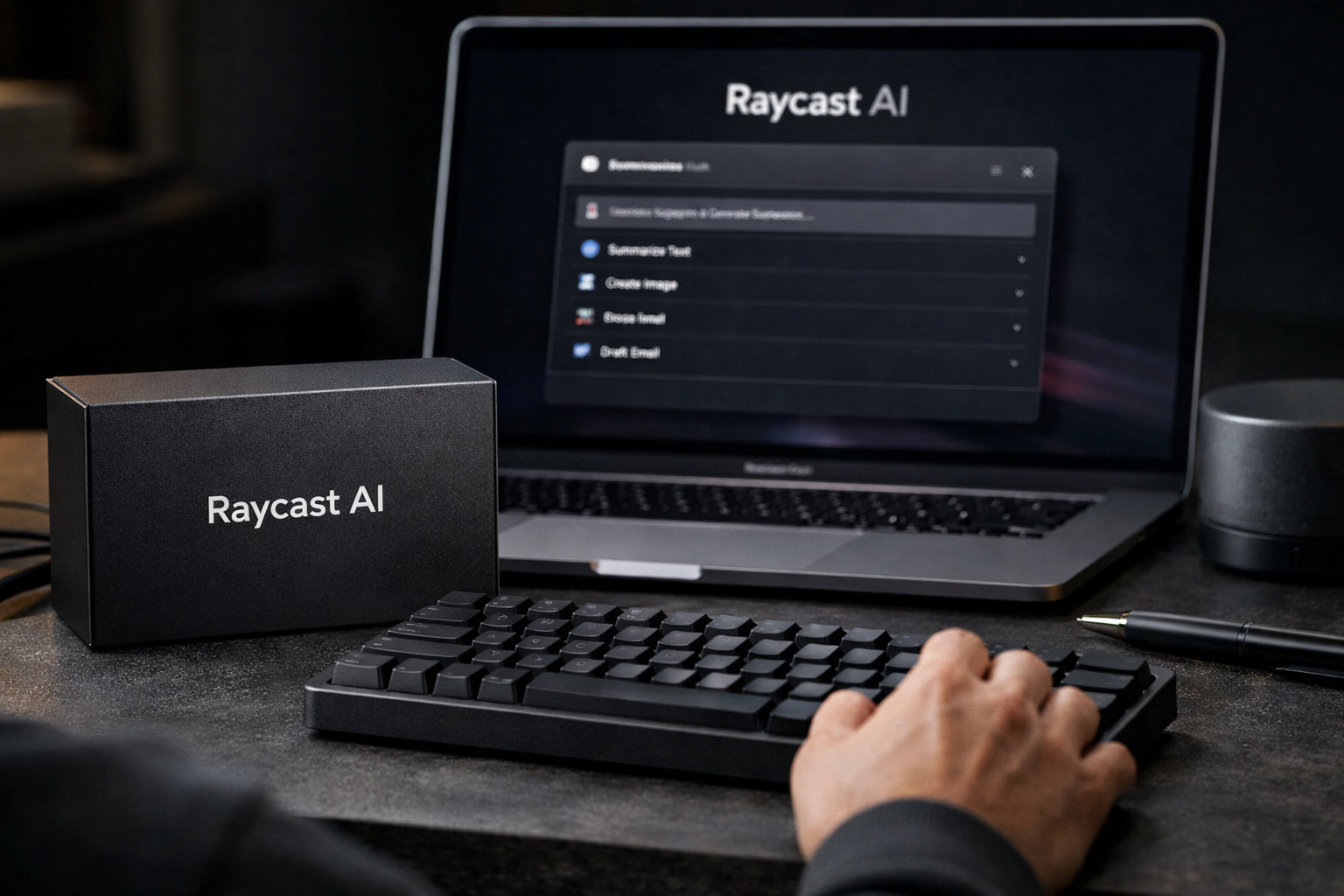
Official website · Latest pricing & offers
Raycast AI Review Summary: Is It Worth It?
Quick verdict
This raycast ai review comes down to a simple distinction: Raycast Free is already a capable productivity launcher, while Raycast Pro is a paid workflow upgrade for people who will genuinely use AI throughout the day. The $8/month Pro plan adds 500 monthly AI credits, Raycast AI access, Cloud Sync, unlimited Clipboard History, and further customization features.
Raycast’s AI tools are most convincing when they remove small but frequent interruptions: opening a separate chatbot, rewriting a sentence, summarizing selected content, or repeating a familiar prompt. They are less compelling if you only occasionally ask AI a question or primarily need a quick way to launch apps.
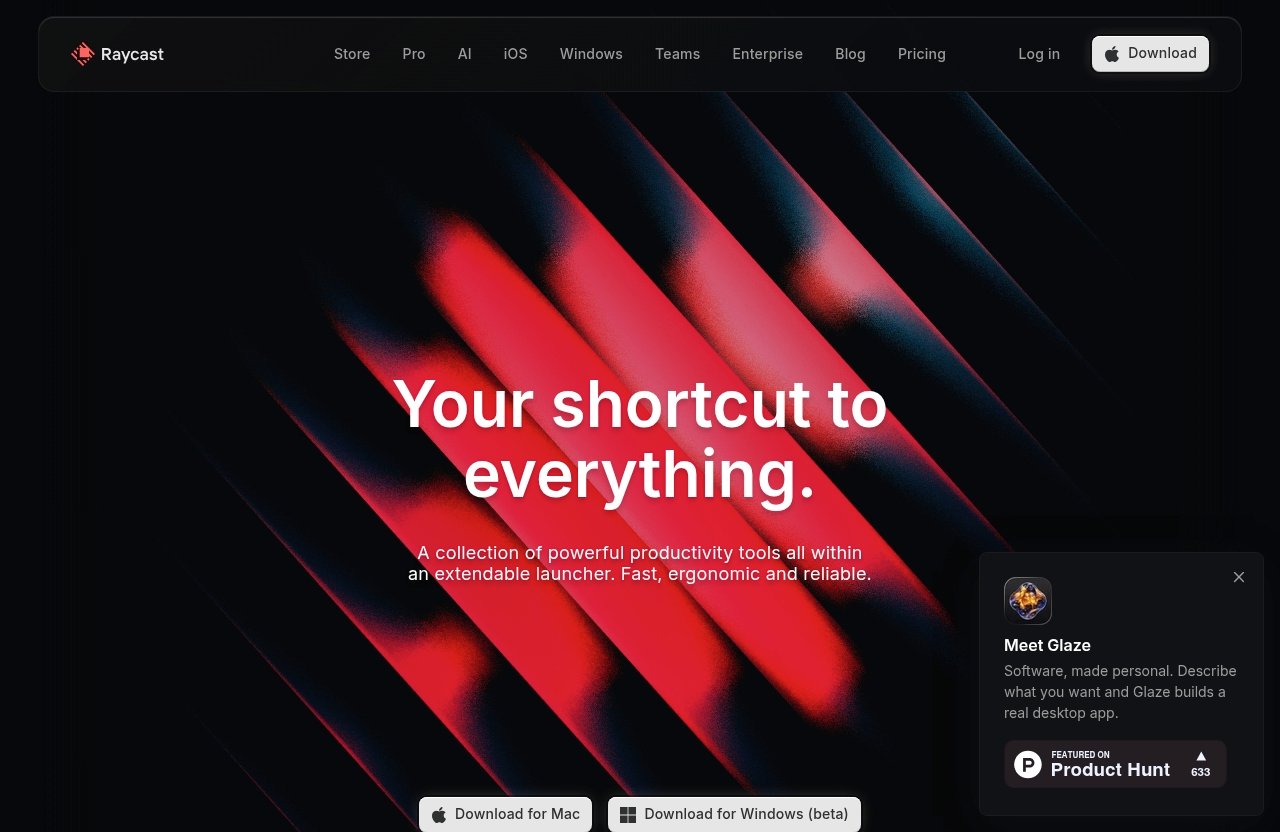
Raycast presents itself as a fast, ergonomic, reliable, and extendable launcher. Its homepage also highlights a 99.8% crash-free rate. That is an encouraging product claim, but the more important question for buyers is whether its keyboard-first setup suits their habits.
Who should upgrade to Pro
Pro is a sensible option for developers, writers, marketers, operators, and founders who already spend much of the workday on a Mac keyboard. If you will use AI Chat, Quick AI, raycast ai commands, AI Extensions, and connected tools regularly, keeping those actions inside the launcher can make the subscription easier to justify.
It is also a reasonable upgrade for anyone who values Cloud Sync, unlimited Clipboard History, Dictation, Translator, or custom window management alongside AI. The bundled nature of Pro matters: it is not merely a chatbot bolted onto an app launcher.
Who should stay on Free
Free is the better choice for people who want a polished raycast launcher without committing to an ongoing cost. At $0/month, it includes Clipboard History, Quicklinks, Calculator, Snippets, Emoji Picker, Window Management, Raycast Notes, Raycast for iOS, developer tooling, and access to thousands of extensions.
In other words, you do not need Pro to get meaningful daily value from Raycast. This raycast ai review recommends starting with Free if your main goal is faster navigation, utility commands, and extensions rather than built-in AI.
What Raycast Is and How It Fits Into Your Workflow
Keyboard-first launcher explained
Raycast is an extendable launcher for Mac that puts commands, apps, utilities, and extensions behind a keyboard shortcut. Rather than searching through folders or moving between browser tabs, you invoke Raycast and type what you need.
The core appeal is not one isolated feature. It is the ability to treat a single command palette as a starting point for many routine actions, from calculations and snippets to notes, window actions, and extension-based workflows.
Why power users switch from Spotlight
The usual raycast vs spotlight comparison begins with app launching, but ends with scope. Spotlight is useful for finding apps and files; Raycast adds a more configurable command environment with Quicklinks, clipboard tools, snippets, extensions, and AI on Pro.
That does not mean everybody needs to replace Spotlight. Casual Mac users may find Apple’s built-in search entirely adequate. But people who repeatedly search, paste, calculate, switch windows, trigger shortcuts, or use web services often may prefer Raycast’s more action-oriented approach.
How Raycast becomes a productivity layer
After setup, Raycast can become less like a launcher and more like a productivity layer. You assign aliases, learn a handful of commands, save snippets, and add only the extensions that match your work.
That flexibility is a major strength, but it requires some intention. A cluttered command palette with dozens of irrelevant raycast extensions can create friction instead of removing it, so the best setup is usually focused rather than maximal.
Raycast AI: The Features That Matter Most
AI Chat
AI Chat is Raycast’s conversational AI interface inside the app. It is useful when you need to explore an idea, work through a draft, summarize information, or turn a rough question into a more structured answer without leaving your current environment.
For this raycast ai review, the practical benefit is proximity. If your normal workflow already begins in Raycast, AI Chat reduces the number of steps between recognizing a question and getting a first-pass response.
Quick AI
Quick AI is designed for short, immediate AI interactions rather than a longer back-and-forth conversation. Think of it as the appropriate choice for a compact rewrite, an explanation of a selected concept, an outline suggestion, or a quick transformation of text.
This distinction matters because not every task needs a full chat session. Quick AI can be more natural for those small requests that would otherwise involve copying text into another AI product, waiting for a response, then copying the result back.
Raycast AI Commands
Raycast AI Commands are arguably the most important feature for repeatable workflows. They let you run AI-driven actions from the launcher, which is useful when you have a recurring task such as making text shorter, changing tone, extracting action items, drafting a reply, or generating structured output.
The advantage is consistency. Instead of rewriting a prompt every time, a well-chosen command can make a regular transformation feel like a native tool. The downside is that commands still need review: AI output can be incomplete, incorrectly framed, or unsuitable for sensitive material.
AI Extensions
AI Extensions bring AI into the wider extension ecosystem. Raycast also lists the ability to connect tools, so the product is positioned to work alongside the services people already use rather than forcing a completely separate workspace.
The exact value depends heavily on your existing tools and the extensions you choose. Do not upgrade solely because “AI Extensions” sound broad; first identify one or two workflows where an extension would meaningfully reduce tab switching or repetitive input.
Screen Awareness, Memory, and Profile
Raycast lists Screen Awareness, Memory, and Profile among its AI capabilities. In plain terms, these are context-oriented features intended to make AI interactions more relevant to what you are doing and how you work.
Context can be valuable, but it should not eliminate judgment. Before using any AI system with client details, internal documents, or personal information, review your organization’s policies and Raycast’s current product documentation to decide what is appropriate to share.
How Raycast AI Actually Speeds Up Work
Common time-saving workflows
The best workflow gains in this raycast ai review are modest but cumulative. Consider a writer who selects a paragraph and asks for a tighter version, an operator who turns messy notes into action items, or a developer who asks for an explanation of an error before deciding what to investigate next.
None of those tasks is magically solved by AI. What Raycast can reduce is the friction around starting them: opening another app, moving text around, locating an old prompt, and returning to the original task.
| Workflow | Traditional process | Raycast-oriented approach |
|---|---|---|
| Rewrite a paragraph | Copy text, open an AI tab, paste, edit, copy back | Use Quick AI or an AI Command from the launcher |
| Summarize notes | Manually organize or switch to a chatbot | Send the relevant text to an AI workflow |
| Draft a routine response | Find a template, modify it, revise tone | Combine a Snippet with an AI refinement |
| Handle a repeat task | Recreate the same prompt each time | Use a dedicated AI Command |
Examples for writers, developers, and founders
Writers and marketers can use Raycast AI for first drafts, headline alternatives, concise rewrites, content outlines, and tone adjustments. The strongest use case is not publishing unedited output; it is getting from a blank page or rough note to something worth editing faster.
Developers may find value in generating explanations, reformatting text, drafting documentation fragments, and pairing AI requests with the app’s developer tooling and extensions. For founders and operators, AI can help summarize meeting notes, prepare an initial customer reply, or turn unstructured thoughts into a working checklist.
For all three groups, the raycast ai commands approach is especially useful when the same input-to-output pattern occurs repeatedly. A carefully phrased command can be more dependable than improvising a new prompt each time.
Where AI helps most vs. where it is overkill
AI helps most with low-risk, repeatable, language-heavy work: summarization, formatting, ideation, extraction, and drafting. It can also help when the interruption cost is high—when you are focused in a coding environment, writing tool, or browser and do not want to break concentration.
It is overkill for simple tasks that Raycast Free already handles instantly, such as calculations, launching apps, inserting a known snippet, opening a Quicklink, or managing windows. It is also a poor substitute for professional judgment in high-stakes legal, financial, medical, security, or client-critical decisions.
Actual speed gains depend on habits. If you use AI five times a day and often repeat the same prompt patterns, the Pro tier can feel integrated into your work. If you use it twice a month, Free plus an occasional external AI tool may be the more rational setup.
Official website · Latest pricing & offers
Raycast Free vs Pro: What You Get for the Money
Free plan overview
Raycast Free costs $0/month. It includes the core productivity toolkit: Clipboard History, Quicklinks, Calculator, Snippets, Emoji Picker, Window Management, Raycast Notes, Raycast for iOS, thousands of extensions, custom extensions, and developer tooling.
That is an unusually substantial baseline for anyone evaluating is raycast worth it. You can build a useful, keyboard-driven workspace without paying for AI, and that makes the Free plan a legitimate long-term choice rather than a restricted trial.
Pro plan overview
Raycast Pro costs $8/month. It includes everything in Free plus 500 AI credits each month and Raycast AI access anywhere. Its listed AI capabilities include AI Chat, Quick AI, AI Commands, AI Extensions, Screen Awareness, Memory, Profile, model comparison and management, use of files, image generation, and connecting tools.
Pro also includes fast and powerful AI models, Bring Your Own Key, Cloud Sync, Dictation, Translator, Unlimited Clipboard History, Custom Window Management, and Custom Themes. This raycast pro review takeaway is straightforward: the upgrade is broader than AI, though AI will be the main deciding factor for most individuals.
| Feature area | Raycast Free | Raycast Pro |
|---|---|---|
| Monthly price | $0 | $8 |
| Core launcher utilities | Included | Included |
| Extensions and custom extensions | Included | Included |
| Raycast AI | Not included | Included |
| Monthly AI usage | Not included | 500 credits |
| Cloud Sync | Not listed in Free features | Included |
| Clipboard History | Included | Unlimited Clipboard History |
| Dictation and Translator | Not listed in Free features | Included |
Credits, AI access, and sync
Pro includes 500 credits of AI usage every month. Because AI usage needs vary by task and model choice, prospective buyers should treat that allowance as a usage budget rather than assuming it will fit every possible workload.
Raycast also offers granular model comparison and management plus Bring Your Own Key on Pro. Those options can matter to experienced AI users, but they also make it more important to understand your own usage before paying for an upgrade.
Annual billing and value considerations
For annual billing, Raycast Pro is $96 per year, billed annually. Raycast displays savings compared with monthly billing, so annual payment is most sensible when you already know the product fits your routine.
A raycast pricing decision should start with Free, not with feature anxiety. Test the core launcher first, then assess whether AI, sync, unlimited clipboard history, and the other Pro additions solve real recurring problems for you. Teams Pro is listed at $12 per user per month, billed annually at $144, but individual buyers do not need to consider that plan unless they are evaluating a shared team setup.
What Makes Raycast Stand Out From Other Launchers
Extensions ecosystem
The breadth of the extensions ecosystem is one reason Raycast is more than a standard launcher. Thousands of extensions and support for custom extensions let users bring more actions into the command palette, potentially reducing the number of utilities they need to open separately.
The practical caveat is that extension quality and relevance vary. Install what supports an existing process, not every integration that looks interesting in a directory.
Automation and developer tooling
Raycast includes developer tooling and custom extension support, which gives technical users room to tailor the launcher around internal workflows or personal routines. This extensibility is a meaningful distinction for people who want their launcher to adapt to them.
For nontechnical users, the benefit is indirect: many useful actions may already be available through existing extensions. But the product is best understood as a configurable toolkit, not a finished, one-size-fits-all automation system.
Notes, snippets, clipboard history, and window management
Raycast Notes, Snippets, Clipboard History, Quicklinks, and Window Management address the small tasks that repeatedly interrupt focused work. A saved reply, copied URL, common command, or window layout may only save seconds at a time, but those moments add up.
This broader toolkit is why a fair raycast ai review cannot judge Pro by chatbot quality alone. AI is more useful when it sits beside the basic utilities you already invoke all day.
Raycast AI Pros and Cons
Pros
- A strong Free plan makes it easy to evaluate the core raycast for mac experience before paying.
- Pro integrates AI Chat, Quick AI, AI Commands, AI Extensions, and context-related features into the launcher.
- Keyboard-first workflows can reduce unnecessary app and tab switching.
- The extension ecosystem and custom extension support add practical flexibility.
- Pro includes useful non-AI additions, including Cloud Sync, Dictation, Translator, and unlimited Clipboard History.
- Model comparison, management, and Bring Your Own Key offer more control for advanced users.
Cons
- The value of Raycast AI is directly tied to how often you use it; infrequent users may not recover the subscription value.
- Free does not include AI, so users specifically seeking raycast ai free access should not expect the no-cost plan to provide it.
- The interface is most rewarding for keyboard-first users willing to learn commands and build habits.
- AI-generated material still requires fact-checking, editing, and careful handling of sensitive context.
- The available monthly AI credits may or may not match your usage pattern, depending on tasks and model choices.
Best-fit and worst-fit users
Raycast is best for people who work primarily on a Mac and want one fast entry point for everyday commands, tools, extensions, and—on Pro—AI assistance. It is especially well suited to users who value repeatable shortcuts over mouse-driven app hopping.
It is a weaker fit for casual users who only launch a few apps, rarely use snippets or clipboard tools, and do not regularly need AI. Readers researching a raycast review reddit discussion will find varied opinions for that reason: value is highly personal and depends more on workflow frequency than on a long feature list.
Is Raycast AI Worth It for Your Use Case?
For developers
Developers should begin with Free because the launcher, extensions, custom extensions, and developer tooling may already be enough to improve daily navigation. Upgrade to Pro if AI explanations, drafting, command-based text transformations, connected tools, and Cloud Sync become routine parts of your development process.
The central question is not whether AI can write code-related text. It is whether having it a shortcut away reduces context switching enough to improve your actual working rhythm.
For content creators and marketers
Content creators and marketers are among the clearer candidates for Pro. Frequent outlining, rewriting, summarizing, repurposing, and tone adjustments can make AI Commands useful, particularly when combined with snippets and Quicklinks.
Still, this raycast ai review does not recommend treating it as an autopilot publishing system. The practical value is faster first drafts and cleaner workflow handoffs, while the final messaging, accuracy, and brand judgment remain human responsibilities.
For general productivity users
General productivity users should be more selective. Raycast Free offers enough value through snippets, quick links, notes, clipboard history, calculator tools, emoji access, extensions, and window management that many people will never need the upgrade.
If you constantly switch to AI for everyday writing and information tasks, Pro may be worthwhile. If not, Free delivers the best cost-to-value ratio and avoids paying for capability that remains mostly unused.
Final recommendation
So, is raycast worth it? Yes, for keyboard-first Mac users who want a configurable launcher and will take advantage of its utilities, extensions, and AI workflow options. Free is the right starting point for most people, while Pro is worth considering when AI use is regular rather than aspirational.
If you want to evaluate the AI-powered workflow after building a Free setup, you can explore Raycast here. Use the official plan details at checkout to confirm current terms, and check the promotional banner and coupon field for any available offer rather than relying on third-party code lists.
How to Get Started With Raycast
Best first setup
Start by using Raycast as an app launcher, then add only a few core tools: Clipboard History, Snippets, Quicklinks, Calculator, and Window Management. Create a small number of Quicklinks for sites you open constantly and snippets for phrases you type repeatedly.
Next, browse extensions with a specific purpose in mind. A useful initial setup should make common actions easier within a few days, not give you dozens of commands to remember.
First AI workflows to test
If you decide to assess Pro, test workflows that occur several times each week. Good candidates include rewriting rough copy, turning notes into a concise list, creating a first-draft email, summarizing selected text, and using an AI Command for a repeated transformation.
Give each workflow a realistic test period and note whether it replaces steps or simply adds a new place to interact with AI. That is the most reliable way to answer whether the upgrade works for you.
Tips to avoid overbuying
Do not subscribe to Pro only because AI features seem generally useful. First determine whether your existing workflow has recurring text, analysis, or context-switching problems that Raycast AI can address.
Also avoid filling your setup with unnecessary extensions and commands. A focused configuration, combined with the Free plan’s strong tools, may be all you need; upgrade when the evidence from your own daily work supports it.
Official website · Latest pricing & offers
FAQ
Is Raycast really worth it?
Raycast is worth it for keyboard-first Mac users who want more than basic app launching. The Free plan is particularly compelling because it includes core utilities, extensions, notes, snippets, clipboard history, and window management; Pro becomes worthwhile when you regularly use AI and its extra productivity features.
Is Raycast AI free?
No. Raycast Free is $0/month, but Raycast AI is included with Pro and higher tiers rather than the Free plan. Pro includes 500 AI credits per month and access to Raycast AI features.
What is Raycast AI?
Raycast AI is the built-in AI layer within Raycast Pro. Its listed features include AI Chat, Quick AI, AI Commands, AI Extensions, Screen Awareness, Memory, Profile, file use, image generation, connecting tools, and model management options.
How much does Raycast cost per month?
Raycast Free costs $0/month. Raycast Pro costs $8/month, while annual Pro billing is $96 per year, billed annually.
Does Raycast replace Spotlight?
For many users, Raycast can replace Spotlight as the main launcher because it adds extensions, snippets, clipboard history, Quicklinks, window management, notes, and Pro-level AI. However, whether it fully replaces Spotlight depends on whether you prefer a customizable, keyboard-driven command system.
Related Reading
- Trustworthy pricing breakdowns
- Scrimba vs Codecademy for productivity-minded learners
- Best smart family calendar tools
References
- Raycast Pricing: Free and Pro Plans with AI
- Raycast – Your shortcut to everything
- Raycast Review 2026: Pros, Cons, Pricing & Verdict
- Raycast: Still Worth It After Two Years and a Hundred Extensions – Medium