lalal.ai vs spleeter: Which Stem Separator Is Better for Creators?
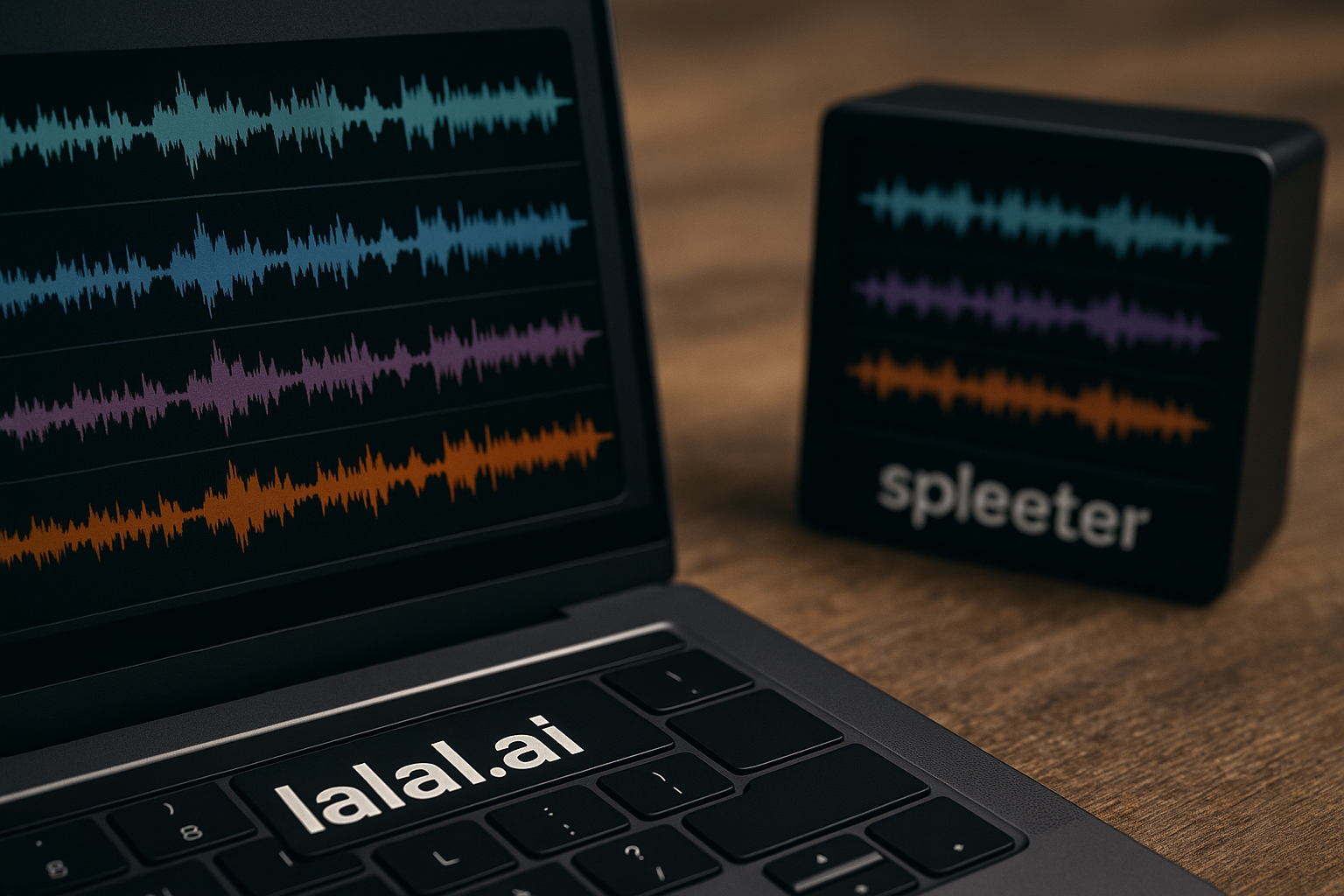
If you are comparing lalal.ai vs spleeter, the short answer is this: LALAL.AI is the better fit for most creators who want a polished, easy-to-use AI vocal remover and audio stem splitter, while Spleeter is still useful for technical users who prefer an open-source stem separator they can run and experiment with locally.
This comparison focuses on practical buying factors: stem separation quality, ease of use, workflow speed, pro features, pricing structure, and who each tool is best for.
Official website · Latest pricing & offers
LALAL.AI vs Spleeter: Quick Verdict
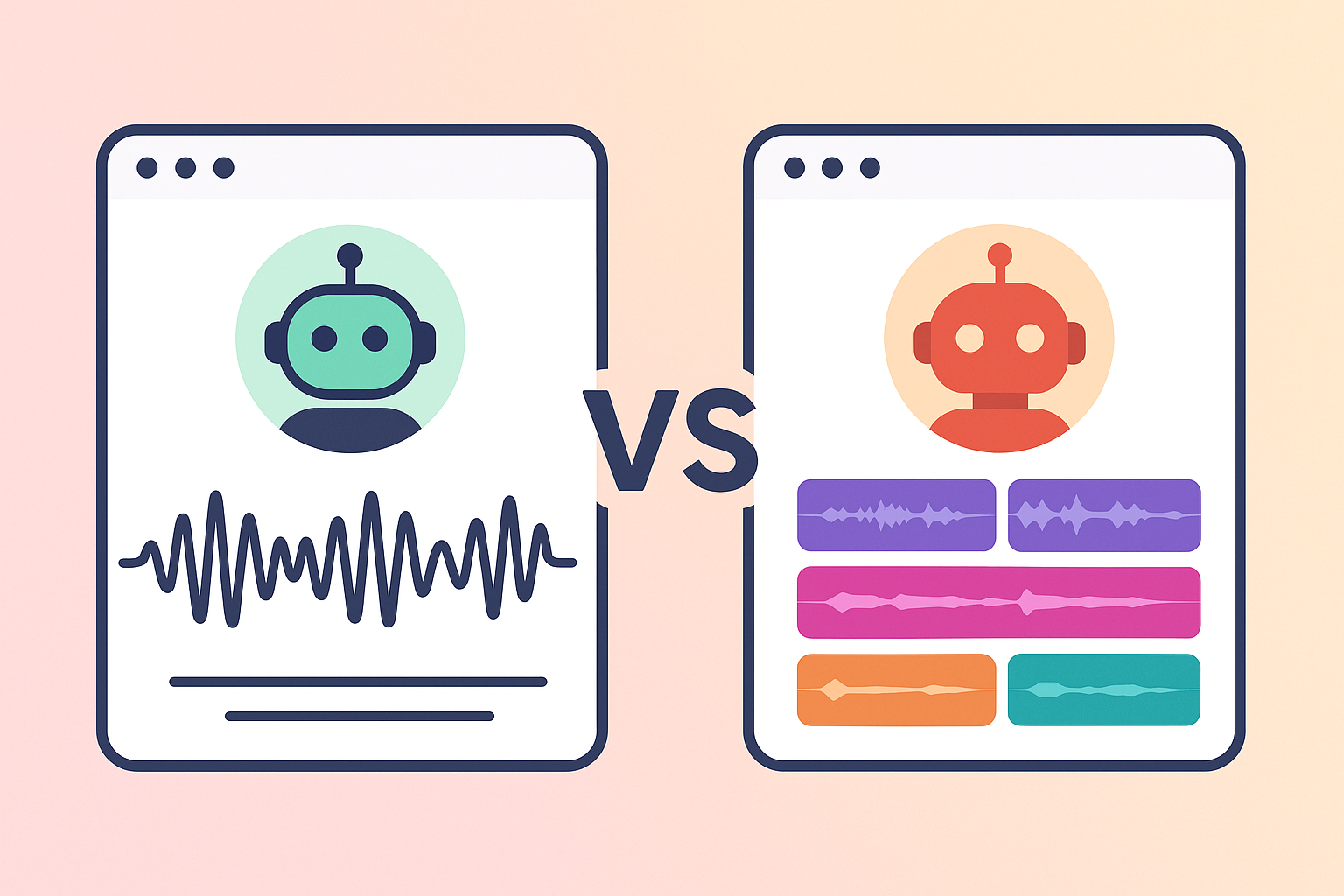
Who should choose LALAL.AI
Choose LALAL.AI if you want a commercial tool that feels built for musicians, producers, DJs, content creators, podcasters, and audio editors who need fast results without technical setup. Its official homepage describes it as a “Vocal remover built for pro-level quality” powered by AI and transformer technology, and its product lineup goes well beyond basic vocal isolation.
In this lalal.ai vs spleeter comparison, LALAL.AI is the easier recommendation for people who value convenience. You upload a file, choose the type of separation, and export usable stems without installing models, setting up Python, or managing local dependencies.
If you want to try the more polished commercial option, you can test LALAL.AI through TopTrustReview and see whether the output quality fits your own music, video, or editing workflow.
Who should choose Spleeter
Choose Spleeter if you are comfortable with open-source tools, command-line workflows, and local setup. Spleeter is widely known as Deezer’s open-source source separation project, and it remains an important reference point in music source separation.
It can be a strong fit for developers, researchers, hobbyists, and technically curious producers who want to experiment locally. The trade-off is that “free” does not always mean effortless: installation, hardware performance, model management, and troubleshooting may become part of the real cost.
Bottom-line recommendation
For most commercial users, the winner in lalal.ai vs spleeter is LALAL.AI because it combines easier access, broader creator-focused tools, and a smoother workflow. Spleeter still has value as an open-source stem separator, especially for users who want control and do not mind technical setup.
| Buyer priority | Better fit | Why |
|---|---|---|
| Fast vocal removal | LALAL.AI | Upload-based workflow and creator-friendly interface |
| Open-source experimentation | Spleeter | Local, technical, developer-friendly use |
| Best workflow for non-coders | LALAL.AI | No command-line setup required |
| Broad pro toolset | LALAL.AI | Vocal Remover, Stem Splitter, Voice Cleaner, Echo & Reverb Remover, and more |
| Lowest cash cost | Spleeter | Open source, though setup and compute time still matter |
| Commercial creator workflow | LALAL.AI | More polished for repeat audio and video work |
What LALAL.AI Is and What Spleeter Is
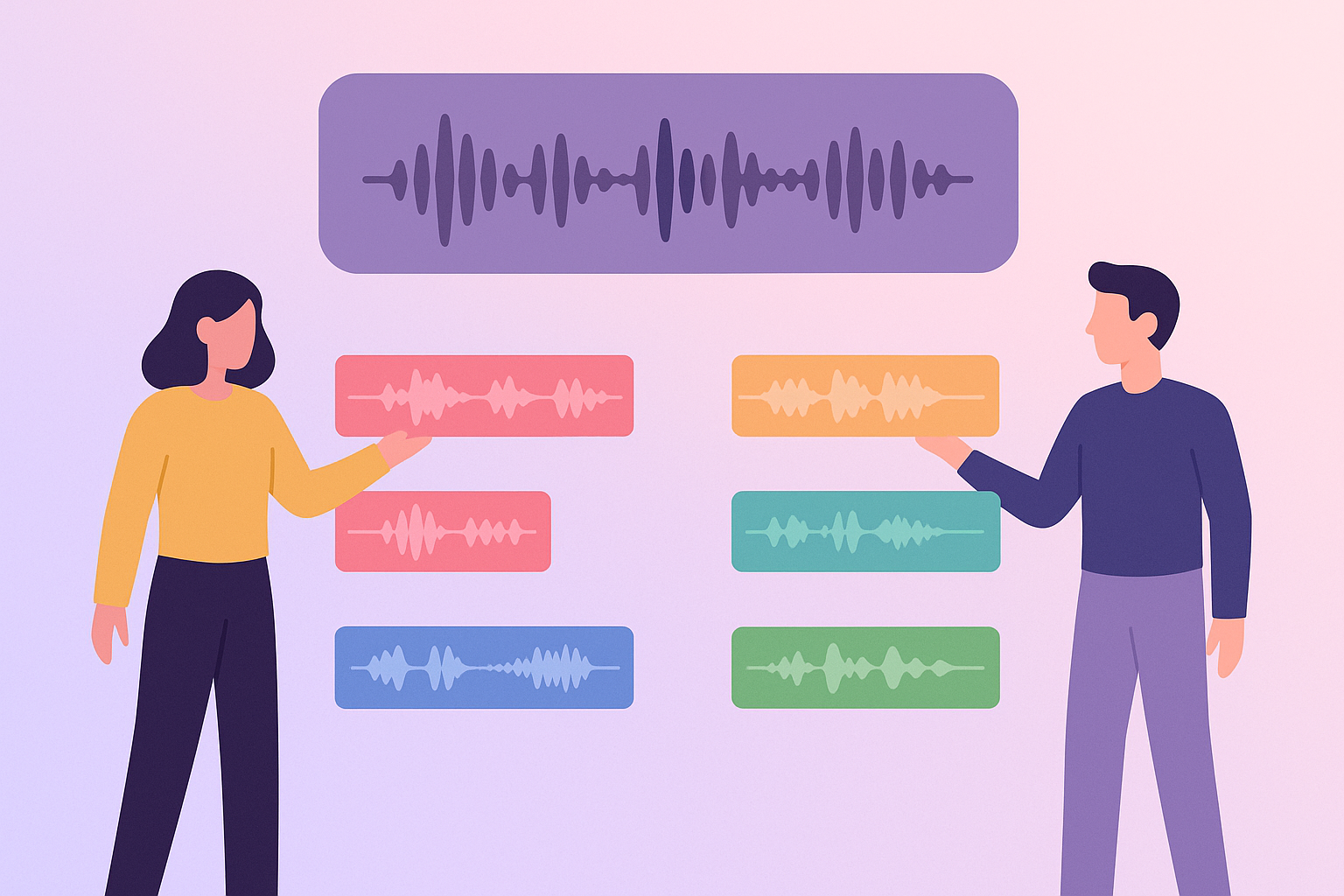
LALAL.AI in one paragraph
LALAL.AI is an AI-powered audio platform focused on vocal removal, stem splitting, voice cleanup, and related creator tools. According to its official homepage, its products include Vocal Remover, Stem Splitter, Voice Cleaner, Voice Changer, Voice Cloner, Echo & Reverb Remover, and Lead/Back Splitter. The official site also says its Stem Splitter can extract vocals, instrumental, drums, bass, guitar, synth, string, and wind instruments, which makes it broader than a simple vocal remover for musicians.
Spleeter in one paragraph
Spleeter is an open-source music source separation tool released by Deezer. The official Deezer Spleeter GitHub repository presents it as a source separation library, and it has been widely used by developers and audio experimenters as a practical baseline for splitting songs into stems. In a lalal.ai vs spleeter decision, Spleeter is best understood as a technical toolkit rather than a polished commercial audio product.
Why people compare them
People compare LALAL.AI and Spleeter because both sit in the same broad category: AI-assisted stem separation. They are used to remove vocals, isolate instruments, create practice tracks, prepare DJ edits, clean up content, or study mixes.
The important difference is product experience. LALAL.AI is built as a user-facing service with web, desktop, and mobile access listed on its official site, while Spleeter is typically approached as an open-source tool that rewards technical comfort. That is why lalal.ai vs spleeter is less about “AI versus AI” and more about commercial workflow versus open-source flexibility.
Accuracy and Separation Quality
Stem clarity and artifact levels in lalal.ai vs spleeter
Stem separation quality is the most important part of this comparison. In everyday terms, better separation means the vocal sounds less watery, the instrumental has fewer leftover voice fragments, drums keep more punch, and bass does not smear into the rest of the track.
Based on practical comparison coverage and the way these tools are positioned, LALAL.AI tends to be the stronger option for users who want cleaner, more immediately usable stems. That does not mean every file will come out perfect. AI stem separation still struggles with dense mixes, heavy reverb, distorted guitars, layered backing vocals, and songs where instruments overlap in the same frequency range.
Spleeter can still produce useful results, especially on simpler mixes. But when the goal is a finished edit, remix prep, karaoke track, or client-facing audio asset, the practical advantage in lalal.ai vs spleeter often goes to the tool that needs less cleanup after separation.
Vocals, drums, bass, and instrument separation
For vocal isolation, LALAL.AI has a clear commercial focus. Its official homepage says the Vocal Remover can remove vocals and instrumentals from any music track, audio clip, or video. That matters for creators because the source file is not always a clean WAV export from a studio session; it may be a compressed song, a video clip, or a rough reference.
For instrument separation, LALAL.AI’s official Stem Splitter list is also broad: vocals, instrumental, drums, bass, guitar, synth, string, and wind instruments. This is useful if you need more than a basic vocal/instrumental split.
Spleeter is respected because it helped popularize accessible source separation workflows. However, in a buyer-focused lalal.ai vs spleeter comparison, the question is not only whether a model can separate audio. It is whether the final stems are clean enough, fast enough, and convenient enough for the work you actually do.
Where LALAL.AI tends to win
LALAL.AI tends to win when you care about output polish and low-friction workflow. For example, a DJ preparing a quick acapella, a YouTuber removing music from a clip, or a producer extracting a reference bass line usually does not want to troubleshoot a local environment before getting to work.
It also has an advantage because its product stack covers related audio problems. If a vocal stem has room noise, echo, or reverb issues, LALAL.AI offers tools like Voice Cleaner and Echo & Reverb Remover. Those extra features do not guarantee perfect restoration, but they give creators more options inside one ecosystem.
The practical takeaway from lalal.ai vs spleeter is simple: LALAL.AI is usually the better choice when you want creator-ready results with less manual effort.
Where Spleeter can still be useful
Spleeter is still useful if you are learning about music source separation, building a prototype, or experimenting with open-source audio processing. It is also appealing if you prefer local workflows and want to understand how the separation process behaves under your own setup.
For technically skilled users, Spleeter can be part of a larger custom pipeline. You might combine it with scripts, batch processing, DAW tools, or your own post-processing chain.
The limitation is that Spleeter generally requires more technical involvement. In lalal.ai vs spleeter, that makes it less attractive for creators who want a finished tool and more attractive for users who want a flexible starting point.
Ease of Use and Workflow
Web app simplicity
The biggest workflow advantage of LALAL.AI is simplicity. You do not need to install a local model or prepare a development environment before testing a file. For most creators, that alone can be the deciding factor.
A simple web-based process is especially useful when you are checking multiple tracks quickly. If you are comparing potential samples, cleaning up a video clip, or creating a backing track, you want to hear results quickly and decide whether to continue.
In lalal.ai vs spleeter, LALAL.AI clearly feels more approachable for non-developers. Spleeter is powerful in the right hands, but it is not designed around the same consumer-friendly upload-and-process experience.
Desktop and mobile access
LALAL.AI’s official homepage says apps are available for iPhone through the App Store, Android through Google Play, macOS, and Windows. That is a meaningful advantage for creators who move between studio computers, laptops, and mobile devices.
For example, a social video editor may want to test audio on a phone, while a producer may prefer desktop workflow for larger files. Having multiple access points makes the tool easier to fit into real work habits.
Spleeter, by contrast, is typically associated with local technical setup. That may be fine on a studio computer or development machine, but it is less convenient for users who want quick access across devices.
Batch handling and file formats
LALAL.AI’s official homepage says users can add up to 20 files and supports MP3, FLAC, MKV, MP4, and other formats. This is valuable because creators often work with mixed media, not just pristine audio files.
Batch handling matters when you are processing multiple tracks for a DJ set, preparing practice stems for a band, or cleaning several video clips. Even if you still need to review each result by ear, being able to queue files reduces repetitive work.
For lalal.ai vs spleeter, this is a major convenience point. Spleeter can be used in batch-style workflows by technical users, but LALAL.AI makes that kind of process more accessible to people who do not want to script it themselves.
Setup time in lalal.ai vs spleeter: no-code vs local setup
Setup time is where the difference becomes obvious. LALAL.AI is designed for users who want to start with a file and end with separated audio. Spleeter is better suited to users who are comfortable installing, configuring, and maintaining a local tool.
That does not make Spleeter bad. It simply means the value equation is different. If you are a developer, setup may be acceptable or even preferred. If you are a musician on a deadline, it may be a distraction.
In this lalal.ai vs spleeter workflow comparison, LALAL.AI is the better fit for no-code users, while Spleeter is better for local experimentation and technical control.
Official website · Latest pricing & offers
Pro Features That Matter for Creators
Stem Splitter and Vocal Remover
The core LALAL.AI tools are Stem Splitter and Vocal Remover. These directly support common creator jobs: making karaoke tracks, extracting acapellas, isolating drums, studying bass lines, creating remix elements, and separating audio from video content.
The official homepage says the Vocal Remover removes vocals and instrumentals from music tracks, audio clips, or videos. That wider input use case matters for content creators who are not always working with traditional song files.
In lalal.ai vs spleeter, Spleeter can be useful for source separation, but LALAL.AI offers a more complete commercial interface around the same broad need.
Voice Cleaner and Echo & Reverb Remover
Voice Cleaner and Echo & Reverb Remover are important because separation is not the only audio problem creators face. A podcaster may need clearer speech. A video editor may need to reduce room sound. A musician may want to clean a vocal reference before using it in a production session.
These tools are LALAL.AI features, not Spleeter features based on the official facts provided for this article. They may help justify paying for LALAL.AI if your work involves more than one type of audio repair or separation task.
This is where lalal.ai vs spleeter becomes less of a narrow stem splitter comparison and more of a workflow platform comparison.
Lead/Back Splitter
Lead/Back Splitter is another creator-focused tool listed on the official LALAL.AI homepage. In practical terms, this type of feature can be useful when working with layered vocals, backing parts, or arrangements where you want more control over what remains prominent.
As with all AI audio tools, results will depend on the source material. A clean studio mix may separate more naturally than a dense live recording with crowd noise and reverb.
Still, the presence of Lead/Back Splitter shows why LALAL.AI can be more attractive for commercial users. It is not just trying to be a Spleeter alternative; it is trying to cover more of the creator workflow.
Apps, plugins, and API
For app access, the verified LALAL.AI official materials list iPhone, Android, macOS, and Windows availability. That is enough to make it easier for creators who need flexible access across devices.
For plugins or API-specific needs, teams should verify current availability, limits, and plan requirements directly with LALAL.AI before purchasing. Product access can change, and business users should confirm details that affect automation, integrations, or production pipelines.
In lalal.ai vs spleeter, the broader point remains clear: LALAL.AI is built like a commercial creator platform, while Spleeter is better understood as an open-source technical tool.
Pricing, Free Access, and Value
How LALAL.AI pricing works
The official LALAL.AI pricing page says: “Try it free. Upgrade for higher limits and advanced features.” It also shows pricing organized into Plans and Top-Ups, with monthly and annual billing options. The official pricing information provided for this article also states that annual billing saves 3 months.
Because exact current plan names and prices were not fully provided here, this lalal.ai vs spleeter comparison will not invent pricing numbers. The safer and more useful way to judge LALAL.AI is by workflow value: how much time it saves, how often you need stem separation, and whether its broader audio tools reduce the need for other services.
What free usage is useful for
Free access is most useful for testing your own material. Stem separation quality can vary by genre, mix density, compression, and vocal/instrument overlap, so a trial is more valuable than reading any single comparison.
Use the free option to test real files: a dense pop song, a live recording, a DJ track, a podcast clip, and a video file if those match your work. Listen for artifacts, leftover bleed, timing issues, and whether the separated stem is good enough for your purpose.
If you want to evaluate it with your own source material, LALAL.AI is available to try here. This article may earn a commission if you choose to use that partner link, at no extra cost to you.
Hidden costs of using open source
Spleeter is open source, so the cash cost can be very low. But practical cost is not only about the price of a license. You may spend time installing dependencies, solving compatibility problems, learning commands, and maintaining a working setup.
You may also need suitable hardware if you plan to process larger files or run separation frequently. For a developer, those costs may be acceptable. For a busy editor or musician, they can be more expensive than paying for a ready-made tool.
That is why lalal.ai vs spleeter should be evaluated by total workflow cost, not just upfront price.
Best value by user type
For occasional hobby use, Spleeter can be attractive if you enjoy technical setup and want an open-source stem separator. For creators who need reliable access, LALAL.AI often provides better value because it reduces friction and includes more audio tools in one place.
For professionals, the value depends on repeat use. If stem separation helps you finish edits faster, prepare remixes, clean voice recordings, or create content more efficiently, a commercial tool may pay for itself in time saved.
In a practical lalal.ai vs spleeter buying decision, LALAL.AI is usually the better value for workflow convenience, while Spleeter is better value for technically skilled users who prioritize open-source control.
Best Use Cases by Buyer Type
Musicians and producers
Musicians and producers should consider LALAL.AI if they need fast vocal removal, reference stem extraction, instrumental isolation, or practice tracks. The broader Stem Splitter options are helpful when you want to study drums, bass, guitar, synth, strings, or wind instruments.
Spleeter may still be useful for producers who enjoy experimenting with open-source tools. But if the goal is to stay creative rather than technical, LALAL.AI is easier to recommend.
For this buyer group, lalal.ai vs spleeter comes down to whether you want a music tool or a technical project.
DJs and sample diggers
DJs and sample diggers often need speed. You may want to test whether a vocal can be pulled from a track, whether drums are clean enough for layering, or whether a bass line can be studied or referenced.
LALAL.AI fits that workflow because it supports quick upload-based processing and multiple file formats. Batch handling also helps when you are checking more than one track.
Spleeter can work if you already have it installed and know your way around it. But for most DJs comparing lalal.ai vs spleeter, LALAL.AI will be the more practical Spleeter alternative.
Video editors and podcasters
Video editors and podcasters often care less about remix stems and more about usable audio repair. LALAL.AI’s Voice Cleaner and Echo & Reverb Remover are relevant here because speech clarity, room sound, and background audio issues are common in content production.
The official LALAL.AI homepage also says the Vocal Remover can work with audio clips or video, which is useful for editors handling mixed media. Support for formats such as MP4 and MKV also matters in real video workflows.
Spleeter is less naturally suited to this type of user unless they have technical support or a custom processing pipeline.
Developers and teams
Developers may prefer Spleeter because it is open source and can be studied, modified, or integrated into experiments. It remains a useful tool for learning about source separation and building internal prototypes.
Teams that need polished user access, cross-device availability, and broader audio tools may prefer LALAL.AI. Before buying for a team, verify current plan limits, advanced features, and any API or integration requirements directly with the vendor.
For developers, lalal.ai vs spleeter is not a one-size-fits-all decision. Spleeter is better for open experimentation; LALAL.AI is better when the team wants a ready-to-use commercial workflow.
How We Evaluated the Comparison
Quality factors
We evaluated quality in practical creator terms: vocal clarity, instrumental bleed, artifact levels, usefulness of separated drums or bass, and how much cleanup the output might require. We avoided claiming absolute lab-grade results because stem separation depends heavily on source material.
For LALAL.AI, feature and positioning claims were based on the official homepage and pricing facts provided for this article. For Spleeter, we referenced its official Deezer open-source presence and its role as a known source separation project.
Usability factors
Usability was judged by setup effort, interface simplicity, file handling, device access, and how quickly a non-technical user can get a result. This is where LALAL.AI has a clear commercial advantage.
Spleeter can be very useful, but it generally expects more technical comfort. In a commercial lalal.ai vs spleeter review, that difference matters as much as raw separation quality.
Feature factors
Feature evaluation focused on what creators can actually do beyond basic separation. LALAL.AI’s official product list includes Vocal Remover, Stem Splitter, Voice Cleaner, Voice Changer, Voice Cloner, Echo & Reverb Remover, and Lead/Back Splitter.
We did not attribute these features to Spleeter. Spleeter’s value is its open-source source separation role, while LALAL.AI’s value is a broader toolset for audio and content workflows.
Value factors
Value was judged by time saved, workflow reliability, free testing, upgrade structure, and likely total cost of use. LALAL.AI has paid upgrade paths with Plans and Top-Ups, while Spleeter may have low license cost but higher setup and maintenance cost.
This is why the best choice depends on your situation. The cheapest tool on paper is not always the best value if it slows down your work.
Final Recommendation
When LALAL.AI is the better choice
LALAL.AI is the better choice if you want a polished AI vocal remover, a broad audio stem splitter, and creator-friendly tools without technical setup. It is especially strong for musicians, producers, DJs, video editors, podcasters, and content teams that need faster results.
In this lalal.ai vs spleeter comparison, LALAL.AI wins for ease of use, broader feature coverage, multi-device access, and commercial workflow polish. It is not magic, and difficult mixes can still create artifacts, but it is the more practical choice for most buyers.
When Spleeter is enough
Spleeter is enough if you are technically comfortable, want open-source flexibility, and do not mind local setup. It can be a good choice for developers, researchers, hobbyists, and power users who want to experiment with source separation rather than pay for a polished platform.
It is also a reasonable option if your needs are occasional and you already have the skills and hardware to run it effectively. Just remember to count your time as part of the cost.
Final buyer takeaway for lalal.ai vs spleeter
The final verdict on lalal.ai vs spleeter is straightforward: choose LALAL.AI if you want the best balance of quality, convenience, and pro creator features; choose Spleeter if you want an open-source tool and are comfortable with technical setup.
For most commercial readers, LALAL.AI is the safer recommendation because it solves more workflow problems with less friction. Spleeter remains valuable, but mainly for users who actively want the open-source route.
Official website · Latest pricing & offers
FAQ
Is LALAL.AI better than Spleeter for stem separation?
For most creators, LALAL.AI is generally the better choice for ease of use, polished workflow, and broader creator features. It is designed as a commercial audio platform, while Spleeter is better known as an open-source source separation baseline for technical users.
That said, stem separation quality depends on the source file. Dense mixes, heavy reverb, and overlapping instruments can challenge any AI tool.
Is Spleeter free to use?
Spleeter is open source, so there is no typical commercial subscription requirement in the way there is with many paid tools. However, it can still carry practical costs.
You may need to spend time on setup, dependencies, hardware, troubleshooting, and maintenance. For technical users, that may be acceptable; for busy creators, it may be less convenient.
Does LALAL.AI have a free trial?
Yes. The official LALAL.AI pricing page says users can “Try it free” and upgrade for higher limits and advanced features.
That free access is useful because the best way to judge stem separation quality is to test your own files. Results can vary depending on genre, mix density, compression, and the type of stem you want.
What is the main difference between LALAL.AI and Spleeter?
The main difference is product experience. LALAL.AI is a commercial, user-friendly platform with tools like Vocal Remover, Stem Splitter, Voice Cleaner, Echo & Reverb Remover, apps, and upgrade options.
Spleeter is an open-source stem separator aimed more at technical users, developers, and people who are comfortable with local setup. In short, lalal.ai vs spleeter is polished platform versus open-source flexibility.
Who should choose LALAL.AI instead of Spleeter?
Choose LALAL.AI if you want convenience, faster workflow, broader pro features, and minimal setup. It is a strong fit for musicians, producers, DJs, video editors, podcasters, and content creators who want usable stems without managing an open-source environment.
Choose Spleeter if you specifically want open-source control, local experimentation, or a developer-oriented tool.
Related Reading
References
- LALAL.AI vs. Spleeter: Stem Separation Quality Comparison
- Best Vocal Remover Battle: Moises vs. LALAL.AI
- Stem splitters, whats the best? Is lalal.ai worth the cost? – Elektronauts
- The Most Impressive Stem Splitter I’ve Tested – LALAL.AI – YouTube