
Webflow Reviews: What Customers Say in 2026
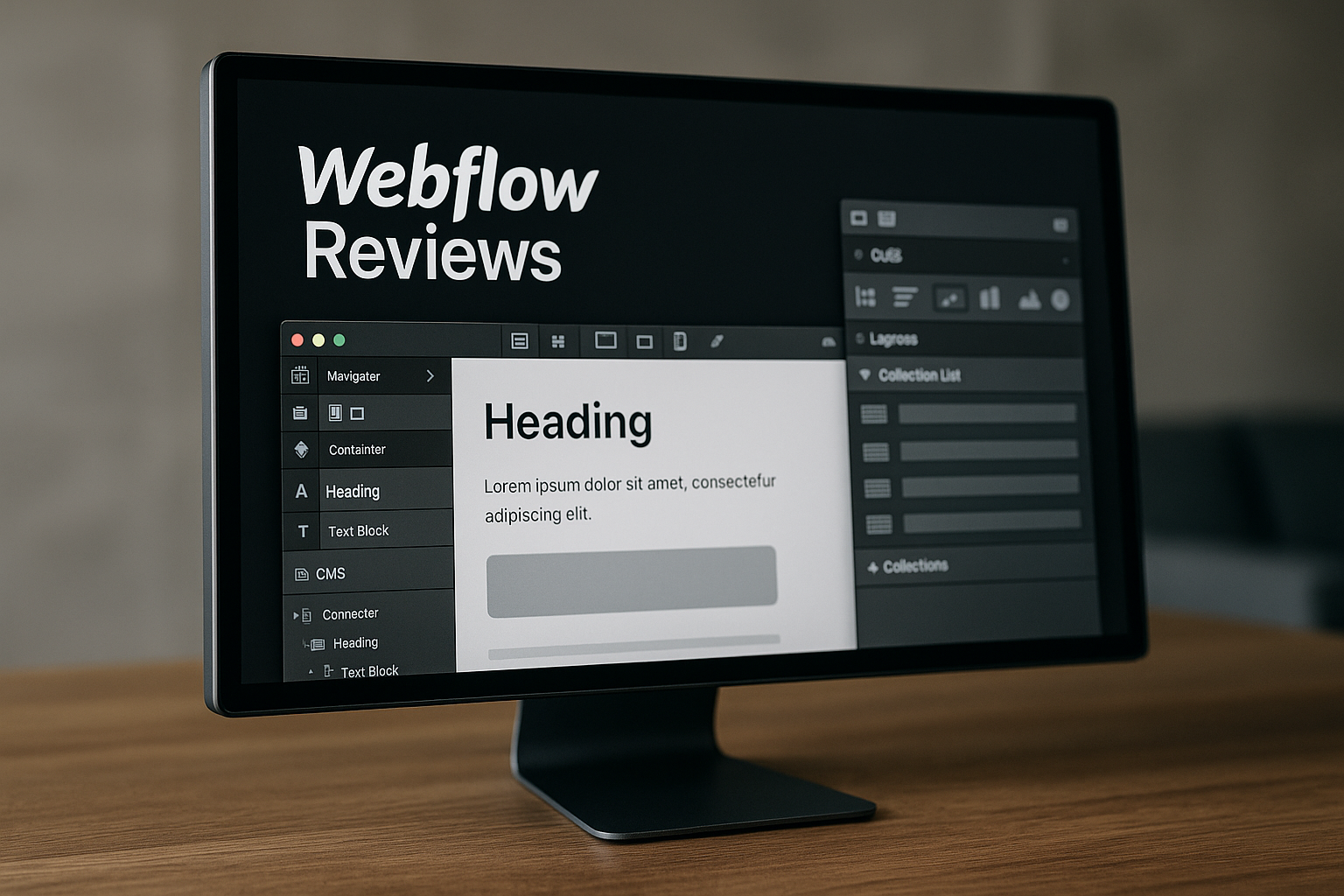
If you are comparing website builders, webflow reviews can be unusually helpful because users tend to be specific: designers talk about control, marketers talk about CMS workflows, and beginners talk about the learning curve. After reviewing patterns from user comments, expert reviews, Trustpilot-style feedback, community discussions, and official Webflow pricing pages, the overall picture is clear but nuanced.
Webflow is widely praised for design flexibility, visual development, CMS capabilities, and clean site management. It is also criticized for being harder to learn than beginner-focused builders and for pricing that can feel expensive as site needs grow.
Affiliate disclosure: this article is published for toptrustreview.com and may contain affiliate links. If you decide Webflow is worth exploring after reading, you can visit Webflow through our trusted partner link: explore Webflow here.
Official website · Latest pricing & offers
What Webflow users are saying overall
Quick sentiment summary from Webflow reviews
The broad pattern in webflow reviews is positive among users who want design control, professional site builds, and a more visual way to create custom websites. Webflow is often described as a bridge between no-code design tools and front-end development.
The criticism is just as consistent. Many users say Webflow is powerful, but not instantly beginner friendly. In review sources such as Trustpilot, community threads, and expert evaluations, complaints usually focus on the learning curve, plan complexity, pricing sensitivity, and limitations compared with open-source platforms.
In short: Webflow tends to satisfy users who value control more than simplicity. It tends to frustrate people who expect a very quick drag-and-drop builder with minimal setup or a plugin marketplace like WordPress.
Who tends to love Webflow
The most enthusiastic webflow reviews usually come from designers, creative agencies, marketers, startup teams, and freelancers who need custom-looking websites without building everything from scratch in code. These users often appreciate that Webflow lets them control layout, spacing, interactions, responsive behavior, CMS collections, and publishing in one platform.
Professional users also like that the design canvas maps closely to web fundamentals. If you understand boxes, grids, flex layouts, breakpoints, and classes, Webflow can feel logical and efficient.
Another group that tends to praise Webflow is marketing teams that want to ship landing pages and CMS-driven content without relying on developers for every small edit. User opinion here is generally strong when the team already has someone who understands the platform.
Who tends to struggle with it
Negative webflow reviews complaints are more common from users who expected Webflow to behave like a very simple beginner website builder. The interface is visual, but it still requires learning concepts such as layout hierarchy, responsive design, CMS structure, and class management.
Small business owners can also struggle if they want a site online quickly and do not have time to learn. Some reviewers say the platform makes sense after training, but the early experience can feel overwhelming.
Users who need many third-party integrations, advanced eCommerce behavior, or complete hosting portability may also be less satisfied. These complaints do not mean Webflow is weak overall; they mean it is not the best match for every workflow.
Common praise in Webflow reviews

Design freedom and pixel-level control in Webflow reviews
One of the strongest themes in webflow reviews is design freedom. Users frequently praise the ability to create custom layouts without being boxed into rigid templates.
Compared with simpler website builders, Webflow gives more control over spacing, positioning, animations, responsive breakpoints, and reusable styles. Designers often say this makes it easier to turn high-fidelity visual concepts into real websites.
Expert reviews commonly echo this sentiment, describing Webflow as a visual development platform rather than a basic site builder. That distinction matters because Webflow’s flexibility is one of its biggest selling points, but it also explains why beginners sometimes feel lost.
For agencies and brand-focused businesses, this control can be valuable. A portfolio, SaaS marketing site, editorial brand, or conversion-focused landing page can look custom without requiring a fully hand-coded build.
Built-in CMS and clean site management
Another positive pattern in webflow customer reviews is appreciation for the CMS. Webflow’s CMS is often praised by users who need structured content such as blogs, case studies, team pages, resource libraries, directories, or product-style content pages.
The CMS is not just a blogging tool. It lets users create collections and connect fields to visual templates, which can make repeated content easier to manage. For teams that publish regularly, this can be a major advantage over static page-by-page editing.
In webflow cms reviews, users often mention that once the CMS is planned well, content updates become easier for non-technical teammates. Editors can update entries without touching the entire page design.
That said, CMS satisfaction depends heavily on setup quality. Poorly planned collections can create confusion, so this is an area where experienced Webflow users tend to get better results than first-time builders.
Performance, SEO, and code quality
Many positive webflow reviews also mention performance and SEO fundamentals. Users commonly like that Webflow includes hosting, responsive design controls, editable metadata, clean URL structures, redirects, and visual control over page layout.
It is important to separate user opinion from verified product claims here. Reviewers often describe Webflow sites as fast and clean, but actual performance depends on design choices, image optimization, scripts, animations, embeds, and content weight.
From an SEO workflow perspective, Webflow is often appreciated because marketers can manage many on-page elements without relying on plugins for every basic function. Expert reviews also tend to note that Webflow gives more direct design and SEO control than many entry-level builders.
However, Webflow is not an automatic SEO solution. The platform gives capable tools, but rankings still depend on content quality, technical setup, internal linking, search intent, authority, and ongoing optimization.
Common complaints and Webflow review criticisms
Steep learning curve for beginners
The most common criticism in webflow reviews is the learning curve. Webflow looks visual, but it is not always simple for someone with no design or web structure experience.
Beginners often expect to drag items anywhere and be done. Webflow instead rewards understanding how websites are structured: containers, sections, classes, grids, flexbox, breakpoints, and reusable components.
This is why “is Webflow beginner friendly” gets mixed answers. It can be beginner friendly for someone willing to learn, especially with tutorials and templates. But it is not the easiest choice for users who want a site finished in an afternoon.
On community platforms, including searches like webflow reviews reddit, users often advise beginners to budget time for learning. That is fair advice. Webflow can be empowering, but it is rarely effortless at the start.
Pricing and scaling concerns in Webflow reviews
Pricing is another repeated theme in webflow reviews, especially from freelancers, small businesses, and teams managing multiple sites. Some users feel the value is strong because hosting, CMS, design tools, and publishing are integrated. Others feel costs become harder to justify as requirements expand.
This difference usually comes down to use case. A business that needs a polished marketing site may view Webflow as cost-effective compared with custom development. A hobby user, early-stage creator, or very small business may feel differently when moving beyond the free Starter plan.
In webflow pricing reviews, users also mention that plan selection can be confusing. Site plans, workspace considerations, CMS needs, bandwidth, and team features all affect how people perceive value.
The safest approach is to map your requirements before upgrading. If you know whether you need CMS, custom domain support, traffic capacity, team workflows, or enterprise governance, Webflow pricing is easier to judge.
Limitations around integrations, eCommerce, and lock-in
Some negative webflow reviews complaints focus on integrations and platform lock-in. Webflow has integrations and embed options, but users coming from WordPress may miss the breadth of a large plugin ecosystem.
Export and portability are also common discussion points. Users who want complete control over hosting and backend functionality may prefer platforms or stacks that are more open-ended. Webflow is strongest when you are comfortable using its hosted ecosystem.
In webflow eCommerce reviews, sentiment can be more mixed. Some users like the visual control, while others say advanced commerce requirements may need more specialized tools or workarounds. Because needs vary widely, eCommerce buyers should test workflows carefully before committing.
These criticisms are not deal-breakers for every user. They simply matter more if your site depends heavily on custom integrations, unusual checkout flows, complex databases, or plugin-style extensibility.
Official website · Latest pricing & offers
Is Webflow worth it for different users?
Best for designers, marketers, agencies, and developers
Based on webflow reviews, the platform is most worth it for users who care about custom design, brand presentation, and flexible content management. Designers can build visually without handing every concept to a developer. Marketers can manage landing pages and content. Agencies can create polished client sites with repeatable workflows.
Developers may also use Webflow when a project does not require a fully custom application. For marketing sites, campaign pages, and CMS-driven websites, it can reduce production time while still allowing a high degree of control.
Professionals who already understand web design principles are most likely to appreciate Webflow quickly. For them, the platform feels less like a simplified builder and more like a visual front-end environment.
Less ideal for total beginners
For total beginners, webflow reviews are more divided. Some beginners love learning Webflow because it teaches real web design concepts. Others feel overwhelmed by the interface and terminology.
If you have never built a website, the first few hours may feel slower than expected. You may need to watch tutorials, use templates, and learn how layout rules work before you feel confident.
That does not mean beginners should avoid Webflow entirely. It means they should choose it deliberately. If your priority is maximum design control and you are willing to learn, Webflow can be rewarding. If your priority is speed and simplicity, a more basic builder may be a better starting point.
When a simpler builder may be a better fit
A simpler builder may be better if you need a small website fast, do not care about granular design control, or want the easiest possible editing experience. Many webflow reviews make this distinction clearly: Webflow is powerful, but power adds complexity.
This also applies if you want a broad plugin ecosystem or highly customized backend functionality. In those cases, WordPress or a custom development approach may be more suitable, depending on your technical resources.
Here is a practical fit summary:
| User type | Webflow fit | Why |
|---|---|---|
| Designer or creative agency | Strong | High design control and visual development workflow |
| Marketing team | Strong | Useful for landing pages, CMS content, and campaign sites |
| Developer building marketing sites | Strong | Can speed up production for non-app websites |
| Complete beginner | Mixed | Learnable, but not the easiest starting point |
| Small brochure site owner | Depends | Good if design matters; possibly too much if simplicity matters most |
| Advanced eCommerce business | Depends | Test requirements carefully before committing |
| Heavy plugin/integration user | Mixed | May prefer a broader ecosystem |
Webflow pricing context users mention in reviews
Free Starter vs paid site plans
Pricing has a major influence on webflow reviews, so it is worth looking at the official plan context carefully. According to Webflow’s official pricing information, all prices are in USD, per site, with applicable taxes added at checkout.
The Starter plan is free. It includes a Webflow.io domain, limited Webflow CMS, 2 static pages, 1 GB bandwidth, 50 form submissions, Webflow AI, MCP server, Webflow Cloud app hosting, and a Free Starter Workspace.
The Basic plan is $15/month billed yearly. It is intended for simple sites that do not need a CMS and includes a custom domain, 300 static pages, 10 GB bandwidth, unlimited form submissions, password protection, Webflow AI, MCP server, Webflow Cloud app hosting, and a Free Starter Workspace.
The Premium plan is $25/month billed yearly. It is for content-rich sites with robust CMS and traffic needs. It includes everything in Basic, plus Webflow CMS, bandwidth, code components, site search, form file upload, and well-known files.
For larger organizations, Team is $2500/month with an annual contract required. Enterprise uses custom pricing.
When pricing feels reasonable
Positive webflow pricing reviews usually come from users who compare Webflow against hiring developers, maintaining separate hosting, installing plugins, and managing multiple tools. For a professional marketing site, the integrated workflow can feel efficient.
Pricing may feel reasonable when Webflow directly replaces several other needs: visual design, hosting, CMS, forms, publishing workflows, and basic SEO controls. Agencies may also view the cost differently because a polished Webflow build can be part of a client service package.
Here is the official pricing context in a simplified table:
| Plan | Official price | Best described for | Key verified details |
|---|---|---|---|
| Starter | Free | Trying Webflow | Webflow.io domain, limited CMS, 2 static pages, 1 GB bandwidth, 50 form submissions |
| Basic | $15/mo billed yearly | Simple sites without CMS | Custom domain, 300 static pages, 10 GB bandwidth, unlimited form submissions |
| Premium | $25/mo billed yearly | Content-rich sites | Includes Webflow CMS, bandwidth, code components, site search, form file upload |
| Team | $2500/mo, annual contract required | Growing teams | Includes Site & Workspace, Localize, workflows, governance, security, priority support |
| Enterprise | Custom pricing | Enterprise scale | Includes granular permissions, custom roles, advanced governance, dedicated account manager |
When pricing becomes a pain point
Negative webflow reviews around pricing tend to appear when users outgrow the free plan, need CMS features, manage multiple projects, or require team-level capabilities. The pain point is not always the base price; it is the feeling that requirements can push users into higher tiers.
For solo creators or very small businesses, even a reasonable professional tool can feel expensive if the site is not generating revenue yet. This is why pricing sentiment varies so widely.
The practical takeaway is simple: do not evaluate Webflow only by the entry point. Evaluate it by the plan your real site will need after launch, including CMS requirements, bandwidth needs, team workflows, and governance features.
Pros and cons summary based on review sentiment
Top pros
Across webflow reviews, the strongest positives are consistent. Webflow gives users more design control than many simple builders and can produce highly customized websites without traditional front-end coding.
Users also like the integrated CMS, especially for structured content. Marketers and agencies often appreciate that they can build, edit, and publish from one platform.
Another major pro is the professional workflow. Webflow is not just a beginner website builder; it supports more advanced design systems, responsive layouts, interactions, and content models.
Top cons
The biggest downside in webflow reviews is the learning curve. Webflow is visual, but it still expects users to understand how websites work.
Pricing is another recurring concern. The free Starter plan is useful for testing, but real business sites often need paid features such as custom domains or CMS functionality.
Users also raise concerns about integrations, portability, and advanced eCommerce needs. These issues matter most for businesses that need plugin-style flexibility, complex backend workflows, or very specialized commerce features.
Final verdict
The balanced verdict from webflow reviews is that Webflow is a strong choice for professional, design-led websites, but not the simplest or cheapest option for every user. It is best when you value custom design, CMS flexibility, and an integrated publishing environment.
It is less ideal if you want the easiest possible builder, the broadest plugin ecosystem, or full control over every hosting and backend layer. In those cases, alternatives may fit better.
For many designers, marketers, agencies, and growing brands, Webflow is worth serious consideration. For beginners and budget-sensitive users, the best move is to test the free plan before paying.
How to evaluate Webflow before you buy
Try the free Starter plan
The smartest way to interpret webflow reviews is to compare them with your own hands-on experience. Webflow offers a free Starter plan, so you can test the design interface, CMS limits, page structure, and publishing workflow before upgrading.
Use the free plan to build a small test page, adjust responsive layouts, create a CMS collection, and publish on a Webflow.io domain. This will tell you more than any single review can.
If you want to explore Webflow after reading this review, you can use our affiliate link to visit the platform: try Webflow through toptrustreview.com. We may earn a commission if you purchase, but our recommendation is to test the free plan first.
Check your content and CMS needs
Before upgrading, list the content types your site needs. A simple service website may not require CMS features, while a blog, case study library, resource hub, or directory likely will.
This is where webflow cms reviews are useful. Users who plan CMS structure carefully tend to report better experiences than those who add content without a model.
Ask yourself:
- Do I need a custom domain?
- Do I need CMS collections?
- How many static pages will I need?
- Will forms be important?
- Do I need site search or file uploads?
- Will multiple teammates edit or publish content?
Answering these questions helps you choose a plan based on actual requirements, not guesswork.
Assess team skill level and workflow
Finally, evaluate your team’s skill level honestly. Many webflow reviews are positive because the user had design, marketing, or development experience. Many negative reviews come from mismatched expectations.
If your team understands web design basics, Webflow can feel efficient and empowering. If nobody has time to learn, the platform may feel slower than a simpler builder.
For agencies and professional teams, Webflow can be a strong production tool. For beginners, it can still be worthwhile, but only if the learning curve is acceptable.
Official website · Latest pricing & offers
FAQ
What are the downsides of using Webflow?
The most common downsides mentioned in webflow reviews are the learning curve, pricing concerns, limited third-party integration flexibility compared with larger plugin ecosystems, and some lock-in around hosted workflows. Users also mention export limitations and constraints for certain advanced CMS or eCommerce use cases.
These drawbacks matter most for beginners, very small businesses, advanced eCommerce stores, and teams that need highly customized backend functionality.
Do professionals use Webflow?
Yes. Many professionals use Webflow, including designers, marketers, agencies, freelancers, and developers. Positive webflow reviews from professional users often focus on custom design control, CMS-driven sites, landing pages, and faster production workflows.
Webflow is especially common for marketing websites, brand sites, portfolios, resource hubs, and content-managed business sites.
Is Webflow better than WordPress?
It depends on the project. In webflow vs wordpress comparisons, Webflow is often preferred for visual design control, integrated hosting, and a more managed site-building experience.
WordPress is better known for ecosystem breadth, plugin flexibility, and open-source extensibility. If you want a large plugin marketplace and more control over hosting, WordPress may be a better fit. If you want a visual design platform with built-in hosting and CMS tools, Webflow may be more appealing.
Which is better, Wix or Webflow?
Wix is usually easier for beginners, while Webflow offers more design control and a steeper learning curve. Many webflow reviews suggest choosing Wix-style simplicity if you need a basic site quickly.
Choose Webflow if you care more about custom layouts, responsive design control, CMS structure, and professional site-building workflows. Choose the simpler option if speed and ease matter more than flexibility.
Is Webflow free?
Yes. Webflow offers a free Starter site plan. The official Starter plan includes a Webflow.io domain, limited Webflow CMS, 2 static pages, 1 GB bandwidth, 50 form submissions, Webflow AI, MCP server, Webflow Cloud app hosting, and a Free Starter Workspace.
For a custom domain, larger sites, or more advanced features, you will likely need a paid plan. This is why many webflow reviews recommend starting free, testing the platform, and upgrading only when your site requirements are clear.
Related Reading
- Webflow discount 2026
- How to set up WordPress on Hostinger in 2026
- Best cloud hosting for WordPress in 2026
References
- Read Customer Service Reviews of webflow.com
- Webflow review: My honest experience after 5 years
- Webflow Review: My Verdict for 2025 | eCommerce Website Design Gallery & Tech Inspiration
- Webflow Review 2026: Pros & Cons, Features and Pricing






