Systeme.io Login Guide: 5 Quick Fixes
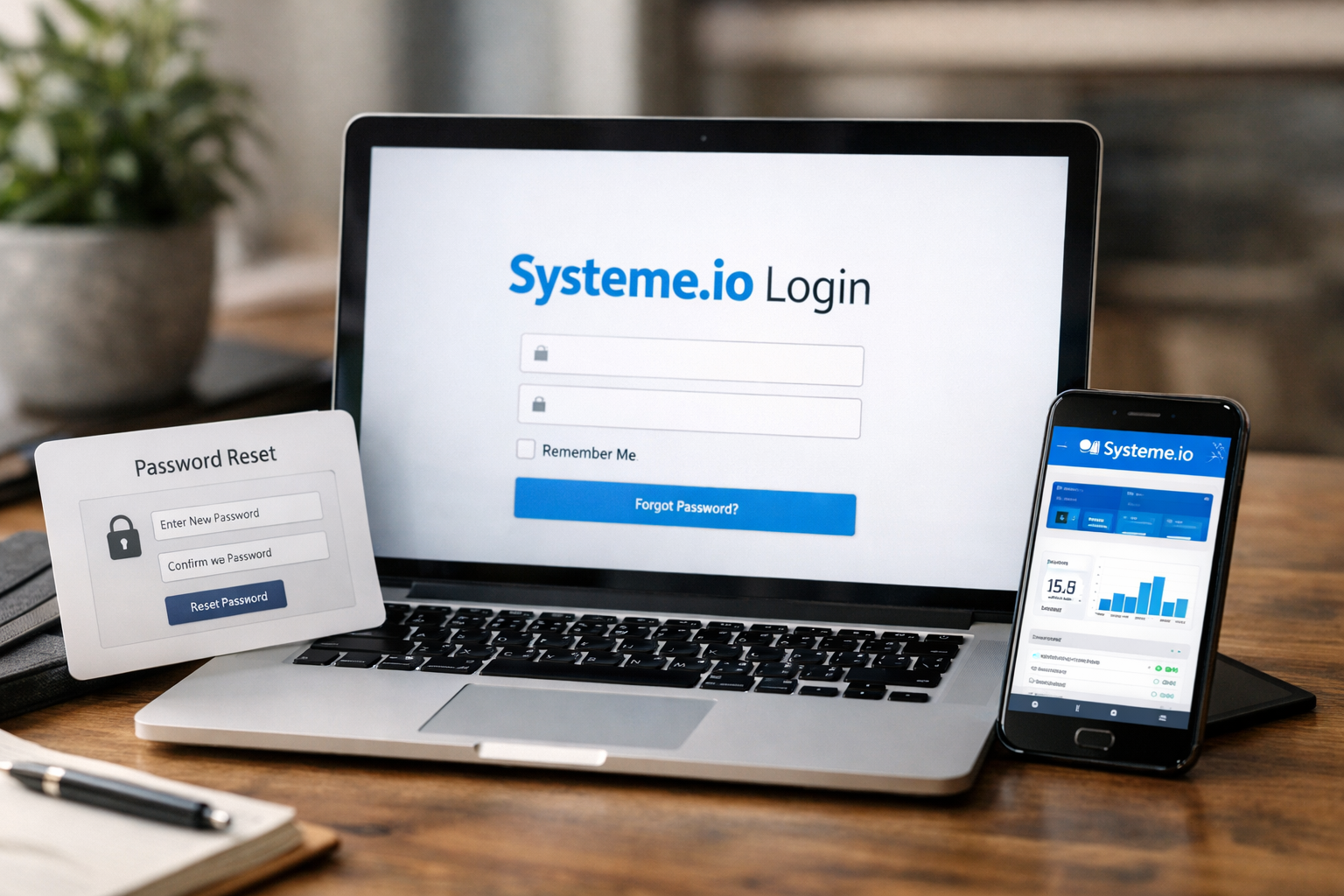
If you are stuck at the systeme.io login screen, take a breath—most access issues have a simple fix. In many cases, the problem is an incorrect URL, a saved password that is no longer current, or a browser setting interfering with the sign-in process.
This guide explains how to find the official entry point, troubleshoot common systeme.io login problems, reset your password safely, and get back to your dashboard without wasting time.
Official website · Latest pricing & offers
What Is the Official Systeme.io Login Page?
The safest way to begin a systeme.io login is by going to the official Systeme.io website and using its sign-in option. Avoid links in unsolicited emails, social posts, browser ads, or copied messages, especially if they ask for your credentials immediately.
Using the official site reduces confusion between the public website, the sign-in screen, and the dashboard you see after access is granted.
Direct login URL vs homepage sign-in
The official Systeme.io homepage is the main public entry point for learning about the platform. From there, you can select the sign-in option to reach the systeme.io login page.
If you have an old saved link, check that it still uses the official systeme.io domain before entering your email address or password. A page that looks familiar can still be unsafe if the web address is different.
What you should see on the login screen
A legitimate systeme.io sign in screen should ask for the email address and password associated with your account. It should also provide a password recovery option, typically labeled “Forgot your password.”
Before submitting anything, look at your browser’s address bar. If the domain does not clearly belong to Systeme.io, close the tab and start again from the official site.
When to use dashboard login instead
A systeme.io dashboard login is what happens after your credentials are accepted. The dashboard is your working area, where you may manage funnels, email marketing, online courses, selling tools, or blog content.
If you are already signed in but cannot find your workspace, do not repeatedly reset your password. First, check whether you are simply on a public-facing page rather than the logged-in dashboard.
5 Quick Fixes for Systeme.io Login Problems
Most systeme.io login issues can be resolved in a few minutes. Start with the simplest checks below, then move to browser troubleshooting only if needed.
1. Check the URL and browser tab
First, confirm you are on the official systeme.io login page. A typo in the domain, a stale bookmark, or a tab opened from an unverified message can send you to the wrong place.
Close duplicate tabs before trying again. Then open a fresh browser tab, visit the official Systeme.io domain, and choose the sign-in option from there.
Before you move on, make sure your browser is not auto-filling credentials on a suspicious or unfamiliar page.
2. Use the correct email address
A surprisingly common cause of systeme.io account access problems is using a different email address than the one used at registration. You may have signed up with a work address, personal inbox, or an address linked to a previous business project.
Try the email addresses you commonly use, one at a time. Check for accidental spaces before or after the address, and make sure your keyboard has not changed capitalization or characters.
If you receive an “account not found” message, do not keep guessing passwords. Confirm the email first, then continue with the password recovery process if necessary.
3. Reset your password
If you are confident that the email is correct but the password is rejected, use the systeme.io forgot password option. This is usually faster and safer than repeatedly attempting old passwords.
Select the password recovery link on the sign-in screen, enter the email tied to your account, and follow the instructions sent to your inbox. Use a new password that is difficult to guess and not reused on other websites.
A systeme.io reset password request may take a few moments to arrive, so check your inbox carefully before submitting multiple requests.
4. Clear cache, cookies, or try another browser
If your details are correct but the systeme.io login page keeps refreshing, freezing, or showing an unexpected error, browser data may be the issue. Cached files and outdated cookies can sometimes conflict with an updated sign-in session.
Try this next:
- Refresh the page once.
- Clear cookies and cached data for the official Systeme.io site.
- Restart your browser.
- Try a current version of another browser.
- Confirm that your browser allows cookies during the sign-in process.
Use this approach carefully if you have important active sessions open elsewhere, as clearing browser data can sign you out of other websites.
5. Disable extensions or test incognito mode
Browser extensions can interfere with login forms, cookie settings, pop-ups, or scripts. Ad blockers, privacy extensions, password tools, and VPN-related extensions are common sources of unexpected behavior.
Open an incognito or private browsing window and attempt the systeme.io sign in again. If it works there, return to your standard browser window and disable extensions one by one until you identify the conflict.
Do not disable security software permanently. The goal is only to test whether an extension is preventing normal systeme.io account access.
How to Reset Your Systeme.io Password
A password reset is the right next step when your email is recognized but your usual password does not work. Complete the process from the official systeme.io login page rather than from a link sent by an unknown source.
Find the Forgot your password link
On the sign-in screen, look for the “Forgot your password” link near the password field. Select it, then enter the email address associated with your account.
Double-check the spelling before submitting. If the email is entered incorrectly, the reset message will not reach the correct inbox.
Use the password reset email safely
After submitting your request, look for a password reset email in the inbox associated with your account. Open it only after confirming it is related to your request and directs you to the official Systeme.io domain.
Choose a new, unique password rather than recycling an old one. Once the password is updated, return to the official site and complete your systeme.io login with the new credentials.
For extra safety, use a reputable password manager to create and store a strong password. This also helps prevent future typos when you need fast access.
What to do if the reset email does not arrive
First, wait a few minutes, then check your spam, junk, promotions, and filtered folders. Search your mailbox for “Systeme.io” rather than relying only on the main inbox view.
If that does not work, confirm that you entered the same email used when creating the account. You can submit one more systeme.io reset password request, but avoid repeatedly sending requests in rapid succession.
If the message still does not arrive, contact Systeme.io support through an official support path and explain that the recovery email is missing. Include the account email address, but never send your password.
How to Access Your Dashboard After Logging In
Once your systeme.io login is successful, you should be directed to your account workspace. This is where you can work with the parts of the platform available under your account and plan.
Where the dashboard usually appears
After signing in, the systeme.io dashboard login should lead to an internal account area rather than the public homepage. The exact items you see may depend on your account setup and the plan you use.
If you were trying to edit an existing funnel, send an email campaign, or review course content, look for the corresponding navigation area inside the logged-in workspace.
What to do if you land on the wrong page
Sometimes users sign in successfully but end up on a public page, pricing page, or a page they did not expect. This does not always mean there is a problem with the account.
Check whether your browser has opened an old tab or whether you followed a link intended for visitors rather than account holders. Return to the official domain, confirm you are signed in, and navigate from the dashboard menu.
Bookmarking the correct login page
Once you confirm the correct systeme.io login page, save it as a bookmark. Label it clearly, such as “Official Systeme.io Sign In,” so you do not accidentally use a copied or outdated link later.
A correct bookmark saves time when you are in a hurry and reduces the temptation to search for login links every time you need your account.
Official website · Latest pricing & offers
Systeme.io Account Basics You Should Know
Before assuming an access issue is related to billing or account eligibility, it helps to understand the basic Systeme.io plan structure. The platform is positioned for sales funnels, email marketing, online courses, selling online, and blogging.
Free account availability
Systeme.io offers a free forever account. According to its official pricing information, the Free plan is $0 and includes core features with limited usage.
The Free plan includes up to 3 funnels, 1 automation rule, 1 custom domain, and up to 2,000 contacts. If you can complete the systeme.io login but see plan limits, that is different from being locked out of your account.
No credit card required to start
The official homepage and pricing details state that no credit card is required for the free account. This can be helpful for users who want to explore the platform before choosing a paid plan.
The listed paid plans are Startup at $17, Webinar at $47, and Unlimited at $97. Each is also listed as requiring no credit card to start.
Core platform use cases
Systeme.io is designed to bring several online-business activities into one platform. Its stated use cases include building sales funnels, email marketing, creating online courses, selling online, and blogging.
The Startup plan includes up to 10 funnels, 10 automation rules, 3 custom domains, and 5,000 contacts. The Webinar plan includes evergreen webinars, up to 50 funnels, 100 automation rules, 10 custom domains, and 10,000 contacts.
The Unlimited plan includes unlimited funnels, contacts, automation rules, and custom domains, plus early access to new features.
When to Contact Systeme.io Support
Self-service steps solve many systeme.io login problems, but not every issue should be handled by repeated troubleshooting. Contact official Systeme.io support when your account situation appears unusual or cannot be resolved through the standard recovery flow.
Account access blocked
Contact support if your account appears blocked, disabled, or unavailable after you have confirmed the official website, correct email address, and current password. Include a clear description of the message you see and the email tied to the account.
Avoid creating multiple replacement accounts while waiting for an answer. That can make it harder to determine which account contains your existing work.
Password reset not working
Support may be appropriate when the systeme.io forgot password process repeatedly fails, the reset link does not work, or no reset email arrives after you have checked filtered folders and verified the address.
When asking for help, share the relevant error message and the time you made the request. Never include your password, reset code, or sensitive payment information in a support message.
Suspicious login or security concerns
If you notice an unfamiliar login, unexpected password reset message, or account change you did not make, secure your email account first. Then contact official support through the verified Systeme.io website.
Change your password from a trusted device, especially if you believe someone else may have accessed your account. Do not respond to suspicious messages asking you to “verify” credentials.
Important Security Tips Before You Sign In
Fast access matters, but protecting your account matters just as much. A careful systeme.io login routine can help you avoid fake pages and prevent avoidable account issues.
Avoid phishing links
Phishing messages often create urgency by claiming your account will be closed, payment has failed, or immediate verification is required. Instead of using the message link, open a new tab and go to the official site yourself.
Be especially cautious with messages that request passwords, recovery codes, or personal information. Legitimate password recovery should begin only when you initiate it.
Use the official domain only
Before entering credentials, inspect the address bar and confirm the site uses the official systeme.io domain. Look closely for misspellings, extra words, unusual subdomains, or copied branding.
The safest habit is to use your saved official bookmark or type the domain directly. This is more reliable than searching for a systeme.io login page through unknown ads or third-party links.
Keep passwords unique and updated
Use a unique password for Systeme.io rather than one shared with your email, social media, or banking accounts. Unique passwords limit the impact if another service experiences a security issue.
Update your password if you suspect it was exposed, shared, or entered on the wrong page. A password manager can make this easier without forcing you to memorize every credential.
Should You Use Systeme.io for Your Online Business?
If you are already trying to regain systeme.io login access, you may be using the platform for an active project or evaluating whether it fits your workflow. Its stated focus on funnels, email marketing, courses, selling online, and blogging may suit users who prefer to manage these activities in one place.
Who it suits best
Systeme.io may be worth considering for creators, course sellers, entrepreneurs, and small online businesses that want tools for the platform’s stated core use cases. The free forever option can also be useful for evaluating the interface and available limits before moving to a paid plan.
Review systeme.io pricing carefully against your own needs. For example, the available funnel, automation rule, custom domain, and contact limits differ by plan.
Why users stay after login
For many users, the priority after resolving a systeme.io login issue is getting back to existing campaigns, funnels, contacts, course material, or blog work. Bookmarking the official sign-in page and keeping account credentials current can prevent unnecessary interruption.
The practical takeaway is simple: use the official domain, verify your email, reset your password when needed, and test your browser before assuming the account is unavailable.
How the affiliate offer fits
If you are exploring the platform after resolving access issues, you can review Systeme.io through this Top Trust Review partner link. It is best used as a starting point for your own evaluation, not as a promise of specific business results.
Official website · Latest pricing & offers
FAQ
What is the official Systeme.io login page?
The official systeme.io login page should be accessed through the official systeme.io domain. For safety, start at the homepage or use a bookmark you created after confirming the address, rather than using third-party or copied links.
What should I do if I forgot my Systeme.io password?
Select the “Forgot your password” link on the sign-in screen, enter the email linked to your account, and follow the reset instructions sent to that inbox. If the email does not arrive, check spam and filtered folders, verify the email address, and contact official support if recovery still fails.
Why can’t I log in to my Systeme.io account?
Common causes include using the wrong email address, entering an outdated password, browser cookies interfering with the session, or an extension blocking part of the login form. Start with the official page, then try a password reset, private browser window, or another browser.
Does Systeme.io have a free plan?
Yes. Official systeme.io pricing information lists a Free plan at $0. It includes core features with limited usage: up to 3 funnels, 1 automation rule, 1 custom domain, and up to 2,000 contacts.
Do I need a credit card to create a Systeme.io account?
No. The official homepage and pricing details state that no credit card is required for the free account. The listed Startup, Webinar, and Unlimited plans also state that no credit card is required to start.
Related Reading
References
- Log in to your account
- Systeme.io – The only tool you need to launch your online business
- Systeme.io Pricing — Free, Startup, Webinar, Unlimited Plans
- Systeme.io Login Page – Access to Your Account