Magica for Teams: A Practical Review for 2026
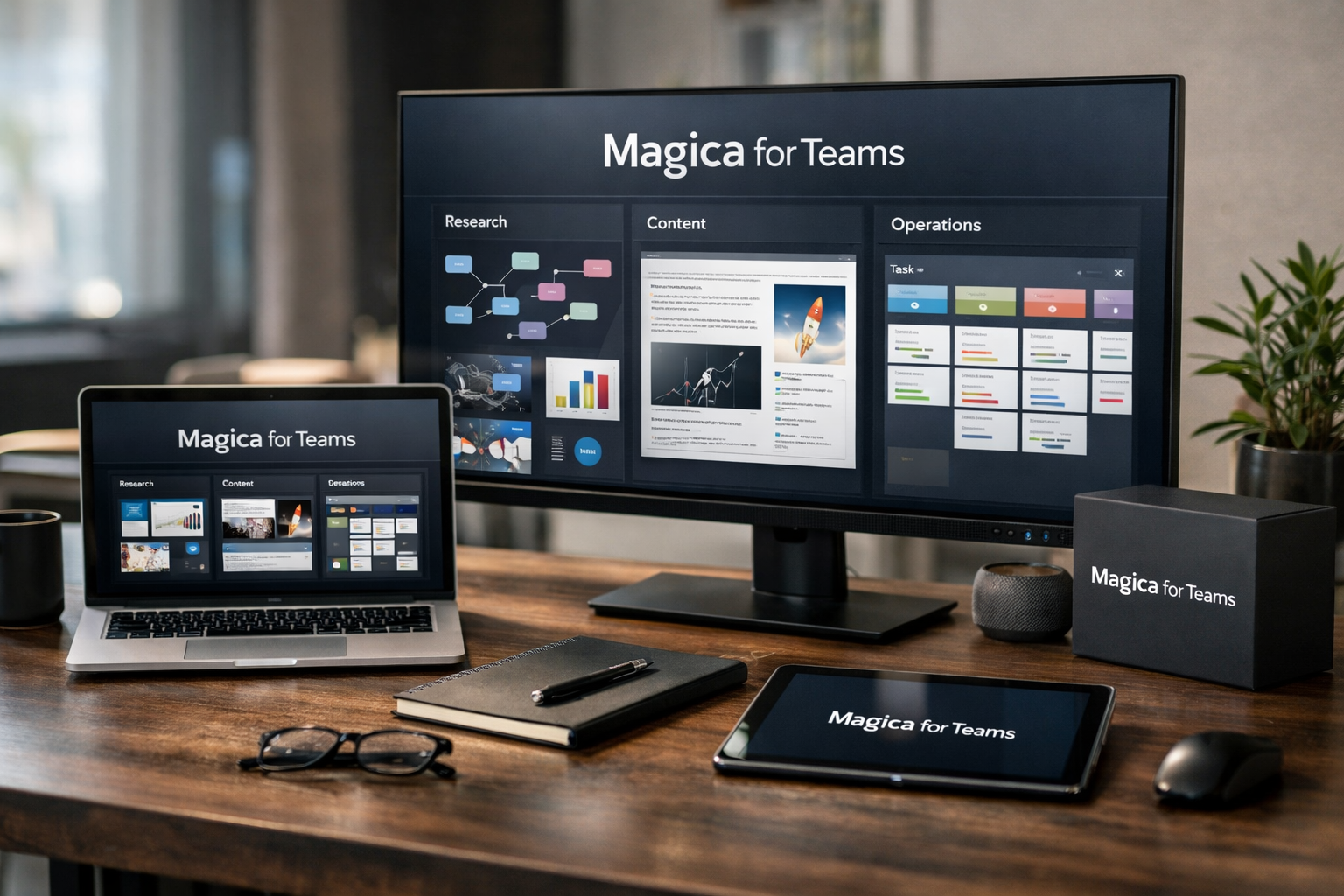
Teams evaluating AI tools are rarely looking for another place to ask one-off questions. They need a practical work layer that can support research, operations, content, creative production, and recurring processes. This magica for teams review examines where the platform appears to fit, who may benefit most, and what buyers should verify before adopting it.
Magica positions itself as “The #1 All-in-One AI Agent / AI Platform,” with a homepage message focused on the work people are avoiding. Its official help documentation describes team use across research, operations, content, creative production, and repeatable workflows.
Affiliate disclosure: TopTrustReview may earn a commission if you explore Magica through links in this article, at no additional cost to you. This does not affect our assessment, and teams should always validate workflow fit, current pricing, and data requirements before purchasing.
Official website · Latest pricing & offers
What Magica for Teams Is and Why It Matters in 2026
Magica as an all-in-one AI work layer
Magica is positioned as an all-in-one AI agent and AI platform rather than a narrow, single-purpose application. For a business buyer, the most relevant idea is its role as an AI work layer: a system intended to support the tasks that sit around daily team execution.
That framing matters because work is rarely isolated. A research task may lead to a marketing brief, which may create operational follow-ups, which may then need a repeatable process. Magica for teams is most compelling when a group wants to bring more consistency to these connected work patterns.
The official use-case language is broad but useful. It identifies research, operations, content, creative production, and repeatable workflows as areas where teams can use Magica. That does not mean every team should expect the same outcome; the value depends on the quality and frequency of the work being organized.
How team use cases differ from solo use
An individual may use AI primarily for ideation, summaries, or drafts. A team needs more than a good response: it needs shared context, clear handoffs, consistent inputs, and a way to reduce duplicated effort.
This distinction is central to evaluating magica for teams. The strongest potential fit is not simply “our staff use AI.” It is “our staff repeatedly perform similar work that could be better structured, drafted, reviewed, or coordinated.”
For example, a founder may ask for a market summary once. A team may need that summary translated into a campaign outline, an operating brief, and follow-up priorities. An AI work layer can be useful when it supports the broader chain of work rather than only the first prompt.
Best Use Cases for Magica Teams in 2026
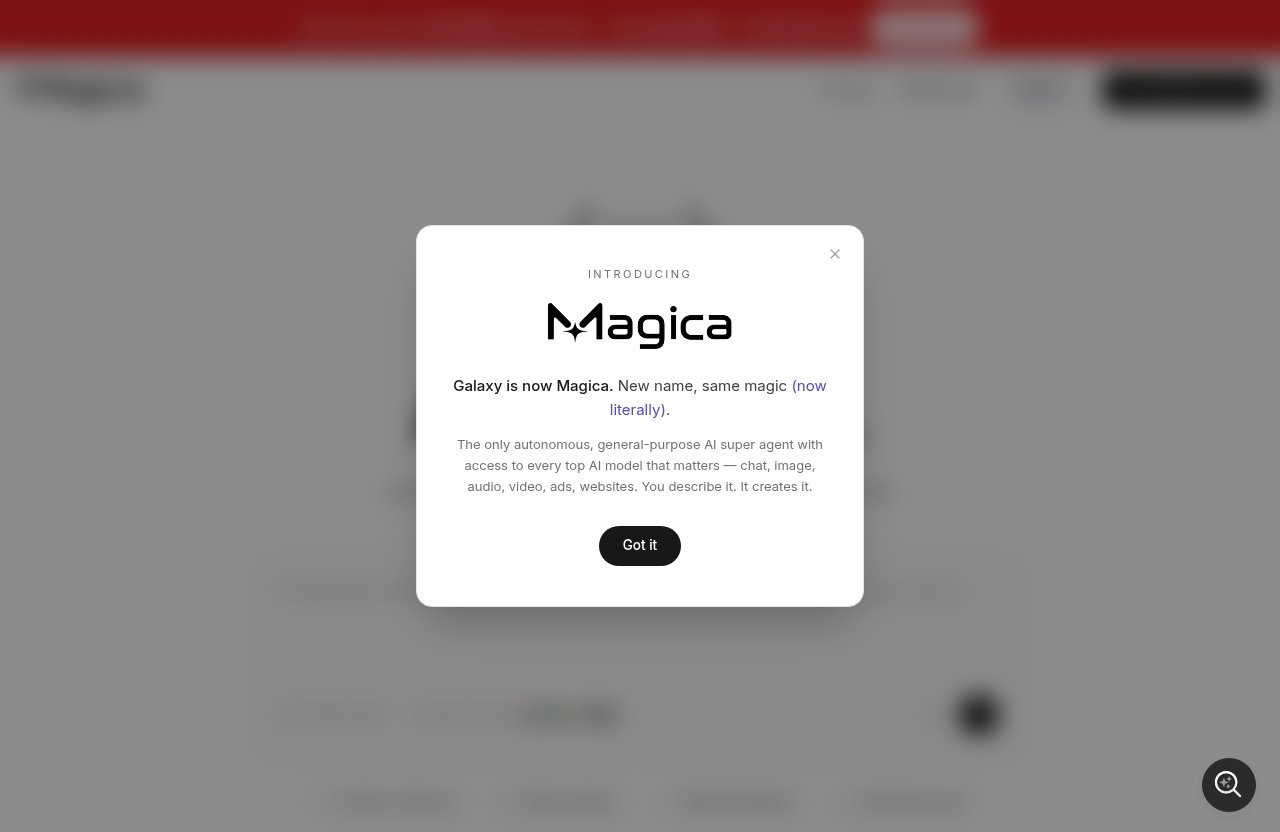
The official Magica helpdesk identifies five relevant categories for teams: research, operations, content, creative production, and repeatable workflows. The following magica team use cases interpret those categories from a practical buyer perspective without assuming unverified features or integrations.
Research and knowledge gathering
Research often becomes fragmented across browser tabs, documents, meetings, and individual notes. Teams can lose time recreating background work, searching for prior conclusions, or trying to turn raw findings into something decision-makers can use.
An AI work layer can help make research work more structured. In a magica for teams setup, the potential value is not merely generating information; it is helping teams shape research questions, synthesize material they provide, prepare summaries, and create usable next-step drafts.
Founders, strategy leads, marketers, and client-service teams are likely to benefit most. A realistic ideal outcome is a clearer research brief that gives the next person enough context to act, instead of a pile of unstructured findings.
For a small agency, this could mean turning discovery notes and approved source material into a client-facing research outline. For a founder, it may mean preparing a concise market or competitor discussion before a planning meeting. Teams should still review outputs carefully, especially where accuracy, source quality, or business decisions are involved.
Operations and repeatable admin workflows
Operations teams often deal with recurring coordination tasks: creating internal updates, documenting processes, preparing handoffs, summarizing discussions, and clarifying next actions. These tasks may not be difficult individually, but their volume creates friction.
The case for magica operations automation is strongest where a team already knows the shape of the work it repeats. An AI work layer may help turn informal habits into clearer templates and support the drafting or organization of recurring operational materials.
Operations managers, executive assistants, project coordinators, and customer-facing leaders may see the most value. Success is not necessarily full automation. A more credible goal is faster preparation, fewer missed details, and more consistent documentation that humans can review.
For example, an operations lead could use a repeatable framework for weekly priorities, blockers, owners, and open questions. The team remains accountable for confirming the facts and making decisions, while the AI layer can help reduce the blank-page work around routine coordination.
Content and marketing production
Marketing teams routinely turn one set of inputs into many outputs: campaign briefs, messaging notes, landing-page drafts, email concepts, social posts, and internal review materials. The problem is not a lack of ideas; it is managing versioning, consistency, and the movement from strategy to production.
Magica for teams may be worth exploring for organizations that want better support around content planning and content production. Magica’s official team use cases include content, making this a directly relevant area for buyers who have recurring editorial or campaign workflows.
Marketing managers, content strategists, growth teams, and in-house writers may benefit most. An ideal outcome is a more repeatable route from approved positioning to initial drafts, with human review protecting brand voice, factual accuracy, and campaign judgment.
The phrase magica content workflows should not be interpreted as a promise of hands-off publishing or guaranteed performance. Instead, consider it as support for the surrounding work: organizing inputs, creating first drafts, preparing content variations, and documenting the reasoning behind a campaign.
Creative production and internal drafting
Creative teams face a different version of the same challenge. They need room for original thinking, but they also spend substantial time translating loose requests into briefs, concepts, review notes, and stakeholder-ready materials.
Magica’s official use-case language includes creative production. In this context, magica for teams may help when creative work has repeatable supporting steps, such as creating a starting brief, reframing feedback, summarizing a creative direction, or preparing internal drafts.
Design leads, creative directors, brand teams, and production coordinators can benefit when AI supports preparation rather than replacing professional judgment. The best result is usually a clearer brief and faster alignment before a designer, writer, or strategist performs the specialist work.
A creative agency could use a consistent internal structure for turning a client request into a discovery outline and draft creative brief. That does not replace the team’s expertise, client conversations, or quality control. It may simply make the early-stage coordination more efficient.
Workflow support for founders and small teams
Founders and lean teams often have the widest range of responsibilities and the least tolerance for administrative drag. The same person may handle research, sales follow-up, product feedback, marketing priorities, and internal planning in a single day.
This is where magica for founders can be a practical concept. A platform positioned as an AI work layer may be useful for teams that need a consistent way to move between priorities without rebuilding their working process each time.
The ideal outcome is not doing more for the sake of it. It is helping a small team clarify what matters, create better drafts, and make recurring work easier to revisit. A two-to-ten-person team with documented routines may gain more than a larger company with no shared process to support.
Which Team Types Benefit the Most
Founders and lean leadership teams
Lean leadership groups often have repeatable planning and communication tasks but limited operational support. They may benefit from magica for teams when they want to turn recurring leadership work into clearer routines.
Examples include preparing planning notes, structuring research questions, drafting internal updates, and organizing follow-up topics. The fit improves when leaders are willing to define how work should be reviewed and who owns final decisions.
Marketing teams
Marketing teams are natural candidates because content and campaign work involve recurring formats. A team that regularly produces briefs, messages, editorial drafts, and performance discussions may find an AI work layer useful for reducing preparation time.
The potential contribution to magica team productivity is consistency, not automatic marketing success. Marketers still need to validate claims, protect brand standards, assess audience relevance, and approve final materials.
Operations teams
Operations teams should look at Magica when recurring work is documented enough to be made more repeatable. Internal procedures, meeting preparation, status updates, and handoff formats are all examples of work where better structure can matter.
A magica for business evaluation should focus on the cost of inconsistency. If people repeatedly ask the same questions, rebuild the same documents, or lose context between tasks, an AI work layer may be worth testing.
Agencies and client-service teams
Agencies balance internal production with client communication, discovery, research, and approvals. Their work is often template-friendly, but each client still needs distinct positioning and careful quality control.
For these teams, magica for teams may be best suited to the repeatable scaffolding around delivery. Examples include preparing discovery frameworks, organizing draft briefs, outlining research, and supporting internal follow-up. Client-facing claims and final deliverables should remain subject to normal expert review.
Creative teams and internal content teams
Creative and internal content groups should not treat AI as a substitute for editorial, design, or brand expertise. They may, however, benefit from faster early-stage drafting and more organized feedback loops.
The key question is whether the team has recurring inputs and formats. If it does, Magica may support a more dependable creative workflow. If every project is entirely bespoke and undocumented, the initial value may be lower.
Where Magica Fits Best in a Team Workflow
Morning brief and priority surfacing
Many teams start the day by reopening tabs, rereading messages, and trying to remember what changed. A work layer can be useful when it helps people organize priorities and convert scattered inputs into an actionable starting point.
For magica for teams, the practical opportunity is daily work orientation: what is active, what needs a response, what requires a draft, and what should be escalated. Teams should define their own priority rules rather than expecting AI to make high-stakes decisions independently.
Drafting, summarizing, and follow-up support
Drafting and summarizing are not glamorous tasks, but they are often where work slows down. A team may need to transform notes into an update, a meeting into follow-up actions, or a rough idea into a working brief.
This is a sensible place to test magica workflow automation in a limited, reviewable way. Start with low-risk recurring materials, establish an approval process, and compare whether the team saves meaningful preparation time without creating extra editing work.
Connecting tools and reducing context switching
Context switching is costly when employees jump among different sources of information and repeatedly reconstruct what happened. Magica’s positioning as an all-in-one AI platform may appeal to teams looking for a more unified work layer.
However, buyers should not assume specific integrations, connected applications, or synchronization behavior unless they are confirmed in Magica’s current official documentation. Before adoption, ask which tools can be connected, what information is available in the workflow, and how permissions are managed.
The objective should be fewer unnecessary jumps between tasks, not a vague promise of consolidation. A pilot should measure whether the team can find context and complete recurring work with less friction.
When to use Magica vs. a general chatbot
A general chatbot can be useful for isolated prompts, brainstorming, and ad hoc questions. Magica is positioned differently: as an AI agent platform and work layer intended to support broader work across several team use cases.
That makes magica for teams more relevant when the goal is workflow support rather than occasional conversation. If a team only needs infrequent, individual prompts, a general chatbot may be sufficient. If it wants to develop repeatable research, operations, content, or creative patterns, Magica may deserve closer consideration.
Official website · Latest pricing & offers
Pricing and Plan Details
Verified pricing facts
The supplied official pricing extract did not include visible plan names, prices, feature tiers, or usage limits. For that reason, this review cannot responsibly quote exact magica pricing information.
Teams should review the live official Magica pricing page before making a purchasing decision. Do not rely on third-party estimates, old screenshots, or assumptions about whether plans are billed per user, per workspace, or through another model.
What to check before buying
Pricing is not only about the headline monthly amount. Buyers should confirm what each available plan includes, who needs access, whether relevant workflow capabilities are included, and whether there are usage conditions that affect their expected workload.
It is also sensible to check trial availability, contract terms, cancellation conditions, support options, and the practical difference between plans. Those facts can change, so the live official source is the right place to verify them.
How to estimate value for a team
The most useful value calculation is based on a real recurring workflow. Choose one process that consumes time each week, identify the people involved, and estimate how much preparation, drafting, or coordination could realistically be reduced.
A positive magica for teams business case should include implementation time and review time, not just theoretical time savings. If the team must heavily rewrite every output or cannot agree on a process, the value may be limited despite a reasonable subscription cost.
Pros, Limitations, and Buying Considerations
Best-fit strengths
Magica’s official positioning covers several team-relevant areas rather than a single narrow task. That breadth may be attractive for organizations that work across research, operations, content, creative production, and repeatable workflows.
The platform’s work-layer framing is also useful for buyers who want to move beyond disconnected prompts. For the right team, magica for teams could provide a clearer foundation for standardizing how recurring work is prepared and managed.
| Potential strength | Why it matters |
|---|---|
| Broad official team use-case coverage | Supports evaluation across research, operations, content, creative work, and repeatable workflows |
| AI work-layer positioning | Aligns with teams seeking workflow support rather than isolated prompting |
| Potential fit for lean teams | May help organize recurring work where people wear multiple hats |
| Practical starting point for pilots | Teams can test one repeatable process before expanding use |
Potential limitations or onboarding considerations
An AI platform cannot fix an unclear process on its own. Teams without repeatable workflows, shared standards, or clear owners may need to do foundational process work before they see consistent value.
Onboarding is also a real consideration. People need guidance on what inputs to use, how outputs should be reviewed, and where AI should not be used. A rushed rollout can lead to inconsistent adoption or disappointment from unrealistic expectations.
Data handling should be assessed directly with the vendor based on your organization’s needs. Buyers should verify privacy terms, data policies, access controls, and any requirements specific to their industry before putting sensitive internal or client information into a new workflow.
Questions to ask before adopting
Before adopting magica for teams, ask these practical questions:
- Which tasks repeat often enough to justify a shared AI-supported process?
- Who will own workflow design, quality checks, and user guidance?
- What official documentation confirms compatibility with the tools we already use?
- What information can staff safely include under our internal data policies?
- How will we measure whether the pilot improves speed, clarity, or consistency?
- What current pricing and plan details apply to our team size and expected use?
Good buyers treat these questions as part of the evaluation, not as obstacles. The answers determine whether Magica becomes a useful work layer or simply another tool employees rarely open.
How to Decide if Magica for Teams Is Worth It
Quick fit checklist
Magica for teams is more likely to be worth exploring if most of the following statements are true:
- Your team repeats research, operations, content, creative, or coordination tasks.
- Staff lose time recreating briefs, summaries, updates, and routine drafts.
- You have a defined review process for AI-assisted work.
- Leaders are willing to standardize at least one workflow.
- You can start with low-risk internal work before expanding use.
- You are prepared to verify pricing, tool compatibility, and data handling directly.
If only one or two points apply, a lighter AI approach may be enough. The platform’s value depends on workflow adoption, not on novelty.
Best use cases by team maturity
Early-stage teams can begin with founder planning, research preparation, simple content briefs, and internal operating updates. This is usually the best path for magica for founders because it focuses on high-frequency work without requiring a complex rollout.
More established teams can test shared formats across departments. Marketing may use content workflows, operations may use recurring update structures, and agencies may use standard discovery or briefing patterns. The goal should remain measurable process improvement, not broad AI deployment for its own sake.
Who should skip it
Teams should likely pause or look elsewhere if they have no recurring workflow problem to solve. A group that only wants casual AI chat, has no time for onboarding, or cannot establish review standards may not get enough value from a work-layer approach.
Organizations with strict data, compliance, or procurement requirements should also avoid assumptions. They should complete their own vendor review and confirm that Magica’s current policies and capabilities meet their specific requirements before adoption.
Final Verdict
Who should try Magica for Teams
Magica for teams looks most relevant to founders, marketers, operations groups, agencies, and creative teams that want a more structured AI layer around repeatable work. Its official use-case coverage makes it especially worth considering for teams that handle regular research, operational coordination, content production, creative preparation, and recurring workflows.
The right way to evaluate it is through a small, defined pilot. Pick a workflow with clear inputs, a human reviewer, and a visible outcome such as better-prepared briefs, more consistent updates, or reduced administrative preparation.
If that describes your team, you can explore Magica through TopTrustReview and then review the official pricing page carefully before making a commitment. Treat the platform as a possible workflow support system, not a substitute for team judgment.
Who should look elsewhere
Teams that only need occasional question-answering may be better served by a general chatbot. Likewise, teams with highly unstructured work, no owner for implementation, or unresolved data-handling requirements should address those issues before evaluating an AI work layer.
Overall, this magica for teams review finds a credible fit for organizations seeking more repeatable support around everyday work. The strongest case is practical rather than flashy: use Magica where the team already has recurring processes and can apply human oversight to make those processes clearer and more consistent.
Official website · Latest pricing & offers
FAQ
What can teams use Magica for?
According to Magica’s official helpdesk use-case language, teams can use it for research, operations, content, creative production, and repeatable workflows. The best fit depends on which of those work categories your team performs regularly.
Is Magica for Teams good for founders and small teams?
It may be a good fit for lean teams that want an AI work layer around daily priorities, planning, drafting, and recurring coordination. Small teams should begin with one repeatable workflow and assess results before expanding use.
Does Magica replace a general chatbot?
Not necessarily. Magica is positioned as an AI agent platform and work layer, while a general chatbot is often used for individual, one-off conversations. Magica may be more relevant when workflow support and repeatable team processes are the priority.
How much does Magica cost for teams?
The verified pricing extract available for this review did not display exact prices, plan names, or feature limits. Check the live official Magica pricing page for current details before purchasing.
What should a team evaluate before adopting Magica?
Evaluate workflow fit, recurring task volume, onboarding effort, review processes, officially supported tools, current pricing, and data-handling requirements. A team should also confirm that it has a clear owner for implementation and quality control.
Related Reading
References
- Magica official homepage
- Magica plans and pricing
- What can teams and businesses use Magica for?
- Magic Teams: AIOS for Founders — Stop Being the Bottleneck