
How Much Does Webflow Cost for a Small Business?
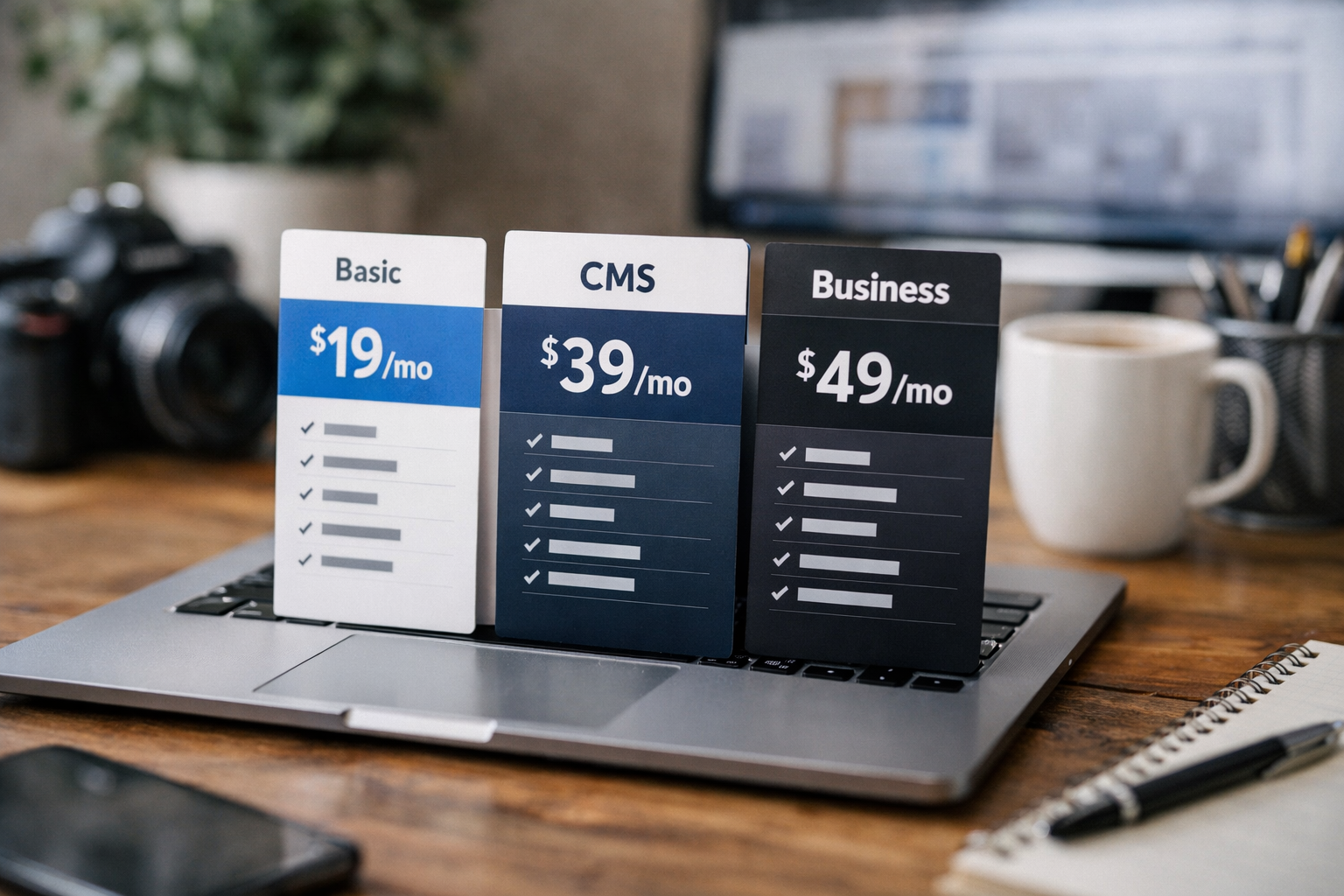
For small business owners asking how much does Webflow cost, the short answer is: you can start free, while the lowest paid site plan is $15 per month when billed yearly. Most small businesses will realistically budget either $15 per month for a straightforward marketing site or $25 per month for a content-focused site that needs Webflow CMS.
Webflow prices are listed in USD, per site, with applicable taxes added at checkout. Your total budget can also include a domain, design or development support, ongoing maintenance, and any third-party services you choose to connect.
Disclosure: Top Trust Review may earn a commission from qualifying sign-ups made through our Webflow affiliate link. This does not change the published plan pricing discussed below.
Official website · Latest pricing & offers
Quick answer: How much does Webflow cost for a small business?
The realistic Webflow monthly cost for a small business begins at $0 for the Starter plan, but that free option is intended for exploring and experimenting. For a live business website on a custom domain, the Basic plan costs $15 per month billed yearly.
The Premium plan costs $25 per month billed yearly and is designed for content-rich websites with stronger CMS and traffic-related needs. Larger teams can consider Team at $2,500 per month under an annual contract, while Enterprise pricing is customized.
The realistic small-business budget ranges
When evaluating how much does Webflow cost, it helps to separate the website platform fee from the full cost of operating a business website.
| Small-business situation | Likely Webflow site plan | Official plan price | Budget takeaway |
|---|---|---|---|
| Testing a site concept or learning the platform | Starter | Free | Suitable for experimentation, not a typical custom-domain business launch |
| Simple service, portfolio, or brochure website | Basic | $15/month, billed yearly | The lowest-cost paid option with a custom domain |
| Blog, resource center, or regularly updated content site | Premium | $25/month, billed yearly | Better fit when Webflow CMS functionality is needed |
| Collaborative agency or in-house web team | Team | $2,500/month, annual contract required | A specialized plan for growing teams needing more control |
| Complex organization with custom requirements | Enterprise | Custom pricing | Requires a tailored quote |
At the listed annual billing rates, the Webflow cost per year is $180 for Basic and $300 for Premium, before applicable taxes. Those figures cover the site plan itself, not every possible cost involved in launching or maintaining your website.
Which plan most small businesses should start with
For many local businesses, consultants, and service providers, Basic is the sensible first paid choice. It supports a custom domain and is intended for simple websites that do not need a CMS.
If your business relies on publishing articles, case studies, listings, resources, or other repeatable content, Premium is usually the more practical starting point. It adds Webflow CMS and related features that Basic does not include.
Webflow pricing overview from the official plans page

The clearest way to understand how much does Webflow cost is to begin with the official site-plan structure. Webflow charges these prices per site, in USD, and applicable taxes are added at checkout.
You can review the current plan details on Webflow’s official pricing page. If you decide the plans suit your needs, you can also review Webflow through Top Trust Review’s partner link.
Starter plan: free testing and exploration
The Webflow Starter plan is free and intended for exploring and experimenting with the platform. It includes a Webflow.io domain, limited Webflow CMS, two static pages, 1 GB of bandwidth, and 50 form submissions.
Starter also includes Webflow AI, MCP server, Webflow Cloud app hosting, and a free Starter Workspace. It is useful for learning the editor, validating a design direction, or creating an early draft before committing to a paid business site plan.
Basic plan: $15/month billed yearly
The Webflow Basic plan costs $15 per month when billed yearly. It is designed for simple sites that do not need a CMS and includes a custom domain.
This plan includes 300 static pages, 10 GB bandwidth, unlimited form submissions, password protection, Webflow AI, MCP server, Webflow Cloud app hosting, and a free Starter Workspace. For a business with mostly fixed pages, the webflow basic plan is the lowest official paid option.
Premium plan: $25/month billed yearly
The Webflow Premium plan costs $25 per month when billed yearly. It is intended for content-rich websites with more robust CMS and traffic needs.
Premium includes everything in Basic, plus Webflow CMS, bandwidth, code components, site search, form file upload, and well-known files. For businesses publishing and managing ongoing website content, this is the key difference in Webflow CMS pricing.
Team plan: $2,500/month annual contract
The Team plan is listed at $2,500 per month and requires an annual contract. It is aimed at growing teams that need more control without added complexity.
Team includes everything in Premium, plus Site & Workspace, Webflow Localize, AEO agents, publishing workflows, single-page publishing, site activity log and API, foundational governance, enhanced security and compliance, and priority support. This is not the typical starting plan for a solo operator or a small brochure-site project.
Enterprise: custom pricing
Enterprise has custom pricing, so there is no published monthly amount to place into a standard small-business budget. It includes everything in Team, with enterprise-ready scale, granular permissions, custom roles, advanced governance, secure integrations, a dedicated account manager, enhanced SLAs, and custom configurations.
For most small companies, Enterprise only becomes relevant when their governance, permissions, integration, or configuration requirements go beyond ordinary site-plan needs.
What a small business really needs from Webflow
The question is not only how much Webflow costs. It is also whether the plan matches how your business will actually use its website over the next year.
A straightforward website with a few stable pages has different requirements from a marketing site that publishes new resources every week. Choosing based on your content workflow can prevent you from paying for capabilities you do not need yet.
Brochure site vs CMS site
A brochure site usually has mostly fixed pages, such as Home, About, Services, Contact, Testimonials, and a few landing pages. A consultant, local service business, freelancer, or early-stage company may only need these pages to explain what it offers and collect enquiries.
A CMS-driven site is different. It regularly publishes or updates structured content, such as articles, resources, case studies, team profiles, or other repeatable page types. That distinction matters more than the total number of pages alone.
When Webflow CMS matters
Webflow CMS is included with Premium, not Basic. If your website’s marketing plan depends on maintaining a blog, resource library, or similar content section, you should factor the webflow premium plan into your expected budget from the start.
This avoids building a site around a Basic-plan assumption only to discover that your publishing process needs CMS functionality. For a content-led business, the extra $10 per month at the listed yearly billing rate can be easier to justify than restructuring the site later.
When you can stay on the Basic plan
You can often stay on Basic if your site is primarily static and you do not need Webflow CMS. Basic includes a custom domain, 300 static pages, 10 GB bandwidth, unlimited form submissions, and password protection.
That makes it relevant for a simple marketing website where the business updates pages occasionally rather than publishing structured content on an ongoing basis. The webflow basic plan is especially straightforward for businesses that want a professional web presence without making content publishing central to their site strategy.
Small-business budget examples
A realistic budget should reflect your website’s purpose, not just the entry-level price shown on a pricing page. The following examples use only Webflow’s listed site-plan rates, before taxes and any outside services.
Lean brochure site budget
A lean brochure site for a consultant, local business, freelancer, or small service company may fit on Basic. The official Webflow cost per month is $15 when billed yearly, which works out to $180 per year before applicable taxes.
This scenario makes sense when your site needs a custom domain, fixed marketing pages, enquiry forms, and perhaps password-protected content. You should separately budget for domain registration and any help needed with design, copywriting, setup, or maintenance.
Growth-focused content site budget
A growing business that publishes articles, resources, or other ongoing content should generally budget for Premium. At $25 per month billed yearly, the listed webflow cost per year is $300 before applicable taxes.
Premium includes the CMS capabilities that content-focused sites need, along with code components, site search, form file upload, and well-known files. Your actual spending may be higher if you hire a designer or developer, use third-party services, or register a separate custom domain.
Team collaboration budget for a small agency or in-house team
A small agency or in-house team should not automatically assume that Team is necessary just because several people contribute to a website. Team is a distinct plan for growing teams that need the added control and features listed by Webflow.
Its published rate is $2,500 per month with an annual contract requirement. Before choosing it, compare its Site & Workspace, publishing workflows, activity log and API, governance, enhanced security and compliance, and priority support against your actual operating requirements.
Official website · Latest pricing & offers
What is included in each site plan
Understanding Webflow pricing explained in feature terms is more useful than simply comparing monthly numbers. Here is what the entry-level and most relevant paid plans include according to the official pricing page.
Starter features
The free webflow starter plan includes:
- A Webflow.io domain
- Limited Webflow CMS
- Two static pages
- 1 GB bandwidth
- 50 form submissions
- Webflow AI
- MCP server
- Webflow Cloud app hosting
- A free Starter Workspace
Starter is best treated as an evaluation plan. Its Webflow.io domain and two-static-page limit mean it is not equivalent to a typical custom-domain business website.
Basic features
The $15-per-month Basic plan, billed yearly, includes:
- A custom domain
- 300 static pages
- 10 GB bandwidth
- Unlimited form submissions
- Password protection
- Webflow AI
- MCP server
- Webflow Cloud app hosting
- A free Starter Workspace
Basic is designed for simple sites that do not need a CMS. For a stable service website, this can be the most predictable Webflow monthly cost to build around.
Premium features
The $25-per-month Premium plan, billed yearly, includes everything in Basic, plus:
- Webflow CMS
- Bandwidth
- Code components
- Site search
- Form file upload
- Well-known files
The main budget decision is simple: choose Premium when your business needs the CMS and the additional features included with this content-rich site plan. Otherwise, Basic may keep your ongoing platform cost lower.
Hidden or easy-to-miss costs small businesses should plan for
The plan price is an important baseline, but it is not always the full website budget. When calculating how much does Webflow cost for your company, account for items that may sit outside the published site-plan price.
Taxes at checkout
Webflow states that plan prices are in USD, per site, plus applicable taxes added at checkout. This means the amount you see in a plan comparison is not necessarily the final amount charged in your location.
Include taxes in your cash-flow planning, particularly if you manage several sites or pay annually. Confirm the final total during checkout rather than relying only on the listed pre-tax price.
Custom domain registration
Basic and Premium include a custom domain as part of the site-plan feature set, but domain registration itself is a separate planning consideration. If you do not already own a domain, you will need to register one through your chosen domain provider.
Be clear about what you are comparing: Webflow’s site-plan pricing versus the broader cost of owning and operating a branded web address. Avoid assuming every domain-related expense is included in a website-builder plan.
Design, build, and maintenance costs
A site plan gives you access to the platform and the plan’s listed features. It does not automatically mean that design, content creation, technical setup, ongoing updates, or maintenance work is free.
A solo operator may choose to do this work personally, while another small business may hire a designer, developer, or marketing partner. The right budget depends on your internal skills, launch timeline, and the complexity of the site you want to maintain.
Third-party apps and services
Your business may use third-party tools for activities such as marketing, analytics, booking, customer management, or other workflows. Those tools can have their own costs, terms, and subscriptions.
List every service you expect to use before deciding whether a $15 or $25 Webflow plan is your true total monthly website budget. This approach provides a more accurate comparison than looking at platform pricing in isolation.
How Webflow compares to the needs of a small business
Webflow can be a practical fit when you want a website that begins with a clear use case and can expand as your content and operating needs grow. The right choice depends on your site structure, publishing habits, and team workflow.
Best for design control and growth
Webflow’s site-plan ladder gives businesses a path from a free Starter environment to Basic for simple custom-domain sites and Premium for CMS-led websites. That makes it easier to align your plan with your present requirements instead of starting at a team-level solution.
For a small business with a carefully designed marketing site or an expanding content program, the pricing structure is easy to map to business needs. Basic supports static sites, while Premium supports content-rich sites with Webflow CMS.
When Webflow may be overkill
Webflow may be more than you need if you only want to test a basic idea and are comfortable with Starter’s limits. It may also be unnecessary to pay for Premium if you do not need Webflow CMS or its additional included features.
The most cost-conscious decision is not always choosing the cheapest plan. It is choosing the least expensive plan that still supports your site’s required workflow without forcing compromises that create more work later.
Signs you should upgrade later
Consider moving from Basic to Premium when your website needs Webflow CMS for ongoing structured content. A growing resource area, article program, or content library can be a signal that a static-site setup is no longer the best fit.
Consider Team only when your organization needs the specialized collaboration, publishing, governance, security, compliance, and support capabilities included in that plan. Plan upgrades should follow a genuine operational need, not a vague expectation of growth.
Step-by-step: choose the right Webflow plan for your business
A simple decision process can make webflow pricing for small business easier to evaluate. Start with your current website needs, then choose the least complex plan that supports them.
Use Starter to test ideas
Use Starter if you are exploring Webflow, creating an early concept, or testing whether the platform fits your workflow. It is free and includes a Webflow.io domain, limited CMS, two static pages, 1 GB bandwidth, and 50 form submissions.
Do not mistake Starter for a complete custom-domain launch plan. It is a useful low-risk place to learn and experiment before committing to a paid site plan.
Choose Basic for simple marketing sites
Choose Basic when your business needs a custom domain and a simple site without a CMS. It is the cheapest paid Webflow option at $15 per month billed yearly.
Review whether your content can remain as static pages. If yes, the 300 static pages, 10 GB bandwidth, unlimited form submissions, and password protection included in Basic may cover your practical needs.
Choose Premium for content-heavy or growing sites
Choose Premium when your business needs Webflow CMS or the other added features listed with Premium. At $25 per month billed yearly, it is the appropriate plan for content-rich websites with stronger CMS and traffic needs.
This is often the better long-term fit for companies that see their website as an active publishing channel rather than a fixed digital brochure. It provides a clearer foundation for ongoing content operations than Basic.
Consider Team only when collaboration demands it
Consider Team only when the additional plan capabilities are directly relevant to your organization. Its $2,500 monthly price and annual contract requirement place it in a substantially different budget category from Basic and Premium.
Before moving to Team, identify the specific need for Site & Workspace, publishing workflows, site activity log and API, governance, security and compliance, or priority support. If those needs are not present, a lower site plan may remain more appropriate.
Bottom line: is Webflow affordable for a small business?
For the right use case, Webflow can be affordable because the entry-level paid plan starts at $15 per month billed yearly. The deciding factor is whether your website is mostly static or depends on CMS-driven content.
Best-value choice by business type
- Testing or learning: Start with the free Starter plan.
- Consultants, local services, portfolios, and simple company sites: Basic is usually the best-value paid option at $15 per month billed yearly.
- Blogs, resources, content marketing, and frequently updated websites: Premium is generally the better fit at $25 per month billed yearly.
- Organizations needing advanced team workflows and governance: Evaluate Team or Enterprise only when the higher-level requirements are clear.
Final recommendation
So, how much does Webflow cost in practical small-business terms? Expect $15 per month billed yearly for a simple custom-domain website, or $25 per month billed yearly for a content-rich site requiring Webflow CMS, before applicable taxes.
Basic is the best starting value for a straightforward business website that does not need CMS functionality. Premium is the more sensible investment for a business that plans to publish and manage content regularly.
Official website · Latest pricing & offers
FAQ
How much does Webflow cost per month?
Webflow’s official site plans list Starter as free, Basic at $15 per month billed yearly, Premium at $25 per month billed yearly, and Team at $2,500 per month with an annual contract. Enterprise pricing is custom, and applicable taxes are added at checkout.
Is Webflow free for small businesses?
Webflow offers a free Starter plan for exploring and experimenting. However, it has limits, including a Webflow.io domain and two static pages, so it is not the same as a full custom-domain business website.
What is the cheapest Webflow plan with a custom domain?
The Basic plan is the cheapest official Webflow site plan that includes a custom domain. It costs $15 per month when billed yearly.
Is Webflow worth the price for a small business?
Whether Webflow is worth it for small business use depends on your needs. It can be a good fit if you want a simple custom-domain marketing site on Basic or need CMS functionality for an actively managed content site on Premium.
Do Webflow prices include taxes?
No. Webflow states that prices are in USD, per site, plus applicable taxes added at checkout.
Related Reading
References
- Webflow Plans & pricing
- Webflow homepage
- Updated pricing and simplified plans for May 2026 – Webflow Help






