Barn2 WooCommerce Plugins 2026 Buyer’s Guide: Best Plugins for Stores
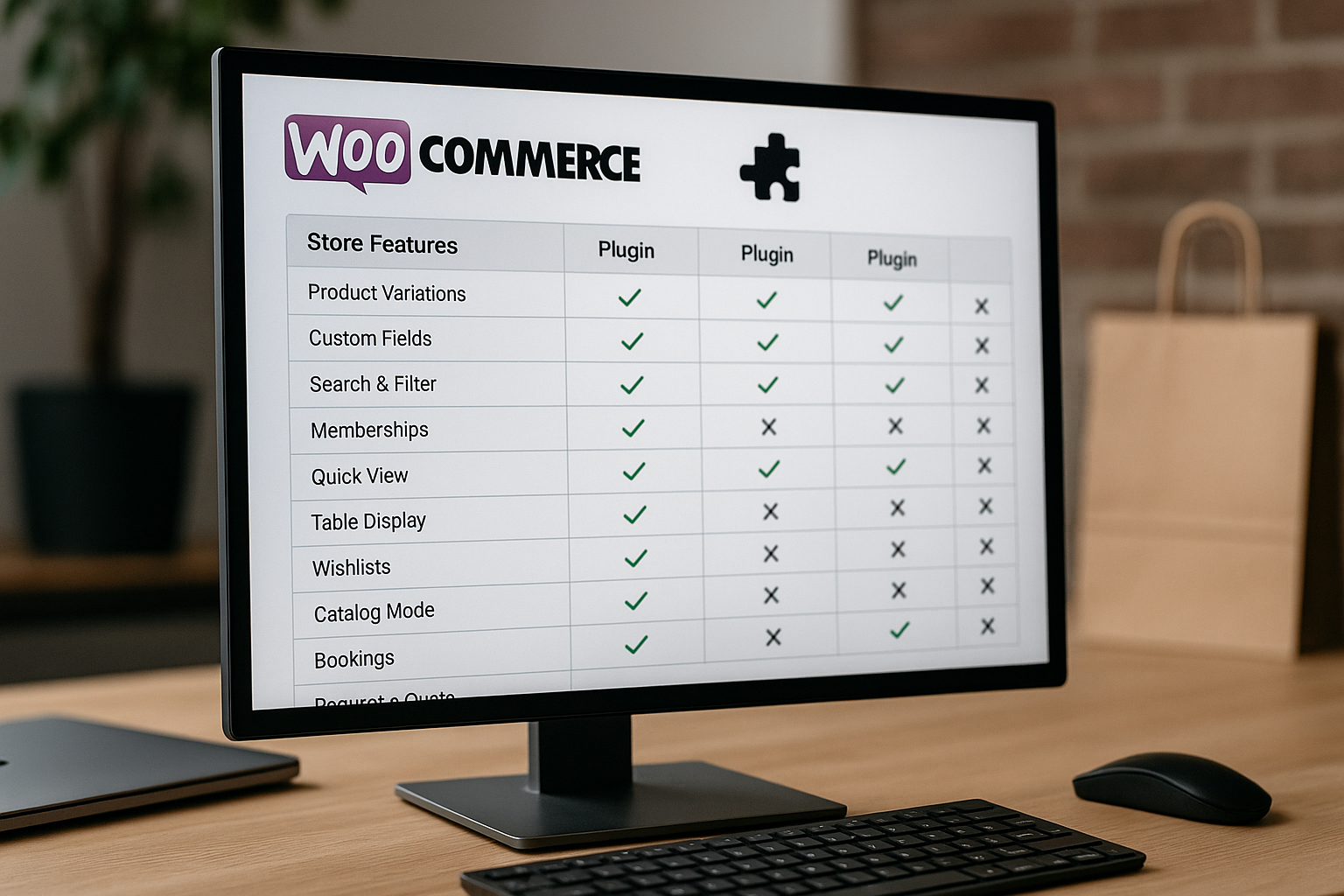
If you are comparing Barn2 WooCommerce plugins for a serious online store, the real question is not “Are Barn2 plugins good?” It is: “Which Barn2 plugin solves the most expensive problem in my store right now?”
This guide is written for WooCommerce store owners, agencies, and ecommerce managers evaluating Barn2 before buying. I’ll focus on practical use cases: product tables, quick ordering, product options, discounting, and document libraries.
Affiliate disclosure: TopTrustReview may earn a commission if you purchase through our links, at no extra cost to you. You can review Barn2 through our partner link here: visit Barn2.
Official website · Latest pricing & offers
What Is Barn2 and Why WooCommerce Store Owners Consider It
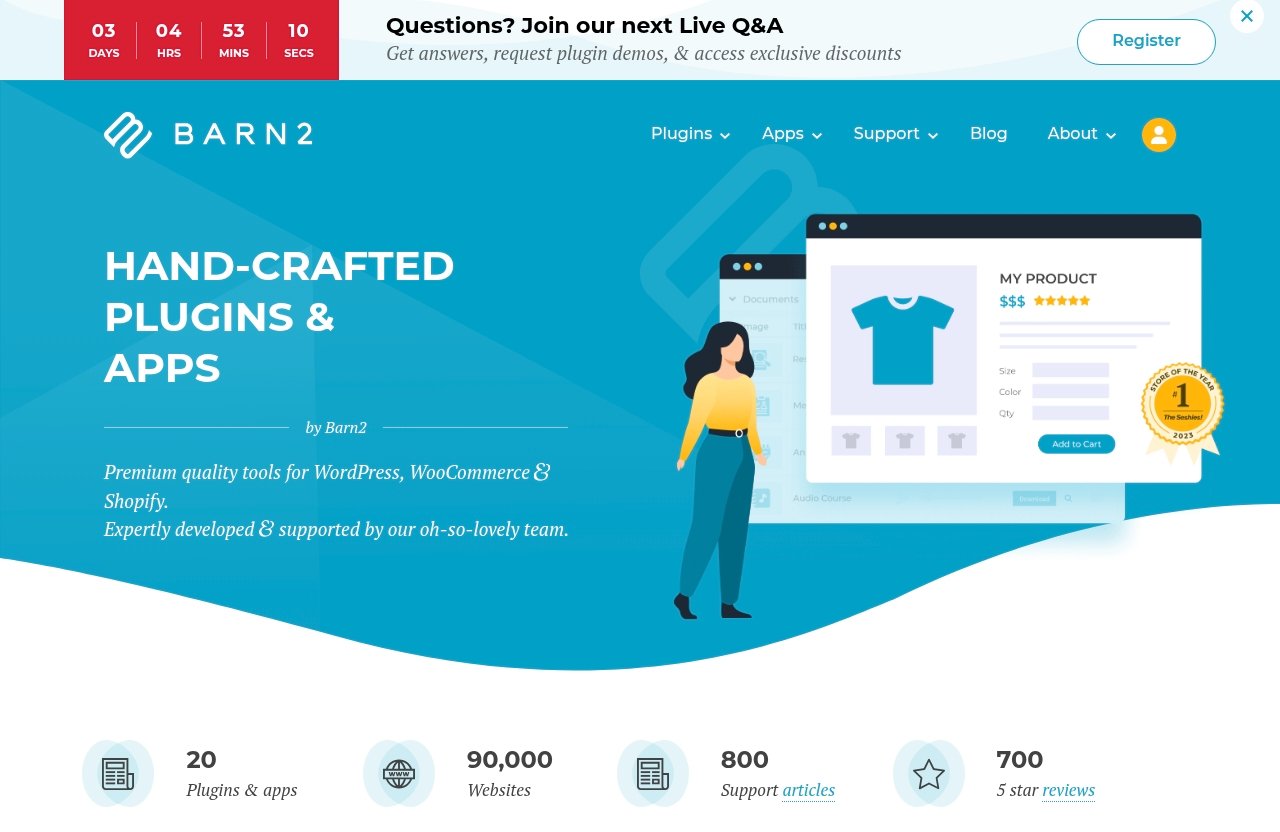
Barn2 describes itself as “Hand-crafted Plugins & Apps by Barn2” and positions its products as premium quality tools for WordPress, WooCommerce, and Shopify. For WooCommerce buyers, the appeal is simple: Barn2 WooCommerce plugins are built around specific store problems rather than broad, generic feature packs.
The official Barn2 homepage reviewed for this guide highlights 5 plugins & apps, usage on 22,179 websites, detailed documentation, and support. That combination matters when you are choosing software that can affect checkout flow, product discovery, promotions, and customer experience.
Barn2 at a glance
Barn2 is best understood as a specialist plugin company. Instead of trying to replace WooCommerce, its plugins extend key parts of the store experience.
For store owners, the most commercially relevant Barn2 WooCommerce plugins are:
| Store Goal | Barn2 Plugin To Consider | Main Use Case |
|---|---|---|
| Faster product browsing and ordering | WooCommerce Product Table | Searchable product table layout with filters |
| Product personalization | WooCommerce Product Options | Extra options, add-ons, and product customization |
| Promotion and pricing rules | WooCommerce Discount Manager | Bulk discounts, storewide sales, BOGOF, role-based pricing |
| Resource and file libraries | Document Library Pro | Searchable document library for PDFs, audio, video, and more |
This makes Barn2 especially relevant if your store has a catalog, ordering, merchandising, or resource management problem that standard WooCommerce does not handle elegantly.
Who Barn2 is best for
Barn2 is best for store owners who already know what bottleneck they need to fix. If your issue is “customers cannot find products quickly,” WooCommerce Product Table is the obvious place to start. If your issue is “customers need to configure products before buying,” WooCommerce Product Options is more relevant.
In my view, Barn2 WooCommerce plugins make the most sense for stores that are already operational and need to improve efficiency, conversion, or average order value. They are less compelling if you are still testing a very basic store with only a handful of products.
How Barn2 differs from generic plugin marketplaces
A generic plugin marketplace can give you many options, but it also creates a comparison problem. You may spend hours sorting through features, compatibility concerns, and support quality.
Barn2’s advantage is focus. The official site emphasizes detailed documentation, a knowledge base with over 700 articles, 800+ step-by-step written and video tutorials, and expert personalized plugin support. For buyers, that support infrastructure is part of the value of Barn2 WooCommerce plugins, especially if the plugin touches product display, pricing, or customer choice.
Barn2 WooCommerce Plugins: Which Ones Matter Most for Stores
The most important Barn2 WooCommerce plugins for store owners are the ones tied directly to buying behavior. Product tables help shoppers browse and order faster. Product options help shoppers customize. Discount tools help merchants create better promotions. Document libraries help businesses organize downloadable resources.
That does not mean every store needs every plugin. A restaurant ordering site has different requirements from a B2B wholesale catalog, and both differ from a business selling configurable products.
WooCommerce Product Table
WooCommerce Product Table lists products in a searchable table layout with filters. Barn2 says it is popular for quick order forms, large product catalogs, restaurant ordering, and wholesale layouts.
This plugin matters when your customers do not want to browse product cards one by one. They want speed, filters, clear product data, and a more efficient ordering path.
WooCommerce Product Options
WooCommerce Product Options is described by Barn2 as “the most advanced product options plugin on the market.” Its core purpose is to let customers personalize WooCommerce products and choose extra options and add-ons.
This is one of the most commercially useful Barn2 WooCommerce plugins if your products are not one-size-fits-all. It is relevant for personalization, upgrades, custom inputs, and configurable buying journeys.
WooCommerce Discount Manager
WooCommerce Discount Manager is described by Barn2 as the most advanced WooCommerce discount plugin. The official product information highlights support for bulk discounts, storewide sales, BOGOF deals, role-based pricing, and more.
This plugin is for stores where pricing strategy is not static. If you run promotions, sell to different customer roles, or want quantity-based incentives, it belongs on your shortlist.
Document Library Pro
Document Library Pro lets you create a searchable resource library, add and import documents, and support any file type including PDF, audio, and video.
It is not only for ecommerce stores in the traditional product-grid sense. It can be valuable for stores and businesses that need manuals, catalogs, downloads, media resources, specifications, or private customer resources organized in a searchable format.
Where each plugin fits in the store funnel
Each plugin affects a different point in the customer journey. That is the easiest way to decide which Barn2 WooCommerce plugins deserve your budget first.
| Funnel Stage | Customer Problem | Best Barn2 Fit |
|---|---|---|
| Discovery | “I need to find the right product quickly.” | WooCommerce Product Table |
| Product selection | “I need to customize this item.” | WooCommerce Product Options |
| Purchase motivation | “Is there a deal if I buy more?” | WooCommerce Discount Manager |
| Post-sale or resource access | “Where are the files, guides, or downloads?” | Document Library Pro |
If you are prioritizing revenue impact, start where the friction is highest. In many stores, that will be either product discovery or product configuration.
Best Barn2 Plugin for Quick Ordering and Large Catalogs: WooCommerce Product Table
WooCommerce Product Table is likely the first Barn2 plugin many WooCommerce store owners should evaluate. It solves a common ecommerce problem: standard product grids can be too slow for customers who already know what they want.
For large catalogs, B2B buyers, restaurant menus, repeat ordering, and wholesale layouts, a searchable table with filters can feel much more practical than forcing shoppers through category pages and individual product pages.
What it does
WooCommerce Product Table lists WooCommerce products in a searchable table layout with filters. That official description is important because it tells you what the plugin is really about: structured product discovery.
Instead of presenting products only as image-led cards, you can give customers a more data-rich buying interface. For catalogs where names, SKUs, categories, variations, or product details matter, that can make the buying experience feel faster and more professional.
Verdict: WooCommerce Product Table is the Barn2 WooCommerce plugin I would consider first for any store where customers need to compare, filter, and order multiple products quickly.
Best use cases
Barn2 highlights several popular use cases for WooCommerce Product Table: quick order forms, large product catalogs, restaurant ordering, and wholesale layouts.
Those use cases have something in common. The customer usually values speed over browsing inspiration. A wholesale buyer may want to reorder known products; a restaurant customer may want to scan a menu quickly; a catalog shopper may need filters to narrow a large selection.
Strong use cases include:
| Use Case | Why Product Table Helps |
|---|---|
| Wholesale ordering | Buyers can find and order products more efficiently |
| Restaurant menus | Customers can browse menu-style product lists |
| Large catalogs | Filters and search reduce catalog friction |
| Repeat ordering | Returning customers can move faster |
| B2B product lists | Product data can be presented in a practical format |
Why store owners buy it
Store owners usually buy this type of plugin because product discovery is costing them sales. If a customer has to open ten product pages to compare basic options, some will abandon the process.
Among Barn2 WooCommerce plugins, Product Table is particularly useful because it changes how products are presented before the buying decision. It can make WooCommerce feel less like a small retail catalog and more like a serious ordering system.
The conversion benefit is not magic. It comes from reducing friction: fewer clicks, clearer filtering, and faster product selection.
When Product Table is the right choice
Choose WooCommerce Product Table if your store has many products, repeat buyers, wholesale customers, or order forms where speed matters. It is also the best fit if customers need to scan product information rather than browse visually.
Skip it as your first purchase if your store is built around a small number of highly visual products where the standard product page is already doing the selling well. In that case, another Barn2 plugin may create more value.
Best Barn2 Plugin for Product Customization: WooCommerce Product Options
WooCommerce Product Options is the Barn2 plugin to evaluate when your products need extra choices before checkout. Barn2 describes it as “the most advanced product options plugin on the market,” and the official product positioning is centered on personalization, extra options, and add-ons.
For many stores, this is where average order value can improve. Customers often want upgrades, custom inputs, add-on services, or personalized configurations. If WooCommerce’s default product setup does not give you enough flexibility, this plugin deserves attention.
What it does
WooCommerce Product Options allows customers to personalize WooCommerce products and choose extra options and add-ons. In plain terms, it helps you sell configurable products without turning every possible option into a separate product.
This can make the buying experience cleaner. Customers select the base product, then choose the relevant add-ons or personalization details as part of the purchase process.
Verdict: WooCommerce Product Options is the strongest Barn2 WooCommerce plugin for stores that sell personalized, configurable, upgraded, or add-on-heavy products.
Typical add-ons and personalization use cases
The official product facts confirm personalization, extra options, and add-ons. Based on those capabilities, the plugin is most relevant when product choice affects what the customer receives.
Typical commercial scenarios include personalized products, service add-ons, optional upgrades, gift-related options, and configurable product packages. The key is that the customer needs to make meaningful selections before buying.
This is especially useful for stores where a single product can be sold in several enhanced forms. Instead of cluttering the catalog with too many similar products, options can keep the product journey organized.
Why it matters for AOV
Product options can affect average order value because they introduce relevant extras at the moment of purchase. When an add-on is useful, visible, and easy to choose, customers are more likely to include it.
Among Barn2 WooCommerce plugins, this one is most directly connected to upsells and personalization. It does not just help customers find a product; it helps them build the version they want.
That matters for ecommerce owners because personalization can support both customer satisfaction and higher-value orders. The important buying question is whether your products have natural add-ons that customers actually want.
When Product Options is the right choice
Choose WooCommerce Product Options if your products need customer input, add-ons, upgrades, or personalization before checkout. It is a strong fit for stores selling configurable products where the buying decision involves more than quantity and variation.
It may not be your first priority if every product in your store is simple and standardized. If customers rarely need to customize anything, WooCommerce Product Table or WooCommerce Discount Manager may be more commercially useful.
Best Barn2 Plugin for Promotions and Pricing Strategy: WooCommerce Discount Manager
WooCommerce Discount Manager is for store owners who want more control over promotional strategy. Barn2 describes it as the most advanced WooCommerce discount plugin and highlights bulk discounts, storewide sales, BOGOF deals, role-based pricing, and more.
This is one of the most important Barn2 WooCommerce plugins for stores where pricing is a lever. If you use offers to increase order size, reward customer groups, or run campaigns, discount management can become a core merchandising tool.
Bulk discounts
Bulk discounts are useful when you want customers to buy more units. This is common in wholesale, supplies, consumables, and B2B ecommerce.
A WooCommerce bulk discounts plugin can help align pricing with buying behavior. If customers see a reason to increase quantity, the store may benefit from larger orders and better inventory movement.
Verdict: WooCommerce Discount Manager is the best Barn2 option for stores that treat promotions and pricing rules as part of their growth strategy, not just occasional coupon activity.
Storewide sales
Storewide sales are useful when you want a broad promotional event across the catalog. Barn2 lists storewide sales as one of the discount types supported by WooCommerce Discount Manager.
This can be helpful for seasonal campaigns, inventory pushes, or major promotional periods. The key benefit is centralizing discount logic rather than manually adjusting many products.
BOGOF deals
BOGOF deals, often understood as “buy one, get one free” style promotions, are another official use case highlighted for WooCommerce Discount Manager.
These promotions can be effective when the offer is easy for customers to understand. They are especially relevant for products with repeat-purchase behavior, bundles, or inventory that benefits from volume movement.
Role-based pricing
Role-based pricing is valuable when different customer groups should see different pricing. Barn2 lists role-based pricing among the plugin’s capabilities.
This matters for stores that sell to retail and wholesale customers, members and non-members, or different account types. If your WooCommerce pricing needs to adapt by customer role, this plugin becomes more strategically relevant.
Best stores for this plugin
WooCommerce Discount Manager is best for stores that actively manage campaigns, discounts, customer groups, and quantity incentives. It is less necessary for stores that only run the occasional basic coupon.
Use it if pricing flexibility is part of how you sell. If your biggest issue is not promotions but catalog navigation, another Barn2 WooCommerce plugin may be a better starting point.
Official website · Latest pricing & offers
Best Barn2 Plugin for Digital Resources and Content Libraries: Document Library Pro
Document Library Pro is different from the more commerce-specific Barn2 plugins, but it can still be highly valuable for WooCommerce-adjacent businesses. It lets you create a searchable resource library, add and import documents, and support any file type including PDF, audio, and video.
This is the Barn2 plugin to consider when your store or business depends on organized content access. Think manuals, downloads, media files, technical sheets, customer resources, product documentation, or training materials.
Searchable resource library
The core value of Document Library Pro is searchability. A resource library is only useful if customers, staff, or members can find what they need quickly.
For ecommerce businesses, this can reduce support friction. If customers can easily locate product documents, instructions, media, or reference materials, your support team may spend less time answering repetitive file requests.
Verdict: Document Library Pro is the best Barn2 WooCommerce-related choice for stores and businesses that need a structured, searchable library for files and resources.
Supported file types
Barn2 states that Document Library Pro supports any file type, including PDF, audio, and video. That makes it more flexible than a simple PDF list.
This is important for businesses with mixed media. A resource center may include installation guides, product sheets, training videos, audio assets, and downloadable documents in one organized area.
Best use cases for stores and businesses
Document Library Pro is most useful for resource-heavy businesses. It may support ecommerce stores, membership sites, product manufacturers, educational businesses, agencies, or companies that provide customer downloads.
It is not necessarily the first plugin I would buy for a simple physical product store. But if documents and media are part of your customer experience, it may solve a problem that standard WooCommerce does not address well.
Barn2 All Access vs Buying Individual Plugins
Some buyers will compare individual Barn2 WooCommerce plugins against broader access or bundle-style options such as a Barn2 All Access Pass. The official pages reviewed for this guide did not provide verified pricing numbers or plan details, and the supplied pricing page returned a 404, so I will not estimate costs.
The smarter way to evaluate this is by store roadmap. If you need one specific feature, buy for that feature. If you are building a more advanced WooCommerce stack and expect to use multiple Barn2 plugins, broader access may be worth investigating directly on Barn2’s official site.
When a bundle makes sense
A bundle or access option makes sense when several plugins clearly map to your store goals. For example, a B2B store might need product tables for ordering, product options for configuration, and discount management for customer-role pricing.
In that case, evaluating Barn2 WooCommerce plugins together can be more practical than treating each plugin as an isolated purchase. The operational value may come from how the stack improves the full buying journey.
When individual plugins are smarter
Individual plugins are smarter when one problem is urgent and the others are not. If your only pain point is quick ordering, start with WooCommerce Product Table. If your only issue is personalization, start with WooCommerce Product Options.
This approach keeps implementation focused. It also helps you measure whether the plugin improves the specific metric you care about, such as faster ordering, higher AOV, or fewer support requests.
How to assess total value
Since verified pricing details were not available in the official pages supplied for this review, focus your evaluation on business value rather than assumed discounts.
Ask these questions:
| Question | Why It Matters |
|---|---|
| Which plugin solves the biggest revenue or workflow problem? | Prioritizes impact |
| Will customers notice the improvement? | Connects plugin choice to experience |
| Will staff save time managing orders, discounts, or files? | Captures operational value |
| Do you need one plugin or a store-wide workflow stack? | Helps compare individual vs access options |
| Is documentation strong enough for your team? | Reduces implementation risk |
If you want to evaluate current availability, start from the official Barn2 page through this Barn2 partner link and confirm the latest package details directly.
Real-World Buying Criteria Before You Choose Barn2
Before buying Barn2 WooCommerce plugins, match the plugin to a specific store problem. The best purchase is not always the plugin with the longest feature list. It is the one that removes friction closest to revenue.
I recommend creating a short internal brief before purchasing. Identify the customer problem, the staff problem, and the metric you want to improve.
Store size and catalog complexity
Catalog complexity is one of the strongest reasons to consider Barn2. If customers struggle to browse a large catalog, WooCommerce Product Table may be more valuable than a design tweak.
Small stores can still benefit from Barn2 WooCommerce plugins, but the case is strongest when the current WooCommerce layout cannot support how customers actually buy.
Need for faster ordering
If speed is the issue, prioritize WooCommerce Product Table. It is built around searchable table layouts with filters and is officially associated with quick order forms, large catalogs, restaurant ordering, and wholesale layouts.
This is especially relevant for repeat buyers. The less time they spend navigating, the easier it is for them to place larger or more frequent orders.
Need for customization
If your products require extra choices, prioritize WooCommerce Product Options. It is the better fit when customers need to personalize products or choose add-ons.
This is where Barn2 WooCommerce plugins can support revenue growth through better configuration. If the add-ons are meaningful, the plugin may help turn a basic product into a higher-value purchase.
Support and documentation
Support is a major trust factor. Barn2’s official homepage highlights a knowledge base with over 700 articles, 800+ step-by-step written and video tutorials, and expert personalized plugin support.
That matters because ecommerce plugins are not just installed and forgotten. You may need help with setup, configuration, troubleshooting, or training your team.
Integration and implementation effort
Any WooCommerce plugin that affects product display, options, discounts, or documents should be tested carefully. Review your theme, product data, checkout flow, and any existing plugins that touch similar areas.
For agencies and site managers, I would plan a staging-site test before rolling out major changes. That is not a criticism of Barn2; it is simply good WooCommerce practice.
Who Barn2 Is Best For and Who Should Skip It
Barn2 WooCommerce plugins are best for stores with clear operational or conversion problems. They are not just decorative add-ons. They are practical tools for changing how customers browse, customize, buy, and access resources.
A balanced Barn2 WooCommerce review should also say who should skip it. If you only need a very simple free plugin for a basic store, Barn2 may be more than you need.
Best for wholesale and B2B stores
Wholesale and B2B stores often need faster ordering, role-sensitive pricing, and clearer product data. WooCommerce Product Table and WooCommerce Discount Manager are especially relevant here.
If buyers are placing repeat or high-volume orders, reducing friction can be commercially meaningful. This is one of the strongest use cases for Barn2 WooCommerce plugins.
Best for restaurants and quick-order catalogs
Barn2 specifically identifies restaurant ordering and quick order forms as popular uses for WooCommerce Product Table. That makes it a strong candidate for menu-style product browsing.
Stores with quick-order catalogs can also benefit. If shoppers need to scan many items and add products efficiently, a table layout can be more suitable than a standard grid.
Best for stores selling configurable products
Stores selling configurable or personalized products should look closely at WooCommerce Product Options. It gives customers a way to choose extra options and add-ons as part of the product purchase.
This is useful when personalization is part of the value proposition. If your products are meant to be customized, the buying interface should support that clearly.
Not ideal for stores that only need a simple free plugin
Barn2 is not necessarily the right fit for every WooCommerce site. If you have a small store, simple products, no discount complexity, and no resource library needs, you may not need premium specialist tools yet.
In that case, clarify your requirements first. Barn2 WooCommerce plugins are most compelling when they solve a specific problem that is already affecting sales, efficiency, or customer experience.
Final Recommendation: Which Barn2 WooCommerce Plugin Should You Start With?
My practical recommendation is to start with the Barn2 plugin that fixes the closest revenue bottleneck. For most catalog-heavy stores, that will be WooCommerce Product Table. For configurable products, it will be WooCommerce Product Options. For promotion-driven stores, it will be WooCommerce Discount Manager.
Barn2 WooCommerce plugins are strongest when used with a clear buying reason. Do not buy the most impressive plugin; buy the one your customers will feel immediately.
Best overall for catalog ordering
For catalog ordering, start with WooCommerce Product Table. It is the best fit for quick order forms, large product catalogs, restaurant ordering, and wholesale layouts.
If shoppers need search, filters, and faster product scanning, this is the strongest first choice.
Best for product personalization
For personalization, start with WooCommerce Product Options. It is designed for customers who need extra options, add-ons, and product customization.
This is the best first purchase if your growth opportunity is higher-value configurable products.
Best for promo pricing
For discounting and pricing strategy, start with WooCommerce Discount Manager. It supports bulk discounts, storewide sales, BOGOF deals, role-based pricing, and more, based on Barn2’s official product information.
This is the right choice if promotions are central to how your store sells.
Best for document/resource workflows
For resource libraries, start with Document Library Pro. It creates a searchable document library and supports any file type including PDF, audio, and video.
This is best for businesses where downloads, manuals, media, or customer resources are part of the experience.
| If Your Main Goal Is… | Start With… |
|---|---|
| Faster ordering and large catalog browsing | WooCommerce Product Table |
| Personalized or configurable products | WooCommerce Product Options |
| Better discount campaigns | WooCommerce Discount Manager |
| Searchable files and resources | Document Library Pro |
Final verdict: Barn2 WooCommerce plugins are a strong fit for store owners who want practical, commercially focused WooCommerce improvements backed by official documentation and support. Start with the plugin that solves your biggest buying friction, then expand only if your store workflow justifies it.
Official website · Latest pricing & offers
FAQ
What is Barn2?
Barn2 is a company that makes hand-crafted plugins and apps for WordPress, WooCommerce, and Shopify. For WooCommerce stores, Barn2 focuses on practical functionality such as product tables, product options, discount management, and document libraries.
What are the best WooCommerce plugins from Barn2?
The best Barn2 WooCommerce plugins for most stores are WooCommerce Product Table, WooCommerce Product Options, WooCommerce Discount Manager, and Document Library Pro. Each solves a different store problem: ordering, customization, promotions, or resource management.
Which Barn2 plugin is best for quick ordering?
WooCommerce Product Table is the best Barn2 plugin for quick ordering. Barn2 describes it as a searchable table layout with filters, and it is popular for quick order forms, large catalogs, restaurant ordering, and wholesale layouts.
Which Barn2 plugin is best for product customization?
WooCommerce Product Options is the best choice for product customization. Barn2 describes it as an advanced product options plugin that lets customers personalize WooCommerce products and choose extra options and add-ons.
Does Barn2 offer support and documentation?
Yes. Barn2’s official homepage highlights a knowledge base with over 700 articles, 800+ step-by-step written and video tutorials, and expert personalized plugin support. This support infrastructure is an important reason many store owners consider Barn2 WooCommerce plugins.
Related Reading
- Barn2 review Reddit
- Best community platform 2026
- Webflow vs Shopify: Which Is Better for Stores in 2026?
References
- Barn2 Plugins: Quality WordPress & WooCommerce Plugins
- Barn2 Plugins (@barn2media) – WordPress user profile
- WooCommerce Product Table Plugin – Fast Order Forms & More
- WooCommerce Product Options Plugin