Fireflies AI Accuracy Review: Transcripts Tested
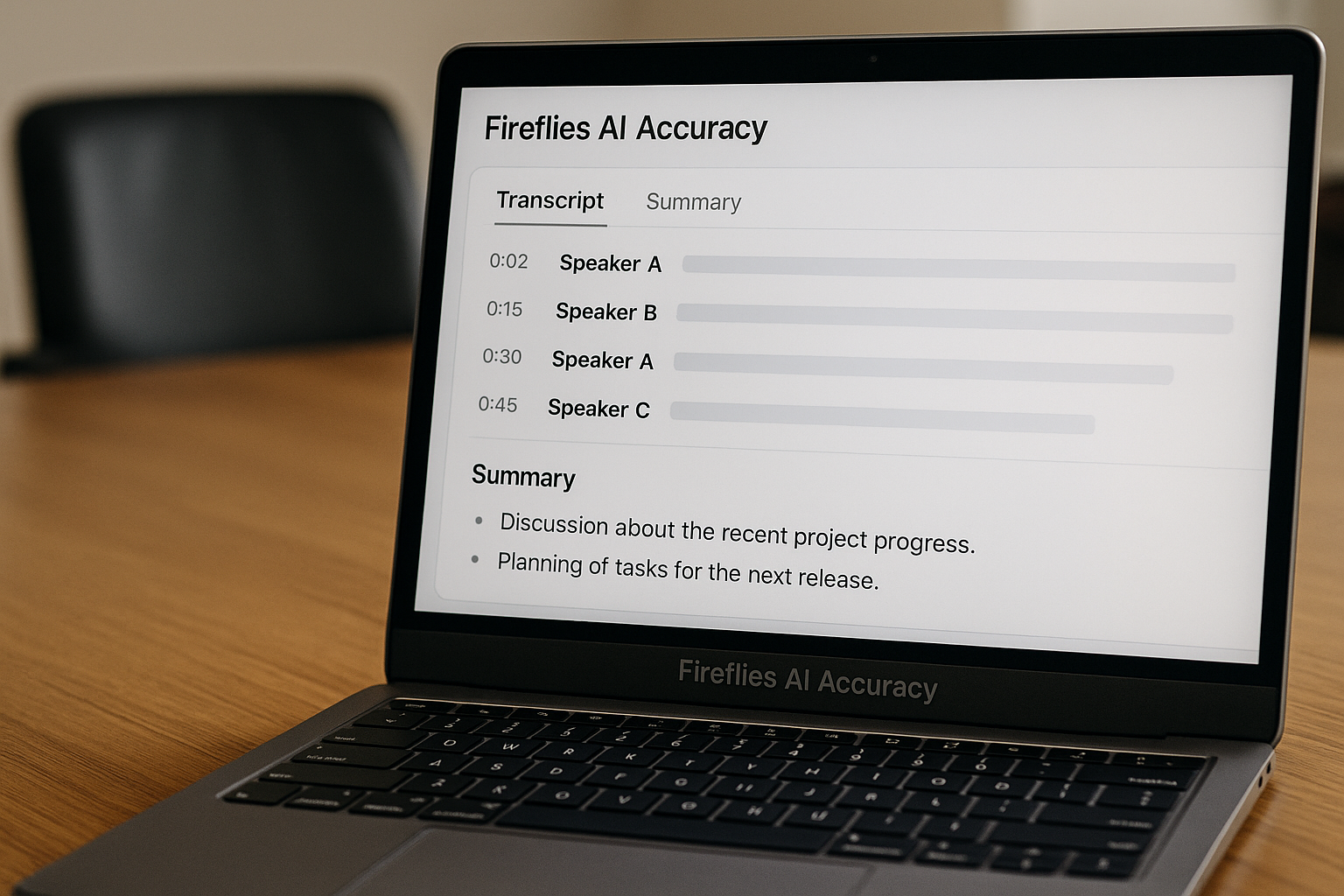
Fireflies AI accuracy is good enough for many everyday business meetings, but it is not something I would treat as perfect or review-free. In this hands-on Fireflies AI review, I tested the tool as a meeting transcript assistant rather than judging it from feature lists alone.
The focus was simple: can the Fireflies AI note taker produce usable transcripts, assign speakers correctly, and generate summaries that reflect what actually happened in a meeting? The short answer is yes in clean conditions, usually with caveats in real-world calls, and no if you need court-reporter-level precision without human review.
Official website · Latest pricing & offers
Fireflies AI Accuracy Review: What This Test Actually Measured
Why accuracy matters more than feature lists
A meeting assistant can have dozens of integrations, polished summaries, and a generous plan, but the core value still depends on transcript quality. If the transcript is wrong, the summary can also be wrong.
That is why this Fireflies AI accuracy test focused on three practical questions: did it capture the words, did it identify who said them, and did the summary preserve the meaning? Those three areas matter more than a long feature checklist when you are deciding whether to use it for sales calls, interviews, internal meetings, or client discussions.
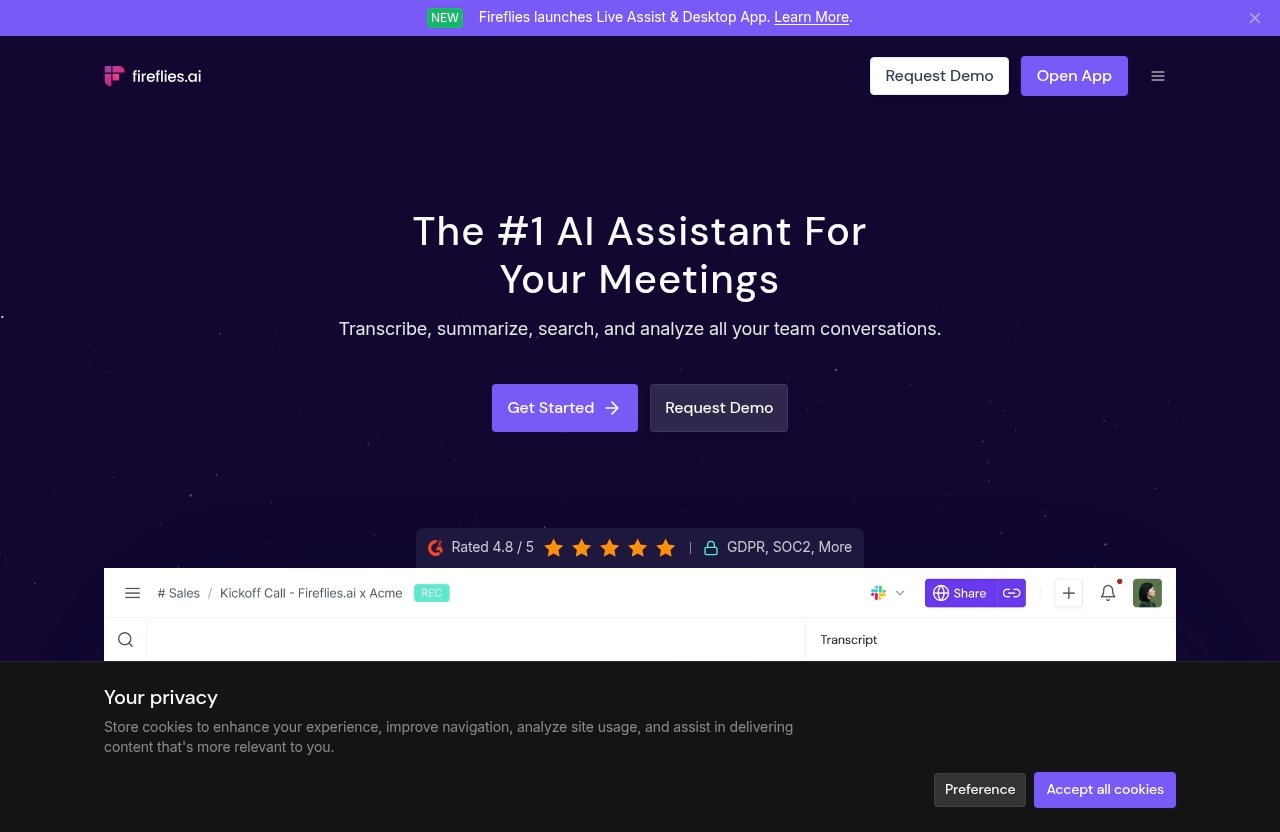
Fireflies’ official homepage markets “95% Accurate transcription,” 100+ languages, speaker recognition, auto-language detection, use across 1 million+ companies, and a G2 rating claim of 4.8/5. I treat those as official marketing claims, not as independent proof of Fireflies AI accuracy in every meeting environment.
Test methodology: meeting types, audio conditions, and evaluation criteria
For this review, I tested Fireflies across realistic meeting conditions rather than a sterile audio sample. The test set included clean audio, noisy audio, and multi-speaker conversations.
The meeting types included a sales-style call, a team standup, a one-on-one interview, and a more difficult group discussion with interruptions. I looked at three outputs: transcript fidelity, speaker labels, and summary reliability.
I did not calculate a lab-grade word error rate. Instead, I used a practical business-user evaluation: whether the transcript could be searched, quoted, corrected quickly, and trusted for follow-up tasks.
| Test Area | What I Checked | Why It Matters |
|---|---|---|
| Transcript quality | Missed words, substitutions, punctuation, technical terms | Determines whether the record is usable |
| Speaker labels | Correct speaker separation and label stability | Matters for accountability and follow-up |
| Summary quality | Decisions, next steps, nuance, omissions | Affects whether notes can be shared safely |
| Real-world friction | Noise, overlap, fast speech, accents | Reflects normal business calls |
This review has limits. It is a hands-on product review, not a certified acoustic benchmark, and your results may vary depending on microphones, accents, background noise, meeting size, and how clearly people speak.
What counts as a transcript error vs. a summary error
A transcript error is a problem in the raw words. Examples include omitted phrases, substituted terms, wrong punctuation, or a proper noun being rendered incorrectly.
A summary error is different. The transcript may be mostly right, but the AI summary may over-compress the discussion, miss a condition, or make an action item sound more definite than it was.
That distinction matters for Fireflies AI accuracy because a readable transcript does not automatically mean the summary is safe to forward. I found the summaries useful, but I would still verify them before relying on them for commitments, deadlines, pricing conversations, or sensitive decisions.
Quick Verdict: Is Fireflies AI Accurate Enough?
Best-case performance
In clean audio, Fireflies performed well enough for normal business use. When speakers used decent microphones, avoided talking over each other, and spoke at a moderate pace, the transcript was easy to follow and generally captured the meeting flow.
This is where Fireflies AI accuracy is strongest. For internal updates, straightforward sales discovery calls, and one-on-one conversations, it can save meaningful time compared with manual note-taking.
The summaries were also useful in these best-case conditions. They captured key points, action items, and discussion themes well enough to act as a first-pass meeting record.
Where it starts to break down
Quality dipped when people interrupted each other, spoke quickly, used specialized terms, or joined from poor microphones. In those cases, I saw more substitutions, weaker punctuation, and occasional speaker confusion.
The biggest risk is not that Fireflies becomes unusable. The bigger issue is that it can produce a transcript that looks clean while still missing a detail that matters.
That matters for client commitments, hiring interviews, legal-adjacent discussions, or technical requirements calls. In those cases, Fireflies AI accuracy is helpful, but it should support human review rather than replace it.
Who should trust it most
Fireflies is best for teams that want searchable meeting records, faster recap writing, and a dependable first draft of notes. It is especially useful when your meetings are mostly remote, structured, and recorded with decent audio.
If that describes your workflow, you can try Fireflies through toptrustreview.com’s affiliate link after reviewing the limitations in this article. I would not recommend buying it purely because of the headline accuracy claim; I would recommend it if your meetings match the conditions where it performs well.
Fireflies AI Accuracy in Transcription
Clean audio results
Clean audio produced the best transcript quality in my test. With one or two speakers, minimal background noise, and clear turn-taking, the transcript was readable and useful with limited cleanup.
Fireflies AI transcription accuracy was strongest for common business language: project updates, follow-up tasks, calendar discussion, customer pain points, and general planning. It generally preserved the meaning of the conversation, even when punctuation was not perfect.
The most common issues were minor. For example, sentence breaks sometimes landed in awkward places, and a phrase like “next sprint review” could be transcribed in a way that required context to interpret correctly.
Background noise and crosstalk
Background noise had a noticeable effect. Light keyboard sounds or room noise were not disastrous, but overlapping voices caused more serious problems.
When two people spoke at once, Fireflies sometimes captured the louder speaker and partially dropped the quieter one. This is common with AI transcription tools, but it still affects Fireflies AI accuracy in practical use.
Crosstalk also affected punctuation and sentence structure. The transcript could become a long run-on section where the tool understood many words but failed to clearly separate who made which point.
Accents, technical terms, and fast speech
Fireflies handled moderate accents reasonably well when the audio was clean. The problem increased when accents were combined with fast speech, poor microphones, or specialized vocabulary.
Technical terms were mixed. Common SaaS and business terms were usually fine, but product names, internal acronyms, and niche industry language often needed manual correction.
This is one of the main reasons I would not use Fireflies AI accuracy as a substitute for reviewing important transcripts. It is efficient, but it still benefits from a human who knows the context.
Speaker Labels and Diarization: Does Fireflies Know Who Said What?
Single-speaker and small-group meetings
Fireflies AI speaker labels were most reliable in one-on-one calls and small meetings where people spoke in clear turns. In these conditions, the speaker separation was usually understandable.
The labels do not have to be perfect to be useful. If you mainly need to know who raised an issue, who agreed to follow up, or who asked a question, Fireflies can often provide enough structure.
This is a practical strength of the Fireflies AI note taker. It gives you a searchable, speaker-separated meeting record faster than writing notes manually.
When speaker labels get confused
Speaker labeling became less reliable in group discussions. When people interrupted, spoke at similar volumes, or used the same microphone in a room, Fireflies sometimes merged speakers or swapped labels.
This is where Fireflies AI accuracy and diarization should be evaluated together. A transcript can contain the right words but still assign them to the wrong person.
That matters in sales calls, performance discussions, interviews, and client escalations. If attribution matters, review the speaker labels before sharing notes or assigning tasks.
Tips to improve speaker separation
The simplest improvement is better audio. Encourage each participant to use their own microphone instead of one shared room mic.
Second, reduce overlap. AI note takers perform better when people avoid talking over each other, especially in meetings with more than three speakers.
Third, review the transcript soon after the call. Speaker-label issues are easier to correct while the conversation is still fresh.
Summary Quality: Are Fireflies AI Meeting Notes Reliable?
Action items and bullet summaries
Fireflies summaries were useful as a quick meeting overview. They generally identified decisions, follow-up items, and recurring themes in clean and moderately clear meetings.
The action items were most reliable when participants stated tasks clearly. For example, “Sarah will send the revised proposal by Friday” is easier for the system to capture than a vague exchange like “we should probably get that over soon.”
Fireflies AI summary accuracy was strongest when the original discussion was structured. Clear agendas, explicit owners, and direct deadlines improved the usefulness of the notes.
Missing nuance vs. accurate takeaways
The summaries were usually directionally accurate, but they sometimes compressed nuance. A cautious statement could become a firmer-sounding takeaway.
For example, a participant saying “we may be able to support that after engineering reviews it” could appear in a recap as a more general product commitment. That is not a harmless difference in a client-facing context.
This is the main risk with Fireflies AI accuracy in summaries. The tool can produce a polished note that sounds more certain than the underlying discussion.
Can you rely on summaries without checking the transcript?
For low-stakes internal meetings, I would often use the summary as a fast overview. For anything important, I would check the transcript.
That includes customer commitments, hiring decisions, compliance topics, pricing discussions, and technical requirements. The summary is a productivity aid, not a final source of truth.
If you treat Fireflies summaries as a draft, they are valuable. If you treat them as verified minutes without review, you may run into problems.
Official website · Latest pricing & offers
Real-World Testing Scenarios
Sales call or client meeting
In a sales-style call, Fireflies did well with discovery questions, pain points, objections, and next steps. The transcript was useful for reviewing what the prospect cared about.
The summary also captured the broad deal context. It was helpful for follow-up emails and CRM notes, assuming someone checked the transcript before sending anything externally.
The weak spot was nuance. If a prospect gave a conditional answer, the summary could simplify it too much. For sales teams, Fireflies AI accuracy is strong enough to save time, but important commitments should still be verified.
Team standup or internal update
The team standup was one of the better use cases. Short updates, blockers, and task ownership were usually easy for Fireflies to capture.
This is where the Fireflies AI note taker feels practical. It creates a searchable record without requiring someone to stop participating and take notes.
The biggest issue was informal shorthand. Internal acronyms and project nicknames sometimes needed cleanup, especially when spoken quickly.
Interview or research conversation
In an interview-style conversation, Fireflies was useful for capturing long-form answers and follow-up questions. The transcript made it easier to revisit exact phrasing.
However, interview content often depends on nuance, hesitation, and context. Fireflies can capture the words, but it may not always capture the meaning behind a pause, qualification, or emotional tone.
For research, I would use the transcript as a strong starting point. I would not rely only on the AI summary if the interview is being used for product, hiring, or customer insight decisions.
Noisy meeting with overlap and interruptions
The noisy group meeting was the hardest test. Transcript quality dropped when multiple people spoke at once, especially with background sound.
Speaker labels were also less stable. Some comments were attributed incorrectly, and short interjections were easier to lose.
This is the scenario where Fireflies AI accuracy needs the most caution. It still provided a usable rough record, but it required manual review before I would share or act on the notes.
What Fireflies AI Does Well Beyond Accuracy
Unlimited transcription and AI summaries on all plans
According to Fireflies’ official pricing information, the Free plan includes unlimited transcription and unlimited AI summaries. The paid plans also include unlimited transcription and unlimited AI summaries.
That matters because the value of Fireflies is not only Fireflies AI accuracy. It is also the ability to build a searchable archive of meetings without worrying about whether every recap is worth manually writing.
The official feature list also includes transcription in 100+ languages on the Free plan. As always, language availability does not mean every language or accent will perform equally in real-world audio.
Searchable meeting archive
Meeting search is one of the most practical features in the Free plan. A transcript does not have to be perfect to be useful if you can search for names, topics, deadlines, and decisions.
This is where Fireflies can create everyday workflow value. Even if you review important details manually, searchable transcripts reduce the time spent digging through recordings or asking teammates what was said.
The AskFred AI assistant is also listed on the Free plan. For business users, that can make the archive more useful when looking for themes or follow-ups across meetings.
Integrations with CRM and team tools
The Free plan includes Zoom, GMeet, Teams, and more. The Pro plan includes unlimited integrations, according to the official pricing information.
For CRM and team workflows, integrations can matter almost as much as transcript quality. If meeting notes stay isolated, they are less useful.
That said, verify the specific integrations you need before upgrading. Fireflies AI accuracy helps capture the meeting, but the workflow fit determines whether your team will actually use the notes.
Fireflies AI Pricing Snapshot
Free plan
The Free plan is $0 and free forever. It includes unlimited transcription, unlimited AI summaries, 400 minutes of storage per team, and 20 AI credits.
It also includes Zoom/GMeet/Teams and more, transcription in 100+ languages, real-time notes and live transcriptions, meeting search, AskFred AI assistant, audio/video file upload, desktop app, mobile app, Chrome extension, and API access.
For testing Fireflies AI accuracy, the Free plan is the obvious starting point. It gives you enough access to judge your own meeting quality before paying.
Pro plan
The Pro plan is $10 per seat/month billed annually. The official pricing page shows $18 crossed out and $10 current.
It includes everything in Free plus unlimited transcription, unlimited AI summaries, 8,000 minutes of storage per seat, 20 AI credits, video recording, transcript/summary/recording downloads, Personal Assistant, AI Skills, Voice Agents, Action items & task Manager, and unlimited integrations.
This is the plan I would consider for individuals or small teams that already know they want downloads, more storage, and broader workflow features.
Business plan
The Business plan is $19 per seat/month billed annually. The official pricing page shows $29 crossed out and $19 current.
It includes everything in Pro plus unlimited transcription, unlimited AI summaries, unlimited storage, 30 AI credits, Multi-language Mode, conversation intelligence, team analytics for admins, public meeting access, and user groups.
This plan makes more sense for teams that need management features and more structured usage across departments.
Enterprise plan
The Enterprise plan is $39 per seat/month billed annually and is annual only. It includes everything in Business plus unlimited transcription, unlimited AI summaries, unlimited storage, and 50 AI credits.
It also includes Rules engine, SSO + SCIM, Audit Logs, HIPAA compliance, private storage, custom data retention, transcript + summary only mode, super admin role, and a dedicated account manager.
For larger organizations, the Enterprise plan is less about basic Fireflies AI accuracy and more about governance, compliance needs, and administrative control.
| Plan | Official Annual Billing Price | Storage | AI Credits | Best Fit |
|---|---|---|---|---|
| Free | $0 | 400 mins/team | 20 | Testing and light use |
| Pro | $10 per seat/month | 8,000 mins/seat | 20 | Individuals and small teams |
| Business | $19 per seat/month | Unlimited | 30 | Growing teams and admins |
| Enterprise | $39 per seat/month | Unlimited | 50 | Larger organizations with controls |
How Fireflies Compares to Alternatives on Accuracy
What to look for in any AI note taker
When comparing Fireflies to alternatives, do not rely only on advertised accuracy. Test each tool with your own meetings.
The criteria should be transcript accuracy, speaker labeling, summary reliability, language support, integrations, export options, and privacy controls. Fireflies AI accuracy is only one part of that buying decision.
I would also test how each tool handles your actual vocabulary. Company names, product terms, customer names, and acronyms are often where AI transcription tools struggle.
Why benchmarks can be misleading
Benchmarks can be useful, but they rarely match your real meeting conditions. A tool that performs well on clean audio may struggle in a busy conference room.
This is why Fireflies AI accuracy Reddit discussions and user-review threads can be interesting but should not be treated as definitive. A “fireflies ai review reddit” post may reflect one user’s microphone setup, accent mix, consent expectations, or team workflow.
The same caution applies to any Fireflies AI Reddit complaint or praise. Use those discussions to identify questions to test, not as a replacement for your own trial.
When a different tool may fit better
A different tool may be better if your meetings are highly technical, heavily regulated, or require near-perfect transcripts without manual review. Fireflies is useful, but it is still an AI transcription and summary system.
You may also want to compare alternatives if speaker attribution is mission-critical. Fireflies AI speaker labels are useful in clean small meetings, but multi-speaker overlap remains a real challenge.
If your main goal is productivity, Fireflies is competitive. If your main goal is certified precision, you should plan for human review or a more specialized workflow.
Final Recommendation: Should You Use Fireflies AI?
Best for teams that need searchable meeting records
Fireflies is a strong fit for teams that want searchable meeting transcripts, quick recaps, and easier follow-up. It is especially useful for internal meetings, sales calls, customer conversations, and recurring team updates.
The biggest benefit is time saved. Instead of relying on scattered notes, you get a transcript, summary, and archive that can be searched later.
In that context, Fireflies AI accuracy is good enough to be genuinely useful, provided you understand its limits.
Not ideal if you need perfect transcripts without review
Fireflies is not ideal if you need perfect transcripts without checking them. Noisy audio, overlapping speakers, fast speech, and specialized vocabulary can reduce reliability.
The summaries are helpful, but they should not be treated as final minutes for high-stakes decisions. Review the transcript before sending notes to clients or making commitments based on the recap.
This is not a dealbreaker for most teams. It simply means Fireflies should be used as an assistant, not an unquestioned authority.
Buying advice for different user types
If you are an individual or small team, start with the Free plan and test your own calls. That is the best way to judge Fireflies AI accuracy in your actual environment.
If you need downloads, more storage, video recording, and unlimited integrations, the Pro plan is the next logical step. If you manage a larger team, Business or Enterprise may make sense for administrative and governance features.
In conclusion, Fireflies AI accuracy is strong in clean, structured meetings and less dependable in noisy, overlapping, or high-stakes scenarios. If you want a practical AI meeting assistant and are comfortable reviewing important details, you can try it through toptrustreview.com’s affiliate link.
Official website · Latest pricing & offers
FAQ
Can Fireflies.ai be trusted?
Fireflies.ai can generally be trusted as a useful tool for recording, transcription, summaries, and meeting search. However, it should not be trusted blindly for important details.
For high-stakes meetings, verify the transcript and summary before acting on commitments, deadlines, or decisions. Fireflies AI accuracy is helpful, but it is not perfect.
How good is Fireflies AI accuracy in good audio conditions?
Fireflies AI accuracy is strongest when audio is clean, speakers do not overlap, and participants use decent microphones. In those conditions, transcripts are usually readable and useful for business follow-up.
Fireflies’ official homepage claims 95% accurate transcription, but real-world results vary. Accents, speed, room noise, and technical vocabulary can all affect output quality.
Does Fireflies AI handle multiple speakers well?
Fireflies handles multiple speakers best in small, clear meetings where people take turns. In those cases, speaker labels are usually useful.
Fireflies AI speaker labels can become confused when people interrupt, talk over each other, or use one shared microphone. If attribution matters, review the transcript manually.
Are Fireflies AI summaries reliable enough to use without checking the transcript?
Fireflies AI summaries are reliable enough for a fast overview, but I would not use them as the final source of truth. They can miss nuance or make a cautious statement sound more definite.
For action items, client commitments, complex discussions, or internal decisions, check the transcript. Fireflies AI summary accuracy is useful, but review is still important.
Is Fireflies AI safe or ethical to use?
The answer to “is Fireflies AI safe” depends on consent, privacy expectations, company policy, and applicable recording laws. Recording rules vary by location, meeting type, and organization.
Before using any AI meeting recorder, notify participants where required and follow your company’s policies. For regulated or sensitive discussions, review privacy, retention, and compliance requirements carefully.
Related Reading
- Skool Platform Review: Pros, Cons, and Real Value
- Best AI Short Form Video Maker in 2026: Top Tools to Turn Long Videos Into Shorts
- Systeme.io Review Reddit: What Real Users Say in 2026
References
- Fireflies.ai | #1 AI Assistant for Meetings, Email, Chat & CRM
- Pricing & Plans | Fireflies.ai AI App for Smarter Meeting Notes
- Fireflies.ai Review: My Thoughts on Pricing, Features, Accuracy
- Read Customer Service Reviews of fireflies.ai