How to Sell a Course on Systeme.io in 2026
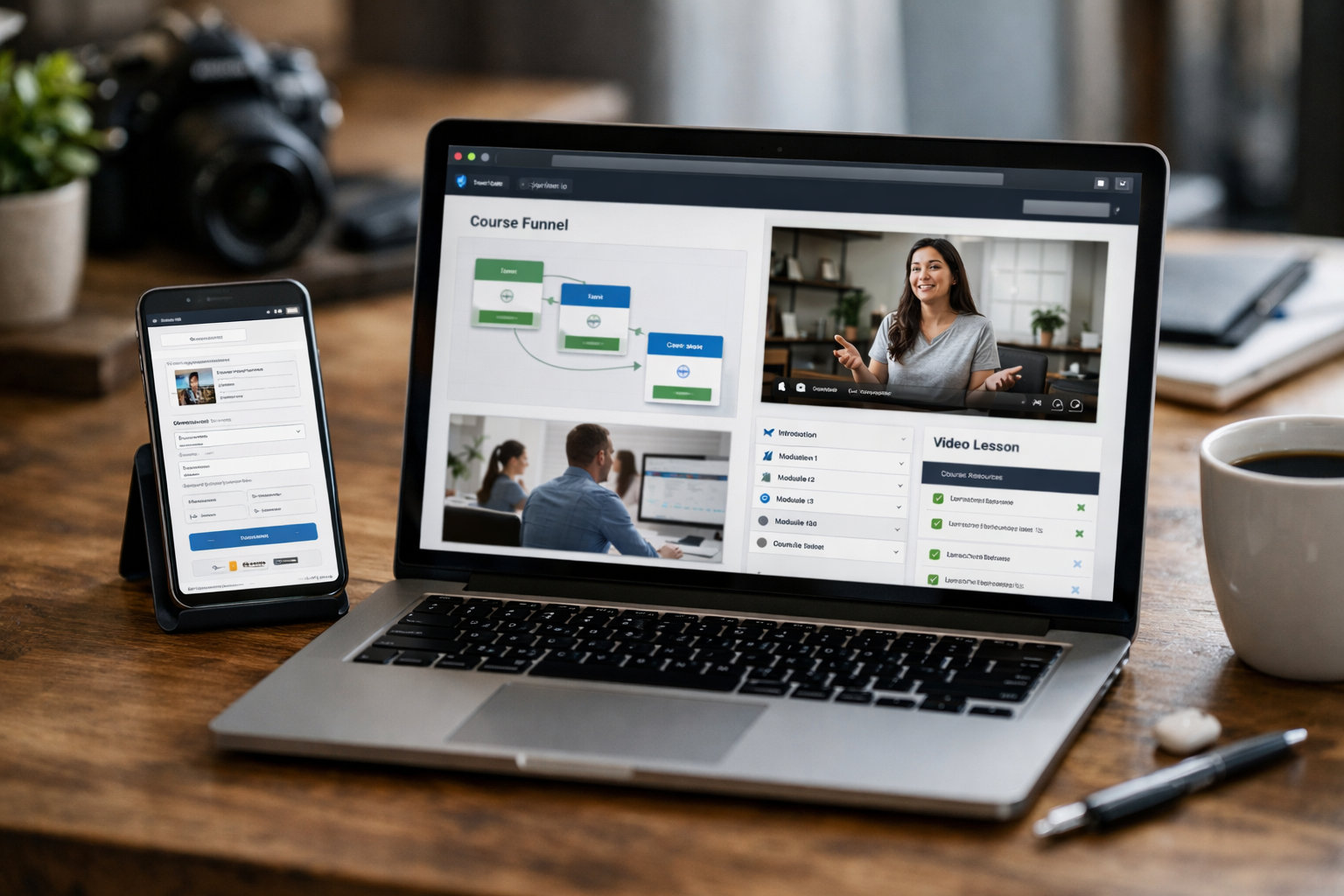
Learning how to sell a course on systeme.io is straightforward when you understand how its course area, sales funnel, order form, and email tools connect. Instead of piecing together separate platforms for hosting lessons, checkout pages, and follow-up emails, you can manage the core workflow in one place.
This guide follows the setup approach described in the official Systeme.io help resources, homepage, pricing information, and course platform page. It may include affiliate links, including this link to Systeme.io through Top Trust Review, but you should always verify current details through the official platform resources before choosing a plan.
Official website · Latest pricing & offers
What You Need Before You Sell a Course on Systeme.io
Before you learn how to sell a course on systeme.io, prepare the course itself and map the customer journey. A buyer needs to see an offer, complete an order form, and receive the right course access after enrolling or paying.
Create the course first
Start by building your learning product inside the Systeme.io online course platform. The official course page confirms that you can create modules and lectures, upload video lessons, host videos directly, build quizzes, and track student progress.
Keep the first version focused. A beginner course with a clear outcome, organized modules, and short lessons is usually easier to finish and improve than an overly broad program with too much content.
For a clean systeme.io course setup, outline these elements before building:
| Course Element | What to Prepare |
|---|---|
| Course promise | The specific result students should work toward |
| Modules | Major stages of the learning journey |
| Lectures | Individual lessons inside each module |
| Lesson resources | Videos, worksheets, templates, or other supporting materials |
| Access schedule | Immediate, partial, drip-based, date-specific, or time-limited access |
| Offer | What buyers receive and how the course is positioned |
Build a funnel with an order form
A systeme.io sales funnel is the path that moves a potential customer from interest to purchase. It may include a page that explains the course, an order form where the customer buys, and follow-up communications after the purchase.
The order form is particularly important because it is where you attach the course to the offer. In practical terms, the course is the content students consume, while the order form is the checkout step that sells and delivers access to that content.
When you sell online course with systeme.io tools, think of the funnel as your sales process rather than just a landing page. It should clearly explain who the course helps, what is included, what outcome to expect, and what happens after payment.
Connect a payment method and offer structure
Before publishing your offer, configure the payment method and payment details available in your account. Review the settings carefully and use the official platform guidance for your specific payment configuration.
Also decide how you want the offer to work. Your course can be presented as a single purchase, part of a broader package, or one component of a bundle. The main goal is clarity: buyers should understand exactly what they receive at checkout.
A simple first offer is often best when figuring out how to sell a course on systeme.io. Start with one course and one clearly stated outcome before adding more complex offer layers.
Decide how students should get access
Systeme.io provides several verified course access types: Full access, Partial access, Drip content, access on a specific date, and expiration delay. Expiration delay is available only with full or partial access.
Full access suits a self-paced course where students should see everything immediately. Partial access can be useful when only selected content should be available initially, while systeme.io drip content releases lessons gradually according to a schedule.
Access on a specific date fits a cohort-style launch or scheduled program. Choose the rule that matches your teaching model, not merely the one that sounds most advanced.
How to Sell a Course on Systeme.io: Step-by-Step Setup
The official help workflow for how to sell a course on systeme.io centers on adding your course as a resource inside a digital product offer on an order form. The important detail is that the course is not simply “published”; it must be connected to the purchase offer students use at checkout.
Step 1: Open your sales funnel and order form
Open the sales funnel you want to use for the offer. Then click the order form step where customers will submit payment and enrollment details.
This systeme.io order form is the bridge between your marketing and course delivery. Before changing anything, confirm you are editing the correct funnel and the correct order form for the course you intend to sell.
If you are documenting your build with screenshots for a team member or future reference, capture the funnel name and order form step label. That small habit prevents confusing one offer with another later.
Step 2: Add a digital product offer
On the payment page, choose Digital product from the available offer types. Then click the + icon to create a new digital product and give it a clear internal name.
A systeme.io digital product acts as the offer container connected to your checkout page. Name it in a way that makes it easy to identify, such as “Course Name — Full Access” or “Course Name — Drip Enrollment.”
This step is central to how to sell a course on systeme.io because the buyer is purchasing the digital product offer, which then controls what course resource and access rule they receive.
Step 3: Attach the course resource
After creating the digital product, click the + icon to add a resource. Select Courses, then choose the specific course you want to sell.
This is the most common setup point to double-check. If the course is not added as a resource to the product, customers may complete the order form without receiving the course attached to that offer.
Use descriptive names for both the course and the product. While students may only see the customer-facing offer, clear internal labels make your systeme.io course setup easier to manage as you add future products.
Step 4: Choose the access type
Once the course resource is selected, choose the course access type. The verified choices are Full access, Partial access, Drip content, access on a specific date, and expiration delay.
Use Full access for an on-demand course where buyers can begin immediately. Use Partial access if only certain course content should be available, and use drip content if lessons should unlock over time.
For scheduled delivery, select access on a specific date. If you use expiration delay, remember that the official help information limits this option to full or partial access.
Step 5: Set pricing and payment details
Set the price and payment details for the offer in the relevant order form configuration. Keep the price consistent with the promise, the depth of the course, and the level of access buyers receive.
For a first attempt at how to sell a course on systeme.io, avoid making the checkout offer difficult to interpret. Use a direct product name, explain the course outcome on the sales page, and make sure the access policy matches the words on the page.
Before sending traffic to the funnel, review every visible detail: course name, price, offer description, and any enrollment terms you have written. Accuracy here protects buyer trust.
Step 6: Test the checkout flow
Test the customer journey before launch. Start at the sales page, proceed to the order form, and check that the intended digital product and course resource are correctly connected.
After testing, confirm that access is granted according to the selected payment or enrollment rules. The official course platform page states that student access can be managed automatically based on payment or enrollment rules.
A test is not optional when you sell online course with systeme.io. It is the quickest way to catch an unattached course, incorrect access setting, unclear page copy, or a funnel step that does not match the offer.
Best Ways to Structure a Course Offer for More Sales
A good offer does not need exaggerated claims or a complicated funnel. It needs a clear audience, a defined learning outcome, an easy-to-understand checkout decision, and a delivery model that supports the course experience.
One-time payment vs. installment logic
Choose a payment structure that matches the price point and buyer commitment required for your program. A shorter, focused course may be easier to position as a simple one-time purchase, while a more substantial offer may require more explanation of its value and access terms.
As you decide how to sell a course on systeme.io, make the sales page and order form consistent. If buyers receive full access immediately, say so; if content releases gradually, explain that before they reach checkout.
Do not use payment language that creates uncertainty. Your buyer should know what they are purchasing, when they can start, and how their course access works.
Using order bumps and upsells
If your funnel configuration includes additional offer steps, use them carefully rather than treating them as mandatory. An added offer should be directly relevant to the main course, such as a complementary resource or a related learning path.
The strongest approach is usually to establish one course offer that converts clearly before attempting to add complexity. A cluttered funnel can distract first-time buyers from the primary decision.
Focus on the systeme.io sales funnel fundamentals first: relevant messaging, a specific course promise, a functional order form, and automatic access after enrollment or payment.
Bundling multiple courses
The official course platform page confirms that you can bundle multiple courses together. This can be useful when several courses solve connected problems for the same audience.
For example, a foundational course and an advanced implementation course may work well as a bundle if students genuinely benefit from taking both. The bundle should feel like one cohesive learning path, not a collection of unrelated lessons.
Bundling can also simplify how to sell a course on systeme.io once you have more than one product. Instead of building a new learning portal elsewhere, you can package courses within the same platform workflow.
Adding drip content to improve completion
Drip content gradually releases course material on a schedule. It is a practical fit for programs where students need time to apply each lesson before moving to the next one.
Systeme.io drip content can help structure a paced experience, but it is not automatically better than full access. Use it when pacing supports learning, accountability, or a planned cohort journey.
If your audience expects immediate access to a reference-style training library, Full access may be more suitable. The best option is the one that matches the promise you make in the offer.
Why Creators Use Systeme.io for Courses and Email in One Place
The official homepage describes Systeme.io as a platform for sales funnels, email marketing, online courses, selling online, and blogging. For course creators, the appeal is the ability to manage several essential parts of a launch without automatically needing a separate tool for each job.
Built-in course hosting
The systeme.io online course platform lets you create, host, and sell courses without using a separate course tool. Verified features include video lesson uploads, modules and lectures, quizzes, direct video hosting, automated student access management, and progress tracking.
This gives a new creator a direct route from course creation to course delivery. Instead of exporting students from a checkout platform to a separate learning system, the course can be attached to the digital product sold through the funnel.
That integrated delivery model is a major practical advantage of learning how to sell a course on systeme.io. It reduces the number of handoffs you need to monitor during a launch.
Sales funnels and email marketing in one system
A course launch often needs more than a checkout page. You may want a funnel that collects leads, pages that explain the offer, and emails that remind potential students why the course is relevant.
Systeme.io email marketing sits alongside the platform’s funnel and course tools. This all-in-one structure can make it easier to keep your launch messaging connected to the purchase and enrollment experience.
Use email to educate rather than pressure. A useful sequence can clarify the course outcome, answer common objections, explain the access schedule, and direct ready buyers to the relevant order form.
Unified student and customer management
When the order form, digital product, and course resource are linked, student access can be automatically managed based on payment or enrollment rules. That reduces the need to manually grant access after every sale.
A unified workflow is especially helpful for solo creators. You can review the funnel offer, verify the attached course, and manage the learning content in one environment instead of switching between disconnected systems.
For anyone researching how to sell a course on systeme.io, this is the key operational benefit: the sales process and delivery process are designed to work together.
No separate tool stack for launch and delivery
A separate stack can be appropriate for some businesses, but it also creates more moving parts. Different logins, integrations, and customer records can increase the chance of setup errors.
Systeme.io’s official positioning supports creators who want course hosting, sales funnels, and email marketing in one platform. It is not a promise that every business will need only one tool forever, but it is a sensible starting point for many first-course launches.
Official website · Latest pricing & offers
Which Systeme.io Pricing Plan Works for Selling a Course
Systeme.io pricing should be evaluated primarily by the number of courses you need to sell and the stage of your business. The official course platform page provides clear verified details for the Free and Startup plans, while Webinar and Unlimited are listed without the pricing or limits provided here.
Free plan
The systeme.io free plan requires no credit card according to the official homepage. The official course platform page states that the Free plan supports up to 1 course.
That makes it a practical starting point if you are creating one flagship program or validating a first offer. It lets you build the basic course, create a funnel, and learn the setup process before committing to a paid plan.
Startup plan
The official course platform page lists the Startup plan at $17 per month and includes 5 courses. This can be a reasonable next step for creators who need to sell more than one course.
If you have a core course plus a smaller introductory product, a bonus course, or a separate program for another topic, the five-course allowance gives you more flexibility. Confirm the latest plan details directly with Systeme.io before buying, as platform offers can change.
Webinar plan
The official course platform page lists a Webinar plan. However, the verified information provided for this guide does not include its price or course limit.
Consider this option only after reviewing the current official systeme.io pricing page and comparing it with your business needs. Avoid choosing a plan based on assumptions about features or allowances that are not clearly confirmed.
Unlimited plan
An Unlimited plan is also listed on the official course platform page, but no verified price or limits are available in the information used for this article. It may be worth reviewing if your catalog or operational needs have grown beyond the Free and Startup plan details discussed above.
For most beginners learning how to sell a course on systeme.io, the choice is simpler: start with Free for one course, or consider Startup when you need up to five courses. Choose a larger plan only after confirming its current terms on the official site.
Common Mistakes to Avoid When Selling a Course on Systeme.io
Most launch problems are not caused by the course material itself. They come from a missed setup connection between the funnel, the digital product, the course resource, and the access rule.
Forgetting to attach the course to the offer
Creating a course does not automatically mean it is included in the checkout offer. You must open the order form, select Digital product, create or choose the product, add a resource, select Courses, and choose the course.
This is the most important technical checkpoint in how to sell a course on systeme.io. Always verify that the intended course appears as the resource inside the correct product offer.
Choosing the wrong access type
Access settings shape the student experience. Full access, Partial access, Drip content, specific-date access, and expiration delay are not interchangeable.
For example, selecting drip content when your sales page promises immediate access can create frustration. Similarly, expiration delay should only be used with full or partial access, as stated in the official help guidance.
Not testing payment and student access
Never assume an order form works just because it looks complete. Walk through the funnel and inspect the product, course resource, access type, price, and enrollment outcome.
Testing is particularly important after editing an existing systeme.io order form. A small change made for one offer can accidentally affect another if your internal naming and funnel organization are unclear.
Launching without an email follow-up sequence
Not everyone will buy during their first visit to a course page. A helpful follow-up sequence gives interested people time to understand the course, evaluate whether it suits them, and return when ready.
Use systeme.io email marketing to provide useful context: who the course is for, what students will learn, when access begins, and what delivery format to expect. Keep the emails aligned with the actual offer rather than relying on urgency alone.
Recommended Workflow for a First Course Launch
A first launch should be simple enough to test and improve. You do not need a large course catalog or a complicated campaign to validate whether your topic and offer resonate with the right audience.
Pre-sell with a simple funnel
Build one focused funnel around one course outcome. Create a page that introduces the problem, explains the course solution, and leads naturally to the order form.
As you practice how to sell a course on systeme.io, prioritize a clear message over elaborate design. A visitor should quickly understand who the course is for, what they will receive, and how course access will work.
Use email to nurture leads
Use email to continue the conversation with people who are interested but not yet ready to buy. Share useful insights from your topic, explain your teaching approach, and answer the questions that commonly delay decisions.
Because the funnel and email tools are in one platform, you can keep your launch workflow more organized. Review every email for accuracy, especially statements about price, modules, student access, and delivery timing.
Deliver the course automatically after purchase
Connect the course to the digital product in the order form and choose the appropriate access type. The platform can then manage access automatically according to payment or enrollment rules.
This automatic delivery is one of the most useful parts of a systeme.io course setup. It means buyers can receive access according to your configured rules without you manually enrolling each student.
Improve based on student feedback
After launch, pay attention to student questions and completion patterns. Feedback can reveal where a lesson needs more examples, where your sales page needs clarification, or whether your access schedule is helping learners.
Do not rush to rebuild everything after a few comments. Improve the course, funnel message, and email sequence in small, evidence-based steps as you learn what students need.
Final Verdict: Is Systeme.io Good for Selling Online Courses?
Systeme.io is a strong option for creators who want one platform for course hosting, sales funnels, email marketing, and course delivery. The official materials confirm the essential course capabilities: modules and lectures, video hosting, quizzes, bundles, drip content, student progress tracking, and automatic access management based on payment or enrollment rules.
Who it is best for
Systeme.io is best suited to beginners, solo creators, coaches, and small businesses that want a more unified launch workflow. It is particularly appealing if you prefer not to begin with separate tools for your course content, checkout funnel, and email follow-up.
For someone asking how to sell a course on systeme.io, the platform’s main strength is its connected process. You can create the course, attach it to a digital product, sell it through an order form, and manage access from the same overall system.
When it is a good fit
It is a good fit when you want to launch one course quickly, test demand, and keep operations straightforward. The Free plan supports up to one course with no credit card required, while the Startup plan costs $17 per month and supports five courses based on the official course platform page.
It also suits creators who want to use drip delivery, sell multiple courses as bundles, or send course-related emails without immediately building a multi-tool stack. Verify current plan details through the official pricing resources before making a decision.
When you may need something else
You may need a different solution if your business requires capabilities, plan limits, or specialized workflows that are not confirmed in Systeme.io’s current official documentation. Larger course businesses should carefully compare their requirements with the current Webinar and Unlimited plan details before committing.
Overall, how to sell a course on systeme.io comes down to a practical setup: create the course, build a funnel, add a Digital product to the order form, attach the course resource, choose access rules, set payment details, and test the buyer journey. For creators who value a one-platform approach to selling and delivering online training, it is a balanced and beginner-friendly choice.
Official website · Latest pricing & offers
FAQ
How do I sell a course on Systeme.io?
To sell a course, first create your course in the platform. Then build a sales funnel, open the order form, choose Digital product as the offer type, click the + icon to create the product, add a resource, select Courses, choose your course, select an access type, and set the price and payment details.
This is the official workflow behind how to sell a course on systeme.io. Test the full checkout and access journey before sharing the funnel with customers.
Can I sell and deliver my course automatically on Systeme.io?
Yes. The official course platform page states that student access can be managed automatically based on payment or enrollment rules.
After you attach the course to the digital product and select the access type, the configured rules determine how students receive access. Test your setup to ensure the delivery experience matches your offer.
Does Systeme.io let me drip course content?
Yes. Systeme.io drip content is a verified course access option. It lets you release lessons gradually according to a schedule rather than making all course material available at once.
Drip delivery can be useful for paced programs, challenges, or courses where students benefit from applying one lesson before progressing to the next.
Can I sell multiple courses together in Systeme.io?
Yes. The official course platform page confirms that you can bundle multiple courses together. This is useful when several courses create a logical learning path for the same audience.
Make sure each bundled course supports the core promise of the offer. A focused bundle is generally easier to explain and sell than a collection of unrelated training products.
Is there a free plan for selling online courses on Systeme.io?
Yes. The official homepage says Systeme.io offers a free account with no credit card required. The official course platform page states that the Free plan includes up to one course.
The systeme.io free plan is a sensible way to build and validate a first course offer. Review the official site for current plan terms before making a final decision.
Which Systeme.io plan should I choose for a new course creator?
A new creator with one course can start by evaluating the Free plan, which supports up to one course. If you need more capacity, the Startup plan is listed at $17 per month and supports five courses.
Webinar and Unlimited plans are also listed by Systeme.io, but review the current official systeme.io pricing information for their latest prices, limits, and suitability. Choose based on your actual course count and operational needs rather than upgrading before your business requires it.
Related Reading
- Systeme.io Pros and Cons: Systeme.io Review 2026
- Skool Course Creator Review: Is It Worth It for Courses and Community?
- Why Choose Webflow in 2026? Top 10 Buyer-Focused Reasons
References
- How to sell an online course – Systeme.io help pages
- Easily create, market, and sell your online courses – Systeme.io
- Systeme.io – The only tool you need to launch your online business
- How to Use Affiliate Marketing to Sell Any Online Course – Systeme.io