Mydesigns vs Kittl: Which AI Design Tool Is Better for POD Sellers?
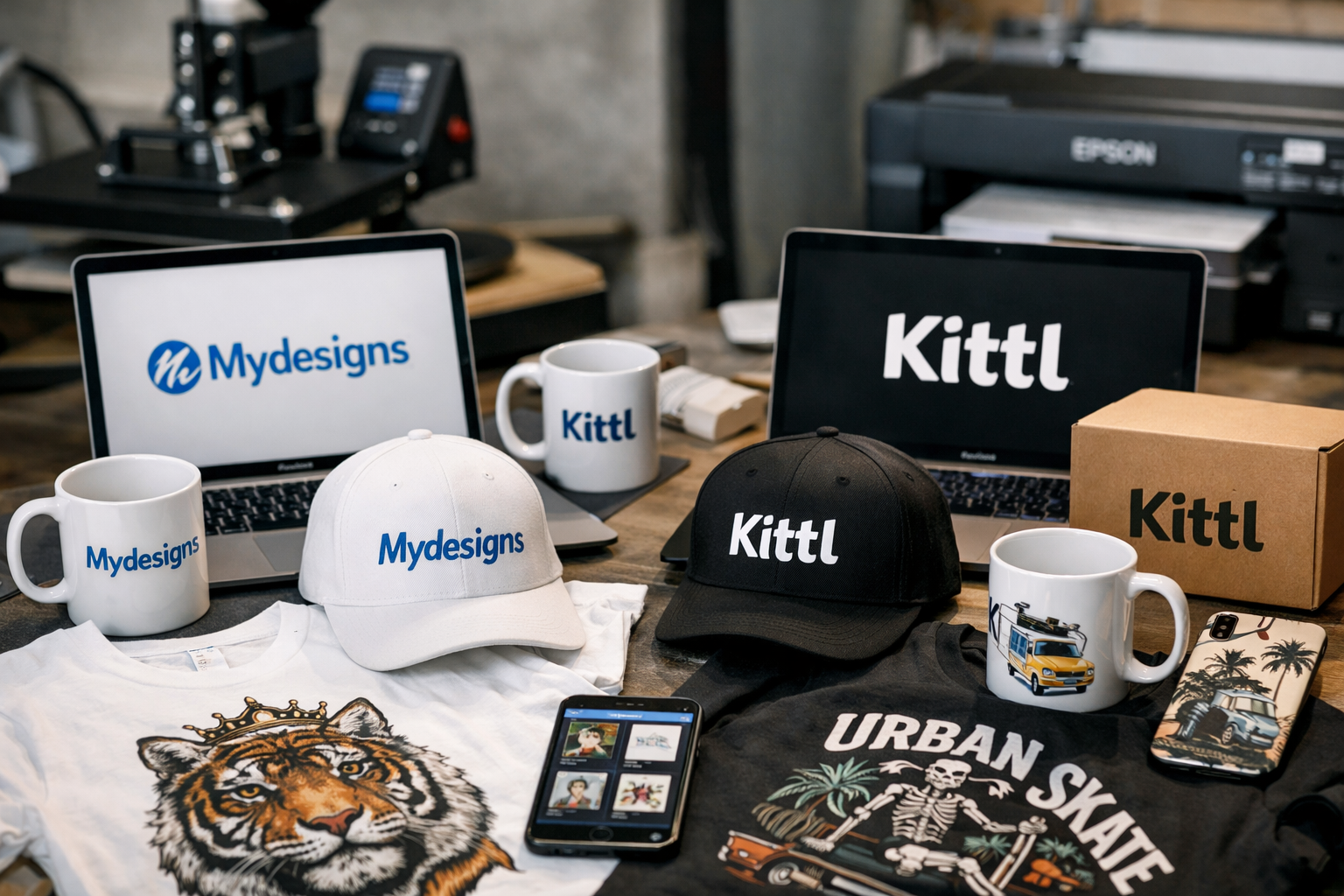
When comparing mydesigns vs kittl, the best choice depends less on which tool makes the prettiest individual design and more on where your bottleneck is. Kittl is generally the design-first choice for creators who prioritize visual craft, typography, and fast concepting. MyDesigns is the stronger operational choice for sellers who need to turn designs into mockups, product listings, and published inventory at scale.
For most print-on-demand sellers, Etsy shops, and Shopify stores, the mydesigns vs kittl decision comes down to this: choose Kittl when creative production is the priority; choose MyDesigns when your priority is moving more products through a repeatable workflow.
This site may earn a commission if you sign up through affiliate links, at no additional cost to you. That does not change the comparison or the plan information discussed below.
Official website · Latest pricing & offers
MyDesigns vs Kittl: Quick Verdict for POD Sellers
The shortest answer is that Kittl helps you make attractive designs, while MyDesigns helps you operate a scalable print-on-demand and digital-product business around those designs. Neither is automatically “better” for every seller.
In a practical mydesigns vs kittl comparison, MyDesigns is the better fit when you publish frequently, manage multiple stores, or want to reduce repetitive listing work. Kittl may be more compelling when you spend most of your time creating individual graphics and refining design direction.
| Decision Factor | MyDesigns | Kittl |
|---|---|---|
| Main focus | POD and digital-product workflow | Design-first creation workflow |
| Best for | Sellers managing listings, mockups, and stores | Creators focused on visual design |
| Bulk operations | Built around batching, bulk mockups, and bulk publishing | Evaluate separately based on your design needs |
| Selling workflow | Supports Etsy, Shopify, WooCommerce, and TikTok publishing | Best considered as a creative tool first |
| AI support | All plans include AI credits | Do not assume feature limits without checking Kittl directly |
| Best business outcome | Faster catalog production and store operations | Faster ideation and polished design creation |
Who should choose MyDesigns
Choose MyDesigns if you are already selling products or intend to build a large catalog. Its workflow is designed around creating, organizing, mocking up, and publishing designs in batches rather than treating each listing as a separate manual project.
The strongest reason to choose it in the mydesigns vs kittl debate is operational leverage. If uploading files, creating mockups, writing listings, and publishing to stores take more time than design itself, MyDesigns addresses the part of the business that is slowing you down.
For sellers ready to test that workflow, you can start with MyDesigns here without entering a credit card.
Who should choose Kittl
Choose Kittl if your primary goal is making distinctive artwork, experimenting with type-led concepts, or improving the look of your designs before they reach a marketplace. Public search results and creator comparisons consistently position Kittl as a design-centric platform with strong appeal for templates, typography, and vector-style creative work.
Kittl can make sense for artists, hobby sellers, and early-stage POD creators who are still developing a visual niche. In that scenario, design confidence may matter more than publishing automation.
Can you use both together?
Yes. For many sellers, the most productive answer to mydesigns vs kittl is not choosing one tool exclusively. You can use Kittl for ideation and design creation, then use MyDesigns for mockups, organization, batching, and publishing.
That combination is especially useful when you want more design control without manually handling every repetitive store task. Just make sure that your file-export process and commercial-use rights match your product and marketplace requirements.
What MyDesigns Is Built to Do
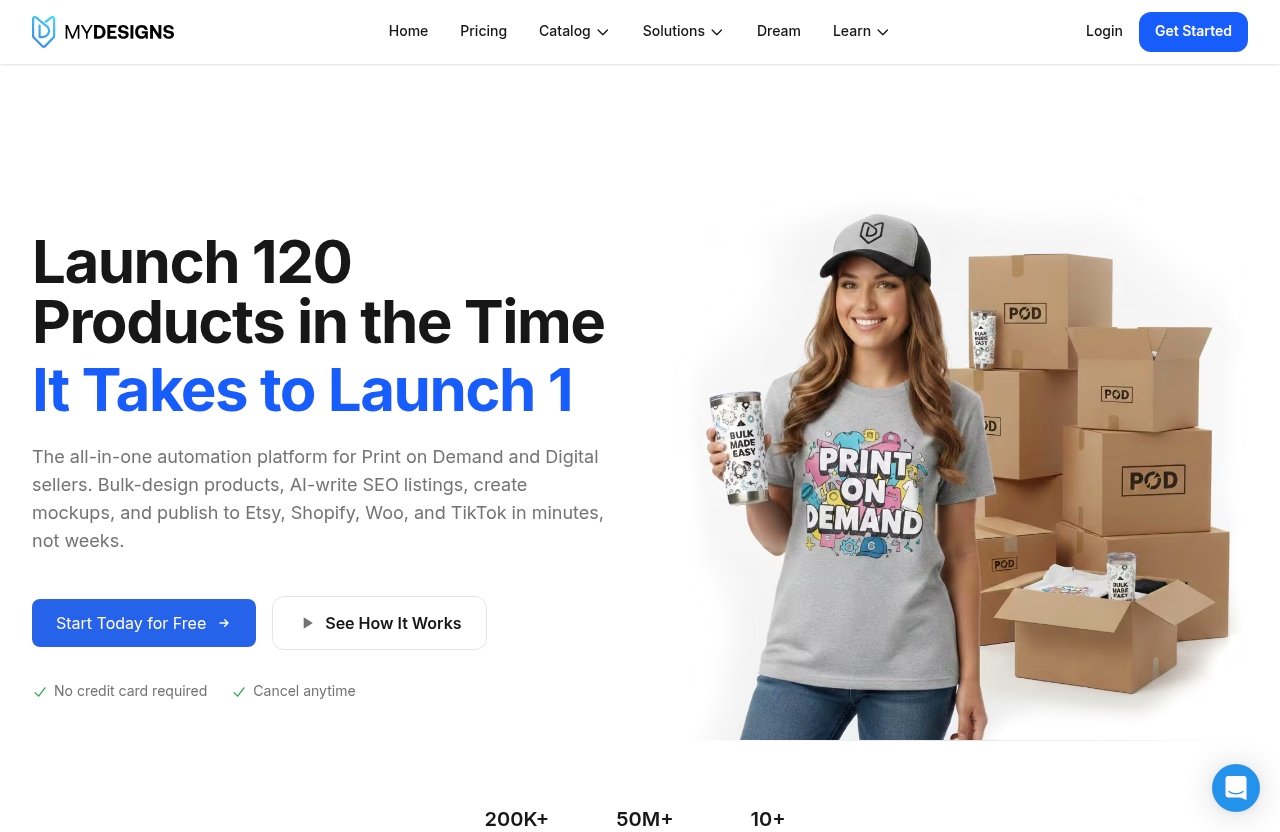
MyDesigns is a print-on-demand and digital-products platform built to help sellers move from design files to sellable listings efficiently. Its core value is not simply generating one graphic; it is helping creators manage production steps across a growing catalog.
For sellers evaluating mydesigns vs kittl, this distinction is important. MyDesigns is designed for business workflow: product batching, mockup creation, design storage, store connections, and publishing activity.
Design, mock up, and list in bulk
MyDesigns is structured for sellers who want to work on multiple products at once. Every paid plan includes bulk mockups and bulk publishing to Etsy, Shopify, WooCommerce, and TikTok.
That matters when you have one design that needs to become multiple products, colors, or listing variations. Rather than treating each product as a fresh manual task, MyDesigns gives sellers a workflow intended for volume.
AI credits and product batching
All MyDesigns plans include AI credits, although the number of credits and batch capacity rise on higher plans. Starter includes 250 AI credits per month and up to 24 products per batch, while Pro and Pro Plus increase those limits.
The mydesigns vs kittl choice becomes clearer if AI is part of your production process. MyDesigns positions AI within a broader seller workflow rather than as a standalone creative experiment.
Marketplace and store integrations
MyDesigns supports publishing to Etsy, Shopify, WooCommerce, and TikTok. Its plans also include different shop allowances, from one shop on each platform with Starter to unlimited shops on every platform with Pro Plus.
For a seller building across channels, this can reduce duplicate work and help keep operations organized. It is a practical difference in a pod design software comparison because publishing is where many otherwise-good design tools stop being useful.
What Kittl Is Known For in the Market
Kittl is widely discussed as a design-first platform. In creator communities, comparison pages, and search results, it is often associated with attractive templates, expressive typography, and visual design workflows that help users develop polished artwork quickly.
That does not mean Kittl should be judged by the same criteria as MyDesigns. In a mydesigns vs kittl review, Kittl is best understood as the creative side of the equation, while MyDesigns is more focused on seller operations.
Design-first workflow
Kittl appeals to people who want to spend time making the design itself better. It is often considered by creators who care about composition, lettering, layout, and creating graphics that look less generic than quick template edits.
If your current designs need stronger style before you worry about listing volume, a design-first environment may be the better starting point. Check Kittl’s current product pages directly for its latest capabilities, licensing terms, and plan details.
Templates, typography, and vector style appeal
Creator-facing discussions commonly mention Kittl’s template and typography appeal. This makes it relevant for niches where type is a major part of the product, including retro shirts, quote posters, event graphics, stickers, and brand-style digital downloads.
In the mydesigns vs kittl conversation, that visual emphasis is Kittl’s main advantage. A better workflow does not fix a weak product design, so sellers should not dismiss the creative side of the decision.
Why creators like Kittl for fast concepting
Many creators want a tool that helps them test ideas before investing in a full product line. A design-led workspace can be useful for trying different aesthetics, type treatments, and niche concepts before deciding what deserves production effort.
This is why Kittl is often discussed among kittl alternatives for POD sellers. It can be a strong creative option, but sellers should separately evaluate how they will create mockups, manage files, and publish products once the design is finished.
Head-to-Head Comparison: Design, Speed, and Scale
A fair mydesigns vs kittl review should not ask only, “Which makes better graphics?” It should ask, “Which tool removes the biggest constraint in my current business?”
If your constraint is visual creativity, Kittl may provide more value. If your constraint is taking approved designs from a folder to active product listings, MyDesigns is likely the more practical choice.
Ease of use for non-designers
For non-designers, visual templates and guided creative tools can make design creation less intimidating. Kittl’s design-first reputation may therefore appeal to beginners who need help producing something that looks intentional.
MyDesigns is easier to justify once you have designs ready to move through a selling workflow. It is less about becoming a designer and more about becoming efficient after you have usable artwork.
Bulk publishing and automation
This is where MyDesigns has a clear business-focused advantage. Every paid plan includes bulk publishing to Etsy, Shopify, WooCommerce, and TikTok, while higher MyDesigns tiers expand shop access and product batch size.
Pro also adds catalog import and export, plus Scout AI, which MyDesigns says finds what sells. Sellers comparing mydesigns vs kittl for automation should weigh these specific operating features against the time they currently spend preparing listings.
Mockups and listing workflow
MyDesigns includes bulk mockups across all plans. Starter supports custom and your own PSD mockups, while Pro includes bulk video mockups as part of its additional features.
This is meaningful because mockups are not merely decorative. They influence how buyers understand a product, especially on Etsy and Shopify where customers may make a decision in seconds. MyDesigns mockups can help sellers standardize presentation across a catalog.
Business vs. creative value
Kittl’s likely value is in helping you make stronger creative assets. MyDesigns’ value is in helping you make more use of finished assets through repeatable production and publishing.
The better option in the mydesigns vs kittl comparison depends on which type of value creates revenue for you now. A seller with great designs but a slow listing process should prioritize operations; a seller with no coherent design style should prioritize creation.
Official website · Latest pricing & offers
MyDesigns Pricing Explained
MyDesigns pricing is straightforward in structure: Starter supports smaller sellers, Pro is aimed at growing operations, and Pro Plus is built for higher-volume or multi-store businesses. You can start free with no credit card required, while paid plans offer a seven-day money-back guarantee and can be canceled anytime.
All paid plans include AI credits, bulk mockups, and bulk publishing to Etsy, Shopify, WooCommerce, and TikTok. That baseline matters when assessing mydesigns vs kittl cost, because publishing and mockup tools are included as part of the workflow rather than added as separate steps.
Starter plan
MyDesigns Starter costs $19.99 per month when billed yearly, or $24.99 month to month. It includes:
- 250 AI credits per month
- Up to 24 products per batch
- One shop each on Etsy, Shopify, WooCommerce, and TikTok
- Custom and your own PSD mockups
- One MyDesigns Store with a 6% fee
- 40 GB design library storage
- 2% off the print catalog
Starter is a logical fit for newer sellers with a small but serious product catalog. It gives you the main MyDesigns bulk publishing workflow without requiring a high-volume commitment.
Pro plan
MyDesigns Pro costs $39.99 per month when billed yearly, or $49.99 month to month. It includes everything in Starter, plus:
- 600 AI credits per month
- Up to 48 products per batch
- Three shops each on Etsy, Shopify, WooCommerce, and TikTok
- Bulk video mockups
- Scout AI, which finds what sells
- Catalog import and export
- Two MyDesigns Stores with a 4.5% fee
- 100 GB design library storage
- 5% off the print catalog
For many active sellers, Pro provides the best balance between cost and operational capacity. In the broader kittl vs mydesigns pricing question, it is important to compare what each tool helps you complete, not only the monthly subscription line.
Pro Plus plan
MyDesigns Pro Plus costs $79.99 per month when billed yearly, or $99.99 month to month. It includes everything in Pro, plus:
- 2,000 AI credits per month
- Up to 120 products per batch
- Unlimited shops on every supported platform
- Three MyDesigns Stores with a 3% fee
- 1 TB design library storage
- 10% off the print catalog
- Priority support
This plan is most relevant to agencies, established sellers, and teams managing multiple brands or storefronts. The extra capacity is not necessary for every creator, but it can reduce friction for businesses that publish at scale.
Which plan offers the best value
For most growing POD sellers, Pro is likely the best-value MyDesigns plan because it adds meaningful capacity, catalog import/export, bulk video mockups, and three shops per platform. Starter is the safer entry point if you are proving your niche or catalog first.
Pro Plus becomes worthwhile when you genuinely need unlimited shops, 120-product batches, large storage, or the higher AI-credit allowance. The right way to evaluate mydesigns vs kittl is to estimate how many hours each workflow saves per month—not just compare subscription prices.
Where MyDesigns Wins for Sellers
MyDesigns wins when business operations are more complicated than making a single design. It is particularly relevant for POD sellers who have already validated product ideas and now need a faster way to publish, update, and manage inventory.
Bulk workflows for Etsy and Shopify
Etsy and Shopify sellers often lose time to repetitive product setup. MyDesigns bulk publishing gives sellers a way to push products to supported channels without rebuilding each listing process from scratch.
That makes it one of the more practical options in a mydesigns vs kittl comparison for serious marketplace sellers. The more listings and stores you manage, the more valuable a unified workflow can become.
AI-assisted product creation
Every MyDesigns paid plan includes AI credits. Sellers who use AI as part of their creative process can choose a plan based on expected usage, from 250 credits per month on Starter to 2,000 on Pro Plus.
AI should not replace niche research, originality, or quality control. But when it supports a thoughtful production workflow, it can help sellers create and test product concepts faster.
Mockups, listings, and library storage
A growing store needs more than design files; it needs organized assets, consistent product images, and accessible listing materials. MyDesigns includes design-library storage that ranges from 40 GB on Starter to 1 TB on Pro Plus.
This is a meaningful operational benefit for people creating many variations. Instead of juggling disconnected folders, mockup services, and publishing tabs, sellers can build a more centralized process.
Lower operational friction as you scale
Scaling usually fails because small repetitive tasks multiply. A seller may be able to handle ten listings manually, but not 300 listings across multiple shops without errors or burnout.
MyDesigns is built around reducing that friction. For sellers who see growth in their future, that is often the decisive advantage over a purely creative platform.
Where Kittl May Be the Better Pick
Kittl may be the better choice when your first problem is design quality rather than workflow efficiency. A seller who cannot yet create visuals that fit their audience may not benefit from advanced publishing tools immediately.
If design quality is your top priority
If you want to improve layouts, explore visual styles, and develop more polished creative concepts, Kittl’s design-first positioning is compelling. This is especially true for sellers working in visual niches where typography and composition determine whether a product feels professional.
In the mydesigns vs kittl debate, Kittl is the more natural choice for someone who treats each design as a creative project. It can help you spend more attention on what the customer will actually see.
If you only need a creation tool
You may not need a full seller platform if you have a small catalog or do not publish often. If you only create files for clients, personal projects, or occasional product launches, a creation-focused tool can be enough.
This is also a reasonable answer to “Is Kittl worth it?” It can be worth it when its creative environment solves your actual problem, even if you do not need a large-scale POD workflow.
If you already have a separate publishing workflow
Some sellers already use established systems for mockups, product setup, fulfillment, and inventory. If those systems work well, adding MyDesigns may not create enough incremental value yet.
In that situation, Kittl may complement your existing setup as the creative layer. Reassess later if listing volume starts making your current workflow too slow.
Best Use Cases by Buyer Type
A useful pod design software comparison should consider the person behind the store. The best AI design tool for print on demand is not the same for every business model.
Solo POD creator
A solo creator with a small catalog should choose based on the task consuming the most time. If you struggle to create good concepts, Kittl may be the better starting point. If you already have designs but dislike mockups and listing work, MyDesigns Starter offers a clearer operational path.
Etsy seller with multiple listings
For an Etsy seller with dozens or hundreds of listings, MyDesigns becomes more persuasive. Bulk mockups, bulk publishing, AI credits, and design-library storage can reduce time spent repeating the same production steps.
This is where the mydesigns vs kittl reddit conversations often miss the point: user opinions can be useful, but your listing volume and workflow reveal more than general preferences do.
Small team or agency
Small teams and agencies benefit from consistent processes. MyDesigns Pro or Pro Plus may fit businesses that manage several storefronts, need more batch capacity, or want centralized catalog operations.
Kittl can still be useful in a team’s creative process. A practical division is to use a design-first platform for artwork and MyDesigns for production, mockups, library management, and publishing.
Digital product creator
Digital-product creators may need a blend of visual quality and efficient catalog management. Kittl can be a strong option for building polished downloadable assets, while MyDesigns is more relevant if those assets are part of a larger product-and-store operation.
For this buyer type, compare the time needed after the design is finished. Listing, product variations, mockups, and publishing usually reveal which system will provide more real-world value.
Common Questions Before You Buy
Before committing to either platform, define your workflow in plain terms. Ask how many designs you make monthly, how many listings each design becomes, how many stores you manage, and where you lose the most time.
Is MyDesigns worth it for beginners?
MyDesigns can be worth it for beginners who want to build a real POD business rather than only experiment with design. The free start with no credit card required gives new sellers a lower-friction way to evaluate the platform.
A beginner should start with a small catalog and measure whether bulk creation, mockups, and publishing save enough time to justify a paid plan. Paid plans have a seven-day money-back guarantee and can be canceled anytime.
Is Kittl worth it for POD?
Kittl may be worth it for POD creators who value design quality, typography, and fast creative exploration. It is most appealing when your main goal is producing better-looking artwork rather than managing a large product pipeline.
Check Kittl’s current official terms, pricing, and commercial-use details before making a final decision. Those details can change and should match how you plan to sell your work.
Can I switch tools later?
Yes. Many sellers begin with one tool and add another when their needs change. You might start with Kittl while learning design, then add MyDesigns once listing volume increases.
The reverse can also work: use MyDesigns for business operations while bringing in another tool whenever a project needs more specialized creative attention.
Should I compare price or workflow first?
Compare workflow first. A lower-priced tool is not less expensive if it leaves you doing hours of manual listing, mockup, and publishing work every week.
If you already use another design platform, compare the time saved on listing and publishing—not creative features alone. That calculation gives you a more accurate view of value than a simple monthly cost comparison.
Official website · Latest pricing & offers
FAQ
Which is better for design, Kittl or MyDesigns?
Kittl is generally the better design-first choice if your focus is creating polished graphics, typography-led concepts, and visually refined artwork. MyDesigns is better for bulk publishing, mockups, product batching, and store operations.
Is MyDesigns worth it for print-on-demand sellers?
MyDesigns can be worth it for POD sellers who value bulk mockups, bulk publishing, AI credits, and multi-shop management. It is especially useful when manual listing tasks are limiting how quickly you can grow your catalog.
Can I use MyDesigns and Kittl together?
Yes. A sensible workflow is to create and refine graphics in Kittl, then use MyDesigns to organize designs, create mockups, batch products, and publish listings. This approach gives you both creative flexibility and operational efficiency.
Does MyDesigns include AI features?
Yes. All MyDesigns paid plans include AI credits. Starter includes 250 credits monthly, Pro includes 600, and Pro Plus includes 2,000, along with higher product-batch capacity at each tier.
What is the best website for creating designs?
It depends on your goal. Design-first users may prefer Kittl, while POD sellers who need scalable mockups, listings, and publishing may prefer MyDesigns. The best option is the one that removes the most expensive bottleneck in your workflow.
Final Recommendation: Which AI Design Tool Is Best?
The best choice in mydesigns vs kittl is not about declaring one platform universally superior. It is about choosing the tool that matches your stage of business and the work you need to complete every week.
Best overall for POD operations
MyDesigns is the better overall choice for active POD sellers who want to scale product output. Its official feature set includes AI credits, bulk mockups, bulk publishing to Etsy, Shopify, WooCommerce, and TikTok, plus plan-based shop management and storage.
For sellers who need to reduce repetitive work, MyDesigns is worth evaluating as a workflow-first option. The free start and paid-plan money-back policy make it possible to test whether the time savings are real for your store.
Best for design-first creators
Kittl is the better pick for creators who prioritize visual craft, design exploration, templates, and typography-driven work. If you are trying to improve the look and originality of your products before expanding your catalog, that design focus may provide more value.
Best value if you want both
For many established sellers, the best answer is a combined workflow: use Kittl for creative ideation and MyDesigns for production, mockups, listing management, and scale. That setup avoids forcing one tool to do a job it was not primarily built to do.
Ultimately, mydesigns vs kittl comes down to your bottleneck. Choose Kittl if better design is the immediate priority; choose MyDesigns if you need a more efficient route from finished design to published products.
Related Reading
- Mydesigns vs Printify comparison
- Mydesigns review and pricing breakdown
- How to choose the right funnel platform
References
- Kittl vs MyDesigns: Best Tool for POD Sellers?
- Kittl vs MyDesigns
- AI Design Tool Face-Off: MidJourney vs. Kittl vs. MyDesigns
- Read Customer Service Reviews of mydesigns.io