Tally vs Typeform: Best Form Builder for 2026
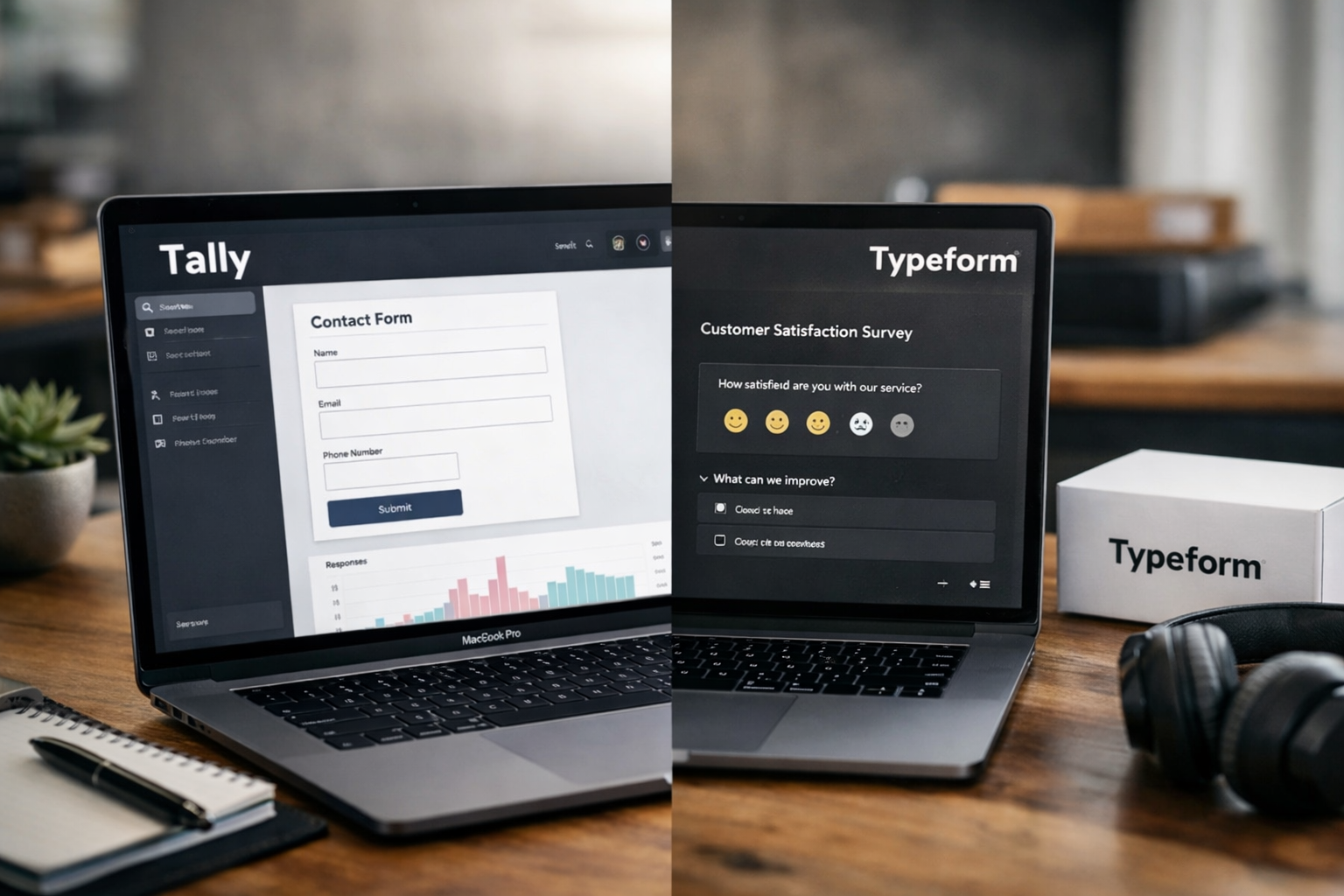
Choosing between tally vs typeform comes down to a practical question: do you need maximum value and fast deployment, or is a highly polished, guided brand experience your top priority? Both can support lead generation forms, surveys, quizzes, applications, and customer feedback flows, but they take distinctly different approaches.
For most creators, startups, marketers, and lean teams, Tally is the stronger default choice in 2026 because its free plan includes unlimited forms and submissions alongside features that often require paid access elsewhere. Typeform remains a compelling option for businesses that place exceptional emphasis on conversational presentation and premium visual experiences.
Official website · Latest pricing & offers
Tally vs Typeform in 2026: quick verdict
The short version of tally vs typeform is straightforward: Tally delivers broader value for everyday business forms, while Typeform is better suited to teams prioritizing a guided, presentation-led respondent experience.
Tally’s official free plan includes unlimited forms and unlimited submissions within fair usage guidelines. It also includes important conversion tools such as conditional logic, payments, signatures, file uploads, integrations, and custom thank-you pages. That makes it an unusually capable option for companies that want to test, launch, and improve forms without immediately increasing software costs.
Typeform is widely recognized for its conversational approach to form design. Its format can be a good fit for polished customer research, branded qualification flows, and interactive experiences where the form itself is an extension of the brand.
Who should choose Tally
Choose Tally if you need to publish lead capture forms, client intake forms, payment forms, applications, or surveys quickly without worrying about response volume from day one. The tally vs typeform free comparison is especially favorable for teams that need room to experiment.
Tally is also a sensible choice if your workflow depends on tools such as Google Sheets, Notion, Airtable, Zapier, Make, or webhooks. Its document-style editor is easy to learn, particularly for teams familiar with Notion-like writing environments.
Who should choose Typeform
Choose Typeform if your primary goal is to create a highly curated, conversational interaction where each question feels like part of a guided brand journey. It can make sense for premium brands, research teams, and agencies producing high-touch client-facing experiences.
In the tally vs typeform decision, Typeform is not necessarily the better value choice. Its advantage is more about the perceived finish and flow of the respondent experience than broad free-plan flexibility.
Bottom-line comparison table
| Buying factor | Tally | Typeform |
|---|---|---|
| Best for | Value-focused teams and fast form deployment | Premium, guided brand experiences |
| Free-plan appeal | Unlimited forms and submissions, subject to fair usage | Review current plans and limits before choosing |
| Builder style | Document-style, Notion-like | Conversational, guided workflow |
| Strong use cases | Lead capture, applications, payments, operational forms | Brand surveys, polished quizzes, curated research |
| Best overall fit | Startups, creators, SMBs, agencies | Design-led teams with presentation priorities |
What Tally and Typeform are built for
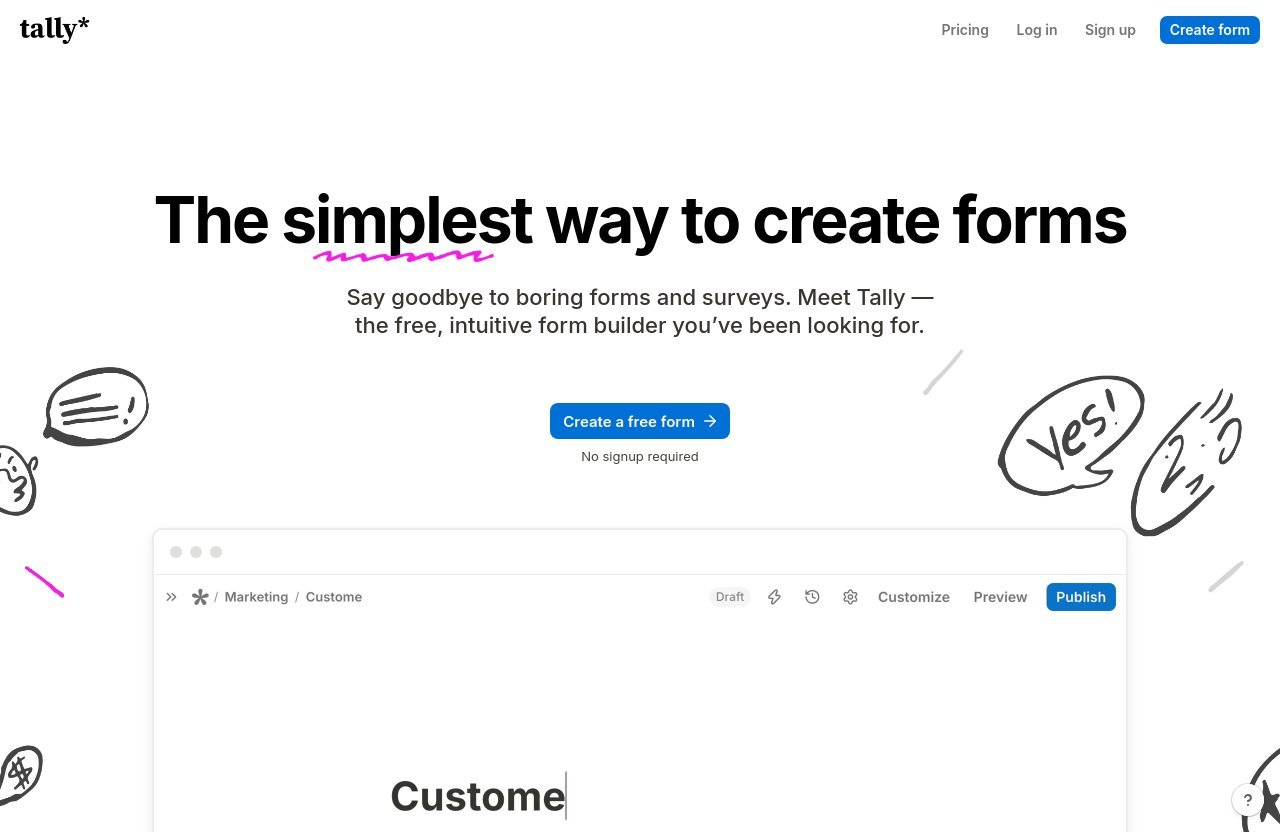
A useful tally vs typeform comparison starts with product philosophy. Both tools collect information, but the way they help you construct and present a form differs.
Tally is designed to reduce the effort between an idea and a live form. You can build a form much like a document, adding questions, text, sections, and logic in a lightweight environment. That approach is ideal when your team needs to iterate often.
Typeform is built around a more guided, conversational experience. Rather than treating forms as simple data collection pages, it emphasizes how individual questions can feel like steps in a branded interaction.
Tally: document-style form building
Tally’s document-style approach is a major reason it works well for operational teams. You can draft a client intake flow, add a qualification question, insert conditional logic, and adjust supporting copy without needing a steep design learning curve.
For conversion-focused forms, this matters because fast iteration is often more valuable than chasing a perfect first draft. Marketers can test shorter intros, stronger offer language, fewer required fields, and clearer completion messages without rebuilding everything from scratch.
Typeform: conversational, branded experiences
Typeform’s appeal is rooted in presentation. It is often considered by teams that want questions to feel more like an interview or a deliberate conversation than a traditional form.
This can be especially useful when audience perception matters as much as data capture. In a tally vs typeform review, Typeform is often the option for businesses willing to invest more effort into visual storytelling and a controlled user journey.
Where each tool fits in the funnel
Tally fits well at nearly every practical point in a growth funnel: newsletter signups, lead qualification, event registrations, onboarding, applications, client discovery, and payment collection. Its broad free feature set makes it easy to deploy forms across multiple campaigns.
Typeform can be particularly appropriate in moments where a form must reinforce a premium positioning. Think customer discovery surveys, high-value application flows, or interactive quizzes where the experience itself helps establish trust.
Pricing comparison: where the real difference starts
Pricing is where the tally vs typeform decision becomes especially important for small businesses. A form builder may look inexpensive at the beginning, but usage limits, branding needs, team access, and advanced reporting can change the long-term cost.
Tally’s pricing is clear in its official documentation. Its Free plan supports unlimited forms and unlimited submissions, as long as users remain within fair usage guidelines. This is a meaningful advantage for campaigns that may generate unpredictable response volume.
Tally free plan and paid tiers
Tally’s Free plan includes a substantial range of practical tools:
- Unlimited forms and submissions under fair usage guidelines
- Payment collection
- Signatures and file uploads
- Conditional logic and calculations
- Custom thank-you pages and completion redirects
- Password protection and duplicate-submission prevention
- Form closing by date or limit
- Answer piping
- Support for 45+ languages and right-to-left layouts
- Google Sheets, Notion, Airtable, Zapier, Make, and webhook integrations
For users who need more branding and operational control, Tally Pro costs $24 per month. It adds removal of Tally branding, custom domains, unlimited collaborators in shared workspaces, partial submissions, custom CSS, advanced customization, analytics, drop-off analytics, and premium integrations including Google Analytics and Meta Pixel.
Tally Business costs $74 per month and includes everything in Pro, plus data retention controls, email verification, and version history up to 90 days.
How Typeform pricing affects teams
When researching typeform pricing, it is important to review the current official plan details for your anticipated response volume, number of users, branding requirements, and integration needs. These factors can significantly influence which plan provides the best practical value.
This is where a typeform alternative such as Tally deserves close attention. Tally’s generous free tier means teams can validate a campaign or workflow before paying for added branding, analytics, or governance features.
Which plan is better for lean businesses
For lean businesses, Tally is usually the more economical starting point because its free plan covers the core capabilities needed to create serious lead generation forms. You can collect payments, uploads, signatures, and structured responses without treating every new campaign as a potential cost increase.
The tally vs typeform value decision becomes clearer when you have many forms rather than one flagship survey. Agencies, startups, and creators commonly need multiple landing-page forms, client forms, registration forms, and internal request forms running simultaneously.
Feature comparison for conversion-focused forms
The best form builder is not the one with the longest feature list. It is the one that lets you remove friction, route data correctly, and collect qualified responses without creating unnecessary work for your team.
For a tally vs typeform assessment, focus on features that directly affect your funnel: conditional logic, form completion flow, payment handling, file collection, automation, and attribution.
Conditional logic and calculations
A good conditional logic form builder lets you show only questions that matter to a specific respondent. This reduces clutter and can make long qualification forms feel more relevant.
Tally includes conditional logic and calculations on its Free plan. You can use that capability to qualify leads based on budget, route applicants based on their answers, calculate a quote, or personalize follow-up content with answer piping.
Payments, signatures, and file uploads
For many businesses, forms are not just about collecting email addresses. They are used to receive deposits, gather project files, collect signed approvals, and qualify applicants before a sales call.
Tally includes payment collection, signature collection, and file uploads in its free offering. This is a strong practical advantage in the tally vs typeform comparison for freelancers, service businesses, event organizers, and client onboarding teams.
Integrations, workflows, and automation
Forms become more valuable when submissions flow into the systems your team already uses. Tally supports Google Sheets, Notion, Airtable, Zapier, Make, and webhooks on its Free plan.
That integration breadth makes it easier to turn incoming data into action. A new lead can be logged in a spreadsheet, added to a CRM workflow through automation, sent to a project system, or routed to the appropriate team member.
Design and customization: polished vs flexible
Design matters because forms represent your business at a decision point. However, the right design approach depends on whether your priority is a highly branded experience or fast, clean deployment.
The central tally vs typeform tradeoff here is polished presentation versus flexible simplicity. Neither approach is automatically better; the right answer depends on your visitors and the action you are asking them to take.
Typeform’s sleek branded feel
Typeform is commonly associated with visually refined, conversational form experiences. This makes it appealing for teams that want a form to feel less transactional and more like a designed interaction.
For premium consumer brands, creative agencies, and research-led companies, this presentation can support a stronger first impression. It may be especially useful where a survey or quiz is part of the customer experience rather than a simple operational step.
Tally’s clean, lightweight customization
Tally favors a clean, flexible format that works particularly well for content-led websites, SaaS landing pages, communities, and internal processes. Its Pro plan adds advanced customization, custom CSS, custom domains, and options to remove Tally branding.
That makes Tally a practical fit for teams that want brand consistency without turning every form into a design project. In my experience reviewing form workflows, simpler layouts often help teams publish faster and learn from real responses sooner.
Which design style converts better
There is no universal winner for conversion. A conversational, one-question-at-a-time flow may feel more approachable for a longer customer survey, while a concise visible form can work better when a visitor wants to register, request a quote, or submit an application quickly.
The best tally vs typeform choice is the tool that matches the intent of your page. For high-intent leads, clarity, relevance, and a low field count usually matter more than decorative complexity.
Official website · Latest pricing & offers
Builder experience: Notion-style vs slide-style
Builder experience affects more than your internal comfort. It influences how often you test forms, how quickly teammates can make changes, and whether small conversion improvements actually get implemented.
This is one of the clearest differences between tally vs typeform. Tally favors a writing-first workflow, while Typeform is typically chosen by teams seeking a more guided form-creation experience.
How Tally’s editor works
Tally uses a document-style editor that resembles the way many people already draft pages and notes. You can write headings, add questions, create sections, and structure the flow without feeling like you are working inside a rigid traditional form editor.
That format is helpful for forms that need explanatory content alongside fields. For example, an agency can add project expectations, privacy notes, service options, and qualification questions in one coherent experience.
How Typeform’s experience differs
Typeform’s format is generally more focused on creating a guided sequence of questions. That can be beneficial when the form should feel intentionally paced and when each answer should lead naturally into the next interaction.
In the tally vs typeform comparison, consider who will maintain the forms after launch. A marketing team that edits copy frequently may prefer Tally’s straightforward writing environment, while a brand team may appreciate a more presentation-oriented workflow.
Which workflow is faster for teams
Tally is usually faster for teams that need to create many forms, duplicate successful structures, and make rapid content updates. Its shared workspaces on Pro also support unlimited team members, which can matter for agencies and cross-functional teams.
Typeform may be worth the extra setup effort when the form experience is a central creative asset. The key is to avoid paying for a more elaborate workflow when a simple, focused form would accomplish the same conversion goal.
Respondent experience and conversion potential
Respondent experience is where opinions about tally vs typeform reddit discussions often become subjective. Some users prefer a conversational flow; others want to scan all questions, estimate the effort, and finish quickly.
Instead of assuming one style always converts better, evaluate the likely mindset of your visitors. Are they casually exploring, applying for something valuable, completing a task, or trying to submit information as fast as possible?
Single-page vs multi-page forms
A single-page or document-style form can work well for straightforward requests. Visitors can see what is required, complete only relevant fields, and submit without feeling like they have entered a long sequence.
A multi-step, conversational form can make longer questionnaires feel less overwhelming by presenting one prompt at a time. It may be suitable for discovery surveys, personality-style quizzes, and carefully branded lead qualification.
Drop-off, completion, and friction
Every extra field, unclear question, and unnecessary screen increases friction. The strongest conversion strategy is usually to ask for the minimum information required to take the next action.
Tally Pro includes form visit analytics and drop-off analytics, which can help teams identify where respondents abandon a form. Used thoughtfully, that data supports practical improvements such as moving complex questions later or removing low-value fields.
Best use cases for lead gen and surveys
For lead generation forms, Tally is often the more flexible choice because you can launch forms quickly, connect submissions to your workflow, and use conditional logic without needing a complicated build process.
For a highly curated customer survey, Typeform may better match a brand that wants the interaction to feel premium and paced. In the broader tally forms vs typeform decision, let form intent determine the format—not visual preference alone.
Integrations, privacy, and trust factors
Trust is particularly important when you collect customer contact details, financial information, applications, uploaded files, or sensitive operational data. A form may be short, but it is still a data-collection point that reflects your business practices.
Tally’s official product information states that it is GDPR compliant, hosted in Europe, does not use cookie tracking, and stores all form data in Europe. Data is encrypted in transit and at rest.
Tally’s privacy-friendly approach
For organizations serving privacy-conscious audiences, Tally’s Europe-hosted approach is a meaningful consideration. The absence of cookie tracking may also be attractive to teams looking to reduce unnecessary tracking on their form experiences.
This is an important part of the tally vs typeform evaluation for consultants, B2B companies, nonprofits, and businesses collecting potentially sensitive client information. Always assess your own legal, industry, and data-processing requirements before selecting any software.
Automation and data routing
Tally’s available integrations support a practical automation stack. You can connect forms with Google Sheets, Notion, Airtable, Zapier, Make, and webhooks, enabling submissions to flow into the systems your business already uses.
For a small business, this could mean automatically creating a lead record after a contact form submission. For an agency, it could mean sending completed client intake details into a project workflow without manual copy-and-paste work.
Security and compliance considerations
Security features should not be treated as a checkbox. Review your need for access control, retention policies, contractual terms, and data location before launching forms that collect sensitive information.
Tally Business adds control over data retention and email verification, while Tally Pro and Business offer version history. These are useful capabilities for teams that want stronger form governance as processes become more established.
Best use cases: when Tally wins and when Typeform wins
The best form builder 2026 decision is less about declaring one platform universally superior and more about matching a tool to the work you need done. Both can be useful, but their value is concentrated in different situations.
In a typical tally vs typeform buying journey, Tally wins on breadth, affordability, and deployment speed. Typeform wins when a guided, brand-forward experience is worth prioritizing over cost efficiency.
Best for startups, creators, and SMBs
Tally is the better fit for most startups, creators, solo consultants, and small businesses. Its free plan gives users room to build real business workflows, not merely test a basic contact form.
It is especially useful for lead magnets, waitlists, consultation requests, applications, event signups, client onboarding, and payment forms. The ability to collect unlimited submissions under fair usage guidelines is highly relevant for businesses trying to grow efficiently.
Best for premium brands and complex experiences
Typeform can be the better option for premium brands that see every form as a customer-facing brand asset. It may also be attractive for research projects and interactive flows where pacing and perceived polish are central to the experience.
That does not mean Typeform automatically produces higher completion rates. It means its approach can be a better strategic fit when visual presentation and guided interaction are core requirements.
Decision matrix by use case
| Use case | Recommended choice | Why |
|---|---|---|
| Startup lead capture | Tally | Strong free-plan value and fast setup |
| Client intake | Tally | Logic, uploads, signatures, and integrations |
| Payment form | Tally | Payment collection included on Free |
| Internal request form | Tally | Simple, flexible document-style creation |
| Premium brand survey | Typeform | More presentation-led experience |
| Interactive customer quiz | Typeform or Tally | Choose based on brand polish versus value |
| Agency managing many forms | Tally | Cost efficiency and scalable workspace options |
| Privacy-conscious data collection | Tally | Europe-hosted, GDPR compliant, encrypted data |
Final recommendation: which form builder should you pick in 2026?
For most buyers, Tally is the best-value choice in the tally vs typeform comparison. It offers an unusually generous free plan, handles core business form requirements, supports meaningful automation, and gives teams a fast way to build and improve campaigns.
Typeform is still a credible choice for organizations where premium visual presentation is the deciding factor. If your form is part of a carefully designed customer experience, its conversational format may justify the additional consideration.
Choose Tally if you want the best value
Choose Tally if you want unlimited forms and submissions under fair usage guidelines, practical lead-generation capabilities, and a form builder that does not force you into a paid plan just to run multiple campaigns.
Tally is particularly strong for businesses that need to move quickly. Its combination of conditional logic, payments, signatures, file uploads, redirects, integrations, and privacy-focused infrastructure covers the needs of many real-world workflows.
If that matches your needs, you can try Tally through this recommended link and evaluate it with your own lead capture, survey, or application flow.
Choose Typeform if brand polish matters most
Choose Typeform if your forms need to feel like an intentionally guided, premium brand interaction. It can be a good fit for customer research and high-touch experiences where visual pacing matters more than maximizing free-plan value.
Before deciding, map your actual requirements: number of forms, expected response volume, need for payments or uploads, automation tools, privacy expectations, and level of design control. That process will usually make the right choice clear.
FAQ-style wrap-up
The practical conclusion is simple: Tally is the stronger default for cost-conscious businesses that still need powerful form functionality. Typeform remains worth considering when presentation is central to the campaign.
For most readers comparing a typeform alternative, Tally’s feature-to-cost ratio makes it the more sensible place to start.
Official website · Latest pricing & offers
FAQ
Is Tally or Typeform better?
Tally is generally better for value, speed, and flexible business use cases. Its Free plan includes unlimited forms and unlimited submissions within fair usage guidelines, plus features such as payments, file uploads, signatures, conditional logic, and integrations.
Typeform may be better for teams that prioritize a premium, conversational presentation above all else. In the tally vs typeform choice, Tally is the more practical recommendation for most startups, creators, and SMBs.
What is better than Typeform?
“Tally vs Typeform” is one of the most relevant comparisons for buyers seeking a more cost-effective alternative. Tally is a leading option for users who want broad form-building capability without starting with restrictive usage limits.
Its free plan supports unlimited forms and submissions under fair usage guidelines and includes many capabilities needed for lead generation forms, client intake, applications, and workflow automation.
Does Tally use AI?
Tally’s official product information emphasizes form building, conditional logic, calculations, payments, integrations, customization, analytics, and privacy features. Based on the verified product facts used in this review, it would not be accurate to make a specific AI feature claim.
If AI functionality is essential to your buying decision, review Tally’s current official documentation before purchasing or building a workflow around that requirement.
Is Typeform a unicorn?
“Unicorn” is a startup valuation term rather than a useful indicator of whether a form builder fits your needs. For a buyer evaluating form software, pricing, workflow compatibility, design requirements, privacy, and conversion flexibility are much more important decision factors.
The better question is whether Typeform’s presentation-first approach justifies its fit for your specific use case compared with Tally’s value-focused feature set.
Related Reading
References
- Tally, the best free Typeform alternative (in 2026)
- Compare Tally: Free Form Builder vs Typeform, Jotform & More
- Typeform vs. Tally: Which is better? [2025]
- Tally vs Typeform: Which form builder is better? (2026)