Tally So Job Application: How to Create a Hiring Form in 2026

A tally so job application form can help a small hiring team collect qualified candidates without building a complicated recruitment portal. Tally is designed to feel like writing in a document, so recruiters can create a clean application flow, request resumes, and add screening questions without code.
This guide is written for teams that need to publish a professional hiring form quickly. TopTrustReview may earn a commission if you choose to try Tally through our Tally partner link, but our recommendation is based on whether it fits a simple, practical hiring workflow.
Official website · Latest pricing & offers
What Is Tally and Why Use It for Job Application Forms?
Quick Definition of Tally
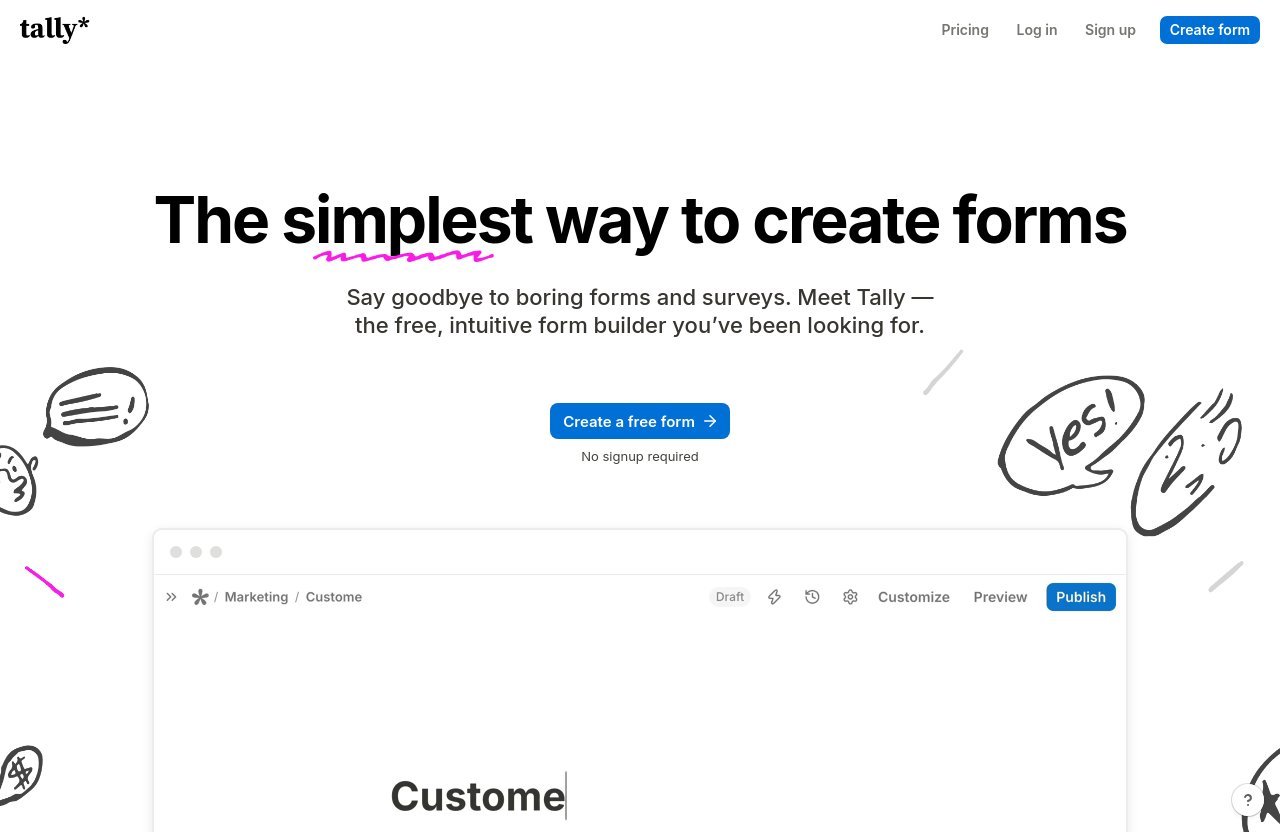
Tally is a no-code form builder positioned as “The simplest way to create forms.” You can type questions like you would in a document, add form blocks, and publish without needing to write code or even create an account before getting started.
For a tally so job application workflow, that simplicity matters. A recruiter can create a form for a role, collect applications, and refine the questions as hiring needs change.
Why Recruiters Choose It for Hiring Forms
Tally works well when your team needs a focused form rather than a full applicant tracking system. Its free plan includes unlimited forms and unlimited submissions within fair usage guidelines, which can be useful for recurring hiring campaigns.
Several available features are particularly relevant to hiring:
- File uploads for resumes, work samples, and cover letters
- Conditional logic for role-specific follow-up questions
- Email notifications for submission alerts
- Custom Thank You pages and completion redirects
- Duplicate submission prevention
- Google Sheets, Notion, Airtable, Zapier, Make, and webhook integrations
- Password protection and closing a form on a date or limit
Tally also states that it is GDPR compliant, hosted in Europe, uses no cookie tracking, and encrypts form data in transit and at rest. Those points can support a more trust-conscious candidate experience, though employers should still verify their own privacy obligations and retention policies.
Best Use Cases: Startups, Agencies, SMBs, and Solo Recruiters
A tally so job application process is especially suitable for teams that want to move fast and keep the workflow simple.
It can be a good fit for:
- Startups hiring their first employees or contractors
- Agencies collecting applications for client roles
- Small and medium-sized businesses running local recruitment
- Founders hiring directly without an HR department
- Solo recruiters managing a limited number of open roles
- Teams collecting talent-pool applications before a role opens
If you need complex interview scheduling, multi-stage candidate scoring, approval chains, or broad HR reporting, you may eventually need a more advanced hiring system. For collecting and sorting initial applications, however, a Tally hiring form can be enough.
How to Create a Job Application Form in Tally: Step-by-Step
Step 1: Start With the Official Job Application Template
The fastest way to create a tally so job application form is to begin with Tally’s official job application template. Starting from a template reduces setup time and gives you a useful base structure for candidate details, job history, uploads, and screening questions.
Open the template, make a copy, and rename it for the role you are hiring for. Use a descriptive title such as “Customer Support Specialist Application” rather than a vague title like “Hiring Form.”
Before publishing, review every question through the lens of the candidate. Remove fields that do not help you make an initial screening decision.
Step 2: Add the Core Candidate Fields
Tally works like a document: type a prompt, choose the appropriate question block, and continue building the form section by section. Begin with the lowest-effort questions so applicants are not asked to upload documents or write long answers immediately.
A practical opening sequence is:
- Full name
- Email address
- Phone number, if needed for the role
- Role applied for
- Current location
- Work authorization or eligibility question
- LinkedIn profile or portfolio URL
Make labels specific. “Where are you currently based?” is clearer than simply writing “Location,” especially if your job has remote, hybrid, or location-specific requirements.
Step 3: Add File Upload for Resume and Cover Letter
For most hiring teams, the resume upload is one of the most important parts of a tally so job application form. Add a file upload question with a direct label such as “Upload your resume or CV.”
You can also add a second upload field for a cover letter, writing sample, certifications, or portfolio PDF. However, only ask for documents that your team will genuinely review.
A good approach is to make the resume expected while treating a cover letter as optional unless it is essential to the position. Test the upload experience yourself on desktop and mobile before sharing the form publicly.
Step 4: Add Screening Questions With Logic
Conditional logic helps keep a Tally application form short while still collecting information relevant to a specific role. Instead of showing every applicant every question, show follow-up questions only when their answer makes them relevant.
For example:
| Initial Question | Candidate Answer | Follow-Up Question |
|---|---|---|
| Are you authorized to work in this location? | No | Are you open to a contractor arrangement where legally appropriate? |
| Which role are you applying for? | Designer | Share a portfolio link or upload selected work. |
| Which role are you applying for? | Sales | What is your experience with outbound prospecting? |
| Are you available for evening shifts? | Yes | Which evenings are you generally available? |
This keeps your tally so job application flow more relevant and less tiring. It also gives hiring managers better context before they open a resume.
Step 5: Customize the Thank-You Page and Notifications
A candidate should never wonder whether their application was submitted. Configure a clear custom Thank You page that confirms receipt and explains what happens next.
A respectful message might say:
Thank you for applying. Our team will review your information and contact shortlisted candidates by email. Please do not submit the form again unless requested.
You can also enable self email notifications so the hiring inbox receives a submission alert. If multiple people review candidates, agree on who owns the first review step before applications begin arriving.
Step 6: Publish and Test the Form
Before promoting the form, complete it as if you were a candidate. Use a desktop browser and a phone, attach a test resume, test each logic path, and confirm that notifications arrive where expected.
Check the following before launch:
- The role title is correct
- Required fields are truly necessary
- Resume uploads work
- Conditional questions appear correctly
- The confirmation message is accurate
- The form is readable on mobile
- The link is shared only through trusted company channels
When publishing a tally so job application link, use your company careers page, verified social accounts, or official emails. Candidates should also be encouraged to verify that a hiring link or sender is legitimate before submitting personal details.
Recommended Job Application Form Fields That Recruiters Should Include
Personal Details
Start with name fields that make it easy to identify the applicant. A full-name field is usually sufficient for a first-stage application.
Avoid collecting unnecessary personal information at the beginning. The goal is to assess role fit, not create friction.
Contact Information
Recommended contact fields include:
- Email address
- Phone number, when a call or text may be part of the process
- LinkedIn profile URL
- Portfolio or personal website URL, where relevant
For a tally so job application, email should usually be the primary communication method. Explain how you plan to contact shortlisted candidates so applicants know what to expect.
Work Eligibility and Location
Location and work eligibility can prevent time-consuming misunderstandings later. Ask questions that are relevant to the job, such as whether the applicant can work in a specified country, time zone, or onsite location.
Keep these questions neutral and focused on job requirements. For remote roles, ask about time-zone overlap or availability instead of requiring an exact address.
Experience and Role Fit
Use a mix of structured and short-answer questions. Recommended fields include current role, years of relevant experience, key skills, and a concise answer about why the candidate is interested.
For example:
- How many years of relevant experience do you have?
- Which tools or skills are most relevant to this role?
- What interested you in this opportunity?
- Describe one project that best represents your experience.
This makes a tally so job application sample more useful than a form that only collects a resume. Still, limit open-ended questions so candidates do not feel they are writing an essay before an initial conversation.
Resume, Portfolio, and Cover Letter Uploads
Resume uploads are recommended for most professional roles. For creative, technical, or freelance work, a portfolio link may be more informative than a large collection of uploaded files.
You may request:
- Resume or CV upload
- Portfolio link
- LinkedIn profile
- Cover letter upload
- Writing or work sample
Do not assume every candidate has a tally so job application PDF ready for every document type. Giving applicants a choice between a file upload and a link can reduce abandonment.
Screening and Logistics Questions
The final section can cover availability, interview timing, start date, salary expectations where appropriate, and role-specific screening questions. These fields should help your team decide whether to progress the applicant.
A concise tally so job application example might ask:
- When could you start?
- What is your preferred work arrangement?
- Are you available during the role’s required hours?
- Do you meet the stated requirement for this position?
- Is there anything else you would like us to know?
How to Make the Form Feel Professional and Candidate-Friendly
Use Short Sections and Clear Labels
Break the form into visible sections: basic information, experience, role questions, uploads, and availability. Candidates should understand what comes next without reading a wall of text.
A polished tally so job application form uses plain labels, short descriptions, and consistent wording. Explain unfamiliar terms and avoid internal company abbreviations.
Keep Required Fields Minimal
Required fields should be limited to information needed for the first review. Forcing candidates to complete every optional detail can increase drop-off, particularly on mobile.
A good baseline is to require name, email, relevant work eligibility information, resume or portfolio material, and only the most important screening questions. Make cover letters, phone numbers, and additional comments optional when possible.
Add Conditional Logic for Role-Specific Questions
Conditional logic lets one form support more than one role without making every applicant answer irrelevant questions. For example, a candidate choosing “Marketing” can see campaign-related questions, while someone choosing “Engineering” can see technical questions.
This is one of the strongest ways to make a tally so job application feel tailored. It reduces unnecessary effort while giving reviewers more relevant answers.
Use Branding and Custom Layout Where Needed
Use your organization’s name, a clear role title, and a brief introduction that matches the job listing. Even simple brand consistency reassures candidates that they are applying to a legitimate opportunity.
The free plan can support a functional application form. Teams that want to remove Tally branding, use a custom domain, access advanced customization, or use custom CSS may consider Pro.
Write a Respectful Confirmation Message
A professional confirmation message should acknowledge the effort candidates made. Do not promise an interview or a response deadline unless your team can realistically meet it.
Include a short privacy reminder if appropriate, such as telling candidates how to contact your company with questions about their submission or data.
Official website · Latest pricing & offers
Best Practices for Screening Applicants in Tally
Use Knockout Questions
Knockout questions are simple questions that identify clear mismatches with non-negotiable role requirements. They might cover work authorization, required certification, location, shift availability, or essential experience.
Use them carefully. A tally so job application form should identify practical constraints, not turn early screening into an unnecessarily rigid barrier.
Collect Portfolio Links Only When Needed
Portfolio links are valuable for design, writing, marketing, product, engineering, and creative roles. They are less useful for many operational positions.
If a portfolio is not required, label it optional. This small change can make your Tally form feel more considerate.
Filter by Availability or Location
Use concise questions to understand whether the candidate can meet the role’s schedule and location needs. For example, ask about time-zone overlap for remote work or commuting ability for onsite work.
Conditional logic can reveal more detail only when it matters. That creates a lighter tally so job application experience than asking every applicant to complete every logistics question.
Use Hidden Fields for Source Tracking
Track where candidates come from so you can learn which channels produce useful applicants. One practical approach is to create separate links for your careers page, employee referrals, job boards, and social posts, then label or organize the resulting submissions consistently.
Keep source tracking internal. Candidates should not have to complete extra questions simply to tell you where they found a listing.
Protect the Form With Anti-Spam and Duplicate Prevention
Tally includes duplicate submission prevention, which can be useful for reducing repeated applications. You can also password protect forms or close them on a date or submission limit when a campaign ends.
Monitor submissions during the first days after launch. If something looks suspicious, pause distribution, review the form settings, and use only verified hiring channels to communicate with applicants.
Example Job Application Form Structure You Can Copy
Section 1: Basic Information
Use this tally so job application template structure as a starting point:
- Form title:
[Job Title] Application - Short introduction: “Please complete this form to apply. We will contact shortlisted candidates by email.”
- Full name
- Email address
- Phone number, optional
- Current city and country
- Role applied for
Section 2: Experience and Skills
- LinkedIn profile URL, optional
- Portfolio or website URL, optional
- Years of relevant experience
- Most relevant skills
- Short answer: “Tell us about a project or achievement relevant to this role.”
Section 3: Role-Specific Questions
- Work authorization or eligibility question
- Location or time-zone question
- Required experience question
- Conditional role-specific questions
- Optional compensation or availability question, if your hiring process requires it
Section 4: Uploads and Availability
- Resume or CV upload
- Cover letter upload, optional
- Work sample upload or portfolio link, when relevant
- Earliest possible start date
- Interview availability
Section 5: Final Consent or Submission Note
- Brief statement confirming that information is accurate
- Privacy or applicant-data note appropriate to your organization
- Submit button
- Confirmation message explaining next steps
This tally so job application sample is intentionally concise. Add questions only when they help your team make a fair, informed first-stage decision.
Tally Pricing for Hiring Forms
Free Plan Capabilities for Job Application Forms
Tally’s free plan includes unlimited forms and unlimited submissions within fair usage guidelines. It also includes useful hiring features such as file uploads, conditional logic and calculations, custom Thank You pages, self email notifications, redirect on completion, duplicate prevention, password protection, and closing forms on a limit or date.
The free plan also includes integrations with Google Sheets, Notion, Airtable, Zapier, Make, and webhooks. For many simple hiring workflows, this is enough to launch and manage a tally so job application form.
Pro Plan for Branding and Advanced Controls
Tally Pro costs $24 per month. It includes everything in Free, plus Tally branding removal, custom domains, unlimited team collaboration, partial submissions, advanced customization, custom CSS, custom email domains, form visit analytics, drop-off analytics, and version history up to 30 days.
For hiring teams, Pro may make sense when brand presentation, shared collaboration, analytics, or custom-domain trust signals are important.
Business Plan for Data Retention and Email Verification
Tally Business costs $74 per month. It includes everything in Pro, along with control over data retention, email verification, version history up to 90 days, and additional features to come.
Business may be worth reviewing when your hiring workflow requires more control over applicant-data handling. Confirm that your internal privacy procedures match the plan and settings you choose.
Which Plan Is Enough for Most Recruiters
Most small teams can begin with the Free plan because it supports core application needs, including file uploads and conditional logic. Upgrade only when a paid feature solves a clear recruiting, branding, collaboration, or data-governance need.
Common Mistakes to Avoid When Building a Job Application Form
Asking Too Many Questions
Long forms discourage strong candidates, especially applicants who are applying from a phone. Keep the first application focused on information you will actually review.
If your team needs deeper information, collect it after the initial screen.
Skipping Mobile-Friendly Design
Many candidates will open your application from a mobile device. Use short labels, avoid huge text blocks, and test file uploads on a phone.
A clean tally so job application should be easy to complete without zooming, excessive scrolling, or confusing instructions.
Not Testing File Uploads
A resume upload field that fails at launch creates a poor candidate experience and costs applications. Submit a test file yourself before sharing the form widely.
Also test the file naming, reviewer access, and any connected storage or workflow destination.
Forgetting Privacy or Consent Copy
Job applications can contain personal information. Add a clear, proportionate note about how the information will be used, and avoid collecting sensitive information that is not necessary for hiring.
Tally says form data is encrypted in transit and at rest and that it is GDPR compliant, but employers remain responsible for using candidate data appropriately.
Using Weak Screening Logic
Do not make every applicant answer every possible question. Use logic to show relevant follow-ups based on role, experience, availability, or location.
Poor logic can also create dead ends, so test every answer path before your form goes live.
Final Verdict: Is Tally a Good Choice for Job Application Forms?
Who Should Use It
Tally is a strong choice for founders, agencies, startups, and small recruiting teams that need a straightforward application form without code. It is especially useful when you want resumes uploaded, screening questions included, and submissions routed into an existing review process.
Who May Need a More Advanced Workflow
Teams managing high-volume recruitment, detailed interview stages, extensive compliance processes, or complex multi-person approval workflows may need additional recruiting software around the form. Tally can still serve as the public-facing intake layer, but it may not replace every advanced hiring process.
Bottom-Line Recommendation
For a simple and professional tally so job application workflow, Tally is enough for most early-stage and small-team hiring needs. Start with the official job application template, keep questions focused, use file uploads and conditional logic thoughtfully, and test the candidate journey before publishing.
Official website · Latest pricing & offers
FAQ
Is Tally a legit website?
Tally is a form builder with an official homepage, pricing page, and published privacy and security information. It states that it is GDPR compliant, hosted in Europe, has no cookie tracking, and encrypts form data in transit and at rest.
Candidates should still verify the employer, hiring email, and application link before submitting a resume or other personal information. This is a sensible precaution for any online job application.
What is Tally.so used for?
Tally.so is used to create no-code forms, surveys, applications, lead-capture forms, payment forms, signature requests, and file-upload forms. Recruiters can use it to collect job applications and organize candidate information.
How much does Tally cost?
Tally offers a Free plan with unlimited forms and unlimited submissions within fair usage guidelines. Pro costs $24 per month, and Business costs $74 per month.
Can I use Tally for a job application form?
Yes. Tally offers an official job application template and supports useful hiring features such as file uploads, conditional logic, self email notifications, custom Thank You pages, and submission controls. A tally so job application form can be a practical solution for collecting initial applications.
How do I make my Tally application form look professional?
Use a clear title, short sections, plain labels, and only essential required questions. Add a polite confirmation message, test the form on mobile, and use conditional logic to keep questions relevant.
If brand control matters, Tally Pro includes Tally branding removal, custom domains, advanced customization, and custom CSS.