Raycast Extensions: 10 Best Add-Ons
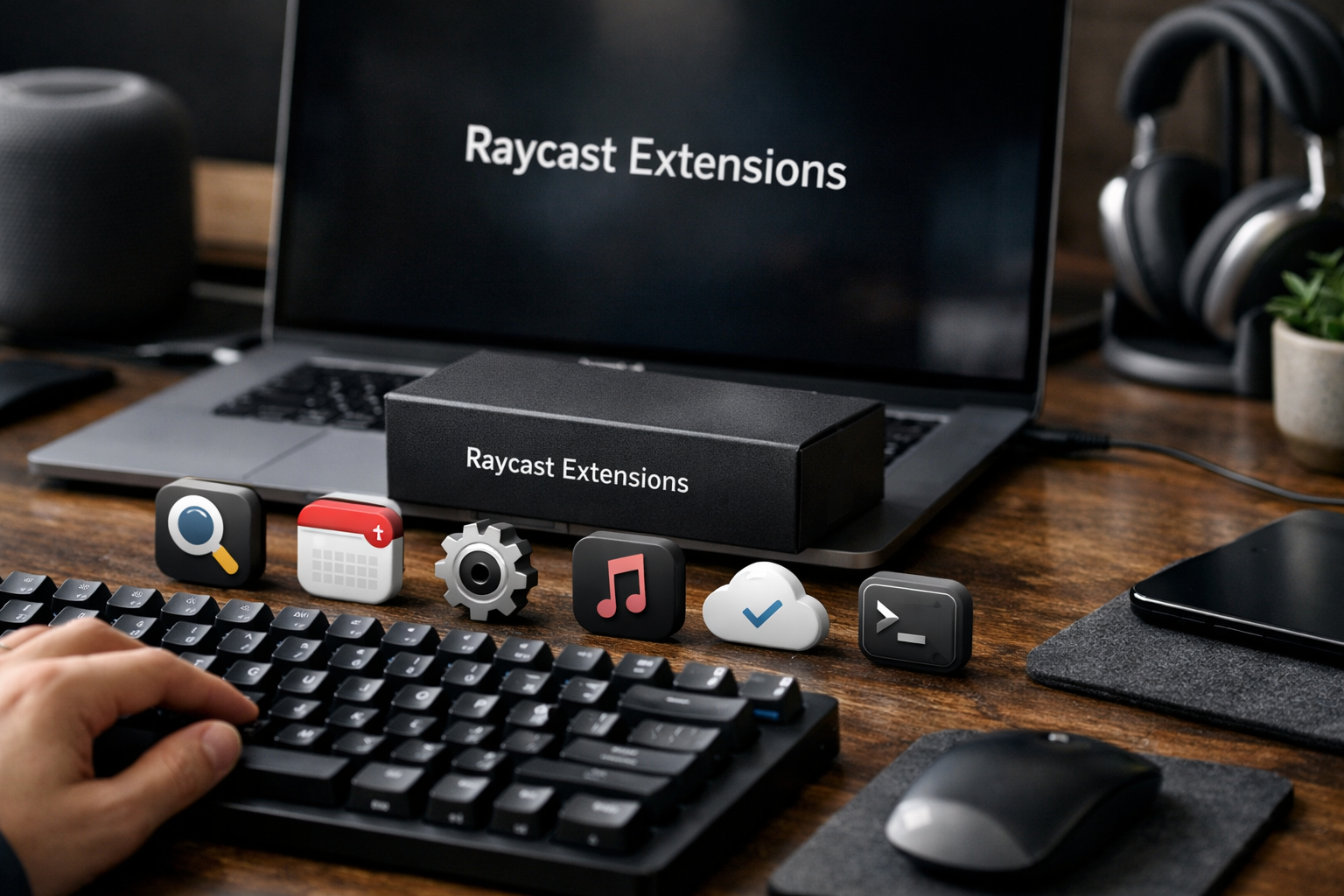
Raycast extensions can turn a fast Mac launcher into a practical daily work hub for research, coding, team coordination, and routine admin. Instead of jumping between browser tabs and standalone apps, you can bring frequently used actions closer to a keyboard-first workflow.
This roundup focuses on the most useful starting points in the official Raycast ecosystem—not obscure novelty commands. If you are deciding whether Raycast deserves a place at the center of your workday, these are the extensions and built-in tools I would evaluate first. TopTrustReview may earn a commission if you choose to try Raycast through our Raycast partner link, but the recommendations below are editorially chosen.
Official website · Latest pricing & offers
Quick Verdict: The 10 Raycast Extensions Worth Installing First
The best Raycast extensions are the ones that eliminate a repeated interruption: opening an editor, checking a task, translating a phrase, switching browser context, or finding the right music. Start with the tool categories you already use every day rather than installing dozens of commands at once.
Here is the short list I would prioritize:
| Extension | Best for | Why It Belongs in a Daily Workflow |
|---|---|---|
| Google Chrome | Browser-heavy work | Keeps browser-related actions close to the launcher |
| Google Translate | Writing and research | Helps with quick language checks without breaking focus |
| Color Picker | Designers and content teams | Makes it easier to work with colors during visual tasks |
| Visual Studio Code | Developers | Provides fast access to a core coding environment |
| Brew | Mac developers and power users | Useful for people who regularly manage development tools |
| Can I Use | Front-end builders | Helps check browser-support information during development |
| Slack | Teams | Brings communication lookups into the launcher workflow |
| Linear | Product and engineering teams | Keeps issue-oriented work accessible |
| Notion | Knowledge workers | Useful for finding workspace information quickly |
| Spotify Player | Focus and media workflows | Gives music control a less disruptive home |
The list deliberately combines Store extensions with core Raycast capabilities such as Calculator and Clipboard History. Those built-in tools are not replacements for add-ons, but they make the surrounding extension workflow far more useful.
How We Chose These Extensions
I assessed these Raycast extensions using four practical criteria: everyday usefulness, workflow impact, visibility in the official Raycast Store, and relevance to common Mac-based work. An extension should reduce friction around a task you perform repeatedly, not merely add another command to remember.
I also favored tools connected to familiar work categories: browsers, development, communication, knowledge management, and media. This is a commercially useful shortlist because it helps a new user build a working setup before exploring more specialized options.
Who This List Is Best For
This guide is most useful for Mac users who work from a keyboard, especially developers, writers, operators, designers, researchers, and product teams. Raycast is positioned as an extendable productivity launcher, so its value rises when your day involves many small actions across several tools.
It is less compelling for someone who only wants a minimal app launcher. The real payoff comes when you use several connected services and want fewer interruptions between intention and action.
What Makes an Extension Genuinely Useful in Raycast
A strong extension has a clear job-to-be-done. It should help you search, open, manage, reference, or trigger something you already need—not create work simply because it is available.
The most effective Raycast extensions are also easy to recall. If you can remember the app name and one or two likely commands, the extension has a better chance of becoming part of your muscle memory.
What Raycast Extensions Are and Why They Matter

Raycast describes itself as a collection of productivity tools within an extendable launcher. Extensions are add-ons that connect the launcher to services, utilities, and workflows beyond the core tools included with Raycast.
That distinction matters. Core features such as Snippets, Quicklinks, Emoji Picker, Window Management, Calculator, Raycast Notes, and Clipboard History handle general productivity. Extensions expand the environment around the tools you already use.
Raycast Store vs GitHub Repository
The Raycast Store is the natural place to browse and install published extensions. It is where most users should begin because listings provide the clearest route to discovering available integrations.
For builders and technically curious users, the official Raycast extensions GitHub repository is also valuable. A raycast extension github search can reveal how the ecosystem is organized, how open-source extensions are maintained, and which projects may offer a useful starting point for custom work.
Why Extensions Beat App Switching
The benefit is not that extensions replace every full application. Instead, they reduce unnecessary context switching for small, high-frequency actions: checking a task, finding a document, translating text, or opening a relevant workspace.
In my experience with launcher-based productivity setups, the biggest improvement comes from removing “micro-delays.” Those few seconds spent finding the right tab or app can add up, especially when the same tools are used dozens of times in a day.
How Extensions Fit Into a Keyboard-First Workflow
A keyboard-first system works best when commands are predictable and focused. You call up Raycast, type a service name or command, complete the action, and return to the task at hand.
Raycast extensions work particularly well alongside Quicklinks and Snippets. For example, an extension may help you reach a work service, while a snippet supplies a repeated response or text block once you are there.
Best Raycast Extensions for Everyday Productivity
For general productivity, choose extensions that support browsing, quick reference, writing, and light visual work. These are the tools likely to benefit the broadest group of users before you move into more specialized developer or team integrations.
Google Chrome
The Google Chrome extension is a sensible first installation for people whose work lives in browser tabs. A raycast extension chrome workflow can be especially useful for researchers, marketers, operators, and anyone who routinely shifts between browser context and desktop tools.
The trade-off is straightforward: it is most valuable when Chrome is genuinely central to your day. If you use another browser almost exclusively, review the Store for the integration that fits your actual setup rather than installing Chrome-related commands out of habit.
Google Translate
Google Translate is a practical addition for writing, customer support, international research, and multilingual teams. It is not only for fluent speakers; it can be useful for checking a phrase, understanding a short passage, or drafting a more appropriate term.
This is the kind of extension that earns its place through frequency rather than complexity. If language checks are rare in your work, it may not deserve a permanent slot in your preferred commands.
Color Picker
Color Picker is valuable for designers, content creators, marketers, and developers who work with visual references. When you need to identify or reuse a color, having a dedicated utility near your launcher reduces the need to hunt through separate design software.
It is also a good example of why smaller Raycast extensions matter. A simple tool can have a disproportionate impact when it removes a repeated break in concentration.
Calculator
Calculator is a core Raycast feature rather than a Store extension, but it should be part of every productivity setup. It is useful for quick arithmetic, estimates, comparisons, and everyday number checks that do not justify opening a separate app.
Its strength is accessibility. I would use it as a baseline test for whether the launcher is becoming a habit: if you reach for Raycast for small calculations, you are likely to discover additional high-value uses naturally.
Clipboard History Workflows
Clipboard History is another built-in feature that changes how useful the broader launcher becomes. Raycast Free includes Clipboard History with a history size of three months, while Pro includes Unlimited Clipboard History.
The workflow benefit is clear: copied links, draft text, reference numbers, and repeated phrases are easier to recover when you do not need to copy them again. Pair it with Snippets for a practical system: Clipboard History helps you retrieve what you already copied, while Snippets standardize what you repeatedly type.
Best Raycast Extensions for Developers and Builders
Developer-focused Raycast extensions are where the platform can feel especially cohesive. Coding work tends to involve terminals, editors, documentation, browser compatibility references, package tooling, and issue trackers—all areas where small context switches quickly become distracting.
Visual Studio Code
Visual Studio Code is an obvious choice for developers who use it as their primary editor. Keeping editor-related access in the same launcher used for system actions can make starting or returning to a coding session feel more direct.
This extension is best for people with a consistent editor workflow. If your team uses a different IDE, prioritize the tool that matches your actual environment instead of treating the Visual Studio Code extension as mandatory.
Brew
Brew is aimed at Mac users who manage development tools through Homebrew-related workflows. It is a strong fit for developers, technical operators, and power users who routinely think about local tooling as part of their work.
The important consideration is relevance. If you do not use Brew, this is not one of the best raycast extensions for you, regardless of how commonly it appears in developer setups.
Can I Use
Can I Use belongs in a front-end developer’s toolkit because browser support questions are often small but time-sensitive. During implementation or review, a quick compatibility check can be more useful than opening another search path and sorting through unrelated results.
This extension is most compelling for people building or reviewing web interfaces. Back-end developers may get more value from editor, package, repository, or deployment-oriented tools instead.
Developer Tooling in Raycast
Raycast offers a developer platform designed for web developers, with support for React, TypeScript, and Node. According to the official Raycast developer page, the extension API includes built-in UI components, batteries-included tooling, and a route for creators to publish in the Store.
That makes raycast extension development approachable for developers already comfortable with modern web tooling. The API is described as cross-platform, but users should still verify the support details of individual extensions before relying on them in a particular environment.
When Custom Extensions Make Sense
Custom extensions make sense when your organization has an internal workflow that is repeated, valuable, and poorly served by public tools. Examples might include searching internal references, triggering approved operational actions, or standardizing a recurring lookup process.
Do not build custom Raycast extensions simply to duplicate an existing app. The strongest use case is a narrow workflow where the command can be fast, safe, and obvious to the people using it.
Official website · Latest pricing & offers
Best Raycast Extensions for Communication and Team Work
Team-oriented extensions should help you find the right information without losing the thread of your current work. Communication and project systems are necessary, but they can easily become an endless sequence of tab switches.
Slack
Slack is useful when your job depends on conversations, decisions, and quick follow-up. For teams that already operate heavily in Slack, an extension can make it easier to treat communication as a targeted lookup rather than a reason to open a distracting full workspace.
The trade-off is notification culture. No launcher tool can solve a team that expects constant responses, so use Slack-related commands to find what matters rather than creating more reactive habits.
Linear
Linear is a natural recommendation for product, design, and engineering teams that organize work through issues. The best use case is keeping project context close while coding, planning, or reviewing a request.
For me, the value of issue-tracking integrations is less about replacing the main app and more about reducing the friction of locating the correct item. If you regularly ask, “Where is that ticket?” this is a category worth exploring.
Notion
Notion supports knowledge-heavy workflows where important information is spread across project notes, documentation, plans, and team resources. It is particularly relevant for writers, product managers, founders, and operations teams.
As with other Raycast extensions, use it when it shortens a common retrieval task. If your Notion workspace is poorly structured, the extension will not fix the underlying information architecture—but it can make a good workspace easier to access.
Shared Commands and Team Workflows
Raycast Teams Pro includes shared commands, snippets, and quicklinks, plus a private store. These options are relevant when a team wants consistent shortcuts without requiring every employee to construct the same system independently.
Teams Pro costs $12 per user per month, or $144 billed annually. For teams, the strongest reason to consider it is operational consistency, not simply access to another set of commands.
Best Raycast Extensions for Media, Content, and Knowledge Work
Content and knowledge work involves a mix of research, writing, references, media, and small creative tasks. The best setup here is usually lightweight: a few tools that support attention rather than turning the launcher into another noisy dashboard.
Spotify Player
Spotify Player is a useful quality-of-life extension for people who use music to focus or manage energy during long work sessions. It keeps basic media control near your other work commands instead of making you search for a player window.
It will not be essential for everyone, and that is fine. The best Raycast extensions are personal enough to support your habits, but restrained enough that they do not become clutter.
Browser Extension / Raycast Companion
The Raycast browser extension is distinct from the main desktop launcher. Official Raycast materials state that it can summarize websites, analyze videos, and automate tasks directly from the browser.
This is useful for researchers, analysts, content teams, and learners who spend substantial time in web pages. It complements the desktop product: the launcher helps manage actions around your Mac workflow, while the browser extension works where the web content is already open.
GIF and Content Helpers
GIF and content helper extensions can be useful for social media teams, support agents, and people who regularly communicate in visual-first channels. The practical question is whether they improve a recurring communication task or just add a novelty command.
Use these selectively. A lean set of raycast extensions is usually easier to remember and more useful than a large collection of rarely used add-ons.
AI-Powered Summarization Workflows
Raycast Pro includes Raycast AI, 500 credits of AI usage each month, fast and powerful AI models, and Bring Your Own Key. It also includes Translator and Dictation, which may be relevant to writing and research workflows.
When considering a raycast ai extension or AI-assisted workflow, focus on the task rather than the novelty: summarize a webpage, extract useful context from a video, or reduce repetitive drafting work. Always review output when accuracy matters, particularly for client work, technical documentation, or decision-making.
How to Choose the Right Raycast Extensions for Your Workflow
The right setup is rarely the largest one. A focused selection is easier to learn, quicker to use, and more likely to become part of your daily routine.
Pick by Job-to-Be-Done, Not by Popularity
Start with a single repeated problem: “I lose time finding project notes,” “I constantly check browser support,” or “I need to retrieve copied text.” Then choose an extension or built-in Raycast feature that directly addresses it.
Popularity is a helpful discovery signal, but it is not a purchasing decision. The most useful command is the one you will use again tomorrow.
Start With 3 Core Categories
A simple starting framework is:
- One productivity utility: Calculator, Clipboard History, Snippets, or Color Picker.
- One work-service extension: Slack, Notion, Linear, or Google Chrome.
- One specialist tool: Visual Studio Code, Brew, Can I Use, or Spotify Player.
Use those for a week before expanding. This approach makes a raycast extensions download decision more intentional and avoids a launcher filled with commands that never become familiar.
Watch for macOS-Only Limitations
Raycast’s official homepage states that it requires macOS Tahoe and Apple Silicon. That makes it a product to assess carefully if you use mixed operating systems, older Mac hardware, or need a universal desktop workflow.
Searches for “raycast extensions windows 10” can be confusing. Raycast’s developer materials describe the API as cross-platform, and Raycast also offers Raycast for Windows, but availability can vary by extension. Confirm support on the individual listing before planning around a specific add-on.
Free vs Pro vs Teams Considerations
Raycast Free includes thousands of extensions, custom extensions, developer tooling, and core productivity features. That means most people can evaluate the extension ecosystem without paying for an AI plan.
Pro and Teams Pro are more relevant if you need Raycast AI, Cloud Sync, Dictation, advanced clipboard access, custom themes, or shared team resources. Choose a plan based on the workflow capabilities you need, not because you assume extensions themselves require a paid tier.
Raycast Pricing and What It Means for Extension Users
The pricing structure is relatively clear: extension access begins with Free, while paid plans add AI, synchronization, customization, and team-management capabilities. For an extension-first evaluation, Free is a credible starting point.
What Free Includes
Raycast Free costs $0 per month. It includes core features such as Clipboard History, Quicklinks, Calculator, Snippets, Emoji Picker, Window Management, Raycast Notes, Raycast for iOS, thousands of extensions, custom extensions, and developer tooling.
Free includes Clipboard History with a three-month history size. It does not include Raycast AI.
What Pro Adds
Raycast Pro costs $8 per month, or $96 billed annually. It includes everything in Free plus 500 AI credits each month, Raycast AI, fast and powerful AI models, Bring Your Own Key, Cloud Sync, Dictation, Translator, Unlimited Clipboard History, Custom Window Management, and Custom Themes.
For a solo knowledge worker, Pro makes the most sense when AI, syncing, dictation, translation, or unlimited clipboard access are meaningful parts of the daily workflow—not merely occasional conveniences.
What Teams Pro Adds
Teams Pro costs $12 per user per month, or $144 billed annually. It includes everything in Pro, 500 AI credits per user each month, shared commands, snippets, and quicklinks, plus a private store.
This tier is most relevant for teams that want common workflows and controlled sharing. It can be especially practical when shortcuts and internal resources should be consistent across a group.
Enterprise Controls
Enterprise pricing is custom and billed annually only. Official controls include SAML and SCIM, Domain Capture, MDM sign-in enforcement, Full Cloud Sync Control, Full Dictation Control, 2FA Enforcement, Extensions Allow-List, and IP Allow-List.
Those controls matter for organizations that need governance around access, extensions, syncing, and sign-in policies. Individual users and small teams usually need to decide first whether Free, Pro, or Teams Pro fits their actual operating needs.
Official website · Latest pricing & offers
FAQ
Are Raycast Extensions Free?
Yes. Raycast Free includes thousands of extensions, along with custom extensions and developer tooling. Raycast AI is not included in Free, so evaluate AI-related features separately from general extension access.
Can I Use Raycast Extensions on Windows?
Raycast’s official developer materials describe the extension API as cross-platform, and Raycast offers Raycast for Windows. However, support can differ by extension, so check the individual Store listing before relying on a specific tool.
What Are the Best Raycast Extensions for Developers?
For most developers, start with Visual Studio Code, Brew, and Can I Use. These Raycast extensions address common coding, local-tooling, and browser-support tasks, while Raycast’s developer platform supports custom extensions for more specific internal workflows.
How Do I Install a Raycast Extension?
Open the Raycast Store, search for the extension you want, and install it from its listing. You can also browse the official Raycast extensions GitHub repository to explore the wider catalog and source projects.
What Is the Difference Between Raycast and the Browser Extension?
The main Raycast app is a productivity launcher for system and workflow actions on your Mac. The Raycast browser extension works directly in the browser and can summarize websites, analyze videos, and automate tasks around web content.
Related Reading
- Best Rezi Alternatives in 2026
- Wpforms vs Formidable Forms: 2026 Comparison
- Autods Alternatives: 7 Best Options for Different Dropshipping Workflows
References
- Raycast – Store
- Raycast for Developers: Create Extensions with React & TypeScript
- Raycast Browser Extension: Summarize and Automate in Your Browser
- raycast/extensions GitHub repository