Gohighlevel for Real Estate: Complete Setup Guide 2026
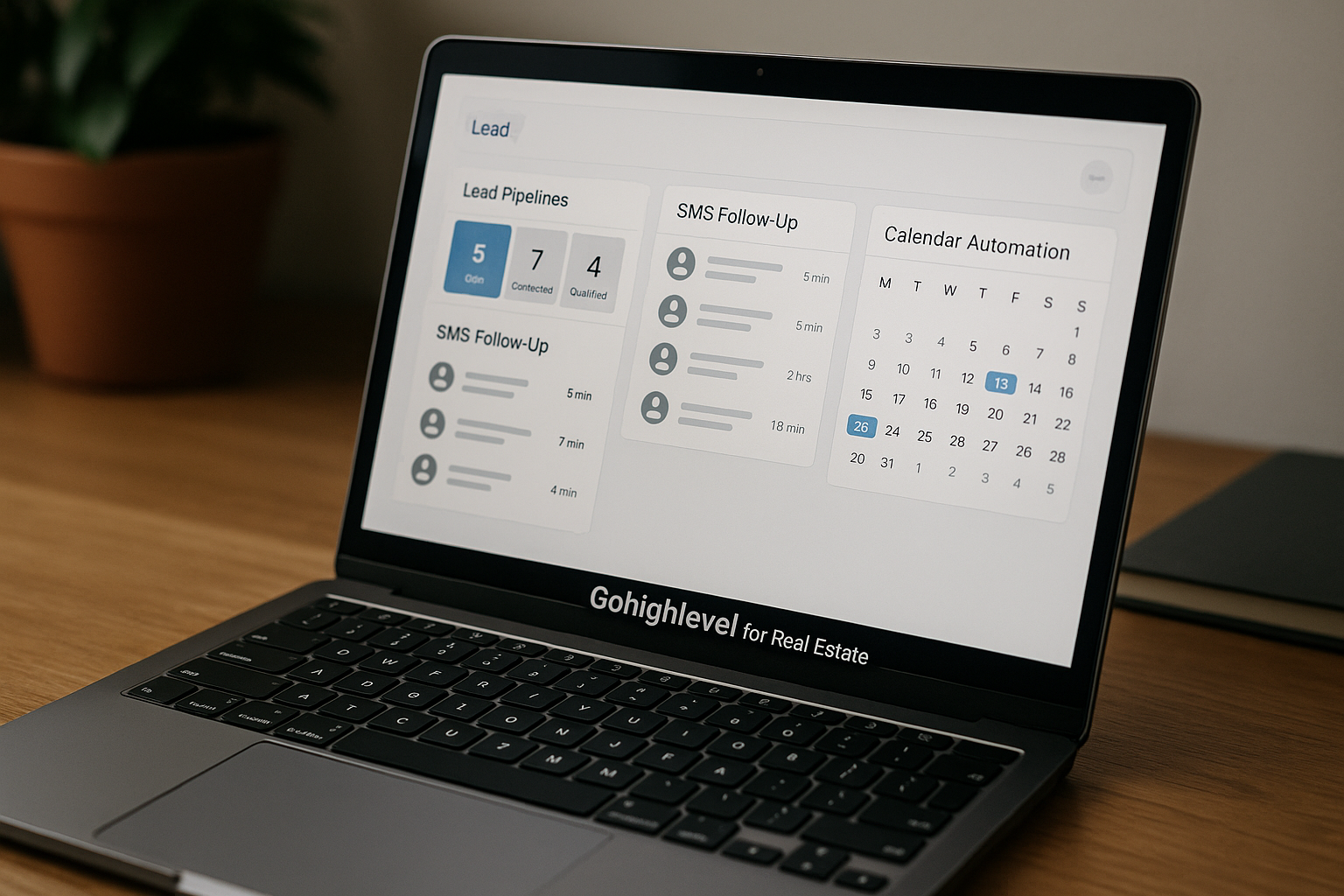
If your leads come from Zillow-style portals, Facebook or Instagram ads, open houses, referrals, landing pages, calls, texts, and email, it is easy for follow-up to become messy. GoHighLevel for real estate helps agents and teams bring lead capture, conversations, pipeline tracking, calendars, and automations into one operating system instead of juggling disconnected tools.
This guide shows how to set it up practically: what to configure first, how to build buyer and seller pipelines, which automations matter, and how to decide whether HighLevel fits your workflow and budget.
Official website · Latest pricing & offers
What GoHighLevel for Real Estate Does for Agents
Why real estate businesses need a dedicated CRM
Real estate is a speed-to-lead business. A buyer who requests a showing, a homeowner who asks for a valuation, or a sign-call lead from an open house may contact several agents within minutes.
Without a dedicated CRM, leads often end up scattered across inboxes, spreadsheets, phone logs, ad platforms, and sticky notes. That creates three problems: missed calls, inconsistent follow-up, and unclear pipeline ownership.
A real estate CRM should help you answer these questions quickly:
| Question | Why It Matters |
|---|---|
| Who is the lead? | You need contact details, source, intent, and timeline. |
| What do they want? | Buyer consultation, showing, valuation, listing appointment, financing intro, or nurture. |
| Who owns follow-up? | Teams need clear assignment and accountability. |
| What is the next step? | Every opportunity should have a stage, task, or appointment. |
| What has already been said? | Agents need one conversation history before calling or texting. |
This is where GoHighLevel for real estate can help. It is designed to connect lead capture, automated follow-up, pipeline management, calendars, and conversations in one system.
How GoHighLevel centralizes leads, conversations, and transactions
HighLevel describes itself as an AI-powered business operating system with tools for CRM, sales pipelines, workflows and automations, calendars, forms, surveys, websites, funnels, landing pages, SMS, social DMs, call tracking, missed call text-back, conversation tools, and a consolidated conversation stream.
For a real estate agent, that means a lead can fill out a home valuation form, enter a seller pipeline, receive a follow-up text, book a consultation, and trigger reminders without being manually copied between tools.
The official real estate page says HighLevel helps capture buyer and seller leads, automate follow-up, and manage a real estate business from one AI-powered CRM. In practice, that makes GoHighLevel for real estate agents most useful when your main bottleneck is not lead generation alone, but lead response and lead organization.
Who this setup guide is for: solo agents, teams, and brokerages
This guide is for three types of real estate users.
Solo agents can use GoHighLevel for real estate to stop losing leads in their phone, inbox, or ad platform. The goal is a simple pipeline, fast SMS follow-up, appointment booking, and reminders.
Small teams can use it for lead assignment, stage ownership, open house follow-up, buyer and seller nurture, and visibility across multiple agents.
Brokerages can use it to create more structured real estate pipeline management across offices, agents, or lead sources. The setup may require more planning, especially around user access, lead routing, and reporting discipline.
GoHighLevel for Real Estate Setup Checklist
Create your account and choose the right plan
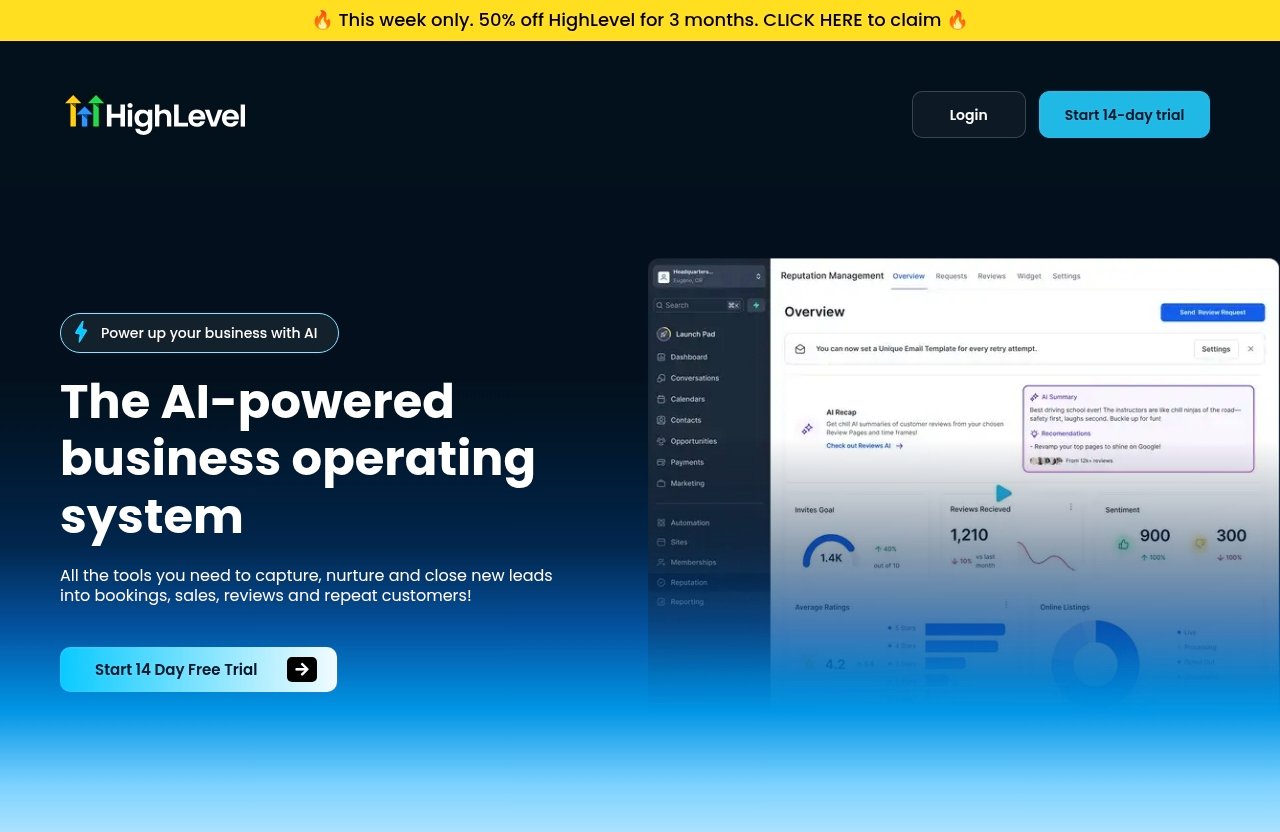
Start with the plan decision, because it affects how you structure your workspace. The official pricing page shows a 14-day free trial, so you can test GoHighLevel for real estate before committing.
Based on the verified official pricing facts:
| Plan | Official Price | Verified Detail |
|---|---|---|
| Starter Account | $97/month | Includes 2 sub-accounts and a limited feature set |
| Unlimited Account | $297/month | Listed as the Unlimited Account plan |
| Free Trial | 14 days | Shown on the official pricing page |
If you are a solo agent, begin by mapping the minimum workflow you need: lead capture, pipeline, SMS follow-up, calendar booking, and reminders. If you are a team or brokerage, consider how many separate brands, offices, or sub-accounts you need before choosing.
Do not build around assumptions about hidden features or unverified add-ons. Always confirm current plan details on the official HighLevel pricing page before you buy.
Set up your business profile and user access
Your gohighlevel real estate setup should begin with basic account configuration. Treat this like setting up the operational foundation of your sales process.
Configure the following first:
| Setup Area | What to Add |
|---|---|
| Business profile | Brokerage or agent name, website, address, timezone, and contact details |
| Users | Agents, admins, transaction coordinators, ISA team members, or marketing staff |
| Roles and permissions | Limit access based on responsibility |
| Lead ownership rules | Decide who receives buyer, seller, open house, and referral leads |
| Notification preferences | Set alerts for new leads, missed calls, booked appointments, and pipeline changes |
For teams, avoid giving everyone full access by default. Lead assignment, pipeline updates, and client communication should be traceable.
Connect phone, email, calendar, and notifications
Next, connect the communication channels that your leads actually use. HighLevel’s official homepage lists tools for inbound SMS and social DMs, call tracking, missed call text-back, consolidated conversation streams, calendars, appointment reminders, and mobile app access.
For GoHighLevel for real estate, the essentials are:
| Connection | Real Estate Use Case |
|---|---|
| Phone | Calls, call tracking, missed-call text back, outbound follow-up |
| SMS | New inquiry response, open house follow-up, seller valuation nurture |
| Longer nurture, listing information, consultation confirmations | |
| Calendar | Buyer consultations, listing appointments, showing prep calls |
| Notifications | Instant alerts for agents and lead owners |
Make sure the calendar reflects real availability. If buyers can book times that you cannot honor, automation will create friction instead of reducing it.
Build a Real Estate Pipeline That Matches Your Sales Process
Example pipeline stages for buyer and seller leads
Your gohighlevel real estate pipeline should match how deals actually move. Do not copy a generic sales pipeline without adapting it to buyer and seller behavior.
A simple buyer pipeline might look like this:
| Buyer Stage | Meaning |
|---|---|
| New Buyer Lead | Inquiry received, no meaningful contact yet |
| Attempting Contact | Calls/texts/emails started |
| Contacted | Two-way conversation established |
| Buyer Consultation Booked | Appointment scheduled |
| Consultation Completed | Needs, budget, area, and timeline confirmed |
| Pre-Approval / Financing Step | Buyer is working on financing or proof of funds |
| Actively Touring | Showings are happening |
| Offer Written | Offer submitted |
| Under Contract | Accepted offer and transaction in progress |
| Closed | Deal completed |
| Long-Term Nurture | Not ready now, but worth continued follow-up |
A seller pipeline should be different because seller intent is valuation-driven and appointment-heavy:
| Seller Stage | Meaning |
|---|---|
| New Seller Lead | Valuation, listing, or home equity inquiry received |
| Attempting Contact | Follow-up started |
| Contacted | Seller has replied or spoken with agent |
| Valuation Info Needed | Agent needs property details or motivation |
| CMA / Pricing Prep | Comparative market analysis or valuation prep underway |
| Listing Appointment Booked | Seller consultation scheduled |
| Listing Appointment Completed | Meeting held |
| Agreement Sent | Listing paperwork or proposal sent |
| Active Listing | Property listed |
| Offer Received | Seller reviewing offer |
| Under Contract | Accepted offer and transaction in progress |
| Closed | Sale completed |
| Future Seller Nurture | Not listing yet, keep warm |
Separate buyer and seller pipelines are usually cleaner than one combined pipeline. If you prefer one pipeline, use tags carefully so buyer leads, seller leads, investors, renters, and referrals are easy to filter.
How to track showings, offers, under contract, and closed deals
For GoHighLevel for real estate, the pipeline should not stop at “appointment booked.” Many agents lose visibility after the first consultation because showings, offers, and transaction stages happen in separate notes or texts.
Use pipeline stages to track the sales journey and use tasks or notes for details. For example, a buyer can be in “Actively Touring” while notes capture preferred neighborhoods, must-have features, and deal breakers.
For showings, create a simple process:
- Move the opportunity to “Actively Touring.”
- Add the showing date and property address in notes or a task.
- Trigger a post-showing follow-up workflow.
- If interested, move to “Offer Written.”
- If not interested, keep in “Actively Touring” and continue search follow-up.
For offers, your pipeline should clearly distinguish between “Offer Written,” “Under Contract,” and “Closed.” These stages support better forecasting and make it easier for team leaders to see where deals may stall.
Tips for pipeline hygiene and stage ownership
Pipeline hygiene is the difference between a CRM that helps you close and a CRM that becomes another messy database. The best real estate CRM automation still depends on clean inputs.
Use these rules:
| Rule | Practical Standard |
|---|---|
| Every lead has an owner | No unassigned opportunities unless intentionally pooled |
| Every active lead has a next step | Call, text, appointment, showing, CMA, or nurture |
| Stages are updated daily | Especially for teams and ISAs |
| Dead leads are not deleted too soon | Move them to nurture or closed/lost categories |
| Tags support structure | Tags should not replace pipeline stages |
If you use GoHighLevel for real estate as a team, define who owns each stage. For example, an ISA may own “New Lead” and “Attempting Contact,” while the agent owns “Consultation Booked” through “Closed.”
Set Up SMS Follow-Up That Responds Faster Than Competitors
Missed-call text back for instant response
HighLevel’s official homepage lists missed call text-back as a capability. For real estate, this is especially useful because missed calls often come from high-intent leads: sign calls, listing inquiries, buyer questions, and valuation requests.
A simple missed call text back real estate message could be:
“Hi {{contact.first_name}}, sorry I missed your call. This is {{agent.name}}. Are you calling about buying, selling, or a specific property?”
That message is short, human, and easy to answer. It gives the lead a reason to reply without pretending the message is not automated.
For GoHighLevel for real estate, missed-call text back is one of the first workflows worth setting up because it protects you from losing leads while you are in showings, listing appointments, or closings.
Lead nurture text sequences for new inquiries
A good gohighlevel sms automation sequence should feel like a helpful assistant, not a spam machine. The first message should match the lead source.
For a new buyer inquiry:
| Timing | Message Purpose |
|---|---|
| Immediately | Confirm the inquiry and ask a simple qualifying question |
| 5–15 minutes later | Offer help with showings or similar homes |
| Next day | Ask about timeline, financing, or preferred area |
| 3–5 days later | Offer a buyer consultation or search update |
Plain-English workflow logic:
When a new buyer lead submits a form, create or update the contact, add the “Buyer Lead” tag, create an opportunity in the buyer pipeline, notify the assigned agent, send an immediate text, wait, then send a second follow-up if there is no reply.
For open house follow-up automation:
When an attendee submits an open house form, add the “Open House” tag, create an opportunity, send a thank-you text, ask what they thought of the home, and notify the hosting agent if the lead replies.
For seller valuation requests:
When a seller requests a valuation, add the “Seller Valuation” tag, create an opportunity in the seller pipeline, ask for property condition or timeline, and offer a listing consultation calendar link.
These workflows are where GoHighLevel for real estate becomes more than a database. It helps make sure every lead receives timely follow-up even when the agent is busy.
Best practices for compliant, human-sounding messages
SMS can be powerful, but compliance matters. Get appropriate consent before sending marketing texts, honor opt-outs, and avoid misleading messages. This is practical guidance, not legal advice; if you run large campaigns, consult qualified compliance support.
Human-sounding SMS should be:
| Good SMS Practice | Avoid |
|---|---|
| Short and specific | Long paragraphs |
| Source-aware | Generic “just checking in” blasts |
| Easy to answer | Multiple questions at once |
| Honest about automation | Pretending every automated message was manually typed |
| Respectful of opt-outs | Continuing after someone asks to stop |
The best real estate lead follow up feels personal because it uses context: the property, the open house, the neighborhood, or the seller’s timeline.
Automations Real Estate Agents Should Build First
New lead routing and assignment
Start automation with lead routing, not complex drip campaigns. If the right person does not receive the lead quickly, the rest of the system is weakened.
A practical routing workflow for GoHighLevel for real estate might look like this:
- Trigger: New form submission, inbound call, chat, or ad lead.
- Identify source: Buyer, seller, open house, referral, valuation, or property inquiry.
- Apply tag: “Buyer Lead,” “Seller Lead,” “Open House,” or “Valuation.”
- Create opportunity: Add to the correct pipeline and stage.
- Assign owner: Round-robin, source-based assignment, or manual assignment.
- Notify owner: Send internal notification.
- Start follow-up: Text, email, or task sequence.
For teams, decide whether leads are assigned by geography, price point, language, lead source, or availability. Automation should enforce your strategy, not replace it.
Appointment reminders and no-show reduction
HighLevel’s official homepage lists calendars and appointment reminders. In real estate, reminders are useful for buyer consultations, listing appointments, property tours, CMA reviews, and strategy calls.
A simple reminder workflow:
| Timing | Action |
|---|---|
| Immediately after booking | Send confirmation with date, time, and meeting type |
| 24 hours before | Send reminder and prep instructions |
| 2 hours before | Send short confirmation text |
| After appointment | Trigger next workflow based on outcome |
For real estate appointment reminders, keep the message clear. If it is a listing appointment, mention documents or property details the seller should prepare. If it is a buyer consultation, ask them to bring financing details or preferred neighborhoods.
This is one of the simplest gohighlevel workflows for real estate, and it supports better attendance without requiring aggressive messaging.
Post-showing, post-offer, and post-closing follow-up
Post-showing follow-up should happen quickly while the property is still fresh in the buyer’s mind.
Sample post-showing workflow:
After a showing task is marked complete, wait 30 minutes, then send: “What did you think of the property on {{property_address}}? Worth discussing, or should we keep looking?”
Post-offer workflow:
When an opportunity moves to “Offer Written,” create a task for the agent to update the client, send an internal reminder before the offer deadline, and move the opportunity based on the result.
Post-closing workflow:
When a deal moves to “Closed,” send a thank-you message, create a future check-in task, and start a homeowner nurture sequence with helpful reminders.
This is where GoHighLevel for real estate can support long-term relationship building. Referrals and repeat clients often come from consistent, useful post-closing communication.
Official website · Latest pricing & offers
How to Use Calendars, Forms, and Funnels to Capture More Leads
Open house forms and property inquiry forms
HighLevel’s official homepage lists forms, surveys and quizzes, websites, funnels and landing pages, calendars, QR codes, and chat tools. These are useful for turning traffic into structured CRM records.
For open houses, replace paper sign-in sheets with a mobile-friendly form or QR code. Ask for only what you need:
| Field | Why It Helps |
|---|---|
| Name | Basic contact record |
| Phone | SMS follow-up |
| Longer nurture | |
| Buying timeline | Prioritization |
| Agent status | Avoid awkward follow-up if they are represented |
| Feedback | Helps qualify interest |
An open house follow up automation can then thank visitors, ask for feedback, and route hot prospects to the hosting agent.
For property inquiry forms, ask which home they are interested in, whether they want a showing, and whether they are already pre-approved. That information should feed directly into the gohighlevel real estate pipeline.
Booking calendars for buyer and seller consultations
Calendars are helpful when the goal is an appointment, not just a conversation. Use separate calendars for buyer consultations, listing appointments, open house follow-up calls, and valuation reviews.
For GoHighLevel for real estate, a seller consultation calendar can be connected to a home valuation funnel. After the seller submits property details, the thank-you page can invite them to book a pricing review.
A buyer consultation calendar can be used after a lead requests a showing or downloads a buyer guide. The workflow should create the opportunity, send confirmation, and trigger appointment reminders.
Landing pages and lead magnets for home valuations
Landing pages and funnels are especially useful for seller lead generation. A home valuation funnel can ask for address, property type, condition, and selling timeline, then route the lead into the seller pipeline.
Useful real estate lead magnets include:
| Lead Magnet | Best For |
|---|---|
| Home valuation request | Seller leads |
| Neighborhood market report | Homeowners and future sellers |
| First-time buyer checklist | Buyer nurture |
| Relocation guide | Out-of-area buyers |
| Open house registration | Active buyer leads |
Some users also build or import gohighlevel real estate templates, sometimes called real estate snapshots, to speed up setup. If you use templates, customize them carefully. Your pipeline stages, messages, calendars, and lead sources should match your actual business.
Recommended GoHighLevel Features for Real Estate Teams
CRM and unified conversations
The official homepage lists CRM tools, consolidated conversation streams, inbound SMS, social DMs, Messenger, Instagram DM, WhatsApp, live chat, call tracking, and mobile app access.
For teams, this means agents can review communication history before responding. That reduces duplicate messages and helps handoffs between ISAs, agents, and coordinators.
A highlevel real estate crm setup works best when every serious lead becomes both a contact and an opportunity. The contact stores the person; the opportunity tracks the deal.
Workflows and automation builder
Workflows are the operational core of GoHighLevel for real estate. They can support lead routing, nurture, appointment reminders, pipeline updates, internal alerts, and post-closing follow-up.
Useful workflow triggers include:
| Trigger | Example Use |
|---|---|
| Form submitted | Create buyer or seller opportunity |
| Appointment booked | Send reminders |
| Missed call | Send text-back |
| Tag added | Start nurture sequence |
| Pipeline stage changed | Trigger post-showing or post-closing tasks |
The key is to automate repeatable steps while keeping judgment calls human. For example, automation can send the first response, but the agent should handle negotiation, pricing strategy, and relationship-sensitive conversations.
AI conversation tools and call handling
HighLevel’s official homepage lists Voice AI, Conversation AI, chat widget / Conversation AI, automated outbound call connect, lead scoring, text snippets, and AI Biz Card Scanner.
For real estate teams, AI tools are most useful when they support response speed and organization. They can help with conversation handling, routing, and repetitive communication tasks, but they should not replace licensed professional judgment.
Use AI carefully for:
| Use Case | Practical Application |
|---|---|
| New inquiry triage | Identify buyer, seller, or general question |
| Appointment support | Help guide leads toward booking |
| Conversation organization | Keep messaging in one stream |
| Lead scoring | Help prioritize follow-up |
| Contact capture | Add contacts from events or networking |
When evaluating GoHighLevel for real estate, ask whether its AI features fit your actual lead flow. The best setup is the one your team will use daily.
Reputation and review management
Review requests are important in real estate, but avoid assuming a specific review-management feature unless it is available in your account and plan. The safe operational approach is to include post-closing reputation steps in your workflow.
For example, when an opportunity moves to “Closed,” create a task for the agent to personally thank the client. Then send a follow-up message asking whether they would be comfortable sharing feedback.
This keeps the process relationship-first. In real estate, the best review request usually comes after a successful closing and a genuine personal interaction.
Pricing, Free Trial, and What to Know Before You Buy
Official HighLevel pricing plans
For gohighlevel real estate pricing, use only the official verified pricing facts.
| Plan | Price | Verified Details |
|---|---|---|
| Starter Account | $97/month | Includes 2 sub-accounts and a limited feature set |
| Unlimited Account | $297/month | Official pricing fact provided |
| Free Trial | 14 days | Official pricing page shows a 14-day free trial |
The Starter Account may be enough for a solo agent testing basic CRM, pipeline, and follow-up workflows. The Unlimited Account may make more sense for teams, brokerages, or users who need broader account structure.
Before buying, confirm current pricing and plan details directly with HighLevel. Pricing pages can change, and your use case may depend on features you should verify before launch.
14-day free trial details
The official pricing page shows a 14-day free trial. Use that period to test your actual real estate workflow, not just explore menus.
During the trial, build:
- One buyer pipeline.
- One seller pipeline.
- One lead capture form.
- One consultation calendar.
- One missed-call text-back workflow.
- One new lead nurture workflow.
- One appointment reminder workflow.
That is enough to evaluate whether GoHighLevel for real estate feels practical for your business. Do not spend the entire trial designing logos, colors, and complex campaigns before testing the core lead follow-up process.
How to decide if the plan fits a solo agent or team
A solo agent should ask: “Will this help me respond faster, stay organized, and book more serious conversations?” If yes, GoHighLevel for real estate may be worth testing.
A team should ask: “Will this help us assign leads, reduce confusion, track pipeline stages, and standardize follow-up?” If the answer is yes, the setup effort may pay off operationally.
A brokerage should ask: “Can we create a repeatable process that agents will actually follow?” The tool matters, but adoption matters more.
Common Mistakes to Avoid When Setting Up GoHighLevel
Trying to automate before mapping your pipeline
The most common mistake is building automations before defining the sales process. If your stages are unclear, your workflows will be unclear too.
Map the buyer and seller journey first. Then build automations around stage changes, lead sources, and appointment outcomes.
For GoHighLevel for real estate, strategy comes before setup. Decide what should happen to a lead before you automate it.
Using too many tags and not enough structure
Tags are helpful, but they can become messy fast. If every campaign, neighborhood, property type, and behavior becomes a tag, your CRM becomes hard to manage.
Use pipeline stages for deal status. Use tags for meaningful categories like buyer, seller, open house, investor, past client, referral, or valuation lead.
A clean tagging system makes real estate pipeline management easier. A cluttered system makes reporting and follow-up harder.
Neglecting response timing and lead ownership
Automation cannot fix unclear ownership. If five people receive the same notification but nobody is responsible, the lead may still be ignored.
Set response standards by lead type. For example, new buyer inquiries and seller valuation requests should trigger immediate alerts, while long-term nurture leads may receive scheduled follow-up.
With GoHighLevel for real estate, fast response should be designed into the workflow. Every hot lead needs an owner and a next step.
When GoHighLevel Makes Sense for Real Estate vs When It Does Not
Best fit scenarios
GoHighLevel for real estate makes sense when you want one platform for CRM, lead capture, SMS follow-up, calendars, pipelines, and automations. It is especially useful if your current process depends on several tools that do not communicate well.
It is a strong fit for:
| User Type | Why It Fits |
|---|---|
| Busy solo agents | Centralizes leads and automates basic follow-up |
| Buyer-heavy agents | Helps manage inquiries, showings, and consultations |
| Listing-focused agents | Supports valuation funnels and seller appointment workflows |
| Teams with ISAs | Enables routing, assignment, and pipeline ownership |
| Brokerages | Can standardize lead response and follow-up processes |
If missed calls, scattered conversations, and inconsistent follow-up are costing you opportunities, HighLevel is worth investigating.
Cases where a simpler tool may be enough
HighLevel may be more than you need if you have very low lead volume, no interest in automation, or an existing CRM that your team already uses well.
A simpler tool may be enough if:
| Situation | Why Simpler May Work |
|---|---|
| You only manage referrals | A lightweight contact manager may be sufficient |
| You dislike building workflows | HighLevel requires setup discipline |
| You have no repeatable process | Automation may create confusion |
| Your team will not update pipelines | CRM visibility depends on usage |
The right question is not whether GoHighLevel for real estate has many features. The right question is whether those features solve problems you actually have.
How to evaluate ROI in the first 30 days
Do not evaluate ROI only by closed deals in the first month. Real estate sales cycles can be longer, especially for sellers and higher-consideration buyers.
Instead, measure leading indicators:
| 30-Day Metric | What It Shows |
|---|---|
| New lead response time | Whether speed-to-lead improved |
| Contact rate | Whether more leads are engaging |
| Appointment bookings | Whether follow-up converts to conversations |
| Pipeline completeness | Whether opportunities are tracked clearly |
| No-show rate | Whether reminders are helping |
| Agent task completion | Whether the team is adopting the system |
If GoHighLevel for real estate improves response speed, organization, and appointment flow, it may support better deal-closing efficiency over time.
Official website · Latest pricing & offers
FAQ
Is GoHighLevel good for realtors?
Yes, GoHighLevel for real estate can be a good fit for realtors who want one system for lead capture, pipeline tracking, SMS follow-up, calendars, and automations. It is especially useful if you are currently juggling multiple tools for forms, texts, landing pages, appointments, and CRM notes.
It is not magic, though. Realtors still need a clear follow-up process, compliant messaging, accurate pipeline updates, and consistent daily use.
What is the 3-3-3 rule in real estate?
The 3-3-3 rule is often used as a simple productivity or follow-up concept: make repeated touches quickly and consistently so leads do not go cold. Different teams define it differently, but the idea is usually about contacting prospects multiple times across the first few days or using a structured rhythm of calls, texts, and emails.
Inside a CRM, that concept translates into immediate response plus planned follow-up. With GoHighLevel for real estate, you can build workflows that remind agents to follow up, send initial messages, and keep leads from disappearing after one unanswered call.
What CRM do most realtors use?
There is no single CRM that every realtor uses. Many realtors choose CRMs based on their lead sources, brokerage requirements, budget, and comfort with automation.
Some agents prefer simple contact managers, while others want an all-in-one platform. GoHighLevel for real estate is positioned as a broader operating system for lead capture, conversations, pipelines, calendars, and automation rather than only a basic contact database.
Which AI is best for realtors?
The best AI for realtors is the one that fits the workflow: fast response, lead routing, conversation management, appointment support, and clear CRM records. AI is most useful when it helps agents respond and organize faster without replacing professional judgment.
HighLevel includes AI-related tools listed on its official homepage, including Voice AI, Conversation AI, chat widget / Conversation AI, lead scoring, and AI Biz Card Scanner. When considering GoHighLevel for real estate, evaluate whether those tools support your real lead flow.
Conclusion: A Simple Setup Path to More Closings
Suggested first-week implementation plan
The best way to implement GoHighLevel for real estate is to keep the first week focused. Do not try to build every funnel, automation, and campaign at once.
Use this simple plan:
| Day | Implementation Focus |
|---|---|
| Day 1 | Create account, configure business profile, users, phone, email, and calendar |
| Day 2 | Build buyer and seller pipelines |
| Day 3 | Create lead forms for property inquiries, open houses, and valuations |
| Day 4 | Build missed-call text-back and new lead routing workflows |
| Day 5 | Add appointment reminders and consultation calendars |
| Day 6 | Build open house, post-showing, and seller valuation follow-up |
| Day 7 | Test every workflow with sample leads and refine messages |
This gives you a working system before you start adding advanced campaigns.
Next steps for trying HighLevel
If you are serious about faster lead response and cleaner pipeline organization, test HighLevel with your real workflow. Bring in a few actual lead sources, route them into the correct pipeline, and check whether your follow-up improves.
You can review plans and start the official 14-day free trial through this GoHighLevel link when you are ready to compare the setup against your current tools.
Soft CTA to compare plans and start the free trial
GoHighLevel for real estate is best for agents, teams, and brokerages that want stronger follow-up, more organized pipelines, and fewer disconnected tools. It may not be necessary for every agent, but it is worth testing if missed calls, scattered leads, and inconsistent nurture are slowing you down.
Before you commit, compare the Starter Account at $97/month, the Unlimited Account at $297/month, and the 14-day free trial on the official pricing page. If the workflow in this guide matches how you want to run your business, you can try HighLevel here: https://toptrustreview.com/lixd.
Related Reading
- GoHighLevel for small business pricing guide
- Systeme.io vs GetResponse comparison
- How to set up WordPress on Hostinger
References
- AI CRM for Real Estate Agents & Brokerages | HighLevel
- Real Estate Agent Playbook – HighLevel
- HighLevel Pricing
- HighLevel Support Portal – Real Estate Agent