Taplio Post Scheduler: A Practical Guide to Faster LinkedIn Content Planning
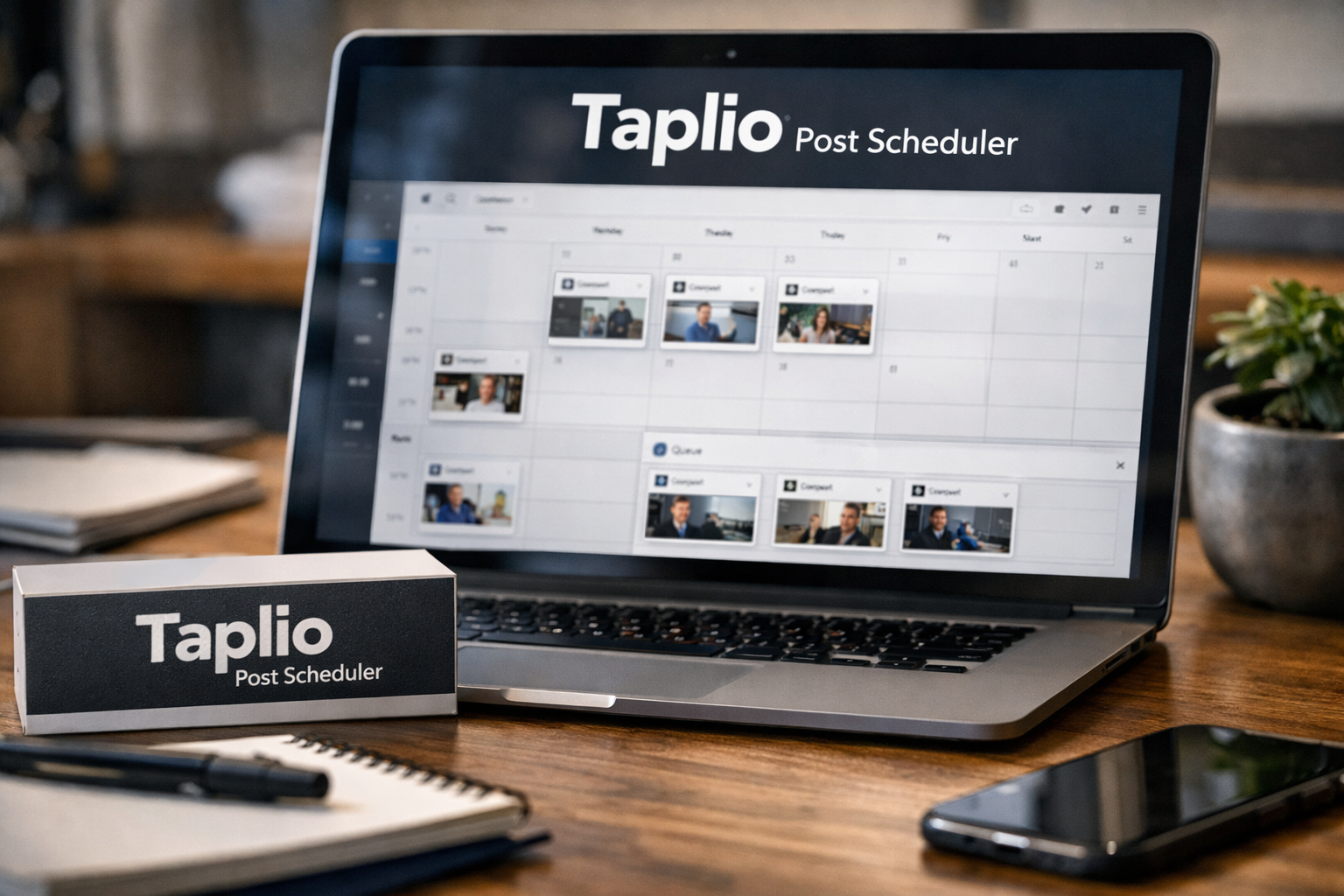
Planning LinkedIn content can become a daily distraction when every post has to be written, reviewed, and published manually. The taplio post scheduler is designed to reduce that friction by helping you batch content, place it into a publishing queue, and let Taplio post it automatically at selected times.
This workflow is especially relevant for creators, consultants, founders, marketers, agencies, and employee advocates who want consistency without needing to open LinkedIn every day. Below is a practical look at how Taplio’s scheduling workflow works, where it can save time, and what to check before deciding whether it fits your content process.
Official website · Latest pricing & offers
What the Taplio Post Scheduler Does
Simple definition of the scheduler and queue system
The taplio post scheduler is a queue-based LinkedIn publishing tool. Rather than setting up every post as a separate one-off task, you create recurring publishing slots, add approved posts to those slots, and let the system handle publication automatically.
In practical terms, the Taplio queue gives you a reusable weekly schedule. For example, you might create slots for Monday morning, Wednesday midday, Friday afternoon, and Sunday evening, then fill those slots with content as you prepare it.
Taplio’s official product information says its Schedule feature can queue posts at your best times automatically. The help center also explains that the queue is meant to eliminate the need to log in at posting time and manually copy and paste content into LinkedIn.
Who it is best for: creators, founders, agencies, employee advocates
The taplio post scheduler makes the most sense for people who publish regularly and want a more repeatable process. If LinkedIn is part of your pipeline, brand-building, recruiting, thought leadership, or client acquisition strategy, removing manual publishing can be valuable.
Creators can batch educational posts and personal stories in advance. Founders can keep a steady point of view visible while spending most of their time operating the business. Agency teams can use a clearer workflow to prepare client content, while employee advocates can maintain a professional presence without relying on daily reminders.
It can also suit users who need more than a standalone LinkedIn post scheduler. Taplio combines scheduling with AI-assisted writing, content inspiration, analytics, engagement tools, and carousel creation.
Why scheduling matters for consistent LinkedIn growth
Scheduling does not guarantee reach or engagement. Content quality, relevance, timing, audience fit, and the conversations around a post still matter. However, a reliable publishing system helps prevent the common stop-start pattern where you publish frequently for one week and then disappear for the next three.
With a structured Taplio queue, your content cadence is not dependent on whether you remember to post during a busy day. That consistency also gives you a cleaner base for reviewing what is working, since Taplio’s Analyse feature is designed to help users see what performs and double down on it.
How Taplio Helps You Plan Content Fast
Batching a week of posts in one sitting
The fastest way to use the taplio post scheduler is to batch content. Instead of starting from zero every morning, set aside one focused planning session to outline, draft, edit, and schedule a week’s worth of LinkedIn posts.
Taplio says users can schedule a week of LinkedIn posts in 15 minutes. That timing will naturally depend on how polished your ideas already are, how complex your posts are, and whether you are creating original content or adapting existing material. Still, the underlying workflow is efficient because you move through related tasks in one sitting.
A straightforward weekly batch might look like this:
| Content Type | Example Purpose | Queue Approach |
|---|---|---|
| Educational post | Teach a useful framework | Schedule early in the week |
| Opinion post | Share a founder or expert perspective | Place between practical posts |
| Case-study-style post | Explain a lesson from experience | Use for credibility building |
| Personal insight | Add a human angle to your content | Avoid placing beside another similar post |
| Carousel | Turn a useful idea into swipeable content | Schedule when you can monitor engagement |
The key is to plan the topics before opening the scheduler. A queue works best when it holds a balanced content mix rather than several posts saying nearly the same thing.
Using AI to move from ideas to drafts faster
Scheduling is only useful if you have content ready to schedule. Taplio’s Create feature is intended to help users find ideas and write posts, while its Find Inspiration feature helps surface viral posts that may be worth remixing into an original perspective.
This is where the tool can feel more complete than a basic scheduler. You can move from an idea to a draft, review the draft in your own voice, and place it into the queue without switching between multiple platforms.
Taplio also states that it can run from Claude, ChatGPT, or another MCP-enabled LLM. For users who already use AI as part of their writing workflow, that can make it easier to connect ideation and publishing. The important step is still editorial review: verify claims, add real experience, remove generic phrasing, and make the post useful to your audience.
Reviewing, queueing, and forgetting about manual publishing
Once drafts are ready, the taplio post scheduler turns publishing into an approval-and-placement task. Review each post for clarity, formatting, links, calls to action, and tone, then assign it to an available slot.
After that, Taplio can auto-publish LinkedIn posts at the scheduled time. You do not need to be online to manually launch each post, which is particularly helpful if your ideal publishing windows overlap with meetings, travel, or client work.
“Set it and forget it” should not mean “never review it again.” It is wise to check your calendar at least once a week, especially if company news, a campaign change, or an unexpected industry event affects the relevance of planned content.
Step-by-Step Workflow: How to Use the Taplio Post Scheduler
Step 1: Draft posts and prepare your weekly batch
Start by deciding what you want to publish over the coming week. Gather raw ideas, customer questions, lessons from current projects, data points you can verify, and any posts you want to turn into carousels.
Then draft your posts in Taplio or bring in material you have already prepared. Aim for a mix of topics and formats so the feed does not feel repetitive. If you have seven posts that all promote the same offer, schedule fewer of them and make room for educational or conversational content.
Before you add anything to the taplio post scheduler, give every draft a final check. LinkedIn posts are public brand assets, so confirm facts, ensure the opening is clear, and make sure any claim reflects your real experience.
Step 2: Open the post schedule and add slots
Taplio’s help center describes the queue setup process clearly. To add a slot, go to Actions > Edit Post schedule, choose a time of day, and select Add slot.
Think of slots as the empty containers in your publishing calendar. You can create a schedule that matches your actual capacity and content goals rather than copying someone else’s posting frequency.
Taplio recommends adding a few slots at different times and choosing at least one slot for every day of the week. You do not have to fill every day immediately, but creating the framework makes it easier to see where future content belongs.
Step 3: Assign posts to queue slots in one click
Once your schedule exists, add approved posts to available slots. The Taplio queue is built around the idea that you can place content into the schedule quickly instead of repeatedly choosing dates and times for each individual post.
This step is where batching becomes efficient. You can prepare several posts, add them to the queue one after another, and immediately see whether the week has variety. If two similar topics land back-to-back, move one before publication rather than hoping the audience will not notice the overlap.
If you are using a Taplio post scheduler login for a team workflow, establish a simple internal review process before content enters the queue. For example, the writer prepares the draft, a subject-matter expert verifies it, and the account owner gives the final scheduling approval.
Step 4: Let Taplio publish automatically at scheduled times
After content is assigned to slots, Taplio publishes it automatically. Official product copy says Taplio picks the best time to post for each item and can publish to your LinkedIn profile or company page.
That removes the operational burden of manual posting. It also means you can focus on responding to comments and participating in relevant conversations rather than watching the clock for every scheduled update.
A useful habit is to return to LinkedIn after publication when possible. Automation handles delivery, but authentic follow-up remains important. Answering thoughtful comments, engaging with adjacent conversations, and noting recurring questions can improve your next content batch.
Step 5: Re-queue, shuffle, or edit when plans change
Content plans change, and the taplio post scheduler includes queue actions for that reality. The help center lists three useful options:
- Re-queue: Pulls up scheduled content so there are no empty slots in between.
- Shuffle: Mixes content so similar topics do not publish back-to-back.
- Edit queue: Reopens the queue editing popup so you can change the schedule.
Re-queue is useful when you remove a post or when you need to make room for timely content. Shuffle is a quick fix when your queue looks too repetitive. Edit queue is the option to use when your overall posting rhythm needs to change, such as moving from three weekly posts to a more frequent schedule.
Best Scheduling Practices Inside Taplio
Add at least one slot for each day of the week
A useful starting point is to create at least one available slot for each day. That does not mean you must publish every day forever. It simply gives your content plan enough flexibility to accommodate different formats, campaigns, and timely ideas.
The help center specifically recommends selecting at least one slot for every day of the week. This setup also prevents your strategy from relying on only one or two “safe” publishing windows.
As you learn what your audience responds to, you can adjust your schedule. The best time to post on LinkedIn is not universal; it depends on your audience, industry, location, post type, and the quality of the conversation your content earns.
Use multiple time slots to keep publishing natural
Adding a few slots at different times can make your publishing rhythm more balanced. If every post goes out at exactly the same time, you may repeatedly reach the same segment of your audience while missing others who use LinkedIn at different points in the day.
You do not need dozens of slots. Start with a manageable cadence, then use results and your own operational schedule to refine it. Taplio’s scheduling feature is more useful when the queue reflects a deliberate plan instead of an arbitrary calendar.
Try separating similar post types. For example, do not place two long-form opinion posts on consecutive days if you also have a concise lesson or carousel that could create a better mix.
Why Sunday can still be a strong publishing day
Many LinkedIn users assume Sunday is always a poor day to publish. Taplio’s help center offers a useful counterpoint: Sunday is often seen as the worst day, but it can be the third-best day of the week because fewer people publish then.
That is not a universal promise of stronger performance. It is a reminder to test assumptions with your own audience instead of automatically leaving weekends empty.
Use Sunday strategically if it fits your audience. Reflective founder content, career observations, short lessons, and posts that encourage a low-pressure discussion can be worth testing in an available queue slot.
How to avoid empty queue gaps
Empty slots usually happen for one of three reasons: you have not prepared enough drafts, you removed a scheduled post, or you did not review the calendar before the week began. The simplest solution is to maintain a small content reserve.
Keep a few evergreen posts ready for lighter weeks. When a gap appears, use Re-queue to bring scheduled content forward, or add an approved reserve post to the empty space.
The taplio post scheduler works best when you review it as a living system. A five-minute weekly queue check is usually enough to spot gaps before they become missed publishing days.
Official website · Latest pricing & offers
Features That Make Taplio Faster Than a Basic Scheduler
Best-time scheduling based on Taplio’s post analysis
A basic LinkedIn post scheduler lets you select a date and time. Taplio adds a best-time publishing angle: its official product copy says it picks the best time to post for each scheduled item.
Taplio also includes an Analyse feature that is designed to show what is working and help users double down on effective content. This gives the scheduling workflow more context than simply filling calendar slots.
You should still treat suggested timing as guidance, not a substitute for judgment. Test different days and formats, then look for patterns in your own results.
Queue management instead of one-off scheduling
The core advantage of the taplio post scheduler is the reusable queue. Once you set your slots, scheduling becomes a matter of assigning content to a system rather than rebuilding your calendar every week.
This is especially useful for agencies and busy operators. A queue makes it easier to see what is ready, what still needs approval, and where the publishing plan has gaps.
A one-off scheduling model can work for occasional posts. A queue is generally faster for a consistent LinkedIn publishing habit.
Calendar view for content planning and spotting gaps
The Taplio calendar feature gives you a calendar-format view of scheduled posts. According to the help center, you can use it to identify content gaps, edit or reschedule posts, and plan ahead.
This visual layer matters when you are running multiple themes or campaigns. You can quickly spot whether a week is overly promotional, whether a key topic is missing, or whether several similar posts are too close together.
For visual planners, the Taplio calendar feature can be the difference between a list of drafts and a genuine editorial plan.
Auto-publishing to profile or company page
Official Taplio product copy states that scheduled content can publish to a LinkedIn profile or company page. That makes the workflow more flexible for users building a personal brand, managing a company presence, or doing both.
Taplio also includes tools beyond scheduling, including Carousels for turning content into swipeable carousels, Engage for showing up on the right people’s posts, and Connect for auto-connecting and sending DMs to warm leads. Not every user will need every feature, but having connected tools can reduce context switching.
If you are looking for a Taplio post scheduler app or a Taplio post scheduler download, focus first on the workflow and official access options available when you sign up. The more meaningful buying question is whether the platform’s queue, content, analysis, and publishing tools fit the way you actually work.
Taplio Pricing and What You Need to Know Before Buying
Verified pricing page details
Taplio’s official pricing page states: “Plans from $39/mo | Free Trial.” That is the verified starting-point information to use when comparing it with a free LinkedIn scheduler or another paid content platform.
Before subscribing, visit the official pricing page directly to confirm current plan details, included features, and terms. Pricing pages can change, and it is better to make a decision using the latest information than relying on a third-party summary.
Free trial and cancellation policy
The official pricing page snippet indicates that Taplio offers a free trial. A trial is the best time to test whether the taplio post scheduler genuinely reduces your planning workload.
Use the trial to create slots, batch a few posts, test the calendar, and review the automated publishing process. That will tell you far more than a feature list alone.
The verified product facts provided here do not specify a cancellation policy. Check Taplio’s current billing terms and account settings before purchasing so you understand the applicable conditions for your subscription.
What to check before choosing a plan
Evaluate Taplio based on workflow fit, not just the headline price. Ask whether you will use only the scheduler or whether you also need AI-assisted drafting, inspiration, analytics, carousels, engagement support, and automation.
Consider these practical questions:
- How many LinkedIn posts do you realistically publish each week?
- Do you need to auto-publish LinkedIn posts to a personal profile, company page, or both?
- Is manual posting currently causing missed publishing opportunities?
- Will the Taplio queue reduce the number of tools your team uses?
- Can you create enough quality content to keep a scheduling system useful?
If the answer is yes to several of these, the free trial is a sensible way to validate the workflow before committing.
Common Problems and How to Fix Them
Queue not filling evenly
An uneven queue usually means content creation and scheduling are happening at different speeds. You may have several drafts ready but no defined slots, or plenty of slots but not enough finished posts.
Fix this by setting a recurring batch session. Draft more content than you intend to publish, then keep a small reserve of evergreen posts for weeks when client work or launches take priority.
Posts clustering around the same topic
Topic clustering is common when you write multiple posts in one sitting. You may unintentionally produce three posts about the same challenge, all with similar openings and advice.
Use Shuffle to separate similar ideas. Then open the Taplio calendar feature and check the week visually. A better sequence might alternate between a tactical lesson, a personal observation, a carousel, and a case-study insight.
Empty slots after re-queueing
Re-queue is designed to pull scheduled content forward so you do not have empty spaces between posts. If gaps remain, check whether there are enough scheduled posts to fill your available slots.
You may simply need to add another draft or reduce the number of weekly slots. A smaller, consistently filled queue is usually better than an ambitious calendar with frequent gaps.
When to reschedule versus duplicate
Reschedule a post when timing has changed but the message is still relevant. For example, move a post about a current project if a launch date shifts or if an industry event makes another topic more timely.
Avoid duplicating the exact same post unless you have a clear reason and understand how it fits your wider content strategy. Instead, repurpose the idea: turn a text post into a carousel, update the angle, add a new example, or answer a question that appeared in the comments.
Who Should Use Taplio’s Scheduler vs a Free LinkedIn Scheduler
Best for users who want all-in-one LinkedIn growth
The taplio post scheduler is best suited to users who want one LinkedIn-focused workflow for creation, scheduling, analytics, and growth activities. It is particularly relevant if you publish regularly and need to reduce the time spent moving between writing tools, spreadsheets, calendars, and LinkedIn itself.
It may be a strong fit for consultants building authority, founders developing a consistent voice, marketers managing campaigns, agencies coordinating content, and employee advocates who need a more organized process.
When a free tool may be enough
A free scheduler may be enough if you post only occasionally and already have a reliable writing and planning system. It can also make sense if you only need basic scheduling and do not need AI support, queue management, calendar planning, or broader LinkedIn tools.
People searching for “schedule LinkedIn posts free” should be clear about their needs. Free options can lower the cost of publishing, but they may not solve the larger issue of generating ideas, organizing a content pipeline, and maintaining consistency.
When Taplio is worth paying for
Taplio is worth considering when time savings come from the whole workflow, not merely from scheduled posting. If you can use its content creation, inspiration, queue, calendar, analysis, and automatic publishing features consistently, the value proposition is easier to justify.
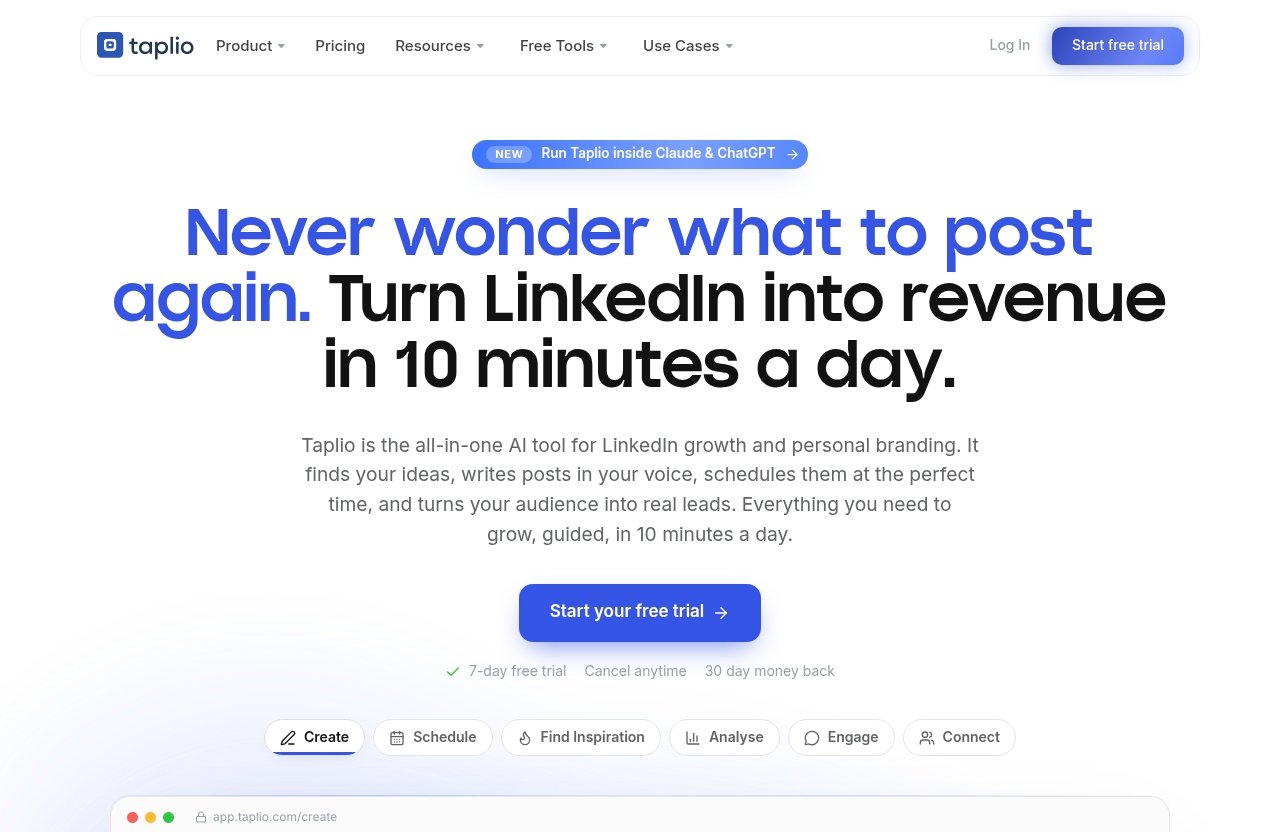
The platform’s official positioning is an AI tool to grow on LinkedIn in 10 minutes a day. Individual results and time requirements will vary, but the idea is practical: batch the setup work, automate routine publishing, and reserve daily effort for engagement and higher-value decisions.
Official website · Latest pricing & offers
FAQ
How does the Taplio post scheduler work?
The taplio post scheduler uses a queue system. You define publishing slots, add finished posts to those slots, and Taplio publishes them automatically at the scheduled times.
You can adjust the queue through actions such as Re-queue, Shuffle, and Edit queue when your content plan changes.
Can Taplio schedule LinkedIn posts in advance?
Yes. Taplio lets users prepare posts ahead of time, assign them to queue slots, and auto-publish them on schedule.
This makes it possible to batch a week of content in one session instead of manually posting every day.
Does Taplio help choose the best time to post?
Yes. Taplio’s official product copy says it picks the best time to post for each scheduled post. Its Analyse feature is also intended to help users understand what is working.
Treat timing suggestions as a useful input, then test and refine based on your own audience and results.
Can I manage my posting schedule from a calendar view?
Yes. The Taplio calendar feature lets you view scheduled posts in a calendar format, spot gaps, edit or reschedule content, and plan ahead.
It is especially useful for checking topic balance across a week or month.
How do I keep my Taplio queue from running empty?
Use Re-queue to pull scheduled content forward and prevent empty slots in between. It also helps to keep a few evergreen posts ready as a reserve.
A quick weekly review of your queue and calendar will help you catch gaps before publishing days are missed.
Is Taplio only for personal profiles?
No. Official Taplio product copy says it can publish to your LinkedIn profile or company page.
That gives individual creators and teams more flexibility when planning their publishing workflow.
Final Verdict: Is Taplio Post Scheduler Worth It for Fast Planning?
Best use case summary
The taplio post scheduler is most useful for people who want a repeatable LinkedIn system rather than a simple date-and-time publishing tool. Its queue-based setup, calendar planning, automatic publishing, AI content support, inspiration tools, and analysis features create a more connected workflow.
It is not necessary for everyone. If you publish rarely and are happy with manual posting, a simpler option may be enough. But frequent LinkedIn users who struggle with inconsistent output, fragmented tools, or daily publishing pressure are more likely to benefit.
Time-saving verdict
The real time saving comes from batching. You can create drafts, review them, place them in the Taplio queue, and let the system handle publishing while you focus on comments, relationships, and business priorities.
Taplio does not replace a content strategy or good judgment. It does, however, give you a practical structure for turning ideas into published LinkedIn content with fewer manual steps.
Soft CTA to start a free trial
If you want to see whether the workflow fits your routine, you can learn more about Taplio and explore its free trial. Use the trial to build a real weekly queue, test the calendar, and decide whether the scheduling and content tools save enough time for your LinkedIn goals.
Related Reading
References
- LinkedIn Post Scheduler: Plan Posts in Advance
- Setting up your queue / posting schedule – Taplio
- Taplio Pricing – Plans from $39/mo | Free Trial
- Taplio | AI tool to grow on LinkedIn in 10 min/day