Fireflies AI Free Trial 2026: What You Get Before Paying
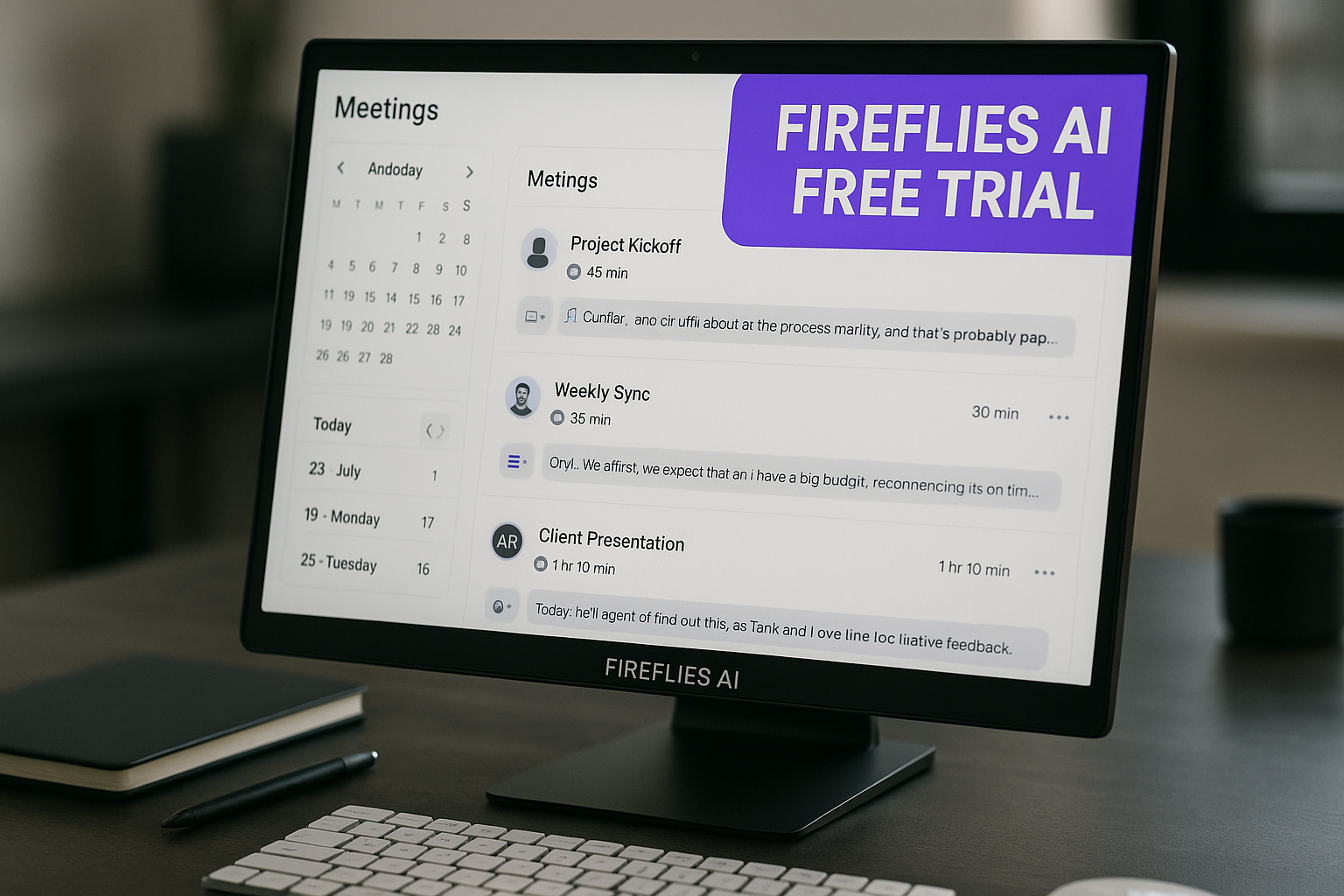
The Fireflies AI free trial is a 7-day trial that gives you full access to Fireflies’ Business plan features, according to Fireflies’ official help center. It requires a valid credit or debit card, starts on the Business plan by default, and Fireflies says you will not be charged during the trial period.
If you are comparing AI meeting note tools, this trial is useful because it lets you test Fireflies in real meetings before committing to a paid plan. In this review, we’ll walk through what is included, how to start the trial, what happens after the 7 days, and how to avoid surprise billing.
Affiliate disclosure: TopTrustReview may earn a commission if you sign up through our links, at no extra cost to you. You can try Fireflies through our affiliate link after reviewing the terms below.
Official website · Latest pricing & offers
What the Fireflies AI free trial is and who it’s for
The Fireflies AI free trial is designed for people who want to evaluate Fireflies’ paid meeting assistant features before choosing a subscription. It is different from the Fireflies Free plan, which is a separate free-forever account with more limited storage and credits.
Fireflies’ help center states that the trial lasts 7 days and gives full access to Business plan features. That makes it especially useful if you need to test team-level features, not just basic transcription.
Quick answer: 7-day trial on the Business plan
The Fireflies AI free trial is a 7-day Business plan trial. Fireflies says the trial starts on the Business plan by default.
During the 7 days, you can evaluate Business-level capabilities before paying. A valid credit or debit card is required to activate it, but Fireflies’ help center says you will not be charged during the trial.
The key point: this is not the same as a Fireflies AI free account. The free account is free forever, while the trial is a temporary Business plan test.
Who should try it before paying
The Fireflies AI free trial is most useful for users who rely on meeting notes regularly. That includes solo consultants, small teams, sales teams, recruiters, customer success teams, managers, and operations teams.
You should consider testing it if you need to:
- Record and transcribe frequent meetings
- Review AI-generated summaries
- Search across meeting conversations
- Evaluate team analytics and conversation intelligence
- Test integrations with your existing workflow
- Compare Fireflies with other AI notetakers
For a solo user with only occasional calls, the Fireflies AI free plan may be enough to start. But if you want to see how Fireflies performs in a team environment, the Business plan trial is the more realistic test.
Why this trial matters for buyers comparing AI notetakers
AI meeting tools can look similar on feature lists, but they often feel different in daily use. The Fireflies AI free trial helps you test how Fireflies handles your actual meetings, accents, terminology, call types, and internal workflows.
A practical trial should answer questions like:
- Are the transcripts accurate enough for your team?
- Are the summaries useful without heavy editing?
- Does meeting search save time?
- Do integrations fit your stack?
- Are admins comfortable with team visibility and controls?
- Do participants understand how the meeting assistant works?
For buyers comparing AI notetakers, the biggest value is reducing risk. Instead of guessing from a pricing page, you can evaluate Fireflies against your real meetings during the 7-day window.
How to start the Fireflies AI free trial
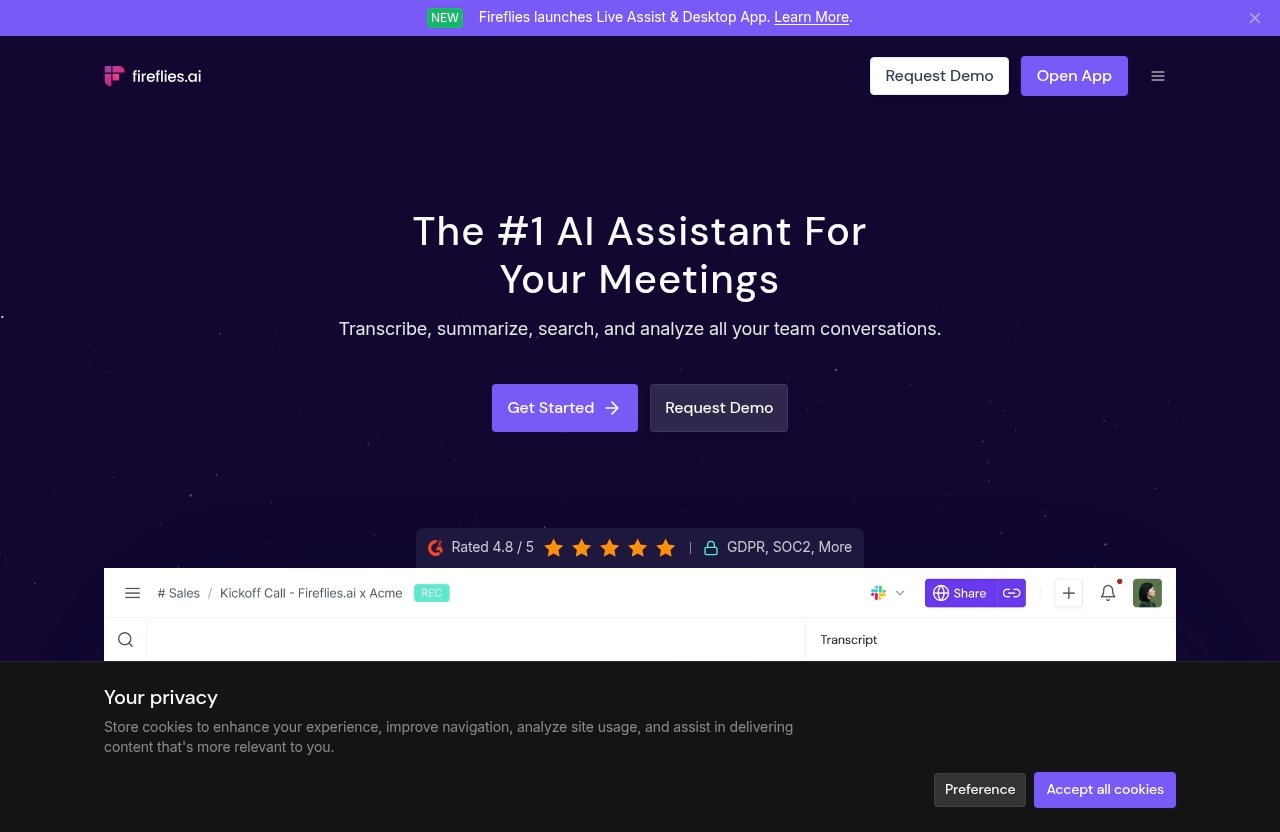
Fireflies’ official help documentation describes two ways to start the Fireflies AI free trial: during sign-up or later from the dashboard. The right path depends on whether you are creating a new account or already have one.
Before activating, read the billing screen carefully. Since a card is required, you should know exactly when the 7-day period starts and what plan you are testing.
Start during sign-up
If you are new to Fireflies, you may be able to start the Fireflies AI free trial during account creation. The official help center indicates that the trial can be activated during sign-up.
A typical evaluation flow should look like this:
- Create your Fireflies account.
- Review the trial offer during onboarding.
- Confirm that the trial is for the Business plan.
- Enter a valid credit or debit card.
- Activate the 7-day trial.
- Start testing Fireflies with real meetings.
Do not rush through this step. Make sure the page confirms the plan, trial period, and billing expectations before you submit payment details.
Start later from the dashboard
If you already have a Fireflies account, Fireflies’ help center says you can also start the trial later from the dashboard. Eligible users may see trial banners or upgrade prompts inside the account.
This is helpful if you first want to explore the Fireflies AI free plan, then test the Business plan later. For example, you might create a free account, connect a basic workflow, and only activate the trial when you have a week of important meetings scheduled.
That timing matters. The Fireflies AI free trial lasts 7 days, so starting it when your calendar is empty wastes the best test window.
What you’ll see on the activation screen
The activation screen should show the trial offer and ask for a valid credit or debit card. Fireflies’ official help center states that a card is required to activate the 7-day trial.
Before confirming, check for:
- The trial length
- The plan being tested
- The billing date or trial end date
- The account or workspace affected
- Any cancellation or downgrade options shown
This is also where some users search for a “Fireflies AI free trial code.” Based on the provided official facts, the 7-day Business trial is the verified trial offer; no separate trial code is needed from the information available here.
What you need before activating the trial
Before starting the Fireflies AI free trial, prepare like you would for any paid software trial with a card requirement. The goal is to test the product seriously while avoiding billing confusion.
Fireflies’ help center provides three important trial facts: a valid card is required, you are not charged during the trial, and only one 7-day free trial is allowed per user.
Valid credit or debit card requirement
Fireflies requires a valid credit or debit card to activate the trial. This is common for business software trials, but it is still important to understand before you begin.
The card requirement does not mean you are charged immediately. Fireflies’ help center states that you will not be charged during the trial period.
Still, you should only activate the Fireflies AI free trial when you are ready to evaluate it. If you enter your card and then forget about the trial, you may miss the best chance to cancel, downgrade, or choose the right plan before billing begins.
Account eligibility and one-trial limit
Fireflies says only one 7-day free trial is allowed per user. That means you should treat the trial as your main evaluation window.
Do not activate it casually just to look around. Instead, plan your test meetings in advance.
A good trial checklist includes:
- At least one internal team meeting
- One customer, candidate, or sales call if relevant
- A meeting with multiple speakers
- A meeting where action items matter
- Time to review transcripts, summaries, and search
This gives you a fair view of whether the Fireflies AI free trial reflects your real use case.
Important billing note: no charge during the trial
Fireflies’ help center states that you will not be charged during the 7-day trial. That is the key reassurance for users who want to evaluate the Business plan before paying.
However, because a card is required, you should still set a reminder before the trial ends. If you decide Fireflies is not a fit, cancel or downgrade before billing begins.
A simple approach is to set two reminders:
| Reminder | When to Set It | Why It Helps |
|---|---|---|
| Mid-trial review | Day 3 or 4 | Check transcript quality and summaries early |
| Billing check | Day 6 | Decide whether to cancel, downgrade, or continue |
This is the safest way to test the Fireflies AI free trial without losing track of the trial window.
What’s included in the free trial
The main appeal of the Fireflies AI free trial is that it gives you full access to Business plan features for 7 days, according to Fireflies’ official help center. That is more than a basic free account test.
This section is based on Fireflies’ official pricing page and help center details provided for this review. Feature availability can change, so confirm current details on Fireflies’ official pricing and help pages before activating.
Business plan features available during trial
Because the trial starts on the Business plan by default, you can evaluate Business-level features during the 7 days. According to Fireflies’ official pricing information, the Business plan includes unlimited transcription, unlimited AI summaries, unlimited storage, and 30 AI credits.
The Business plan also includes features such as:
- Multi-language Mode
- Conversation intelligence
- Team analytics for admins
- Public meeting access
- User groups
This makes the Fireflies AI free trial more useful for teams than a basic free account. Admins can see whether the platform fits their team workflow, not just whether one user likes the transcript.
Unlimited transcription and summaries
Fireflies’ official pricing page lists unlimited transcription and unlimited AI summaries across the Free, Pro, Business, and Enterprise plans. During the Business trial, you can test these capabilities with your own meetings.
For evaluation, do not only look at whether a transcript is created. Review how useful it is.
Check:
- Speaker separation
- Accuracy with your industry terms
- Summary quality
- Action item extraction
- Search usefulness
- Whether the notes reduce manual follow-up work
The Fireflies AI free trial is most valuable when you test it against meetings you would normally have to summarize manually.
Unlimited storage during trial
The Business plan includes unlimited storage, according to Fireflies’ official pricing page. Since the Fireflies AI free trial gives access to Business plan features, you can evaluate this plan-level storage model during the trial.
This is one of the differences between the free plan and the Business trial. The Fireflies Free plan includes 400 minutes of storage per team, while the Business plan includes unlimited storage.
For teams with frequent meetings, storage can become an important plan decision. If you run sales calls, recruiting interviews, customer check-ins, or recurring project meetings, test how quickly your meeting library grows.
Video recording, AI skills, analytics, and integrations
Fireflies’ official pricing details list several paid features across Pro and Business tiers. The Pro plan includes video recording, downloading transcripts, summaries, and recordings, Personal Assistant, AI Skills, Voice Agents, action items and task manager, and unlimited integrations.
The Business plan adds Business-level capabilities such as Multi-language Mode, conversation intelligence, team analytics for admins, public meeting access, and user groups.
During the Fireflies AI free trial, focus on whether these features help your workflow. Sales teams may care most about conversation intelligence. Recruiters may care about searchable interview notes. Managers may care about summaries, action items, and team visibility.
Official website · Latest pricing & offers
What Fireflies AI pricing looks like after the trial
Understanding Fireflies AI pricing before starting the Fireflies AI free trial is the best way to avoid surprises. Fireflies lists Free, Pro, Business, and Enterprise plans on its official pricing page.
The prices below come from the official pricing facts provided for this article. Always confirm the latest pricing directly on Fireflies’ official pricing page before subscribing.
| Plan | Official Price Shown | Storage | AI Credits | Key Notes |
|---|---|---|---|---|
| Free | $0, free forever | 400 mins/team | 20 | Unlimited transcription and AI summaries |
| Pro | $18 monthly, or $10 per seat/month billed annually | 8,000 mins/seat | 20 | Adds video recording, downloads, AI Skills, unlimited integrations |
| Business | $29 monthly, or $19 per seat/month billed annually | Unlimited | 30 | Adds team analytics, conversation intelligence, user groups |
| Enterprise | $39 per seat/month billed annually | Unlimited | 50 | Annual only, includes enterprise controls |
Free plan
The Fireflies Free plan is $0 and free forever. According to Fireflies’ official pricing page, it includes unlimited transcription, unlimited AI summaries, 400 minutes of storage per team, and 20 AI credits.
The official pricing page also lists Free plan features such as:
- Zoom, Google Meet, Microsoft Teams, and more
- Transcription in 100+ languages
- Real-time notes and live transcriptions
- Meeting search
- AskFred AI assistant
- Upload audio/video file
- Desktop app
- Mobile app
- Chrome extension
- API access
If you are asking, “Is Fireflies AI free?” the answer is yes, there is a Fireflies AI free plan. But the Fireflies AI free trial is different because it temporarily unlocks Business plan access.
Pro plan
The Pro plan is shown as $18 monthly, or $10 per seat/month billed annually. According to Fireflies’ official pricing page, it includes unlimited transcription, unlimited AI summaries, 8,000 minutes of storage per seat, and 20 AI credits.
Pro also includes features such as:
- Video recording
- Download transcripts, summaries, and recordings
- Personal Assistant
- AI Skills
- Voice Agents
- Action items and task manager
- Unlimited integrations
Pro may fit users who need more than the free plan but do not require Business-level admin analytics or team controls.
Business plan
The Business plan is shown as $29 monthly, or $19 per seat/month billed annually. Fireflies’ official pricing page lists unlimited transcription, unlimited AI summaries, unlimited storage, and 30 AI credits.
Business also includes:
- Multi-language Mode
- Conversation intelligence
- Team analytics for admins
- Public meeting access
- User groups
Since the Fireflies AI free trial gives full access to Business plan features for 7 days, this is the plan you are primarily evaluating during the trial.
Enterprise plan
The Enterprise plan is shown as $39 per seat/month billed annually, and Fireflies lists it as annual only. It includes unlimited transcription, unlimited AI summaries, unlimited storage, and 50 AI credits.
Enterprise also includes:
- Rules engine
- SSO + SCIM
- Audit logs
- HIPAA compliance
- Private storage
- Custom data retention
- Transcript + summary only mode
- Super admin role
- Dedicated account manager
Enterprise is the plan to review if your organization needs advanced administration, compliance, and security controls.
How to cancel, downgrade, or upgrade during the trial
The safest way to use the Fireflies AI free trial is to make your plan decision before the 7 days end. Fireflies’ help center indicates that users can manage the trial and plan options, including canceling, upgrading, or downgrading.
Because billing screens and account settings can change, use Fireflies’ current dashboard and official help center as the final source of truth.
Cancel before the trial ends
If Fireflies is not the right fit, cancel before the trial ends. Fireflies says you will not be charged during the trial, so the key is acting before billing begins.
Set a reminder for day 6. By then, you should have enough information from real meetings to decide whether to continue.
When canceling, confirm that the dashboard shows the trial has been canceled or that your plan has changed. Keep a screenshot or confirmation email if one is provided.
Upgrade early if you need a paid feature now
Some users may decide quickly that Fireflies fits their workflow. If you need to continue with paid access, review the available plans and billing options before upgrading.
The Fireflies AI free trial starts on Business by default, so compare whether Business is the right plan or whether Pro is enough. Look at storage, admin needs, analytics, integrations, and team requirements.
Annual billing can show lower per-seat monthly pricing on Pro and Business, but you should only choose it if you are confident the tool fits your workflow.
Downgrade if the trial is not the right fit
If Business features are more than you need, consider downgrading rather than abandoning Fireflies entirely. The Fireflies AI free plan may be enough for light use, while Pro may suit users who need paid features without Business-level team tools.
A downgrade can make sense if:
- You only need occasional meeting notes
- You do not need team analytics
- You do not need Business-level storage
- You are still testing AI meeting tools
- Your team is not ready for rollout
The goal is not to pick the biggest plan. It is to choose the plan that matches your actual meeting workflow.
Is the Fireflies AI free trial worth it?
For many buyers, the Fireflies AI free trial is worth testing because it gives Business plan access for 7 days before payment. That is enough time to evaluate transcription, summaries, search, analytics, and integrations if you plan the week well.
It is especially valuable for teams that need to compare AI notetakers using real meetings rather than demos.
Best use cases for the trial
The trial is strongest when you have enough meetings to test Fireflies under real conditions. If your calendar is active, you can quickly see whether it saves time.
Good use cases include:
- Sales calls and pipeline reviews
- Recruiting interviews
- Customer success check-ins
- Internal project meetings
- Leadership meetings
- Training and onboarding sessions
- Client consultation calls
A Fireflies meeting notes free trial is most useful when you compare the output against your current note-taking process. If Fireflies saves follow-up time and improves recall, the trial has done its job.
Who may not need the paid plans yet
Not everyone needs a paid plan immediately. If you have light meeting volume, the Fireflies AI free plan may be enough to start.
The Free plan includes unlimited transcription, unlimited AI summaries, 400 minutes of storage per team, and 20 AI credits. It also includes useful features like meeting search, AskFred AI assistant, file uploads, apps, Chrome extension, and API access, according to Fireflies’ official pricing page.
If you only need basic note capture, start free and delay the Fireflies AI free trial until you have a busier week or a clearer team use case.
Pros and trade-offs to consider
Here is a balanced view before starting the trial:
| Pros | Trade-Offs |
|---|---|
| 7-day Business plan access | Card required to activate |
| No charge during the trial, according to Fireflies | You must remember to cancel or change plans before billing |
| Good for testing team features | One 7-day trial per user |
| Free plan exists separately | Trial is short if your calendar is quiet |
| Useful for comparing AI notetakers | Privacy and consent settings should be reviewed carefully |
The Fireflies AI free trial is worth it if you have real meetings scheduled and time to review the outputs. It is less useful if you activate it without a testing plan.
Safety, legitimacy, and trust signals to mention
People often ask, “Is Fireflies AI safe?” or “Is Fireflies AI legitimate?” Those are reasonable questions because AI meeting assistants can access sensitive conversations, calendars, and meeting content.
Based on Fireflies’ official pages and provided information, Fireflies has public pricing, help-center documentation, security messaging, and enterprise-oriented plan features. Still, every organization should review permissions, consent requirements, and internal policies before connecting any meeting bot.
Security and compliance signals
Fireflies’ official materials include security and compliance messaging such as SOC 2 and GDPR references. Its Enterprise plan also lists controls such as SSO + SCIM, audit logs, HIPAA compliance, private storage, custom data retention, transcript + summary only mode, a super admin role, and a dedicated account manager.
These are important trust signals for larger teams. They do not replace your own security review, but they show that Fireflies publishes enterprise-focused controls for organizations with stricter requirements.
Before activating the Fireflies AI free trial, security-conscious teams should review Fireflies’ current security documentation and plan-specific controls.
Ratings and social proof from official pages
Fireflies’ official pages include social proof and rating mentions, along with usage signals from companies and teams. These can help establish legitimacy, but they should not be the only reason you choose the product.
Use social proof as a starting point, then test the product yourself. The trial should confirm whether Fireflies works for your meetings, your team, and your privacy expectations.
If you are researching “Fireflies AI free trial Reddit” discussions, remember that user comments can be helpful but inconsistent. Always compare community feedback with Fireflies’ official pricing and help-center documentation.
What to verify before connecting your calendar
Before connecting your calendar or inviting Fireflies to meetings, review what access you are granting. This is especially important for sales, HR, recruiting, legal, healthcare, and executive meetings.
Verify:
- Which meetings Fireflies can join
- How participants are notified
- Whether your organization requires consent
- Who can access transcripts and summaries
- What plan controls apply to your workspace
- How to cancel, downgrade, or disconnect if needed
The Fireflies AI free trial can be risk-managed if you read the permissions carefully and start with appropriate meetings.
How to get the most value from your 7 days
A 7-day trial is short, so the best results come from planning. The Fireflies AI free trial should be treated like a structured evaluation, not a casual demo.
Your goal is to answer one question: would Fireflies make your meeting workflow better after the trial ends?
Test real meetings, not demos
Use real meetings whenever possible. Demo calls are too clean and may not show how Fireflies handles interruptions, multiple speakers, accents, technical language, or long discussions.
A practical 7-day test might include:
- One internal meeting
- One external call
- One meeting with action items
- One meeting with multiple speakers
- One meeting where search will matter later
If you are a recruiter, test an interview workflow. If you are in sales, test a discovery call or follow-up call. If you manage a team, test recurring meeting notes.
Check transcription quality in your workflow
Transcript quality is not just about word accuracy. It is about whether the transcript is useful enough to support follow-ups, decisions, and searchable records.
During the Fireflies AI free trial, review:
- Speaker identification
- Industry terminology
- Names and company names
- Summary relevance
- Action item usefulness
- Search accuracy
- Time saved compared with manual notes
This is where the trial becomes more valuable than reading a feature list. Your own meetings are the best test.
Review summaries, search, integrations, and exports
Fireflies’ official pricing page lists features such as meeting search, AskFred AI assistant, uploads, apps, Chrome extension, API access, downloads on paid plans, and unlimited integrations on Pro and above. Use the trial to see which features matter in practice.
For teams, also review Business-level features such as conversation intelligence, team analytics for admins, public meeting access, and user groups.
If the workflow feels natural after several meetings, continuing may make sense. If your team ignores the notes or does not trust the summaries, downgrade or cancel before the trial ends.
Official website · Latest pricing & offers
FAQ
Is Fireflies AI legitimate?
Yes, Fireflies AI appears legitimate based on its official pricing page, help-center documentation, published security and compliance messaging, and business-focused plan structure. Fireflies also presents social proof and company usage signals on official pages.
That said, legitimacy does not automatically mean it is the right tool for every team. Use the Fireflies AI free trial to verify transcript quality, meeting workflows, admin controls, and privacy expectations before paying.
Is there a free version of Fireflies AI?
Yes. Fireflies has a Free plan listed at $0, free forever. According to the official pricing page, it includes unlimited transcription, unlimited AI summaries, 400 minutes of storage per team, and 20 AI credits.
The Fireflies AI free plan is different from the Fireflies AI free trial. The free plan is ongoing, while the trial lasts 7 days and gives Business plan access.
How much is Fireflies AI per month?
According to Fireflies’ official pricing page, Pro is shown as $18 monthly, or $10 per seat/month billed annually. Business is shown as $29 monthly, or $19 per seat/month billed annually.
Enterprise is shown as $39 per seat/month billed annually and is annual only. Fireflies also offers a Free plan at $0.
Always confirm current Fireflies AI pricing on the official pricing page before subscribing, because plan details and pricing can change.
What is the Fireflies AI controversy?
Discussions around Fireflies AI and similar AI meeting bots often relate to privacy, meeting consent, calendar permissions, or billing expectations. These concerns are not unique to Fireflies; they apply broadly to AI tools that join, record, or summarize meetings.
To avoid issues, review permissions before connecting your calendar, make sure meeting participants are informed when required, and understand the cancellation terms before activating the Fireflies AI free trial.
Conclusion
The Fireflies AI free trial is a practical way to test Fireflies before paying, especially because Fireflies’ help center says it gives 7 days of full Business plan access. It requires a valid credit or debit card, starts on the Business plan by default, and Fireflies says you will not be charged during the trial.
For solo users, the Free plan may be enough to begin. For teams, sales organizations, recruiters, and managers comparing AI notetakers, the trial is more useful because it lets you evaluate Business-level features in real meetings.
Our recommendation: start the trial only when you have a full week of meetings to test, set a reminder before the trial ends, and review the official pricing and help pages before committing. If you understand the terms and want to evaluate it properly, you can try the Fireflies AI free trial here and cancel before billing begins if it is not the right fit.
Related Reading
References
- Pricing & Plans | Fireflies.ai AI App for Smarter Meeting Notes
- Manage Your Fireflies Free Trial (Start, Upgrade, Downgrade, Cancel & Billing)
- Fireflies 7-Day Free Trial: Everything You Need to Know
- What's included in the Fireflies Free plan