
YouLearn Review 2026: Is It Worth It?
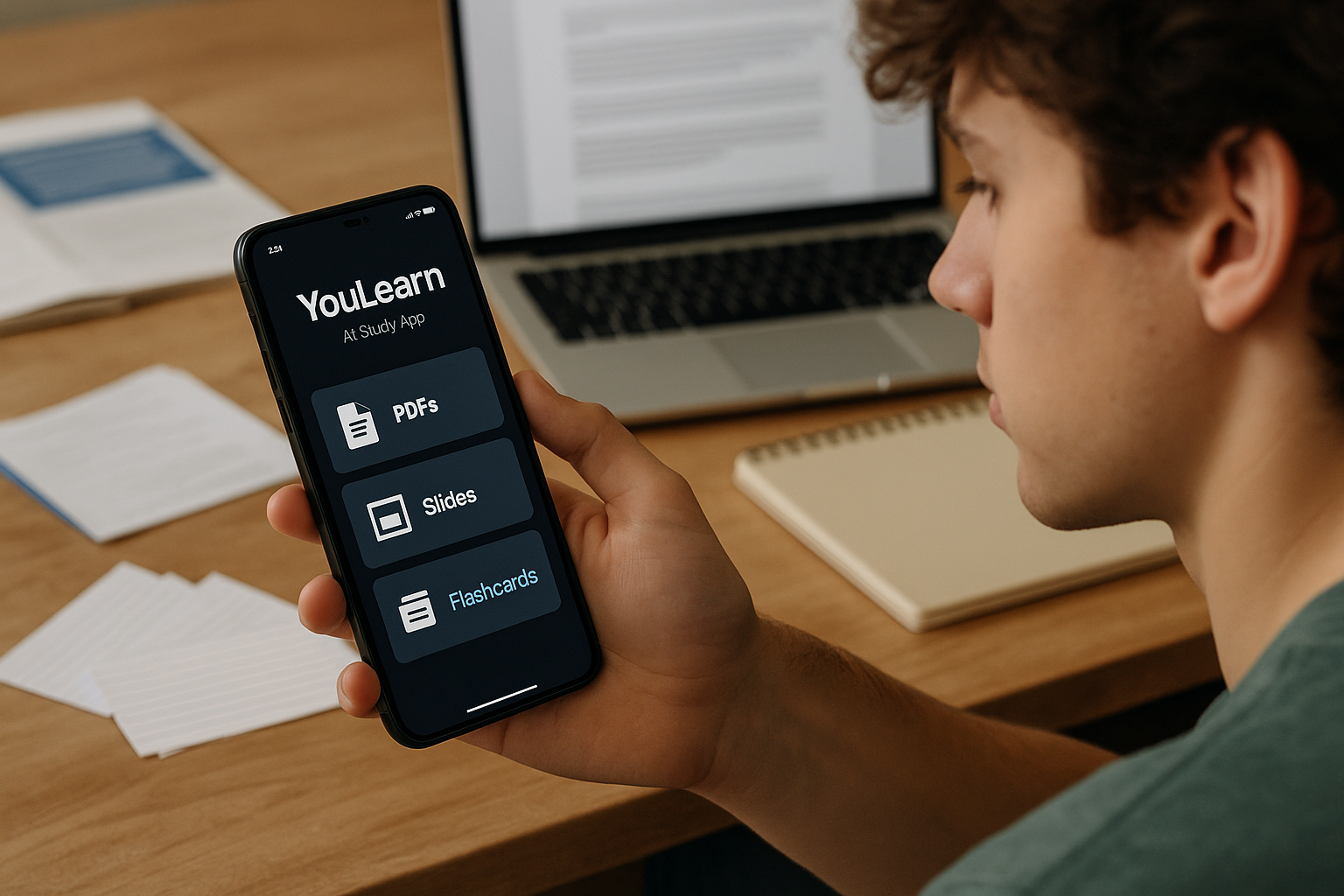
Official website · Latest pricing & offers
YouLearn Review 2026: Quick Verdict
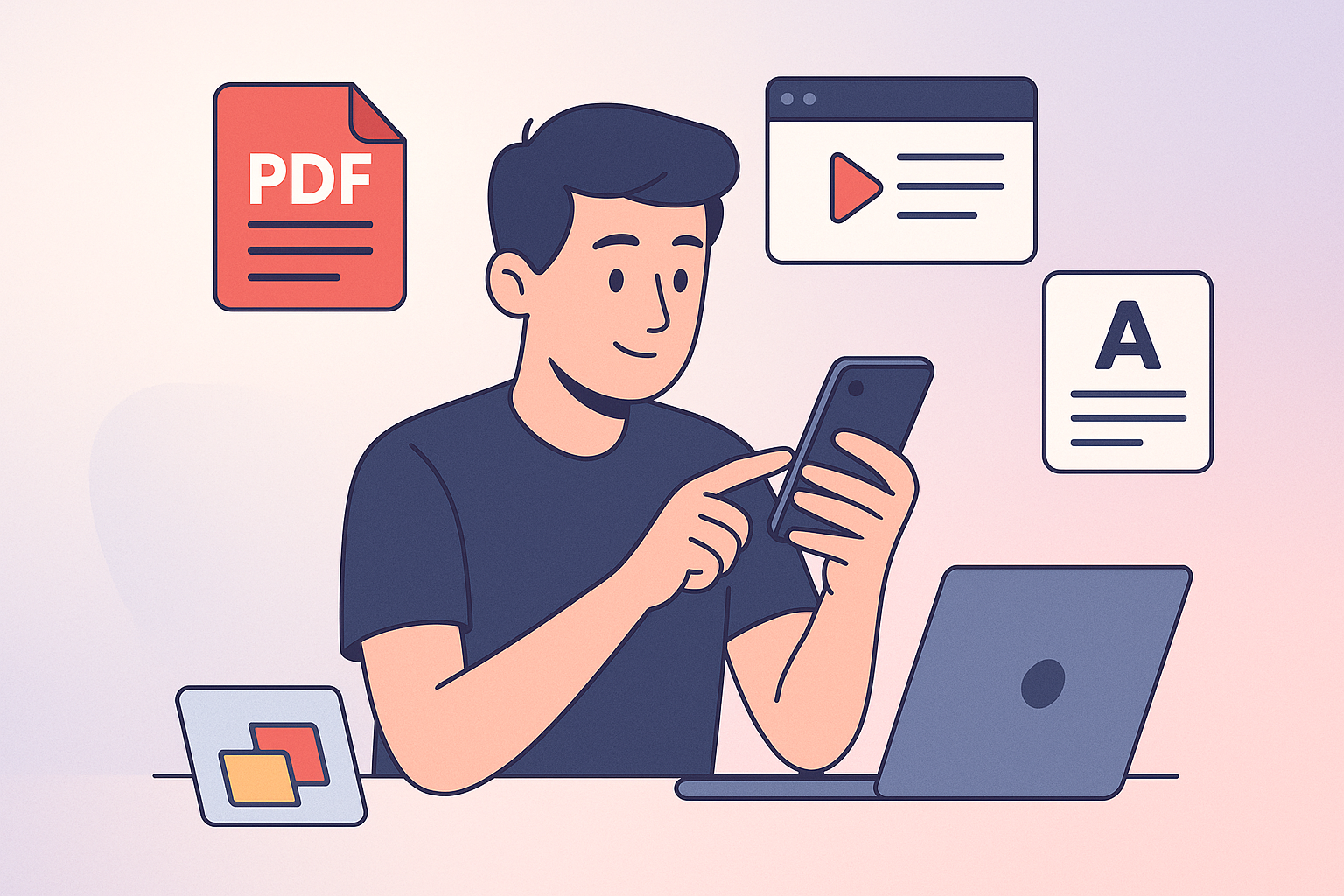
If you are looking for a study app that turns your own course materials into notes, flashcards, quizzes, podcasts, and an AI tutor, this YouLearn review comes down to one practical question: do you already have a lot of learning content you need to process faster?
YouLearn is best understood as an AI study tutor built around your materials. According to the official product description, it lets you chat with YouTube videos, PDFs, slides, websites, files, and lectures. That makes it especially appealing for students who are drowning in lecture recordings, dense PDFs, class slides, and scattered notes.
Is YouLearn worth it?
For many students, yes, YouLearn looks worth trying—especially because the official App Store listing describes it as free with in-app purchases. The strongest reason to consider it is workflow: instead of using separate tools for summaries, flashcards, quizzes, lecture transcripts, and explanations, the YouLearn AI app aims to combine those study tasks in one place.
That said, this YouLearn AI review is not a claim that the app will automatically improve your grades. AI study tools are only as useful as the materials you upload and the way you verify their answers. If you rely on it without checking explanations against your syllabus, textbook, or instructor guidance, you could still misunderstand important concepts.
You can explore the app through the official affiliate link here: try YouLearn AI. As with any study subscription, I would test it with real class materials before paying for anything.
Best for and not for
YouLearn is best for college students, high school students with heavy coursework, exam-prep learners, and anyone who repeatedly studies from PDFs, slides, videos, recordings, photos, and text. It is particularly useful if your current study process involves jumping between lecture notes, YouTube explanations, flashcard apps, and quiz generators.
It is not the best fit if you only need a simple flashcard tool, already have a polished study routine, or want a dedicated homework solver for one subject only. It may also be less valuable if your course materials are poorly organized, inaccurate, or too thin to generate meaningful study sets.
| Buyer question | Short answer |
|---|---|
| Is YouLearn worth it? | Worth trying if you study from lots of uploaded materials |
| Is YouLearn AI free? | App Store says free with in-app purchases |
| Best use case | Turning class content into notes, quizzes, flashcards, and tutor chat |
| Biggest caution | Verify AI outputs against your course materials |
| Best platform fit | Students who want web and mobile study access |
What Is YouLearn and How Does It Work?
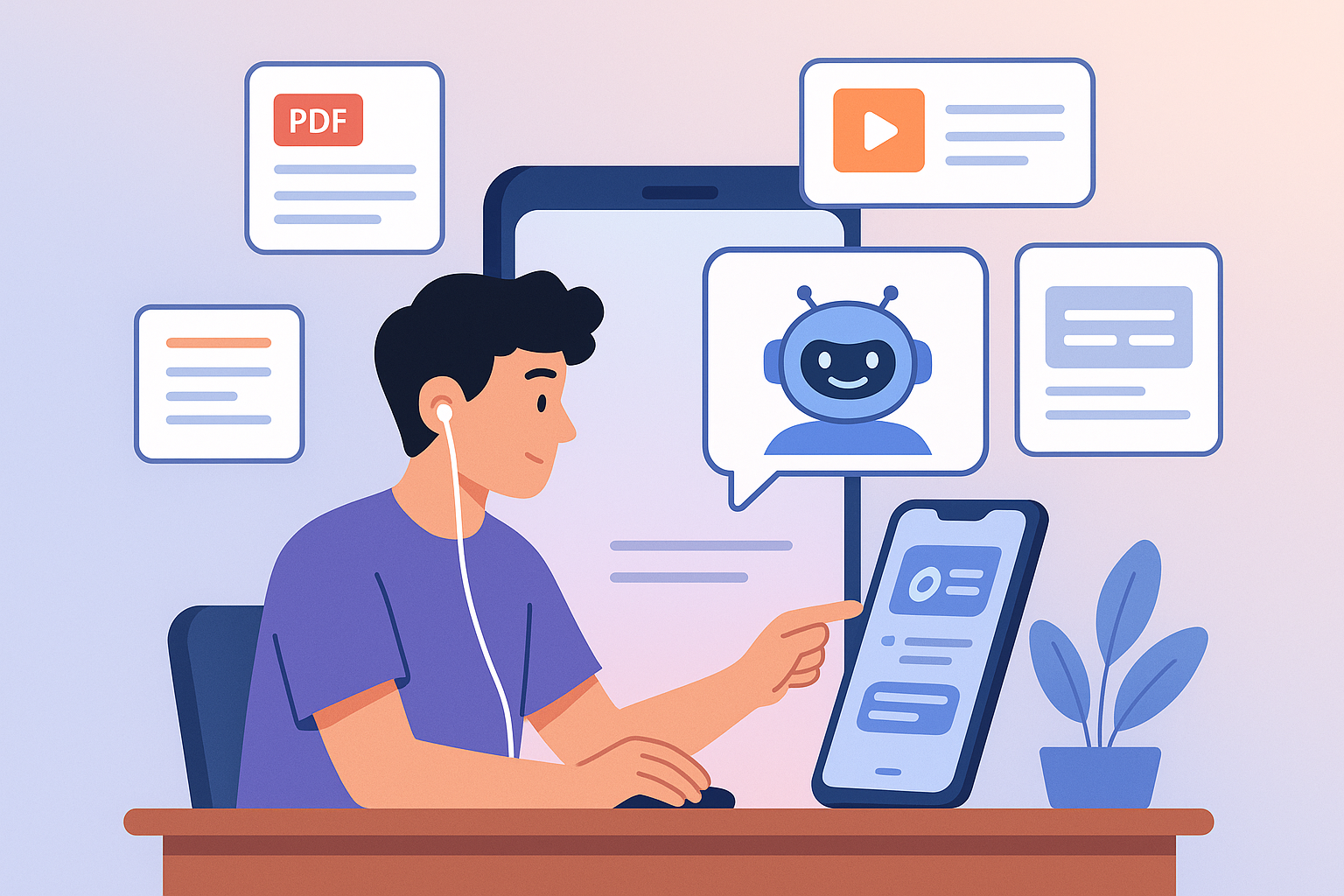
YouLearn is officially positioned as “an AI tutor made for you.” In plain English, it is a study assistant that lets you bring your own learning materials into the app and then interact with them through AI-generated notes, quizzes, flashcards, explanations, podcasts, and chat.
This part of the YouLearn review matters because the app is not just another generic chatbot. Its value is tied to source-based learning: you provide the lecture, PDF, slide deck, website, file, or video, and the app helps you study from that content.
Core idea behind the app
The core idea is simple: upload or connect the materials you are already expected to learn, then let YouLearn turn them into more usable study formats. For example, a biology student could upload lecture slides and ask the AI tutor to explain cell respiration step by step. A business student could add a case-study PDF and generate a quiz before class.
This is different from searching the web for random summaries because the workflow starts with your own study content. That can be helpful when your professor uses specific terminology, examples, or exam expectations that may not match generic online explanations.
In a real-world YouLearn review, this is the main advantage: the app appears designed to reduce friction. Instead of manually summarizing a 40-page PDF, building flashcards from scratch, and writing your own practice questions, you can use YouLearn to speed up the first draft of that study process.
Supported inputs and outputs
According to the official App Store description and product positioning, YouLearn supports a broad range of inputs, including PDFs, lecture slides, videos, recordings, photos, text, websites, files, YouTube videos, and lectures. It also says users can combine multiple sources into one study set and organize materials by class or subject.
The outputs are what make the app more than a file reader. YouLearn can turn class materials into notes, flashcards, quizzes, podcasts, and an AI tutor experience. It can also help with chapters and transcripts for recorded lectures, and it supports step-by-step help from photos of equations or assignments.
Here is the practical buyer-focused view:
| Input type | How a student might use it |
|---|---|
| Summarize textbook chapters or research papers | |
| Lecture slides | Generate notes and quiz questions before an exam |
| YouTube video | Chat with the video and clarify confusing sections |
| Recording | Create chapters and transcripts for lecture review |
| Photo | Snap an equation or assignment for step-by-step help |
| Website | Turn online readings into study material |
| Text/files | Combine class notes into one study set |
Where you can use it
The official App Store description says YouLearn is available on web and mobile. That matters because students rarely study in only one place. You might upload a PDF on your laptop, review flashcards on your phone, and listen to an AI podcast while commuting.
For access, students will likely use a standard YouLearn login process on web or mobile, though specific login methods were not detailed in the provided official facts. Before paying, I would check how account syncing works for your devices and whether the features you need are available in the version you plan to use.
The app also supports 40+ languages according to the official listing. That could be useful for multilingual learners, international students, or anyone studying language-heavy material, although accuracy should still be checked carefully.
YouLearn Features Review
A good YouLearn review should go beyond listing features. The real question is whether those features solve actual study problems: getting through materials faster, remembering more, preparing for exams, and understanding weak areas.
Based on the verified product facts, YouLearn’s feature set is strongest when you already have learning materials and want to convert them into multiple study formats.
Turn class materials into notes and summaries
The official description says YouLearn can turn class materials into notes. For students, this is probably one of the most immediately useful features. Many courses provide long slide decks, dense reading packets, or recorded lectures that are hard to review efficiently.
Imagine you have three lecture PDFs before a midterm. Instead of rereading every slide manually, you could use YouLearn to generate notes and then compare those notes against the original slides. This can help you identify major themes, definitions, formulas, and likely exam topics.
The important caution in this YouLearn review is that AI-generated notes should not replace the original material. They are best used as a study layer, not as your only source. If a professor emphasizes something in class that the AI summary downplays, your professor’s emphasis matters more.
Flashcards, quizzes, and personalized study
YouLearn’s official App Store listing highlights AI-generated flashcards and quizzes, plus the ability to review weak spots. This is one of the more buyer-relevant features because active recall is usually more useful than passive rereading.
A practical workflow might look like this: upload a chapter PDF, generate flashcards for key terms, take a quiz, then revisit the questions you missed. For exam prep, this is much more efficient than simply highlighting notes and hoping you remember them later.
The app’s ability to combine multiple sources into one study set could also be helpful. For example, you might combine slides, lecture notes, and a reading assignment for the same unit, then practice from a single study set organized by class or subject.
This YouLearn review sees that as one of the app’s better use cases: not replacing studying, but making review sessions more structured.
AI tutor chat and step-by-step explanations
The official product positioning says you can chat with YouTube videos, PDFs, slides, websites, files, and lectures. The App Store description also mentions asking questions and getting step-by-step explanations.
This is valuable when you are stuck on a concept inside your own materials. Instead of asking a generic chatbot, “Explain supply and demand,” you might ask YouLearn to explain the specific graph from your economics lecture slides. That context can make the answer more relevant to your class.
For STEM learners, the step-by-step explanation angle may be especially appealing. The official description says users can snap equations or assignments for step-by-step help. However, students should be careful: AI explanations can be useful for learning the process, but you should still verify final answers and methods against your teacher’s requirements.
In short, the AI tutor chat is likely the feature that makes YouLearn feel more interactive than a normal note-taking app.
Podcasts, transcripts, and offline review
One distinctive feature from the official description is the ability to turn lessons into AI podcasts. The listing says students can listen while commuting, walking, or offline. For auditory learners, this could be a meaningful advantage.
A student might turn a lecture topic into a podcast-style review before a quiz. That is not the same as deep study, but it can be useful for reinforcement. It also helps make otherwise “dead time” more productive, such as walking to class or taking public transport.
The official description also mentions transcripts and chapters for recorded lectures. This can help students navigate long recordings instead of scrubbing through an hour-long file to find one explanation.
For this YouLearn review, I would treat podcasts and transcripts as convenience features. They are not the main reason to buy the app, but they can make your study routine more flexible.
Lecture recording and homework help
YouLearn’s App Store description says users can record lectures and get chapters plus transcripts. That is useful for students who struggle to take complete notes during live classes. If you record a lecture, you can later review structured sections instead of relying on memory.
The app also supports snapping equations or assignments for step-by-step help, according to the official listing. This can be helpful when you need a nudge on a problem, but it should not become a shortcut that prevents learning.
A smart approach is to use the explanation to understand the next step, then try a similar problem yourself. If you are preparing for a test, use YouLearn to identify weak spots, not just to get through homework faster.
That distinction is important in any honest YouLearn review: the app is best used as a study tutor, not as a replacement for doing the work.
YouLearn Pricing and Value
YouLearn pricing is one area where buyers should be careful. The official App Store listing says “Free with In-App Purchases,” but the exact pricing details were not clearly exposed in the official source content provided for this review.
Because of that, I will not invent plan names, subscription prices, monthly limits, upload caps, or premium feature restrictions. Before subscribing, you should confirm current pricing directly inside the YouLearn AI app or on the official pricing page available to you.
Free vs paid experience
Based on the verified App Store listing, YouLearn AI free access appears to exist in some form because the app is listed as free with in-app purchases. However, “free with in-app purchases” usually means some functionality may require payment, usage limits, or upgrades.
The key buyer question is not simply whether the app is free. It is whether the free experience lets you properly test your real workflow. Can you upload the types of materials you use? Can you generate enough notes, flashcards, quizzes, or explanations to judge quality? Can you test it before an exam week?
For this YouLearn review, the safest recommendation is to start free if available, test with actual class content, and only pay if the output meaningfully improves your study routine.
What buyers should look for before subscribing
Before paying for YouLearn, check the current YouLearn pricing details carefully. Since the provided official source did not clearly expose exact pricing, you should verify the following directly from the app or official site:
| What to verify | Why it matters |
|---|---|
| Current subscription price | Prevents surprise costs |
| Free plan limits | Helps you know whether testing is realistic |
| Upload or usage limits | Important if you study from many files |
| Mobile vs web feature access | Ensures it works where you study |
| Cancellation terms | Reduces subscription risk |
| Feature availability | Confirms the tools you want are included |
Also consider when you need the app. If you only study heavily during finals, a subscription may be less valuable year-round. If you use PDFs, recordings, and quizzes every week, the value case is stronger.
Is the app good value for students?
The app’s value depends on how much time it saves and whether it improves your review process. If YouLearn helps you turn a messy pile of lectures, slides, and readings into organized notes and practice quizzes, it may be worth paying for.
However, if you mostly need basic flashcards, free tools may be enough. If your biggest need is subject-specific homework solving, a dedicated homework app may be more appropriate, depending on the subject and accuracy.
My buyer-focused take in this YouLearn review: YouLearn has strong potential value for students with lots of course content, but you should verify price, limits, and output quality before subscribing. You can start by visiting YouLearn through this review link and testing it with a real assignment or lecture.
Official website · Latest pricing & offers
Pros and Cons
No YouLearn AI review should ignore trade-offs. The app has a compelling study workflow, but buyers should still think critically about accuracy, pricing transparency, and whether they actually need an all-in-one AI tutor.
Main strengths
The biggest strength is the ability to turn existing materials into study aids. YouLearn supports PDFs, lecture slides, videos, recordings, photos, text, websites, files, YouTube videos, and lectures based on official product information.
Another strength is the range of outputs. Notes, flashcards, quizzes, podcasts, transcripts, and AI tutor chat cover many common study needs. For students who currently use several disconnected apps, that all-in-one workflow could be convenient.
YouLearn also works on web and mobile according to the official listing. That makes it more practical for real student life, where studying often happens between classes, at home, on transit, or during short review sessions.
Main limitations
The first limitation is pricing clarity. The App Store says free with in-app purchases, but the exact YouLearn pricing details were not clearly visible in the provided official source. Buyers should confirm current costs before committing.
The second limitation is accuracy risk. Any AI tutor can misunderstand unclear source material, produce incomplete explanations, or miss context. You should treat outputs as study assistance, not final authority.
The third limitation is dependency on input quality. If your uploaded PDF is poorly scanned, your lecture recording is unclear, or your notes are incomplete, the study outputs may be weaker.
Common buyer concerns
Common YouLearn review complaints are likely to revolve around the same buyer concerns seen with many AI study tools: “Is it accurate?”, “What is free?”, “What is locked behind payment?”, and “Will it actually help me study faster?”
The verified sources do not provide enough detail to confirm all potential complaints. There is also limited public review volume on some platforms, so buyers should avoid overinterpreting a small number of ratings.
If you are searching for YouLearn reviews reddit discussions, treat anecdotal comments cautiously. Reddit can be useful for spotting patterns, but it is not a substitute for testing the app with your own course materials.
Who Should Buy YouLearn?
YouLearn is not for every learner. It is best for students who repeatedly need to transform course content into review materials and want a more guided way to study.
This section of the YouLearn review is designed to help you self-qualify before spending money.
College students
College students are one of the clearest fits. YC describes YouLearn as an AI tutor for college students that turns learning materials into concise notes, an AI tutor, and personalized tests. That matches the official product positioning well.
If you have multiple classes, each with PDFs, slides, recorded lectures, and readings, YouLearn could help organize your study workflow. The ability to group materials by class or subject is especially relevant for semester-long courses.
It may also help students who miss details during lectures. Recording a lecture and getting chapters plus transcripts can make review easier after class.
Exam prep and heavy course loads
Students preparing for midterms, finals, professional exams, or weekly quizzes may benefit from the quiz and flashcard features. Practice questions can reveal weak spots more effectively than rereading notes.
For heavy course loads, the time-saving angle matters. If YouLearn helps turn three hours of scattered review into a more focused study session, the value becomes easier to justify.
Still, the app should be part of a broader exam strategy. Use generated quizzes, but also review official practice exams, professor study guides, and graded assignments.
STEM learners
STEM learners may appreciate step-by-step explanations and the ability to snap equations or assignments. This can be useful when you are stuck and need to understand the process behind a problem.
However, STEM accuracy requires extra caution. A small error in algebra, notation, units, or assumptions can change the answer. Students should verify YouLearn’s explanations against textbooks, lecture notes, and instructor methods.
For STEM, I would use YouLearn as a tutor-style explainer and review assistant, not as the only source for homework answers.
Who should skip it
You should probably skip YouLearn if you only need a basic memorization app, rarely use PDFs or lecture materials, or prefer manual note-taking. Casual learners may not get enough value from the broader workflow.
You may also skip it if you need guaranteed expert-level accuracy for high-stakes assignments. AI tools can assist, but they do not replace a teacher, tutor, textbook, or official answer key.
Finally, if the current paid plan does not fit your budget after you check the actual pricing, it is reasonable to use free alternatives until your workload justifies an upgrade.
YouLearn vs Other Study Apps: What Matters Most
A fair YouLearn review should avoid fake competitor comparisons. The provided official facts do not include verified specs for competing products, so I will not claim that YouLearn is cheaper, faster, or more accurate than named alternatives.
Instead, the right way to compare YouLearn vs other study apps is by workflow fit.
How to compare study tools
Start by asking what problem you need solved. Some apps are mainly for flashcards. Others focus on homework help, note-taking, document summarization, or spaced repetition. YouLearn’s verified positioning is broader: it turns your learning materials into notes, flashcards, quizzes, podcasts, and an AI tutor.
If your study process starts with class materials, YouLearn may be a better category fit than a generic chatbot. If your study process is mostly memorizing vocabulary, a simpler flashcard tool may be enough.
A useful comparison checklist:
| Comparison factor | Why it matters |
|---|---|
| Source-based learning | Does the app study your actual materials? |
| Explanation quality | Are answers clear and step-by-step? |
| Study outputs | Can it generate notes, quizzes, and flashcards? |
| Organization | Can you manage classes or subjects? |
| Device access | Does it work on web and mobile? |
| Pricing clarity | Can you verify cost before paying? |
Accuracy, workflow, and convenience
Accuracy should come first. A beautiful app is not useful if it gives unreliable explanations. With YouLearn, the source-based approach may help because the app can work from your uploaded materials, but you should still verify outputs.
Workflow comes next. If an app saves time by combining notes, quiz practice, flashcards, and tutor chat, it may be more convenient than using several separate tools.
Convenience also matters. YouLearn’s web and mobile access, podcast review, and offline listening support described in the official listing could make it easier to study consistently.
What to prioritize before buying
Before buying any study app, prioritize your real study bottleneck. If you struggle to understand lectures, test the AI tutor chat. If you forget terms, test flashcards. If you procrastinate because materials feel overwhelming, test summaries and podcasts.
For YouLearn specifically, upload one PDF, one slide deck, and one recording if possible. Then ask: Are the notes useful? Are the quizzes relevant? Are explanations accurate enough to trust after verification?
That test will answer “Is YouLearn worth it?” better than any generic rating.
Real User Feedback and Trust Signals
Public trust signals for YouLearn are useful, but still limited. This YouLearn review uses the available SERP and official listing information without exaggerating what those ratings prove.
App Store ratings and reviews
The official App Store listing shows YouLearn: AI Study Tutor with a 4.7 out of 5 rating from 95 ratings. That is a positive signal, especially for an education app, but the number of ratings is still relatively modest.
A high rating suggests some users are finding value, but it does not guarantee the app will work perfectly for your course, subject, or study style. Ratings are a starting point, not a final buying decision.
The App Store also confirms that the app is free with in-app purchases, which is important for buyers evaluating YouLearn AI free access.
Trustpilot sentiment
Trustpilot exists for YouLearn, with a 3.5 TrustScore from 2 reviews based on the provided SERP information. Because that review count is extremely small, it should not be treated as strong evidence either way.
Two reviews are not enough to define overall customer sentiment. They are worth noting, but buyers should place more weight on their own hands-on test and broader app-store feedback.
If more YouLearn review complaints appear over time, users should look for repeated patterns rather than isolated negative comments.
What social proof suggests
Google Play shows 4.0 stars from 432 reviews based on the provided SERP information. Compared with Trustpilot, that is a larger sample, though still something to interpret carefully.
YC also describes YouLearn as an AI tutor for college students that turns learning materials into concise notes, an AI tutor, and personalized tests. That supports the product’s education-focused positioning.
Overall, the trust signals are encouraging but not overwhelming. There is enough social proof to justify trying the app, but not enough to skip your own testing.
Final Verdict: Is YouLearn Worth It in 2026?
This YouLearn review finds that YouLearn is worth trying for students who regularly study from PDFs, slides, videos, recordings, websites, photos, text, and lectures. Its strongest value is turning existing class materials into notes, flashcards, quizzes, podcasts, transcripts, and AI tutor conversations.
The biggest risk is not that the concept is weak. The risk is that students may overtrust AI outputs, misunderstand pricing, or pay before confirming that the app works well for their specific classes.
Best-value conclusion
YouLearn offers the most value when you have a heavy course load and need to review the same materials in multiple ways. If you upload lecture slides, generate notes, take quizzes, ask follow-up questions, and review weak spots, the app’s workflow makes sense.
It offers less value if you only need occasional homework help or simple flashcards. In that case, a narrower free tool might be enough.
The best-value approach is to test the free version if available, check current in-app purchase details, and use real course materials before paying.
Purchase recommendation
Yes, try YouLearn if you are a student with lots of PDFs, slides, recorded lectures, and recurring exams. It is especially worth testing if you want one place for summaries, quiz prep, flashcards, and AI tutor explanations.
Maybe, if you are mainly curious about AI study tools but do not yet have a heavy study workload. Test it first and pay only if it clearly saves time.
No, skip it if you need guaranteed expert accuracy, dislike verifying AI answers, or only want a basic free flashcard app.
Final recommendation: YouLearn is a promising AI study tutor for organized, source-based studying in 2026, but buyers should confirm pricing and test accuracy before subscribing.
Official website · Latest pricing & offers
FAQ
What is the most accurate homework app?
The most accurate homework app depends on the task. A tool like YouLearn can be useful for study support, explanations, quizzes, and working from your own class materials, while dedicated apps may be better for specific needs like step-by-step math or memorization.
For any AI homework or study app, verify the output against your textbook, lecture notes, teacher instructions, or official answer key. Accuracy matters most when the assignment is graded or exam-related.
Is YouLearn AI free?
The official App Store listing says YouLearn: AI Study Tutor is free with in-app purchases. That means you may be able to start for free, but some features or usage may require payment.
Exact YouLearn pricing details were not clearly exposed in the official source content provided for this review, so check the current pricing inside the app or on the official pricing page before subscribing.
How to use YouLearn AI?
To use YouLearn AI, start by uploading or connecting your class materials, such as PDFs, lecture slides, videos, recordings, photos, text, or websites. Then generate notes, flashcards, quizzes, or podcasts from those materials.
You can also ask questions in the AI tutor chat, request step-by-step explanations, and review weak spots after quiz practice. The best beginner workflow is to test it with one real lecture or PDF before relying on it for a full course.
Does YouLearn work for PDFs and lecture slides?
Yes. Based on the official product description, YouLearn supports PDFs and lecture slides.
It also supports other learning sources, including YouTube videos, websites, files, lectures, recordings, photos, and text. This makes it useful for students who study from several types of course materials.
Related Reading
- Cloudways Review: Is It Worth It for Managed Cloud Hosting?
- Skool Review 2026: Best Community Platform?
- GoHighLevel Pricing 2026: Complete Breakdown
References
- YouLearn: AI Study Tutor – App Store – Apple
- Read Customer Service Reviews of youlearn.ai – Trustpilot
- YouLearn: AI tutor for each student. – Y Combinator


