Gohighlevel Email Marketing: A Practical Setup, Deliverability, and Conversion Guide
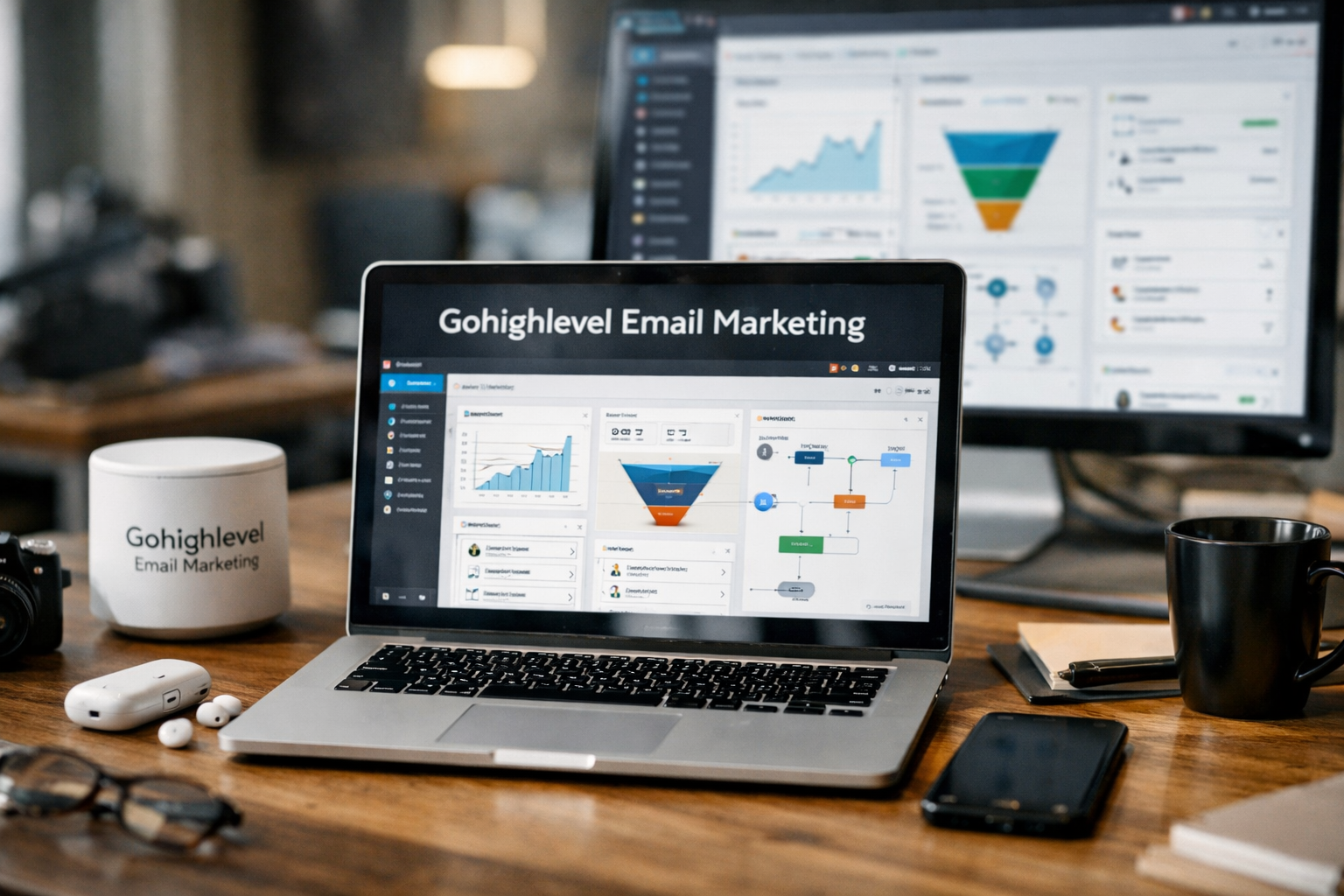
GoHighLevel email marketing is designed for businesses that want email to work alongside their CRM, forms, funnels, SMS follow-ups, call tracking, and lead management—not as a disconnected broadcast tool. In my experience setting up campaigns inside HighLevel, the biggest advantage is seeing a contact’s journey in one place, then using that context to send a more relevant follow-up.
This page may include an affiliate link to GoHighLevel. That does not change the practical advice below: successful email campaigns still depend on clean lists, clear offers, relevant segmentation, and careful testing. The platform can streamline the work, but it cannot compensate for sending unwanted or poorly targeted messages.
Official website · Latest pricing & offers
What GoHighLevel Email Marketing Is and Who It’s Best For
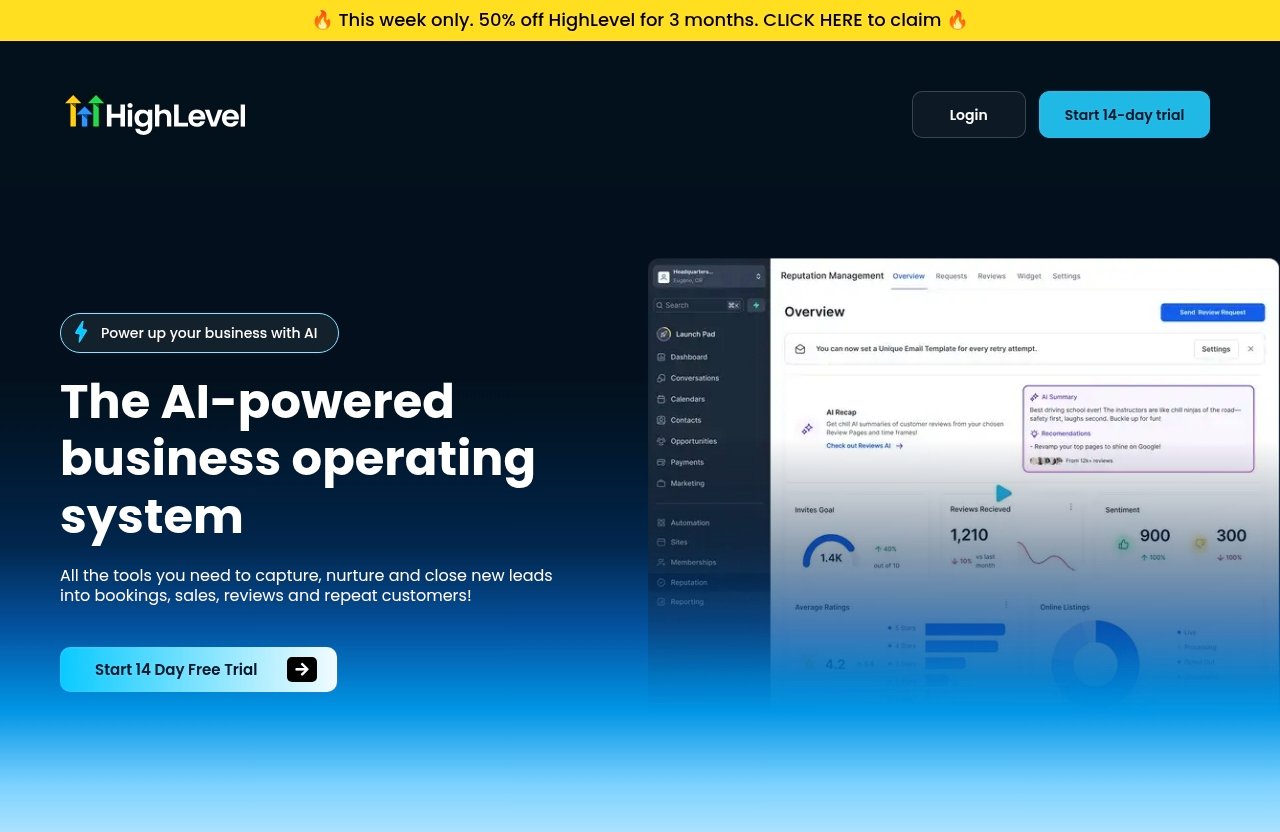
GoHighLevel describes itself as an AI-powered business operating system with tools to capture, nurture, and close leads into bookings, sales, reviews, and repeat customers. Email is one part of that wider system, alongside CRM, forms, surveys, funnels, websites, inbound SMS, social messaging, call tracking, and advertising tools.
How GoHighLevel Fits Into an All-in-One Marketing System
The practical strength of gohighlevel email marketing is its connection to the rest of the customer journey. A prospect might complete a form on a landing page, enter the CRM, receive an email sequence, get an SMS reminder, and then be tracked through to a booked appointment.
That is more useful than treating email as a standalone newsletter channel. Instead of manually exporting lists between platforms, you can organize contacts and coordinate follow-up within the same operating environment.
The official GoHighLevel homepage highlights its CRM, forms, funnels, social tools, inbound SMS, missed-call text-back, and other lead-management features. For a business that already uses those tools, adding email campaigns in the same system can reduce friction.
When Email Marketing in GoHighLevel Makes Sense for Agencies, Local Businesses, and Creators
Agencies are a natural fit because they often need to manage lead capture, appointment reminders, client follow-up, and reporting across multiple customer accounts. A local service business can use HighLevel to follow up with inquiries, remind prospects about estimates, and ask customers for reviews after service completion.
Creators, coaches, and course sellers can also benefit when their email campaigns are tied to landing pages, webinars, or consultation booking funnels. The best fit is usually a business with a clear lead-to-sale process rather than someone who only needs to send an occasional newsletter.
A gohighlevel email marketing strategy is particularly compelling when email needs to trigger the next action: schedule a call, request a quote, attend a webinar, complete an intake form, or return to an abandoned booking process.
What You Can Realistically Expect From Email Campaigns in HighLevel
HighLevel can help you organize campaigns and automate follow-up, but it does not guarantee inbox placement, opens, clicks, bookings, or revenue. Those outcomes depend heavily on your audience’s consent, your sender reputation, message relevance, timing, and offer.
Set realistic expectations. Your first campaign should establish a baseline for engagement and list quality, not attempt to maximize sending volume immediately. The strongest results usually come after several rounds of segmentation, testing, and refinement.
GoHighLevel Email Marketing Setup: The Foundation You Need First
The setup phase determines whether your campaigns start with trust or unnecessary risk. Before building a promotion, make sure your sending identity, contact data, and audience structure are in order.
Connect Sending Domains and Sender Identities
Your first gohighlevel email marketing task is to configure a professional sender identity that matches your business. Recipients should immediately recognize who is contacting them, and the address used should align with your brand and website.
If you are researching how to gohighlevel connect email, follow the current setup instructions in the HighLevel account and its official support documentation. Domain and sender configuration options can change, so it is better to verify the live guidance than rely on an outdated tutorial.
Use a real sender name, such as “Maya from Northside Dental” or “Jordan at Acme Roofing,” rather than a vague company-only label. This is a small choice, but familiar sender details can improve trust and make replies feel more natural.
Organize Contacts Before You Send Anything
A gohighlevel email contact record should include more than an email address whenever possible. Useful information may include the lead source, service interest, location, customer status, appointment stage, last interaction, and permission status.
Start by separating contacts into meaningful groups:
| Segment | Example Contacts | Suitable Message |
|---|---|---|
| New leads | Recently submitted a form | Welcome and next-step email |
| Active prospects | Requested a quote or consultation | Case study, objection handling, booking reminder |
| Customers | Purchased or completed a service | Onboarding, review request, upsell |
| Inactive contacts | No engagement for an extended period | Re-engagement or preference update |
| Event registrants | Registered for a webinar or event | Reminder and post-event follow-up |
Do not upload every historical contact and send them the same campaign. If you cannot clearly explain why a person should receive an email, they likely belong in a separate segment or should not be mailed at all.
Set a Baseline for List Hygiene and Segmentation
List hygiene means maintaining a list that is relevant, permission-based, and current. Remove obvious duplicates, correct errors where possible, and avoid continuing to target contacts who repeatedly show no interest.
For gohighlevel email deliverability, engagement is a practical signal. People who open, click, reply, or book are usually better candidates for ongoing campaigns than contacts who never engage. Build segments around behavior instead of assuming all leads have the same intent.
Before your first campaign, document three things: who is eligible to receive it, what action you want them to take, and what outcome would make the campaign worthwhile. This gives you a benchmark for future optimization.
Build a Proven Campaign Workflow in GoHighLevel
A good campaign workflow is repeatable. It starts with one audience and one objective, uses a tested message, and includes a clear next step for contacts who engage.
Choose the Right Campaign Type: Regular Email vs Automated Sequence
Use a regular email campaign when everyone in a defined segment should receive the same timely message. Examples include a monthly update, a limited appointment opening, an event reminder, or a new service announcement.
Use an automated sequence when timing should depend on a contact’s action or funnel stage. For example, a new inquiry may need an immediate confirmation email, a helpful follow-up the next day, and a booking reminder later if no appointment is scheduled.
This distinction prevents a common gohighlevel email marketing mistake: treating every message like a one-time blast. Regular campaigns are useful for announcements; sequences are better for nurturing individual leads.
Start From a Template and Customize It for Your Offer
To create a campaign, navigate to Marketing > Emails in your HighLevel account. Find Templates, choose an appropriate starting layout, and edit it for the specific audience and offer.
The best gohighlevel email templates are simple, easy to scan, and customized. Replace generic headings, images, calls to action, business details, and placeholder copy before sending. A template is a starting point, not a finished campaign.
After editing, save the template so your team can reuse the layout later. I recommend maintaining a small template library for common campaign types:
- New lead welcome email
- Appointment reminder
- Quote follow-up
- Customer review request
- Re-engagement campaign
- Event or webinar reminder
Write One Campaign Objective Per Email
Every email should have one main job. Trying to promote three services, request a review, announce an event, and ask for a booking in one email creates decision fatigue.
A clear objective might be:
- Book a consultation
- Reply with a question
- Download a resource
- Confirm attendance
- View a relevant offer
- Complete a form
Once the email is built, send a test email to yourself and at least one teammate. Check desktop and mobile formatting, links, personalization fields, sender name, preview text, and CTA destination. Only then schedule the campaign for the appropriate segment.
How to Improve Email Deliverability in GoHighLevel
Deliverability is not a switch you turn on. It is built over time through responsible list management, recognizable messaging, steady sending behavior, and quality assurance before launch.
Warm Up Sends and Avoid Sudden Volume Spikes
When using a new sender identity or beginning with a previously inactive list, start with your most engaged contacts. These are people who recently opted in, requested information, attended an event, or interacted with your business.
Avoid suddenly sending a large promotional campaign to a cold or unverified database. A measured approach gives you a better chance to identify list issues before they affect a larger send.
For gohighlevel email deliverability, consistency matters. Establish a predictable cadence your audience can recognize, whether that is a weekly educational email, a monthly update, or event-driven follow-up. Sending only when you want to sell can train subscribers to ignore your messages.
Write Plain, Trust-Building Copy Instead of Spammy Promotions
Clear copy is safer and more effective than hype. Use an honest subject line, explain why the recipient is receiving the message, and make the value of the email obvious in the opening lines.
Avoid tactics such as excessive capitalization, misleading urgency, vague claims, or overloaded graphics. You should also avoid phrases that promise outcomes you cannot substantiate.
A simple structure works well:
- Recognize the recipient’s situation or previous action.
- Offer one relevant insight, resource, or opportunity.
- Explain the next step.
- Give one clear CTA.
For example, a roofing company could email recent estimate requests with a short explanation of how to prepare for a roof inspection, followed by a link to schedule a preferred appointment time. That is more credible than a broad “ACT NOW!!!” promotion.
Test Subject Lines, Preview Text, and Inbox Placement
Before scheduling any campaign, test every important element. Send internal test messages and read them as a recipient would. Does the subject accurately describe the email? Does the preview text add useful context? Does the call to action work?
Use A/B testing carefully by changing one meaningful variable at a time. Test a subject line against another subject line, or a direct CTA against a softer CTA. Do not change the audience, send time, offer, and copy simultaneously if you want to learn what influenced performance.
A practical pre-send checklist for gohighlevel email marketing includes:
| Check | Why It Matters |
|---|---|
| Correct segment selected | Prevents irrelevant sends |
| Sender name and address reviewed | Builds recognition and trust |
| Test email delivered | Reveals formatting and link errors |
| Mobile layout checked | Many recipients read on mobile |
| CTA link verified | Protects conversion opportunities |
| Unsubscribe and contact information reviewed | Supports a transparent recipient experience |
| Copy checked for clarity | Reduces confusion and spam-like language |
Keep an eye on replies, unsubscribes, and engagement changes after every campaign. A high-volume send is not successful if it damages trust with the audience you want to retain.
Official website · Latest pricing & offers
Automation and Conversion Strategy Inside HighLevel
The value of email increases when it responds to what a prospect does rather than only what your calendar says. HighLevel’s broader CRM and communication environment makes that approach easier to organize.
Trigger Emails Based on Behavior and Funnel Stage
A strong gohighlevel email marketing strategy maps messages to a contact’s stage. A new lead needs confirmation and helpful next steps; a prospect who viewed an offer may need proof and clarification; a customer may need onboarding or a review request.
Start with a simple workflow:
- A visitor completes a form.
- The contact enters the CRM with a source tag.
- An immediate email confirms the inquiry.
- A follow-up message provides useful information.
- The contact receives a booking prompt if they have not taken action.
- Engagement or appointment status determines the next path.
The point is not to create complicated automation for its own sake. The point is to remove avoidable delays while keeping each message relevant.
Pair Email With SMS, Workflows, and Missed-Call Text Back
Email is often best for details, education, and links. SMS can be useful for short reminders, urgent appointment updates, or simple questions that need a quick response. This makes a gohighlevel sms campaign a potential complement to email, not a replacement for it.
HighLevel also includes features such as inbound SMS, social DMs, call tracking, CRM, and missed-call text-back on its official product overview. A local business could use these tools to ensure that a missed phone call receives a prompt text response while an email sequence provides more detailed follow-up.
Be thoughtful about channel coordination. If someone receives an email, SMS, and call within a few minutes without context, the experience can feel aggressive. Set sensible timing rules and stop messages when the person books, replies, or opts out.
Use Follow-Up Sequences to Recover Clicks and Bookings
Many leads will not act on the first email. A follow-up sequence should provide a reason to re-engage, not simply repeat “just checking in.”
For a consultation funnel, that could mean:
- Email 1: Confirm the inquiry and explain the next step.
- Email 2: Share a relevant client story or FAQ.
- Email 3: Address a common objection.
- Email 4: Offer a simple scheduling option.
- Email 5: Ask whether the lead still wants help.
This is where gohighlevel email marketing can support conversion without relying on one high-pressure message. Each follow-up should earn attention by adding clarity or value.
How to Measure and Improve Campaign Performance
Campaign reporting should answer more than “How many people opened?” The real question is whether the campaign moved the right audience toward a meaningful business outcome.
Track Opens, Clicks, Replies, and Conversions
Review engagement indicators such as opens, clicks, replies, unsubscribes, and the final conversion action relevant to your campaign. A booking campaign should be judged by qualified appointments, not only click activity.
Open rates can be directional, but they should not be your only decision-making metric. A lower-open email that produces more replies or bookings may be more valuable than a curiosity-driven subject line that receives opens but no action.
Read the Numbers by Segment, Not Just by Campaign
Segment-level analysis is where many teams find practical improvements. Compare how new leads respond versus older leads, customers versus prospects, or one service interest versus another.
For example, if recent form submissions click booking links but older contacts do not, build different follow-up paths. Do not assume the offer is weak when the real issue may be audience timing.
HighLevel promotes in-depth analytics as part of its broader platform approach. Use whatever reporting is available in your current account to connect communication activity with lead status, booked appointments, and sales outcomes.
Iterate on Timing, Offers, and CTA Placement
Use a simple optimization cycle:
- Choose one campaign goal.
- Send to a focused segment.
- Review engagement and conversion behavior.
- Identify one likely improvement.
- Test that change in the next send.
Test timing, offer framing, email length, CTA placement, and subject lines. Keep notes on what you changed. Over time, this creates a reliable internal playbook rather than forcing your team to guess before every campaign.
Pricing and Trial: What to Know Before You Start
Pricing is an important part of deciding whether the platform fits your business. It is also an area where affiliate articles can become unreliable if they repeat outdated plan details.
Verified HighLevel Pricing Facts From the Official Pricing Page
The verified fact available from the official pricing information provided for this guide is that GoHighLevel offers a 14-day free trial. The source excerpt does not fully show current plan names, prices, or feature bundles.
For that reason, do not rely on an old article for gohighlevel email marketing cost or go high level email marketing cost. Check the live official GoHighLevel pricing page for the latest verified plan details before making a purchase decision.
What the 14-Day Free Trial Means for New Users
The trial is most useful when you treat it as a structured evaluation period. Do not spend the entire time browsing features. Instead, connect your sender identity, import a small permission-based segment, build one template, send a test, and create one basic follow-up workflow.
You can explore the platform through this GoHighLevel trial link if you decide it matches your needs. Before starting, prepare a small clean list and one real campaign objective so the trial reflects your actual workflow.
How to Evaluate Value for Agencies vs Solo Operators
Agencies should evaluate whether the platform reduces the number of separate tools needed for CRM, lead capture, communication, funnels, and follow-up. The value is often in operational consolidation and repeatable client workflows, not email alone.
Solo operators should be more selective. If your only need is a basic occasional newsletter, an email-first tool may feel simpler. HighLevel becomes more attractive when you also need lead management, forms, scheduling-related follow-up, SMS coordination, or sales pipeline visibility.
Common Mistakes to Avoid with GoHighLevel Email Marketing
Most campaign problems are not caused by a missing feature. They come from rushing setup, sending generic messages, and ignoring the audience signals that indicate a campaign needs adjustment.
Sending Before Segmenting
Never treat your full contact database as one audience. New inquiries, active leads, customers, and old contacts have different expectations and should not receive the same sequence.
In gohighlevel email marketing, segmentation is a conversion tool as much as a deliverability precaution. A well-matched message earns engagement; a mismatched message earns unsubscribes or silence.
Using One Generic Message for Every Contact
Generic copy usually happens when businesses focus on what they want to promote rather than what the recipient needs next. Use CRM context, form responses, tags, service interests, and funnel stage to create more relevant follow-up.
Even small personalization decisions help. Refer to the requested service, the downloaded resource, the event registration, or the previous conversation when appropriate.
Ignoring Testing and Deliverability Signals
Do not schedule campaigns without sending test emails. Broken links, incomplete placeholders, confusing layouts, and incorrect segments are preventable errors.
Also, do not ignore a pattern of weak engagement, complaints, or unsubscribes. Pause and assess the audience, message, offer, and sending frequency before sending more volume.
Official website · Latest pricing & offers
FAQ
Does GoHighLevel Have Email Marketing?
Yes. GoHighLevel includes email campaign capabilities within its broader all-in-one marketing platform. Users can work with email templates, contact records, campaign scheduling, automation-oriented follow-up, and performance reporting alongside CRM, forms, funnels, SMS, and other communication tools.
A gohighlevel email marketing login gives you access to the tools available on your current account and plan. Always confirm the latest interface options and documentation inside the platform because product navigation can evolve.
How Much Does GoHighLevel Cost for Email Marketing?
The verified official information provided for this article confirms a 14-day free trial. The supplied official pricing excerpt does not fully expose all current plans, prices, or email-specific charges, so it would be inaccurate to quote a number here.
Check the live official pricing page for current verified plan information before subscribing. Also evaluate total value based on the wider platform features you expect to use, not email alone.
Is Email Marketing Still Worth It in 2026?
Yes, email marketing is still worth using in 2026 when it is permission-based, segmented, timely, and connected to a clear next step. It remains especially useful for nurturing leads who are not ready to buy during their first interaction.
The best campaigns do not rely on volume. They use relevant messages, clear offers, and follow-up workflows that respect the recipient’s stage in the buying process.
What Are the Top 3 Email Marketing Tools?
The right three tools depend on your business model, but a practical shortlist often includes GoHighLevel for all-in-one CRM and automation-oriented workflows, Mailchimp for businesses focused primarily on newsletter-style email marketing, and ActiveCampaign for users prioritizing advanced email automation.
The key question is not which platform is universally “best.” It is whether you need email alone or an integrated system for lead capture, CRM, SMS, funnels, and conversion follow-up.
Final Verdict: Is GoHighLevel Good for Email Marketing?
Best Fit Scenarios
GoHighLevel email marketing is best for agencies, local businesses, consultants, and growing service brands that want email connected to their CRM, lead forms, funnels, appointment process, and follow-up communications.
It is particularly useful when leads need more than one touchpoint before they book, buy, or reply. The ability to keep campaign activity close to contact and funnel data can create a more organized customer journey.
When Another Tool May Be Better
Another email-focused tool may be a better fit if you only need occasional newsletters and want the lightest possible setup. HighLevel has more moving parts because it is built as a broader business operating system.
It may also be less suitable for teams unwilling to maintain contact data, segments, and workflow logic. Automation only improves results when the underlying strategy is clear.
Affiliate-Friendly Recommendation Framing
So, is gohighlevel good for email marketing? Yes—when you need email to support a wider lead-generation and follow-up system rather than function as an isolated sending tool. Its strongest use case is a business that will actively use CRM context, segmentation, automation, and multi-channel follow-up.
Start with a clean list, one audience, one offer, and one measurable campaign goal. That disciplined approach will tell you far more about whether GoHighLevel fits your business than any feature list or sales promise can.
Related Reading
- Complete Gohighlevel Tutorial for Beginners 2026
- How to Use Gohighlevel in 7 Easy Steps
- How to Build a Funnel in Systeme.io: A Beginner-Friendly 2026 Tutorial
References
- GoHighLevel Email Marketing
- Getting Started – Launch an Email Campaign
- How to Send or Schedule a Regular Email Campaign
- HighLevel Pricing