Syllaby Pricing 2026: Plans, Value, and Which Tier Fits Your Workflow
Official website · Latest pricing & offers
Syllaby Pricing 2026 at a Glance
Quick Summary of Current Syllaby Pricing 2026 Plans
This syllaby pricing 2026 guide is built around currently verified facts from Syllaby’s official homepage and pricing-page snapshots. It is designed for buyers who want to compare monthly costs, scheduling capacity, voice clone availability, storage, and the practical value of each tier before committing.
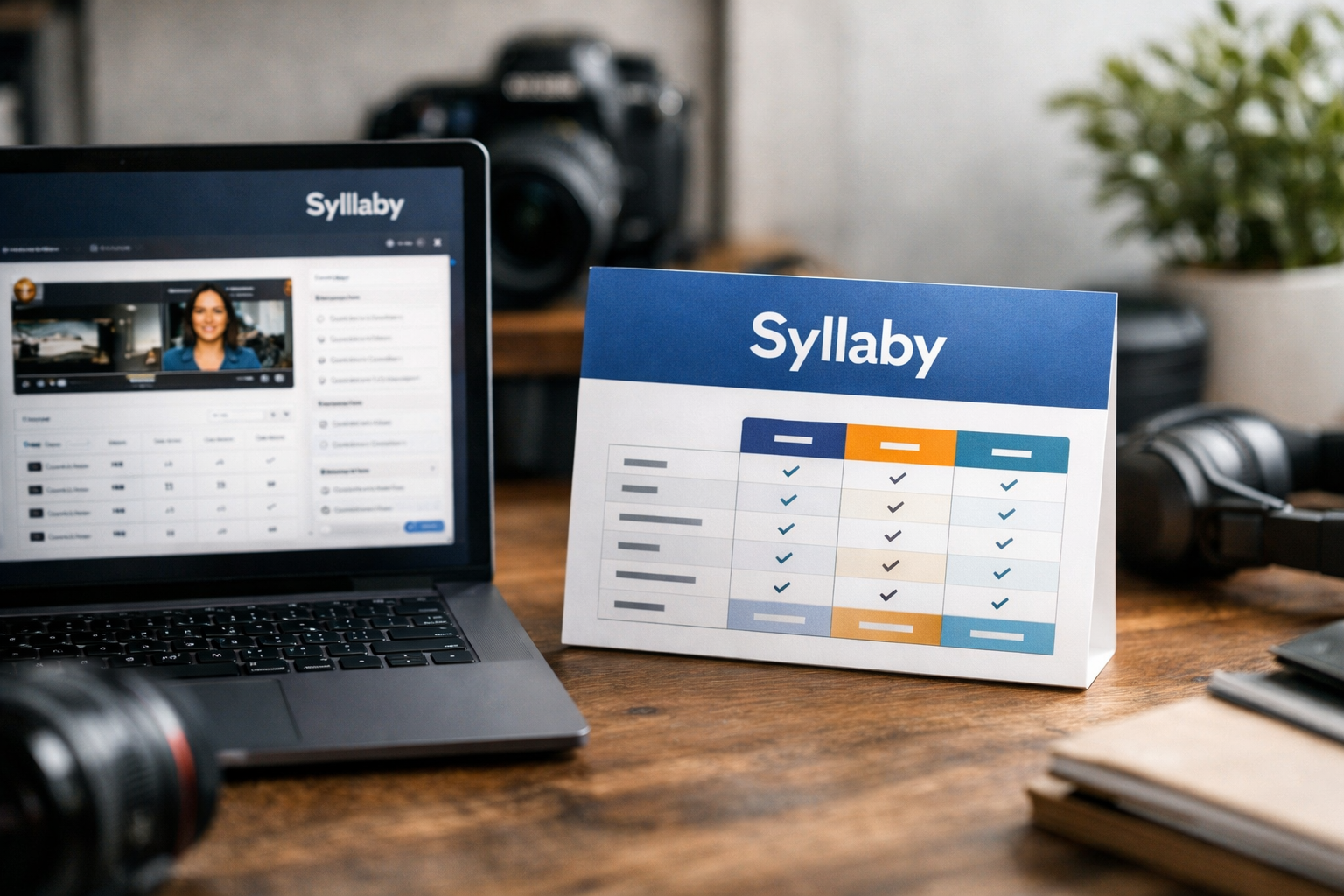
The verified Syllaby plans begin at $29 per month for Basic and scale through Standard, Pro, Premium, and a custom Enterprise option. The right choice depends less on choosing the “best” package overall and more on matching the plan to your publishing workflow.
| Plan | Verified Monthly Price | Voice Clones | Scheduling | Storage |
|---|---|---|---|---|
| Basic | $29/mo flat | 1 | 20 posts for up to 2 weeks | 5GB |
| Standard | $53/mo flat | 1 | 20 posts for up to 2 weeks | 5GB |
| Pro | $78/mo flat | 3 | 60 posts for up to 4 weeks | 10GB |
| Premium | $102/mo flat | 3 | 60 posts for up to 4 weeks | 10GB |
| Enterprise | Custom | Custom | Custom scheduling | Custom storage |
Every verified paid tier shown in the pricing snapshot includes a Syllaby video editor and content calendar. Basic through Premium also list social media scheduling, although the scheduling volume changes between the lower and higher tiers.
Who Should Read This Syllaby Pricing 2026 Guide
This article is useful for creators building a faceless content workflow, marketers who need a more structured publishing calendar, and agencies deciding whether Syllaby can support client-facing production. It is also relevant if voice cloning, scheduled posting, or storage requirements are central to your decision.
My practical view is simple: buyers should not upgrade simply because a higher plan exists. Start with the Syllaby plan that fits your current publishing cadence, then move up only when scheduling capacity, extra voice clones, or storage become genuine constraints.
PRODUCT FACTS: Verified Syllaby Plans, Prices, and Features
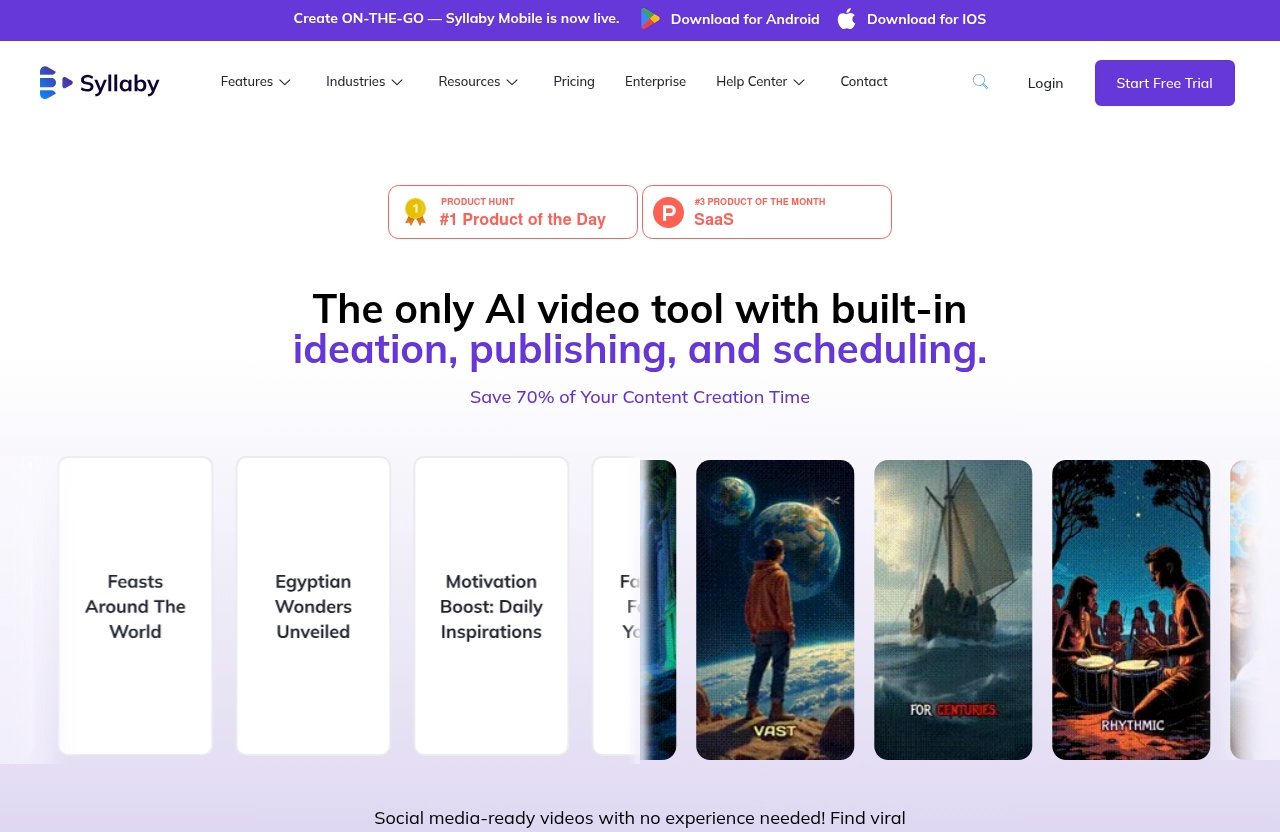
The following syllaby pricing 2026 details reflect the verified plan names, prices, and inclusions supplied through official pricing information. Because SaaS pricing can change, treat this as a buyer’s comparison guide and confirm the live terms on Syllaby’s official pricing page before checkout.
Basic Plan
The Syllaby Basic plan is listed at $29 per month flat. It includes one voice clone, the video editor, social media scheduling for 20 posts for up to two weeks, a content calendar, and 5GB of storage.
For a buyer testing a repeatable content process, that is a sensible baseline bundle. It gives you the core organizational and publishing tools without requiring a higher monthly commitment before you have validated how often you will actually publish.
Standard Plan
The Syllaby Standard plan is listed at $53 per month flat. Verified listed features include one voice clone, the video editor, social media scheduling for 20 posts for up to two weeks, a content calendar, and 5GB of storage.
Based on the available verified snapshot, Standard has the same specifically listed voice clone, scheduling, calendar, editor, and storage allowances as Basic. Since official plan pages can be updated, I would check the live comparison carefully if you are considering Standard, particularly to understand any current distinctions not reflected in the verified snapshot.
Pro Plan
The Syllaby Pro plan is listed at $78 per month flat. It includes three voice clones, the video editor, social media scheduling for 60 posts for up to four weeks, a content calendar, and 10GB of storage.
This is the first verified tier where capacity clearly expands. Compared with Basic, Pro raises the number of voice clones, triples the listed post-scheduling allowance, extends the scheduling window, and doubles storage.
Premium Plan
The Syllaby Premium plan is listed at $102 per month flat. Its verified listed features are three voice clones, the video editor, social media scheduling for 60 posts for up to four weeks, a content calendar, and 10GB of storage.
As with Standard, the verified pricing snapshot does not establish additional feature differences beyond the listed inclusions and price. Buyers looking at Premium should verify the current official page to determine whether its live offer includes capabilities, service elements, or other terms that are not captured in the snapshot.
Enterprise Plan
The Syllaby Enterprise plan is a sales-contact option with custom pricing. Verified Enterprise inclusions are custom voice clones, the video editor, custom social media scheduling, an advanced content calendar, and custom-based storage.
That makes Enterprise the appropriate conversation for organizations that cannot work within fixed scheduling or storage allowances. It is not automatically the best route for every agency; it is best for teams whose operating requirements are genuinely custom.
Important Pricing Notes for Syllaby Pricing 2026
Syllaby’s official homepage verifies a broader platform ecosystem that includes faceless video, short-form video, long-form video, bulk scheduling, video editing, art styles, audio-to-video, URL-to-video, character consistency, text-to-scenes, idea creation, AI script generation, AI voice cloning, AI thumbnail generation, social analytics, and a mobile app.
The homepage also references AI model options including VEO 3, VEO 3.1, Sora 2, Sora 2 Pro, 1.0 Pro, 1.0 Lite, 1.5 Pro, v2.6 Pro, o1 Omni, and o3 Omni. These are verified platform capabilities, not guarantees that every capability or model is included with every Syllaby plan.
The official site currently promotes a limited-time banner stating, “Lifetime Deal – Pay Once, Use Forever! Save up to 90%.” The banner does not, by itself, verify a specific lifetime deal price, eligibility rule, feature scope, or duration. Confirm those details directly before purchasing.
Which Syllaby Plan Is Best for Your Use Case?
Best for Beginners: Syllaby Pricing 2026 Basic
The Basic plan is the practical starting point for beginners who want to test Syllaby without paying for capacity they may not use. At $29 per month, it includes the Syllaby video editor, content calendar, one voice clone, 5GB storage, and scheduling for 20 posts across up to two weeks.
I would choose Basic when you are still learning what format works: faceless content, short-form clips, or a more planned calendar-based workflow. It is especially appropriate when you are publishing consistently but not yet managing a deep queue of scheduled posts.
Best for Solo Creators Posting Regularly
Solo creators should compare Basic and Standard carefully rather than assuming Standard is automatically better. The verified feature snapshot lists the same core inclusions for both plans: one voice clone, 20 scheduled posts for up to two weeks, 5GB storage, a content calendar, and the video editor.
For most independent creators, Basic appears to offer the clearer value based on those listed details. If you are attracted to Standard, check the current official Syllaby pricing page first for live differences that may not appear in the available snapshot.
Best for Growing Teams: Syllaby Pricing 2026 Pro
Pro is the strongest verified fit for a growing creator operation or small team with a fuller content pipeline. Its three voice clones can be useful when you work across multiple branded voices or content styles, while the 60-post scheduling capacity supports a more deliberate monthly publishing rhythm.
The move from 5GB to 10GB storage matters when you are producing and retaining more video assets. In my experience reviewing creator software, storage and scheduling limits become painful only after your workflow gains momentum—so Pro is most logical when that momentum is already real.
Best for Agencies or High-Volume Users
Premium may suit agencies or high-volume users who want its current listed package, but it deserves a careful live-page review. The verified plan snapshot lists the same three voice clones, 60 posts for up to four weeks, 10GB storage, video editor, and content calendar as Pro.
At $102 per month, Premium costs more than Pro, so the purchase decision should rest on current official terms rather than assumptions. If the live page does not reveal a meaningful benefit for your workflow, Pro may be the more rational starting point.
Best for Buyers Who Need Custom Onboarding
The Syllaby Enterprise plan is for buyers whose needs do not fit preset capacity. Custom voice clones, custom scheduling, custom-based storage, and an advanced content calendar are specifically identified for Enterprise, with pricing available through sales contact.
This tier makes sense for larger teams, agencies with variable client volume, or businesses that need a tailored configuration. Smaller teams should avoid jumping to Enterprise before they can explain exactly why the fixed plans are insufficient.
Official website · Latest pricing & offers
Cost Per Value: What You Actually Get for the Price
Monthly Pricing vs Feature Depth
When evaluating syllaby pricing 2026 per month, focus on usable workflow capacity rather than feature labels alone. Basic begins at $29 monthly, Pro is $78 monthly, and Premium is $102 monthly, but the relevant question is whether you will use the additional scheduling room, voice clones, and storage.
All listed fixed tiers include a video editor and content calendar. This means the value decision is not simply about gaining access to a basic editing and planning workflow; it is mainly about how much content you need to plan, store, and schedule.
Storage and Voice Clone Limits
The lower verified tiers include one voice clone and 5GB storage. Pro and Premium increase that to three voice clones and 10GB storage, while Enterprise offers custom voice clones and custom-based storage.
Voice cloning may be important if you operate more than one content identity or need separate audio styles. If one consistent voice is enough, paying for three may not produce a meaningful return.
Scheduling Capacity and Workload Fit
The most concrete Syllaby cost difference appears in scheduling volume. Basic and Standard list scheduling for 20 posts over up to two weeks, while Pro and Premium list 60 posts over up to four weeks.
That distinction affects how you work. A creator publishing several times a week can comfortably operate within a 20-post queue, while a team batching content for several channels may find the 60-post, four-week structure easier to manage.
When a Higher Tier Becomes Worth It
Upgrade when your current plan creates a recurring operational limit, not when you simply anticipate growth. Pro becomes easier to justify when you repeatedly need more than 20 scheduled posts, want up to three voice clones, or need more than 5GB of storage.
Premium should be evaluated against the live plan description because the verified snapshot does not show a capacity advantage over Pro. Enterprise becomes worthwhile when custom requirements are part of your normal operating model rather than a rare exception.
Syllaby vs Other Pricing Pages You’ll See in Search
Why Third-Party Pricing Sites May Differ
Search results often surface old reviews, directory listings, pricing aggregators, and cached plan snapshots. Those pages can be useful for initial research, but they may not reflect the latest Syllaby monthly pricing or promotional terms.
This is particularly important when reviewing Syllaby plans because the official site may update packages, prices, or promotions. A third-party source should be treated as a reference point, not the final authority.
How to Verify Pricing Before Checkout
Before purchasing, open the official pricing page and verify the current monthly amount, plan features, billing terms, and any applicable promotional conditions. Pay special attention to the plan you intend to buy rather than relying on a broad comparison table.
I also recommend comparing your expected post volume with the stated scheduling allowance. A lower price is not better value if you will outgrow its queue in the first month, but a higher plan is equally poor value if its extra capacity remains unused.
What to Do if You See a Lifetime Offer
The official site currently displays a Syllaby lifetime deal banner that says, “Pay Once, Use Forever! Save up to 90%.” That is worth investigating if you expect to use the platform for an extended period.
However, do not make a buying decision based solely on the headline. Check the official offer page for the current price, included access, restrictions, and whether the promotion is still available before completing checkout.
How Syllaby Fits an Affiliate Buyer Journey
What to Test Before Buying
A smart buyer should first map Syllaby to an actual content workflow. Consider whether you need idea creation, AI script generation, a content calendar, video editing, social media scheduling, or a mix of those capabilities.
Then estimate your realistic publishing schedule for the next month. This tells you whether Basic’s 20-post scheduling level is enough or whether Pro’s 60-post allowance is likely to be more practical.
For a broader look at capabilities beyond plan pricing, see our Syllaby AI Review 2026 alongside this comparison. If the workflow and verified pricing align with your needs, you can review the current offer through Syllaby’s official purchase path; this is an affiliate link, and it does not change the price you pay.
Questions to Ask Before Upgrading
Ask whether you have hit a verified plan limit more than once. Have you needed more than one voice clone? Are you regularly managing more than 20 posts in a two-week period? Is 5GB of storage constraining your production process?
If the answer is no, keep the lower-cost plan. If the answer is yes and the limitation affects your publishing consistency, a move to Pro may be more valuable than adding disconnected tools to solve separate parts of the workflow.
How to Judge ROI as a Creator
The best way to assess syllaby pricing 2026 is to measure time saved and consistency gained, not just videos generated. A platform can justify its monthly cost if it helps you plan, create, edit, and schedule content in a way that reduces missed publishing opportunities.
Be realistic, though. Syllaby cannot replace a clear content strategy, an understanding of your audience, or quality control before publishing. It can support the workflow, but the buyer still needs to guide the creative direction.
Common Questions About Syllaby Pricing
Can You Cancel Syllaby Anytime?
The verified product facts provided for this guide do not confirm cancellation terms. Review the current billing, cancellation, and refund information on Syllaby’s official checkout or terms pages before subscribing.
Does Syllaby Offer a Free Trial?
A free trial is not confirmed in the verified facts used for this article. Do not assume one is available; check the official site for current trial, demo, or promotional options.
Is There an Alternative if I Only Need Basic Video Creation?
If you only need basic video creation, compare Syllaby with your existing tools before subscribing. Syllaby is most compelling when its broader workflow—such as content planning, scripting capabilities, editing, scheduling, and analytics-related platform capabilities—matches what you need.
Official website · Latest pricing & offers
FAQ
What Is the Starting Price for Syllaby in 2026?
The lowest verified Syllaby price is $29 per month flat for the Basic plan. Third-party sources may display different pricing snapshots, so confirm the current amount on the official pricing page before checkout.
What Does the Basic Plan Include?
The Syllaby Basic plan includes one voice clone, a video editor, social media scheduling for 20 posts for up to two weeks, a content calendar, and 5GB of storage. It is a practical fit for beginners and creators with a lighter publishing schedule.
Which Syllaby Plan Is Best for Growing Creators or Small Teams?
For growing creators or small teams, Pro is often the clearest fit based on verified capacity. It includes three voice clones, 60 scheduled posts for up to four weeks, and 10GB storage, compared with one voice clone, 20 posts, and 5GB on Basic.
Does Syllaby Have an Enterprise Plan?
Yes. The Syllaby Enterprise plan is available through sales contact and includes custom voice clones, custom social media scheduling, an advanced content calendar, custom-based storage, and the video editor.
Is There a Lifetime Deal on Syllaby?
The official site currently promotes a limited-time Syllaby lifetime deal banner stating, “Pay Once, Use Forever! Save up to 90%.” The verified information does not specify the price or exact terms, so check the official pricing page before purchasing.
For most buyers, syllaby pricing 2026 represents the best value when the plan matches a real publishing workload. Begin with Basic if you need a lean content workflow, consider Pro when voice clone, storage, and scheduling needs expand, and contact sales only when your requirements are truly custom.
Related Reading
- Skool Affiliate Program Review 2026
- Systeme.io Affiliate Program Review 2026
- Lalal.AI Pricing vs Competitors
References
- Pricing – Syllaby.io
- Syllaby.io | Turn Any Idea Into Faceless Videos & AI Avatars
- Syllaby Software Pricing, Alternatives & More 2026 | Capterra
- Syllaby Pricing 2026 — Plans, Costs and AI Agent Readiness | xpay