Top 7 Foreplay Features for Ad Teams
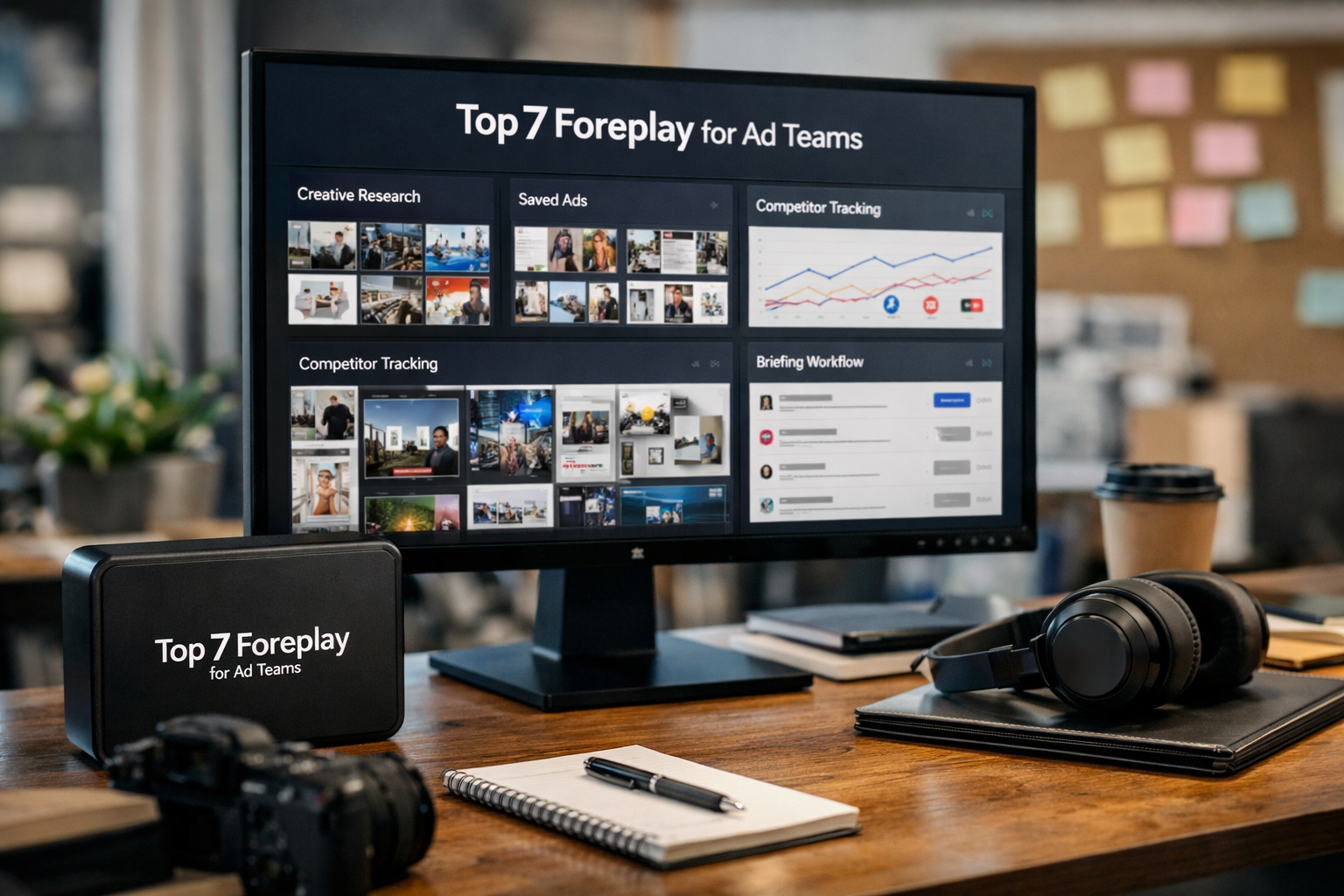
Choosing the right creative research platform is rarely about finding one more place to save ads. The best foreplay features for ad teams support a repeatable process: discover ideas, organize references, brief creators, monitor competitors, and learn from performance feedback.
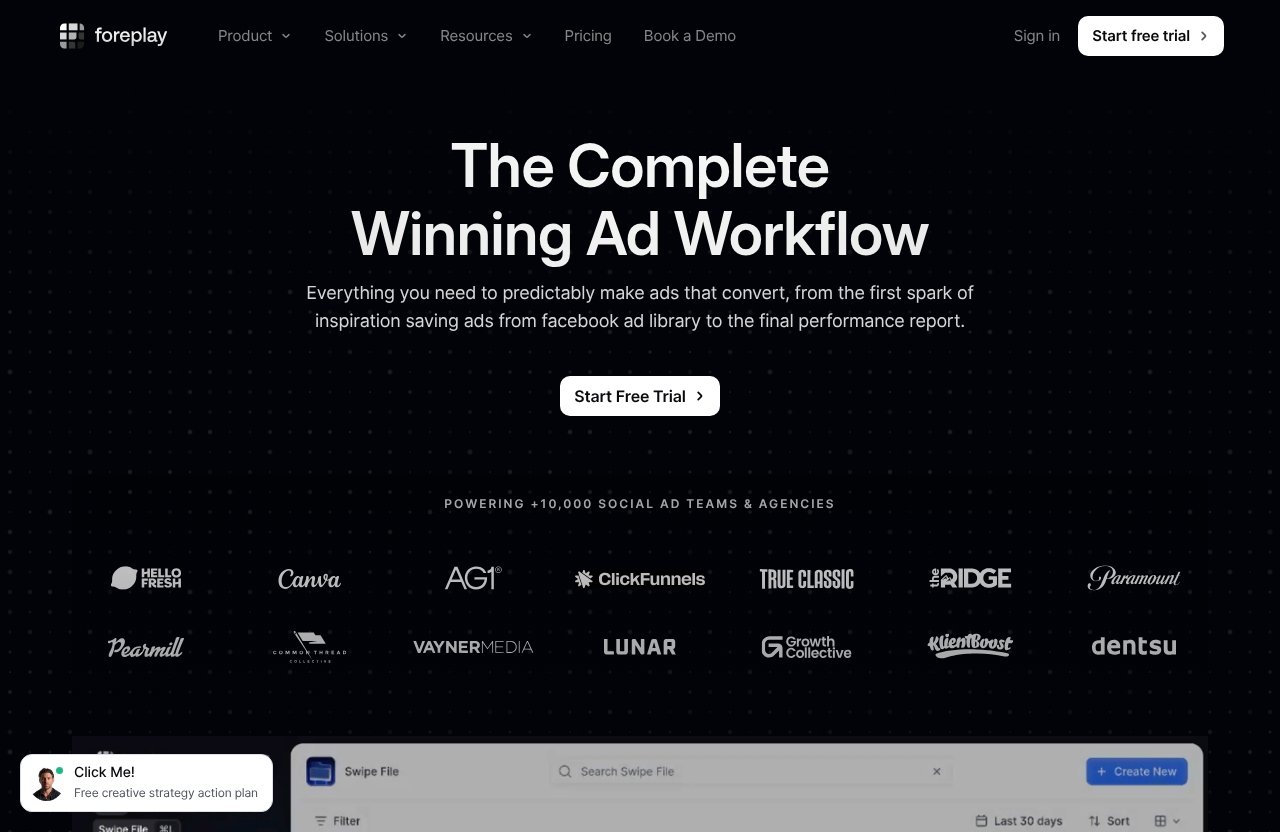
This Foreplay review looks at the platform from a team-buying perspective. It is designed for agency owners, paid social strategists, media buyers, and in-house creative leads who need more than an individual swipe file tool. Foreplay positions itself as “The Complete Winning Ad Workflow,” with modules intended to take teams from inspiration through to reporting.
Official website · Latest pricing & offers
Why Foreplay is built for ad teams, not solo swipers
Foreplay is most compelling when creative research is a shared responsibility rather than a personal habit. A solo marketer can manage a folder of screenshots and browser bookmarks. A growing ad team needs context, organization, visibility, and a way to turn useful references into work that actually gets produced.
The core value of foreplay features for ad teams is not simply access to ad examples. It is the opportunity to keep research, competitor observations, creative direction, and analysis closer together in one working environment.
What problem it solves in modern paid social workflows
Modern paid social teams move quickly, but information often moves poorly. Strategists collect examples from ad libraries, media buyers identify new competitor activity, designers need references, and clients want a rationale behind creative recommendations.
Without a shared ad creative workflow, ideas become scattered across Slack threads, saved posts, spreadsheets, and presentation decks. Foreplay’s official feature set—including Swipe File, Discovery, Spyder, Lens, and Briefs—is built around reducing that fragmentation.
The practical benefit is an inferred one: when teams can locate the reference, reasoning, and next step in a consistent system, they should spend less time recreating research and more time applying it.
Who benefits most: agencies, in-house creative teams, and media buyers
Foreplay for agencies makes sense when multiple client accounts require recurring creative research and clear organization. Agencies can benefit from separating client inspiration, competitor observations, and briefing materials rather than mixing every account into one generic resource library.
In-house teams may value Foreplay when their performance and creative functions need a more structured way to share what is working, what competitors are testing, and what should enter the next production cycle. Foreplay’s homepage says it helps bridge performance and creative teams, which is a relevant positioning point for this use case.
Media buyers and creative strategists can also use the platform differently. A buyer may focus on competitor ad tracking and performance feedback, while a strategist may prioritize research, concept development, and creative briefs.
How to evaluate a feature from a team-buying perspective
A team should not assess Foreplay features only by asking, “Is this useful?” The better question is, “Will this make our process more repeatable across people and accounts?”
Use these decision criteria:
| Evaluation Area | What To Look For |
|---|---|
| Shared research | Can strategists and creatives find the same references quickly? |
| Workflow fit | Can inspiration move naturally into a brief or production direction? |
| Client management | Can agency teams keep accounts and ideas organized? |
| Competitive context | Can the team monitor relevant advertiser activity over time? |
| Learning loop | Can creative observations inform future concepts and reporting? |
For teams also comparing broader marketing tools, our guides to Foreplay creative research, Post Planner for agencies, and Taplio features offer useful context on where specialized workflow software fits.
#7 Swipe File: save and organize ad inspiration
A centralized Swipe File is the foundation of the foreplay features for ad teams. It may not be the flashiest module, but it solves a persistent operational problem: good references are only valuable when the right people can find them again.
Foreplay officially describes Swipe File as a place to save and share creative inspiration. For a team, that shared element is what turns ad saving from an individual habit into a reusable company asset.
What the swipe file does
Swipe File lets users save creative inspiration for later use and sharing. In practical terms, it provides a structured home for examples that might otherwise be lost in a browser tab, desktop screenshot folder, or chat thread.
The feature should be viewed as an ad inspiration tool rather than evidence that a particular ad will perform. A reference can be valuable because of its hook, visual pattern, offer framing, landing-page connection, or overall creative direction.
Why teams need centralized saving instead of scattered links
Scattered inspiration creates avoidable rework. A strategist may remember seeing a strong concept, but not where it came from or why it mattered. Then a designer receives a vague request to “make something like that ad we discussed.”
A shared swipe file tool gives teams a stronger starting point. It can preserve references in a location where they can be revisited when planning a campaign, reviewing a competitor, or preparing a client presentation.
For agencies, the discipline matters even more. Keeping ideas organized by client, product category, funnel stage, or angle can make quarterly creative planning far less dependent on individual memory.
Best use cases for creative strategists and media buyers
Creative strategists can use Swipe File to group examples around recurring themes such as founder-led videos, demonstrations, testimonials, comparison ads, objections, or seasonal offers. The goal is not copying an ad, but identifying adaptable creative mechanics.
Media buyers can add a different layer of context by saving ads that suggest a competitor is testing a new message or format. When both roles contribute, the swipe file becomes a stronger source of informed hypotheses.
#6 Discovery: search 100M+ ads for patterns and ideas
Discovery is one of the most commercially important Foreplay features because it addresses the research stage directly. Foreplay describes Discovery as an ad search engine with over 100M ads.
For teams producing creative at volume, access to a large searchable ad collection can be more useful than relying on occasional browsing sessions or whatever happens to appear in a personal feed.
How ad search helps teams find winning angles faster
Discovery does not guarantee that an ad is “winning,” and teams should avoid treating visibility as proof of performance. What it can do is help researchers find relevant examples faster and observe recurring angles, formats, offers, and creative conventions.
The best use of foreplay features for ad teams is to turn findings into testable ideas. If several brands in a category use product demonstrations, objection-led opening hooks, or proof-heavy messaging, that may justify further investigation and a tailored creative test.
Why broad search beats manual scrolling
Manual scrolling is inconsistent and difficult to repeat. It depends on timing, personal feeds, and the researcher’s ability to remember what they saw. It also makes it harder to explain how an insight was reached.
A searchable system creates a more deliberate research workflow. Instead of asking a team member to “find examples,” you can assign a focused question: What are leading brands showing in the first few seconds? How are they introducing an offer? Which objections keep appearing?
This approach is especially useful for agencies onboarding a new client or entering an unfamiliar vertical.
How to use Discovery for competitor research and trend spotting
Start with a research brief, not a blank search. Define the market, audience tension, product category, and creative question before reviewing examples. That keeps the team from collecting attractive but strategically irrelevant ads.
Then document patterns rather than isolated examples. A useful research output might include:
- Common opening hooks and visual devices
- Repeated offers or benefit claims
- Creative formats worth adapting responsibly
- Gaps in the category’s messaging
- Questions to validate with the media team
Discovery is most valuable when it feeds directly into a creative brief or test plan, rather than becoming an endless stream of saved inspiration.
#5 Spyder: track and analyze competitor advertising 24/7
Spyder is Foreplay’s official competitor monitoring module, positioned to track and analyze competitor advertising 24/7. That continuous monitoring model is materially different from conducting occasional competitor reviews before a campaign launch.
For teams that operate in fast-moving paid social categories, competitor ad tracking can provide an ongoing source of market context.
What always-on competitor tracking changes for teams
Periodic research shows a snapshot. Ongoing monitoring can help a team notice when competitors change their message, introduce fresh creative, return to a familiar format, or appear to test a new campaign direction.
That observation is not a reason to imitate competitors. It is a reason to ask sharper questions about market expectations, audience fatigue, positioning opportunities, and concepts worth testing independently.
Spyder’s usefulness increases when the team has a clear review rhythm. A weekly review may be enough for some accounts, while agencies running active creative programs may want more frequent discussion.
How it supports creative and performance alignment
Creative teams often need to understand why the media team wants new concepts. Meanwhile, performance specialists need a practical way to communicate market changes without sending a loose collection of links.
This is where foreplay features for ad teams can support alignment. A competitor observation can become a discussion point: Is this a category-wide trend? Is it relevant to our audience? Do we have a differentiated response?
That conversation is more productive than treating competitive intelligence as a list of ads to copy.
Why ongoing monitoring matters for agencies
Agency teams manage multiple clients, each with a distinct competitive landscape. Spyder can be particularly useful where a strategist must monitor a known set of brands and turn observations into client-ready recommendations.
Foreplay’s Workflow plan includes Spyder with 15 Brands, according to the official pricing page. That makes plan selection an important part of agency evaluation: count the brands you actually need to follow before assuming the package fits your portfolio.
#4 Lens: ad analytics for creative teams
Lens is Foreplay’s advertising analytics module for creative teams. Its positioning matters because creative analytics for teams should not be treated as a replacement for every media-buying report or a standalone attribution solution.
Instead, Lens appears designed to help teams connect creative work with performance-oriented feedback and make stronger iteration decisions.
Turning creative data into decisions
Data is only useful when it changes the next creative decision. A team may identify that an angle deserves additional variations, a hook needs reworking, or a format should be retired in favor of a more promising direction.
That is the strategic promise of creative analytics: turning observations into a prioritized production plan. The feature itself does not remove the need for judgment, testing discipline, or awareness of broader campaign factors.
How Lens helps teams identify top hooks and winning patterns
A careful team can use Lens to evaluate creative patterns rather than obsessing over one isolated asset. The useful question is not simply “Which ad did best?” but “What recurring elements should we investigate further?”
For example, teams may compare:
| Creative Question | Practical Follow-Up |
|---|---|
| Which opening approach appears strongest? | Produce several fresh versions of the hook |
| Which proof style resonates? | Test demonstrations, testimonials, or expert validation |
| Which concept has potential but needs refinement? | Change the offer, pacing, or first-frame message |
| Which creative theme is exhausted? | Build a new angle rather than minor edits |
This is where the foreplay features for ad teams become more than a research library. Lens can provide feedback that helps the team close the loop between creative development and future testing.
Where Lens fits in the reporting and iteration loop
Lens fits after ads are in market and before the next creative sprint begins. It can give strategists, designers, and buyers a shared place to discuss what deserves iteration.
Foreplay’s homepage says the platform helps teams present wins and opportunities. That is particularly relevant for client reporting, internal retrospectives, and creative planning meetings where stakeholders need a clear narrative, not just a raw dashboard export.
Official website · Latest pricing & offers
#3 Briefs: turn inspiration into actionable creative briefs
Briefs may be the most important bridge between research and production. Foreplay officially describes Briefs as a way to turn inspiration into actionable briefs.
A team can have excellent references and still produce weak output if the handoff is vague. A well-structured brief gives creators the context needed to build original work from a strategic direction.
Why briefs reduce back-and-forth
Briefs reduce ambiguity when they explain the audience, insight, angle, proof, visual reference, deliverable, and intended test. They also establish what is inspiration versus what is a required message.
For agencies, better creative briefs can reduce approval cycles because clients see the rationale behind the recommendation. For in-house teams, they can prevent the familiar loop of asking creatives to revise work based on feedback that should have been defined at the start.
How to move from reference ads to production-ready direction
A saved ad is not a brief. It becomes useful only when the strategist interprets why it matters for the specific brand and audience.
A practical creative brief should answer:
- What audience tension or problem does the concept address?
- What is the proposed hook or angle?
- Which elements are references, and which must be original?
- What proof, offer, or product detail needs inclusion?
- How will the team judge whether the concept deserves iteration?
This workflow helps protect against shallow “make it like this” requests. It also ensures that research becomes a useful creative input rather than a pile of examples.
When agencies should use briefs in their workflow
Agencies should use Briefs whenever more than one person needs to interpret the same creative direction. That includes client review, outsourced production, internal design handoffs, and recurring testing programs.
Among the foreplay features for ad teams, Briefs are especially useful for organizations where strategy is strong but execution becomes fragmented. The module creates a clearer link between research and deliverables.
#2 Collaboration and sharing: comments, boards, and client-ready organization
Collaboration is not a separate Foreplay module on the official pricing list, but it is a practical reason teams may choose the platform. Swipe File is explicitly positioned for saving and sharing creative inspiration, while Foreplay’s broader workflow positioning emphasizes working across creative and performance teams.
The value here is organizational: keeping discussion, references, and creative direction closer to the work.
How shared boards improve team alignment
Shared boards can give a team a single place to review themes, references, and concepts. Before committing to a rollout, evaluate the exact collaboration experience in the free trial, including how your team handles comments, permissions, review, and organization.
The point is not to introduce another communication channel. It is to reduce the need for people to search across several channels for the same context.
Why client-specific organization helps agencies
Client-specific organization is vital for agencies handling multiple brands. It helps prevent the accidental mixing of category research, references, and creative thinking between accounts.
When reviewing Foreplay for agencies, test the workflow using a real client structure. Create an example research collection, run a competitor review, and turn one concept into a briefing process. That will show whether the structure matches how your account and creative teams already operate.
How Foreplay reduces friction across creative, strategy, and media teams
Foreplay can reduce friction when it creates a common language between disciplines. The media buyer can identify an opportunity, the strategist can define a concept, the creative team can access relevant inspiration, and decision-makers can review the rationale.
That is an operational benefit inferred from the platform’s workflow design, not a guaranteed business result. Teams still need meetings, ownership, and a defined test process to get meaningful value from the software.
#1 The complete workflow: one system from inspiration to performance feedback
The top-ranked capability is the complete workflow rather than any individual module. Foreplay positions itself as a system that helps teams make ads that convert from the first spark of inspiration to the final performance report.
That end-to-end approach is the strongest reason to consider the platform. Many tools solve one part of creative operations; Foreplay’s product suite is designed to connect several parts.
Why the end-to-end workflow is the real differentiator
A disconnected tool stack often creates handoff problems. Research lives in one tool, planning in another, feedback in chat, reporting elsewhere, and final learnings may never reach the people building the next campaign.
The foreplay features for ad teams are most useful when treated as a cycle: find a pattern, save relevant examples, develop a brief, produce creative, analyze outcomes, and use the learning to inform the next round.
How Foreplay connects research, briefs, creative output, and analysis
Here is the practical workflow Foreplay is built to support:
| Stage | Relevant Foreplay Capability | Team Outcome |
|---|---|---|
| Research | Discovery and Swipe File | Relevant references are collected and organized |
| Competitive context | Spyder | Teams monitor advertiser activity over time |
| Production direction | Briefs | Ideas become clearer creative briefs |
| Review and learning | Lens | Creative discussions can be informed by analytics |
| Sharing | Swipe File and workflow organization | Stakeholders work from more consistent context |
This does not mean every team must use every module from day one. Smaller teams may begin with research and briefs, then introduce analytics and competitor monitoring as their process matures.
Who should choose the full workflow over a single-point tool
Choose a full workflow when creative volume, account complexity, and cross-functional coordination are rising together. It is best suited to teams that have already outgrown isolated bookmarks and recurring “where did we save that?” conversations.
It may be overkill for a solo freelancer with occasional research needs or a business that runs limited paid social activity. In that situation, the subscription cost and process change may outweigh the value of a complete ad creative workflow.
How to choose the right Foreplay plan for your team
Foreplay pricing should be assessed according to the number of users, brands to monitor, and whether your process will use the full product set. Both official plans include a 7-day free trial with no credit card required.
Do not choose solely based on the headline monthly cost. Model the number of people who will actually need access and test the platform with a real campaign workflow.
Basic vs Workflow: which team size each suits
The official Basic plan costs $59 per month and includes one user, with additional users at $20 each. It includes Swipe File, Discovery, Briefs, Spyder, Lens, API access with 10,000 Credits, and MCP.
The official Workflow plan costs $175 per month and includes up to five users, with additional users at $20 each. It includes Swipe File, Discovery, Briefs, Spyder with 15 Brands, Lens with 1 Brand and Unlimited Ad Spend, plus API access as listed on Foreplay’s pricing page.
| Plan | Official Price | Included Users | Best Starting Fit |
|---|---|---|---|
| Basic | $59/month | 1 | Individual strategist or a small team testing the process |
| Workflow | $175/month | Up to 5 | A collaborative team with defined multi-person workflow needs |
When API, MCP, Chrome Extension, and mobile access matter
Foreplay lists API, MCP, Chrome Extension, and Mobile App among its official product capabilities. These may matter differently depending on your operating model.
The Chrome Extension may be important for teams that regularly capture inspiration while browsing. Mobile access can be useful for saving observations away from a desk. API and MCP are more relevant when a team has a defined technical or operational use case; they should not be treated as must-have features just because they are available.
Questions to ask before starting a free trial
Use the seven-day trial to answer concrete operational questions:
- Can our team save and retrieve references faster than our current method?
- Can we organize competitor research by client or brand?
- Does the Briefs workflow improve creative handoffs?
- Can Lens support a more useful creative review discussion?
- Which people need paid access after the trial?
- Does the Workflow plan’s included user and brand setup match our real needs?
If those answers are positive, Foreplay pricing can be easier to justify as workflow infrastructure rather than another isolated subscription.
Final verdict: which Foreplay features matter most for ad teams?
The strongest foreplay features for ad teams are the ones that connect people and decisions: Discovery for systematic research, Spyder for ongoing competitive context, Briefs for execution-ready direction, and Lens for feedback-driven iteration.
Foreplay is not simply a place to collect attractive ads. Its best fit is a team that wants a more disciplined path from creative inspiration to an informed next test.
Best feature for agencies
For agencies, the best combination is competitor tracking, shared organization, and Briefs. Spyder can support ongoing account intelligence, while Briefs help turn observations into client-ready creative direction.
Agency leaders should focus less on collecting more ads and more on whether the platform improves their recurring client workflow. That is where Foreplay for agencies can offer the clearest operational value.
Best feature for in-house teams
For in-house teams, Lens and the overall workflow may be the strongest reasons to evaluate the platform. Teams with separate creative and performance functions often need a clearer way to share learning and plan the next round of production.
The platform may be particularly relevant when internal stakeholders need a more organized way to present opportunities and discuss creative outcomes.
Best feature for creative strategists
For creative strategists, Discovery and Swipe File are likely the immediate daily-value features. They support faster research and better organization, while Briefs provide a practical next step when it is time to translate inspiration into original work.
If your team needs a connected research-to-iteration process rather than another standalone library, consider starting Foreplay’s no-card seven-day trial through this Foreplay offer. Test it against a live creative sprint so you can judge the workflow, not just the interface.
Official website · Latest pricing & offers
FAQ
Is Foreplay worth it for ad teams?
Foreplay can be worth it for ad teams that need centralized inspiration, structured collaboration, competitor ad tracking, creative briefs, and creative analytics in one workflow. Its value is highest when multiple people repeatedly research, produce, review, and iterate paid social creative.
It may be less suitable for a solo user with limited advertising activity or a team that only needs occasional ad inspiration. In those cases, a full workflow platform could be more than the process requires.
What does Foreplay actually do?
Foreplay helps teams save and share creative inspiration through Swipe File, search an ad collection of over 100M ads through Discovery, track competitor advertising through Spyder, analyze creative through Lens, and turn references into actionable creative briefs.
It also lists a Chrome Extension, MCP, Mobile App, and API among its official capabilities. Together, these tools support an ad creative workflow from research to performance feedback.
Which Foreplay feature is best for agencies?
There is no single best feature for every agency, but Spyder, Briefs, and shared organization are especially relevant. Agencies need ongoing competitor visibility, a way to separate client research, and clear handoffs between strategy, creative, media buying, and client stakeholders.
The Workflow plan may be worth evaluating for teams that need up to five included users and Spyder tracking for 15 Brands, based on Foreplay’s official pricing details.
How does Foreplay help you find winning ad creative?
Foreplay does not guarantee winning ads, and teams should avoid assuming that observed ads are proven performance winners. Instead, Discovery can help identify a wide range of relevant examples, Spyder can provide ongoing competitor context, and Lens can support analysis of creative patterns and feedback.
The strategic advantage is the ability to identify stronger hypotheses: promising hooks, angles, proof formats, and creative structures that your team can adapt, test, and evaluate for its own audience.
Related Reading
References
- Foreplay official homepage
- Foreplay pricing page
- Using Foreplay in a 50-Person Agency | SoarWithUs
- Foreplay Alternatives 2026: 10 Tools Ranked for Every Use Case